
We'll show you 9 online services to try

Many people would like to have their own website, but not everyone has the skills required to launch a new domain and build a website from scratch.
As there are so many people who want a website but lack coding skills, a lot of services have cropped up over the years for non-technical people to design and launch their own websites.
Table of Contents
The following are nine of the best online services for creating your own basic web presence even if you have no coding skills at all.
About.me
When you sign up for an About.me account, you get your own URL on the About.me website. With a free account, you can include an email signature on the page, as well as a spotlight button that can link to any external page you like.
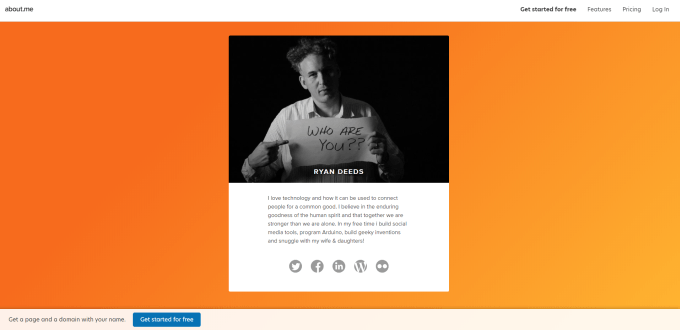
About.me is perfect for creating a single web page that features your personal profile and links to all of your social media accounts. It’s a sort of online “business card” – a link you can share with people so they can visit it and learn more about you.
Emyspot
Emyspot is a simple website builder that lets you quickly create a website that’s perfect for your situation.
It’s a UK-based site that provides a wide range of prices depending on what you need from your online presence.
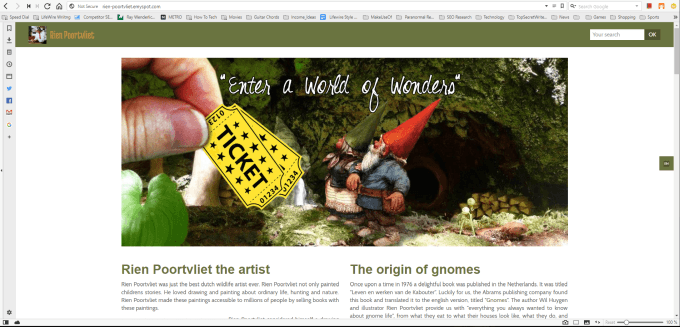
With a free Emyspot subscription, you get:
- Unlimited pages.
- Unlimited traffic.
- 150 MB of storage.
- A store with a maximum of 10 products.
The free site does include ads on the page, but you receive a subdomain of the emyspot.com domain. So keep this in mind when deciding whether one of the ad-free premium packages is better for you.
Emyspot provides you with a page builder tool that lets you easily add text and images. It also includes widgets that let you embed other content like videos and music.
Imcreator
Imcreator is a popular website builder platform among creators. The website building platform is intuitive and easy.
A site you build with this platform will be responsive, meaning it’ll work well even on mobile devices. There are also templates available so you don’t have to start building your site from scratch.
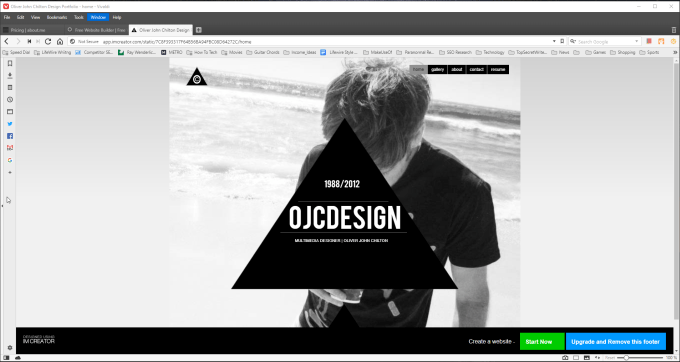
Sites you can build with Imcreator are professional and clean. A free subscription offers you:
- Unlimited hosting.
- Use your own domain if you’ve registered one elsewhere.
- Access to all Imcreator themes for your own site.
- Tools to build your own store.
- No ads.
This is one of the few free website building platforms that let you have a site without any ads. Of all platforms, this one offers the most features for free.
Jimdo
If you register to build your own online presence with Jimdo, you have a number of options to choose from price-wise. However, the free option has plenty of choices if you’re looking to build something fast and at no-cost.
A free site with Jimdo provides you with a subdomain on the jimdosite.com domain.
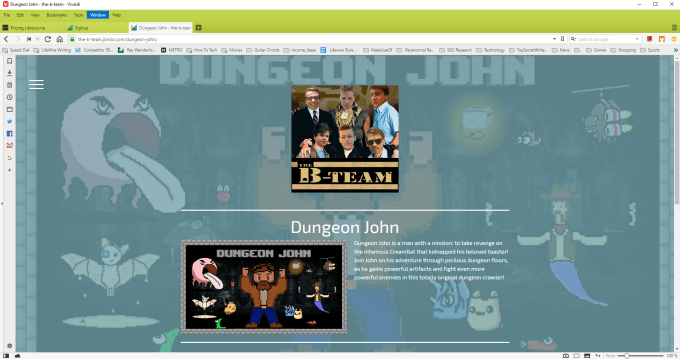
The website builder on Jimdo is so easy that you can build a professional looking website in just minutes. You also have the option to create a store if you’re looking to build a commercial online presence.
The free account will include a small ad for Jimdo at the bottom of your pages. Still, at no cost, it’s a great option for quickly establishing yourself online with minimal effort.
Squarespace
Squarespace isn’t a free platform for establishing your online web presence, but it is a very popular one. It does offer a 14 day free trial so you can try the platform before making the decision to upgrade to a paid plan.
Once you create your account, you’ll see demo content that you can use to create your own website design. This way you won’t need to start from scratch.
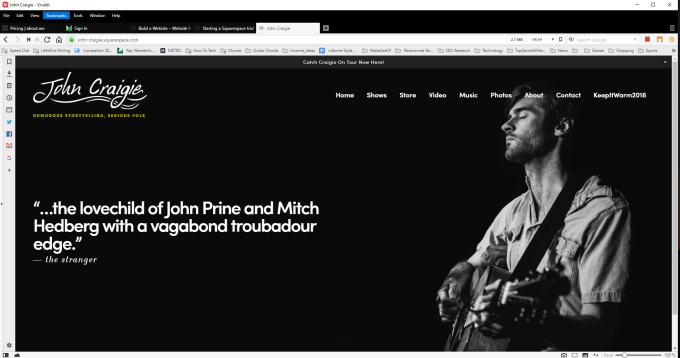
When you select the Home menu in your Squarespace account, you’ll see a list of useful tools that’ll let you customize your site with dynamic content for your visitors. Squarespace also offers lots of videos and documents that’ll help you come up to speed quickly when creating your online presence with this platform.
Squarespace creates a subdomain for your new website. However, you can also purchase your own custom domain through Squarespace as well, if you prefer.
Webstarts
Webstarts is an aptly named website builder platform that provides a lot of extra features you won’t find at most other services. That includes the free plan as well.
A personal site that you build with Webstarts is hosted at a subdomain of the webstarts.com domain.
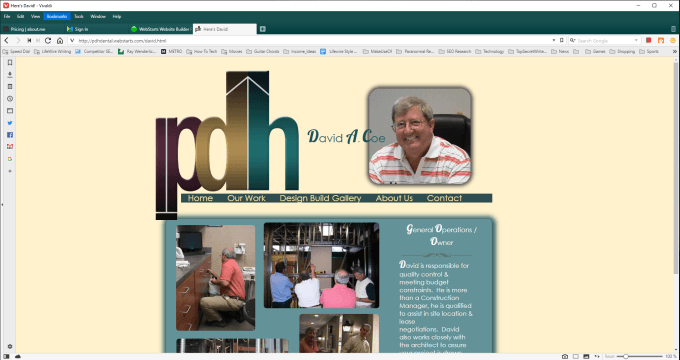
A few of the features you’ll find at Webstarts include:
- Responsive designs that work on mobile devices.
- Your own subdomain that works upon signup.
- Create your own online store if you want to.
- Host your own videos on your site.
- Live chat feature to IM with your visitors.
- Customize your site with HTML.
- Embedded CDN service to speed up your site.
If you’re looking to build a web presence with a wide assortment of features, Webstarts is a great place to start.
If you find that you need a larger site or that you’ve developed a large visitor following, there are affordable plans with more cloud storage and bandwidth.
Doodlekit
Doodlekit is one of the easiest website design platforms of all. The service comes with responsive templates you can use to get your website up and running in just minutes.
Your site can include a photo gallery and a blog. The service provides you with free website hosting including 100MB of storage, and up to 100GB of bandwidth. It’s more than enough to build a professional website presence.
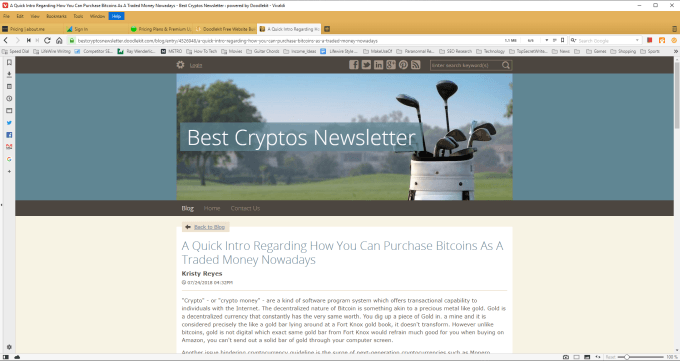
A free Doodlekit site is ideal for a simple, personal website. If you need more bandwidth or storage, you can upgrade to one of the affordable plans that are available.
Upgraded plans include SSL security, web usage statistics, a custom domain, and more.
Google Sites
Google Sites is one of the easiest services available to create a quick personal web presence. There are no premium options available because the service is provided by Google and is entirely free.
Building pages includes a long list of widgets for you to add test boxes, images, embedded content, and even links to Google Drive files like Docs, Sheets, Slides and more.
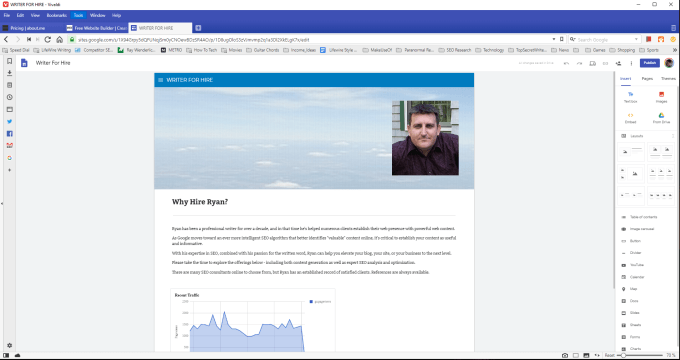
Creating a Google Site website is a little different than building a regular site. The development platform has limited themes and design itself is constrained by the limits of the platform itself.
However creating an entire multi-page site using the service is the fastest and easiest of any other. The site becomes a sub-folder within the sites.google.com domain. However, you can point a custom domain you’ve registered to the Google site that you created.
Creating Your Own Web Presence
As you can see, it doesn’t take a whole lot of coding knowledge or web design experience to launch your own web presence right now.
In fact, all it requires is choosing the right tool that suits your needs, and you could have a professional website online in less than a day.

