
It's probably a Microsoft Works spreadsheet

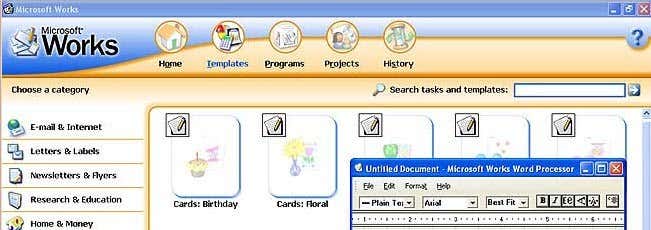
Do you have a WPS file on your computer and have no idea how to open it? A quick Google search will tell you that the WPS file extension is from the Microsoft Works program, which was discontinued many years ago.
However, there are still quite a lot of people who use Microsoft Works and you can still purchase it on Amazon.com! It’s actually the #1 bestseller in the Spreadsheets category on Amazon, beating out Excel 2013! So yes, you might end up getting a WPS file from someone well into the future.
Table of Contents
In addition to MS Works, a WPS file can also be a Kingsoft Writer document. I would suggest you try to open the WPS file assuming it’s a MS Works file first and if that doesn’t work, then you can try using the Kingsoft Writer Software, which is free.
So how do we go about opening the WPS file? Well, it depends. Obviously, you are reading this because you don’t have Works installed on your system, so unless you buy the program from Amazon, we’ll need a different way to open it.
Open WPS using Word
If you have Office installed on your system, then it’s pretty easy to open a WPS file. The first thing you’ll need to do is install some software from Microsoft that will help Word convert the file to DOC or DOCX format.
If you try to open the WPS file in Word without first installing the converters, it probably won’t work. However, some versions of Word will prompt you to download the converters. In any case, there are two converters, but you don’t necessarily need to install both.
Works 6-9 File Converter - http://www.microsoft.com/en-us/download/details.aspx?id=12
Download the 6-9 first, install it and then open Word and go to File – Open. In the Open dialog box, make sure to choose All Files in the file type drop-down box.

If Word cannot open the file, it could be that the Works file is from an even older version of Works like version 4.
Works 4, 4.5 File Converter - http://www.microsoft.com/en-us/download/details.aspx?id=7264
Download and install the 4, 4.5 converter, try to open the file and it should work as long as it is actually a MS Works file. If you still can’t open it or if you don’t have Office installed, keep reading below.
Open WPS using Word Viewer
If you don’t have Office installed, you can try using the free Word Viewer program from Microsoft. In addition to allowing you to open Word documents, it lets you open Works 6 and Works 7 files.
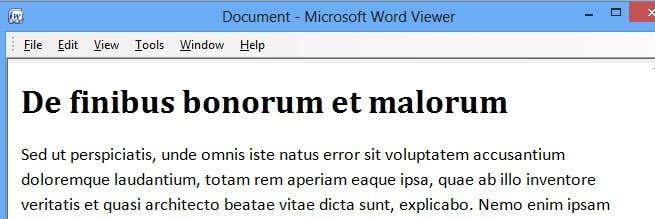
Specifically, it does not mention older versions of Works or newer versions like 8.0 or 9.0. If that doesn’t work, you can also try to install the Microsoft Office Compatibility Pack and see if that allows you to open the WPS file.
The compatibility pack includes newer Office formats and may be able to open a WPS file created in version 8 or 9.
Other Programs
In addition to Word and Word Viewer, there are a couple of other programs that can open WPS files. Here I have broken them down by operating system:
Windows - Microsoft Publisher, LibreOffice, OpenOffice Writer and NCH Doxillion
Mac - LibreOffice, OpenOffice Writer, NeoOffice
Linux - LibreOffice, OpenOffice Writer, OxygenOffice Pro
If you are using Mac or Linux, you can still open WPS files using the programs mentioned above.
Convert WPS Files
Lastly, you can try to convert the WPS file using third-party tools, but your luck will vary. Since it’s a proprietary Microsoft format, Microsoft tools will do the best job, but if nothing else has worked for you till now, you can always try.
One tool that I’ve written about in the past is ZamZar, an online service that lets you convert between hundreds of different formats. Sometimes the results are excellent and sometimes not so great, but a lot depends on the format and how complicated the document is.
If it’s absolutely essential that you open the WPS file and you’re not getting a properly formatted document using any of the methods above, I would suggest you purchase Works from Amazon and open the file in its native program. They have versions 4.5, 6, 7, 8, and 9 that you can purchase. I would suggest going with 9 just to be safe.
If you have any issues opening your WPS file, feel free to post a comment and I’ll try to help out. Enjoy!

