
Windows 7 Articles

How to Save Your Desktop Icon Layout in Windows XP, 7, 8
 Oct 10th, 2014 by Aseem Kishore
Fix when they get messed up when connecting to a TV or projector
How to Disable Settings, Services, and Programs in Windows 7/8.1
Aug 28th, 2014 by Aseem Kishore
But only if you are sure you know what you are doing
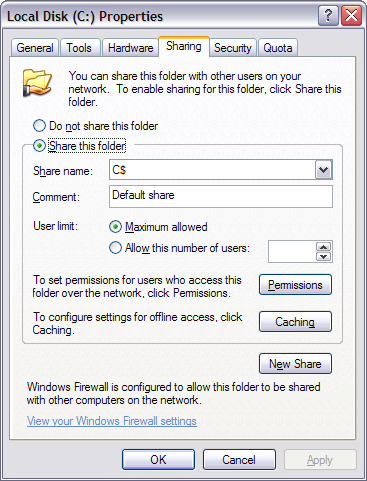
How to Create a Hidden Network Share in Windows
Aug 24th, 2014 by Aseem Kishore
Use this as an extra security step
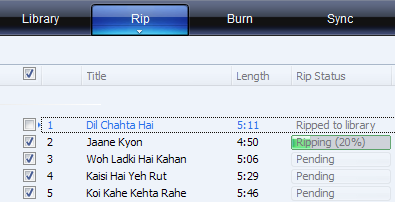
Rip an Audio CD to MP3 using Windows Media Player
Dig out all those old CDs collecting dust
One common question I get from friends and co-workers is how to take a regular audio CD and convert the tracks into MP3 files. The days of carrying around a […]
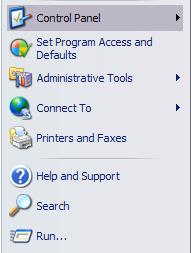
How to Recover the Volume or Sound Icon to Your Windows Taskbar
Not too complicated but depends on which version you are using
Don’t you hate it when need to adjust the volume on your computer only to find that the icon is missing from your taskbar? Here’s a quick tip that I […]
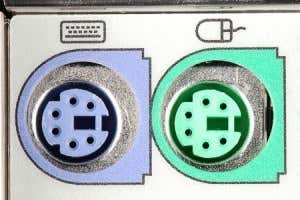
Troubleshoot Keyboard and Mouse Not Working in Windows
Without having to reinstall the entire OS
One of the USB ports on my desktop computer stopped working after I had plugged in a USB device and removed it without ejecting. I’ve done it a million times, […]
Disable Visual Effects in Windows for Better Performance
This is great if you've got a really old computer
There are many ways to increase the performance of your PC and today’s article will talk about disabling visual effects and setting Processor Scheduling settings. These are fairly straight-forward and one […]
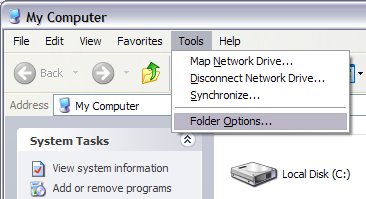
Hide Files and Folders in Windows (Easily Hacked)
Only if you are hiding it from your parents, not the police
Need to hide a folder quickly on your Windows PC? Well, here’s a very simple way using only Windows and no third party software. This method of hiding files and folders […]
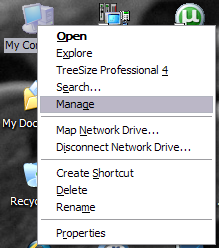
Change Drive Letter in Windows for an External USB Device
Sadly, Windows does not always figure it out for itself
This is a guide on how to change the drive letter in Windows for an external USB device like a hard drive or USB stick. Here’s a common problem that I […]
Configure Power Options in Windows 7/8/8.1
Have different settings for battery or plugged-in
If you recently purchased a laptop and want to fine tune your power settings for different states like plugged in or on battery, then I’ll explain all the different power […]

How to Enable Quick Launch Toolbar in Windows XP/7/8.1
Also how to get the Show Desktop button back
I don’t know about you, but I love using the Quick Launch toolbar to run all of my programs and to show the desktop without having to click on the […]
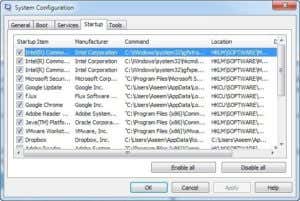
Disable Startup Programs in Windows 7/8/10
Can greatly increase the speed of your computer
Don’t you hate it when you start up your computer and have to wait 10 minutes while all kinds of programs load up: Dropbox, antivirus, Chrome, Java, Apple, Adobe, graphics drivers, printer drivers, etc! I […]
Defragmenting Your Hard Drive in Windows XP/7/8
Puts your data in a single block to make the computer faster
In this article, we’re going to cover defragmenting hard drives in Windows XP, Windows 7 and Windows 8. Defragging your hard drive every once in a while is very important […]
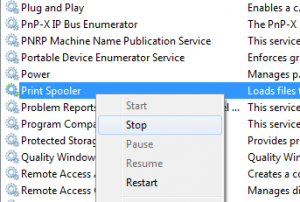
How to Forcefully Clear the Print Queue in Windows
Get rid of that stuck print job
Have you ever run into the situation where you try to print something and nothing happens? You wait for it to print, but the job doesn’t go through? There are […]
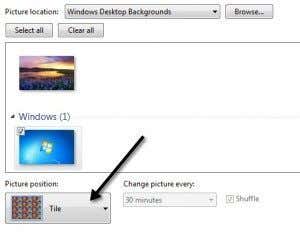
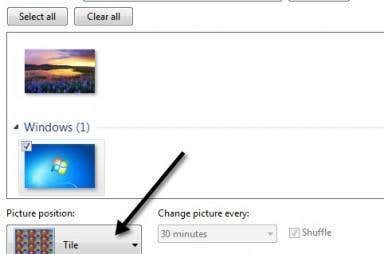
Setup Different Backgrounds for Dual Monitors in Windows 7
A simple trick that requires no third-party software
If you’re still using Windows 7 because you hate Windows 8 and you use more than one monitor, you’ve probably run into the limitation of not being able to use […]
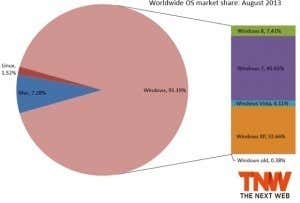
Why You Should No Longer Be Using Windows XP
It's so 2001 and makes you vulnerable to hackers
Even though Windows XP was released way back in 2001, it’s still a pretty great operating system. It’s stable, has a Start button and gets the job done. That’s why […]

Why Does Windows Have More Viruses Than Linux and OS X?
A detailed explanation that may surprise you
I’m writing this post because I recently overheard a conversation between two friends where one recommended that the friend switch from Windows to Mac or Linux because the latter operating […]
Enable Integration Features for an XP Mode Virtual Machine
Share drives, audio, and printers to increase functionality
Available in Windows 7 Professional, XP Mode allows you to integrate your physical computer’s resources with a Virtual Machine. Components you can share include drives, audio, printers, Clipboard, and smart […]
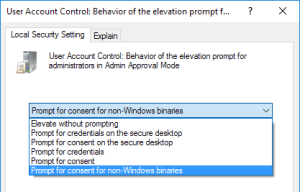
Change How Windows Prompts for Admin Approval Mode
Advanced config options for User Account Control
Windows 7, 8 and 10 user accounts that have administrative privileges operate differently than admin accounts in previous versions Windows. Rather than giving administrative accounts complete and unbridled access to […]
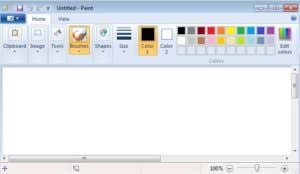
Windows 7 MS Paint Review
Users of older versions are gonna hate it
If you’re someone who happily created pixel art using Paint on Windows XP or Windows Vista, you’re probably going to hate the new Paint in Windows 7. Even though the […]
