

Stuck with spotty internet but want to watch movies on your phone? You’re not alone. Whether you’re on a long flight, camping somewhere with zero signal, or just trying to avoid burning through your data plan, downloading movies to your Android device is a lifesaver.
The good news is there are plenty of legal ways to get movies onto your phone: both free (with ads) and paid options that won’t get you in trouble or fill your device with malware. Let’s walk through the best apps that actually work in 2026.
What Makes a Movie Download App Legal?
Before we dive into the apps, let’s clear something up: legal movie downloading means the app has proper licensing agreements with studios and distributors. These apps either offer content for free (supported by ads) or charge you to rent/buy movies.
What you get with legal apps:
- No risk of malware or viruses
- Content that won’t suddenly disappear
- Proper video and audio quality
- Customer support when things go wrong
- Downloads that work with Android’s security features
Sure, you might see ads or pay a few bucks, but you’re getting peace of mind and supporting the creators who made the content you love.
Best Free Apps for Movie Downloads
These apps won’t cost you anything upfront, but they’re ad-supported. Think of it as watching TV, you get free content in exchange for sitting through some commercials.
YouTube Movies & TV
Best for: Classic films and indie content you won’t find elsewhere
YouTube comes pre-installed on your Android phone, so you’re already halfway there. The platform has a surprisingly deep collection of free movies: mostly older films that studios have released for free viewing, plus tons of independent films from creators who upload their own work.
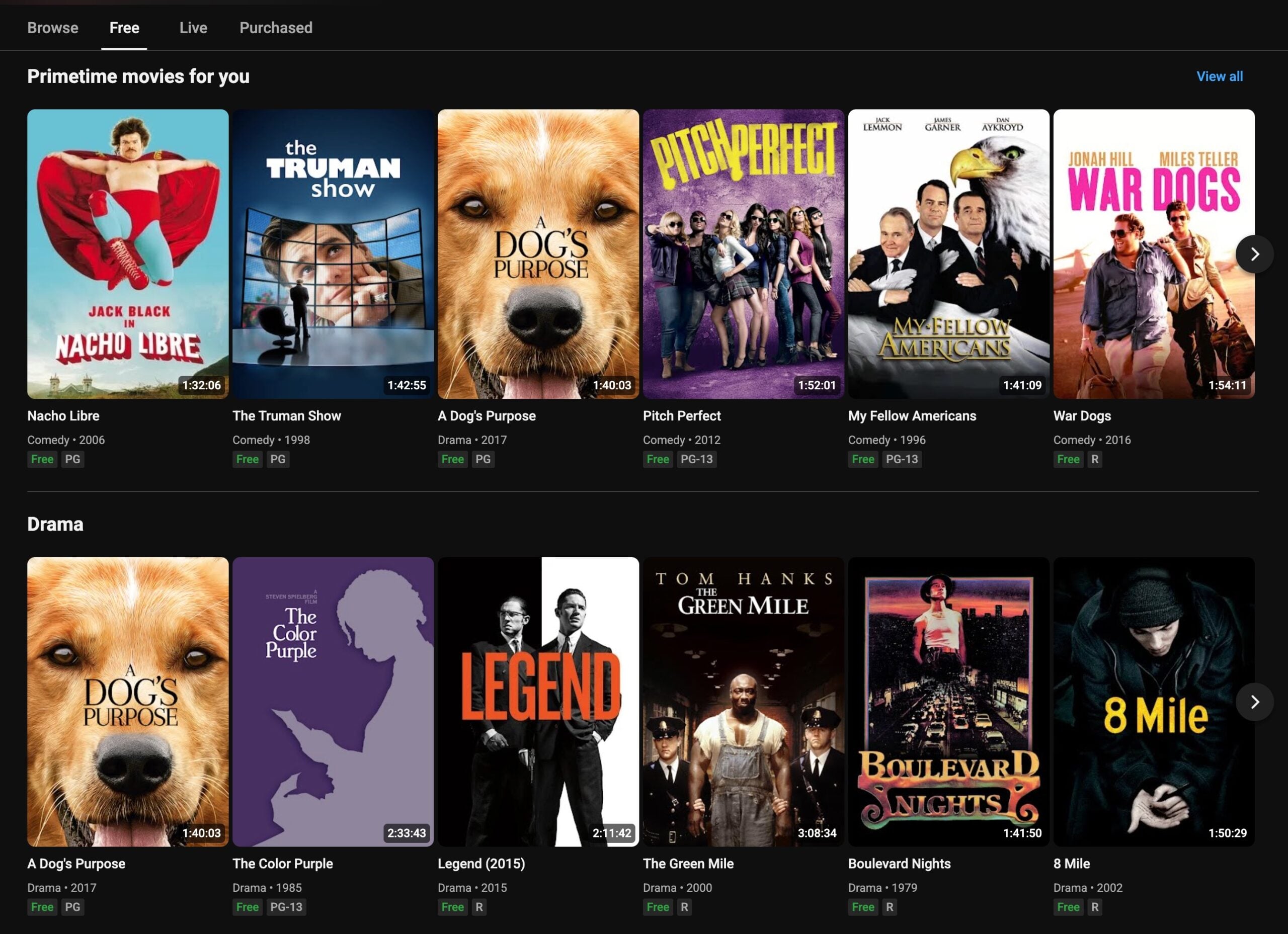
How to download:
- Open the YouTube app and search for “free movies” or browse the Movies section
- Find a movie marked as free (not rental)
- If you have YouTube Premium ($15.99/month in the US; pricing may vary by region), tap the download button below the video
- Choose your quality (higher quality = more storage space)
The catch? Free downloads require a YouTube Premium subscription. Without it, you can only stream for free.
Tubi
Best for: Movies that aren’t on Netflix or other major platforms
Tubi has become the go-to free streaming service, and they’ve recently added offline downloads for select titles. Their “Not on Netflix” category is particularly useful when you’re looking for something different.
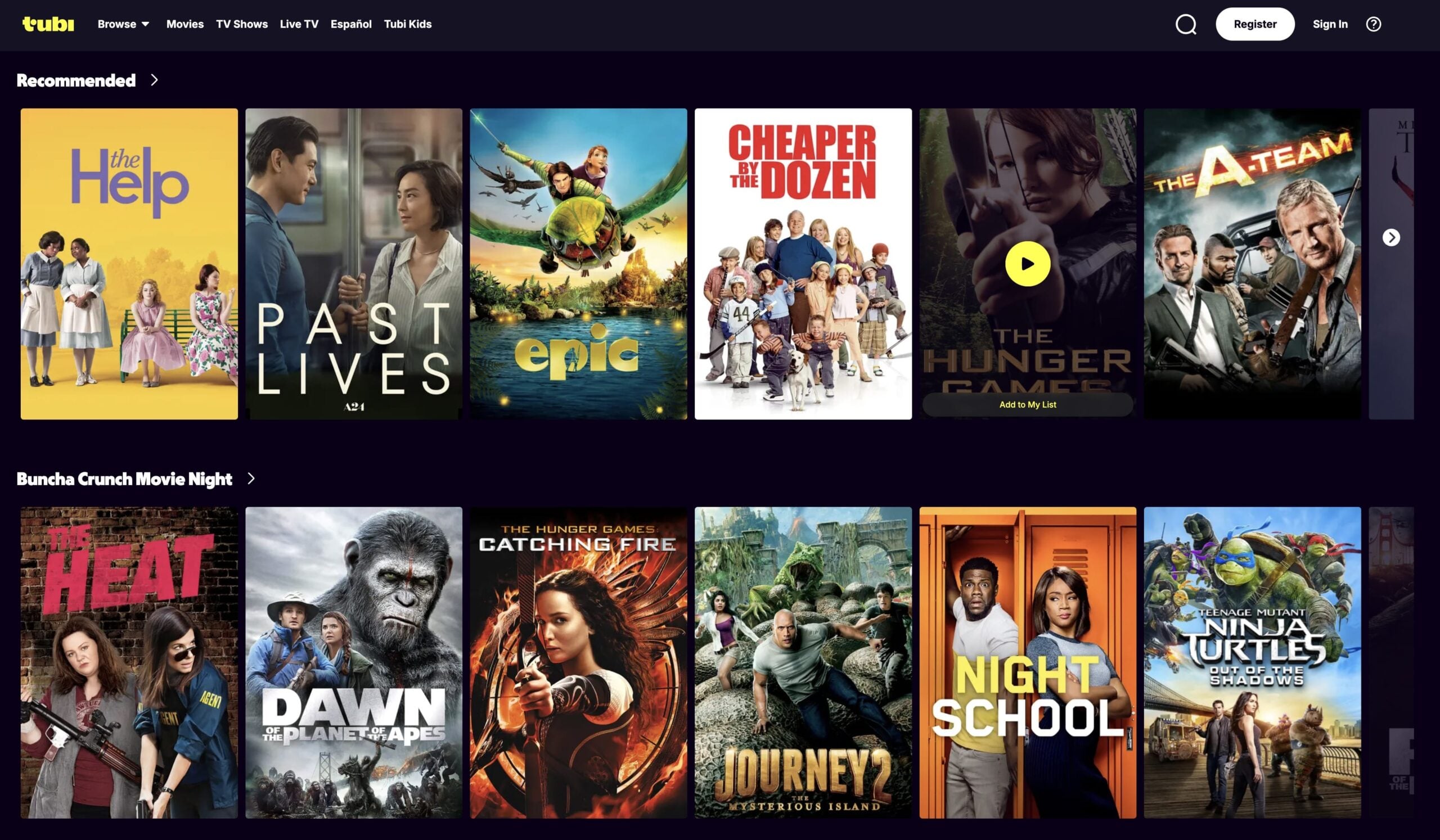
How to download from Tubi:
- Install Tubi from the Google Play Store
- Create a free account (optional but recommended for keeping track of downloads)
- Browse movies and look for the download icon (not all titles support offline viewing)
- Tap the download button and select your preferred quality
- Downloaded content stays available for 7 days offline
Keep in mind that Tubi limits you to about 5-10 downloadable movies at a time, and they expire after a week of being offline.
Pluto TV
Best for: On-demand movies with live TV channels as a bonus
Pluto TV offers both live channels and on-demand movies. While most people use it for the live TV experience, their on-demand section has some solid movie options that you can download for offline viewing.

How to download from Pluto TV:
- Download Pluto TV from the Play Store (no account required)
- Navigate to the On Demand section
- Find a movie with a download icon
- Select your quality and download
- Content expires after 48 hours offline
Library Apps: Kanopy and Hoopla
Best for: Ad-free movies if you have a library card
Here’s a hidden gem: many public libraries offer free access to premium movie streaming through apps like Kanopy and Hoopla. These apps have surprisingly good movie collections, including recent releases and documentaries.
How to get started:
- Download Kanopy or Hoopla from the Play Store
- Enter your library card number and PIN
- Browse their movie collection
- Download movies for offline viewing (usually 7-day limit)
- Enjoy ad-free content!
The best part? No ads, and the selection often includes films you’d normally have to rent elsewhere.
Best Paid Apps for Movie Downloads
When you want the latest releases, 4K quality, or unlimited downloads, paid services are worth the investment. Here are the best options that offer robust offline download features.
Netflix
Best for: The biggest selection of downloadable content
Netflix pioneered offline downloads for mobile devices, and they still do it best. With thousands of movies and TV shows available for download, you’ll never run out of content for your next trip.
How to download from Netflix:
- Open Netflix and sign in to your account
- Find a movie or show with a download icon (most content is downloadable)
- Tap the download button
- Choose Standard or High quality in App Settings > Downloads
- Manage your downloads in the Downloads section
Netflix downloads expire if your subscription lapses, and some titles have viewing windows (usually 48 hours after you start watching).
Amazon Prime Video
Best for: Included with Prime membership
If you already have Amazon Prime for shipping, you get Prime Video at no extra cost. Their download feature works great, and you can rent or buy additional movies not included with your membership.
How to download from Prime Video:
- Open Prime Video and sign in with your Amazon account
- Find content marked Free with Prime or rent/buy additional titles
- Tap the Download button on the movie page
- Select your preferred resolution
- Downloaded content stays available for 30 days offline, 48 hours after you start watching
Disney+
Best for: Family-friendly content and Marvel/Star Wars fans
Disney+ has an excellent download feature that works across all your devices. Perfect for keeping kids entertained during travel or when you want to binge Marvel movies offline.
How to download from Disney+:
- Open Disney+ and select your profile
- Navigate to any movie or episode
- Tap the download icon
- Adjust quality settings in Profile > App Settings > Download Quality
- Downloads work across family profiles
Vudu (Fandango at Home)
Best for: Renting new releases and buying movies to keep forever
Vudu specializes in movie rentals and purchases, often getting new releases before other platforms. When you buy a movie, you can download it permanently to your device.
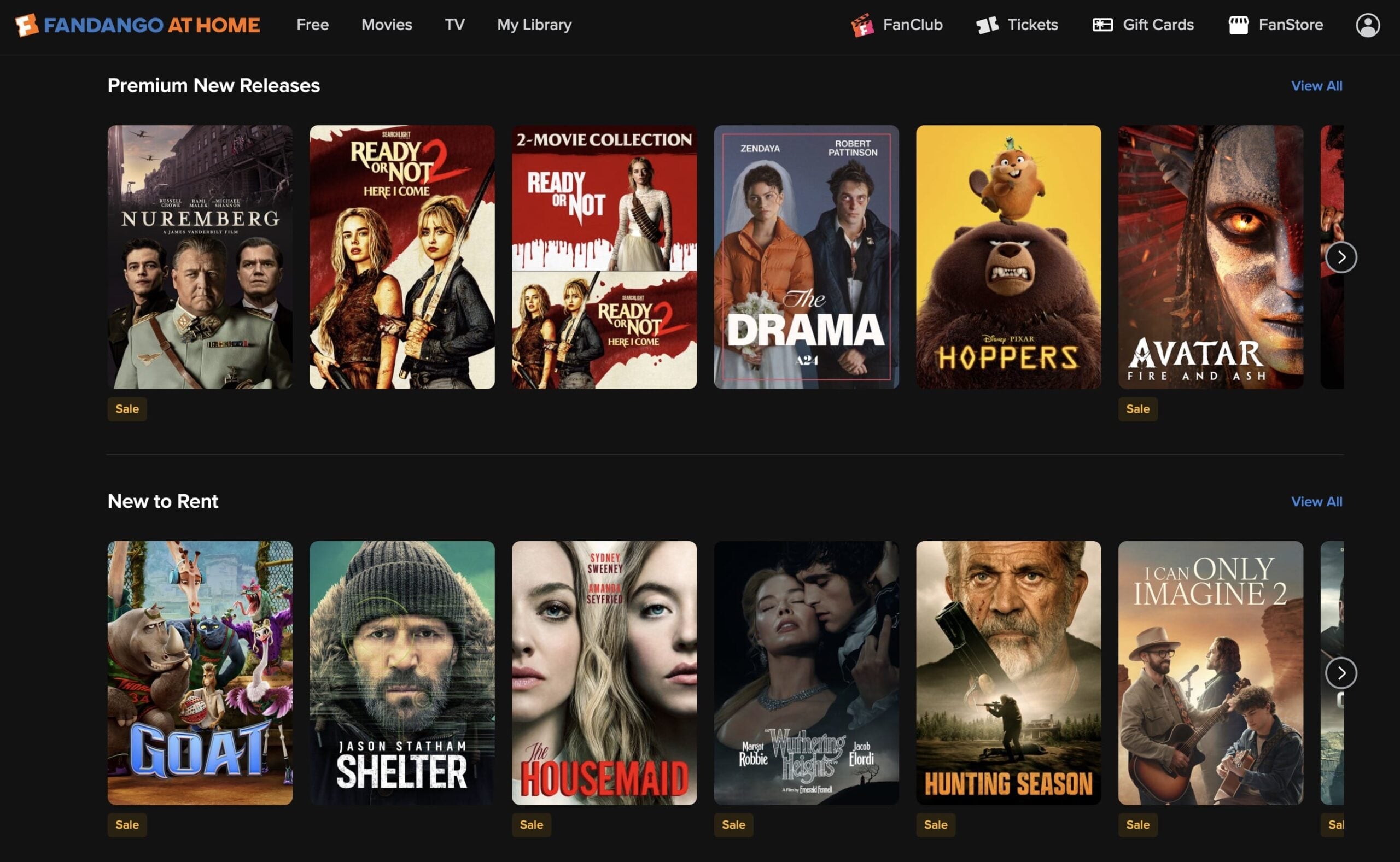
How to download from Vudu:
- Install the Vudu app and create an account
- Rent or purchase a movie
- Tap Download on the movie page
- Choose your quality (up to 4K UHD for supported titles)
- Purchased movies stay in your library forever
Special Categories Worth Mentioning
Anime: Crunchyroll
Best for: The world’s largest anime library
If you’re into anime, Crunchyroll is essential. They offer both free (with ads) and premium tiers, with offline downloads available for premium subscribers.

Personal Media: Plex
Best for: Downloading your own movie collection
If you have DVDs or digital movies you’ve purchased, Plex lets you create your own personal Netflix. Upload your movies to a Plex server, then download them to your Android device for offline viewing.

Indie Films: Filmzie and Popcornflix
Best for: Discovering hidden gems and B-movies
Both Filmzie and Popcornflix specialize in independent films and lesser-known titles that you won’t find on major platforms.

Tips and Troubleshooting
Managing Storage Space
Problem: Downloads are eating up all my storage
Movie files are huge, especially in HD or 4K. Here’s how to manage your space:
- Download in standard quality: You’ll barely notice the difference on a phone screen, and files are 50% smaller
- Set download limits: Most apps let you limit how many downloads you can have at once
- Clean up regularly: Delete watched content — you can always re-download it later
- Use an SD card: If your phone supports it, download movies directly to external storage
Download Permissions on Android 15+
Problem: App won’t download or asks for permissions
Android 15 introduced stricter storage permissions. When you first try to download:
- The app will prompt for storage access
- Tap Allow to grant permission
- If you missed it, go to Settings > Apps > [App Name] > Permissions > Storage and enable it
Note: Android 16 may introduce further changes to storage and media permissions. If you’re running Android 16 or later, check your device’s permission settings as the exact steps above may differ slightly.
Common Download Issues
Downloads keep failing or stopping
- Check your internet connection: Downloads pause if your connection drops
- Free up storage space: Android won’t download if you’re running low on space
- Restart the app: Close and reopen the app to resume stuck downloads
- Update the app: Older versions sometimes have download bugs
Downloaded movies won’t play offline
- Check expiration dates: Free apps often have time limits on downloads
- Verify your subscription: Paid service downloads won’t work if your subscription expired
- Re-download the file: Sometimes downloads get corrupted
Battery Optimization
Downloaded movies can drain your battery faster than streaming. To extend battery life:
- Lower your screen brightness
- Use headphones instead of speakers
- Enable battery saver mode in your Android settings
- Close other apps while watching
What to Avoid
While researching movie download apps, you’ll probably come across some sketchy options. Here’s what to steer clear of:
- APK files from random websites: These often contain malware or link to pirated content
- Apps that seem too good to be true: If it promises “all the latest movies for free,” it’s probably illegal
- Torrent apps: These put you at legal risk and often violate your internet provider’s terms of service
- Apps not on the Play Store: Google vets apps for safety — if it’s not in the official store, there’s usually a reason
Stick to the apps we’ve listed above, and you’ll stay safe while building your offline movie collection.
Wrapping Up
Downloading movies legally on Android is easier than ever, whether you want free content with ads or premium options with all the bells and whistles. For most people, starting with free apps like Tubi or checking if your library offers Kanopy access is the way to go. If you watch a lot of movies, a Netflix or Prime Video subscription pays for itself pretty quickly.
The key is finding the right balance between cost, content selection, and download features that work for your lifestyle. Nobody should have to suffer through a long flight with nothing to watch!
| App | Cost | Best For | Download Limit |
|---|---|---|---|
| Tubi | Free (ads) | Movies not on Netflix | 5-10 titles, 7-day expiry |
| Netflix | $19.99/month (Standard; ad-supported tier ~$8.99/month) | Largest selection | Unlimited, varies by title |
| Prime Video | $14.99/month ($8.99/month standalone) | Included with Prime | Unlimited, 30-day offline |
| Kanopy | Free with library card | Ad-free indie films | Varies by library |
| Vudu | Pay per rental/purchase | New releases | Permanent for purchases |
What’s your go-to app for downloading movies? Have you found any hidden gems in these free services? Let us know in the comments!