
Looking for a way to burn Blu-ray discs? After Blu-ray won the battle with HD DVD, more and more people are starting to buy computers with Blu-ray burners built-in or buying external burners. Either way, as Blu-ray becomes more common like CDs and DVDs, the time is going to come when you are going to burn your first Blu-ray disc!
Note: You can also check out my other posts on how to burn CDs and DVDs on Windows and how to burn a CD or DVD on a Mac.
You can also purchase commercial software to burn Blu-ray discs or you can use free open source Blu-ray burning software. In this article, I’ve written up a list of free apps you can download to burn Blu-ray discs. There are a lot of freeware apps out there, but only a couple are high quality and time tested.
BurnAware
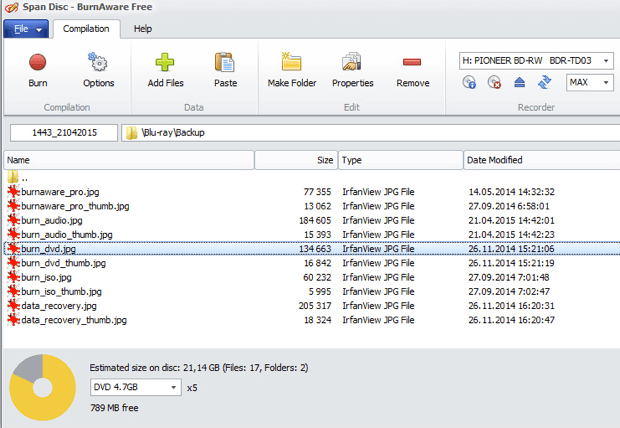
BurnAware is a very simple and easy to use CD/DVD/Blu-ray disc-burning app. You can use it to create data backups, audio CDs and to create or burn ISO image files. The free version also lets you create bootable discs, which is really handy. Another really handy feature of the free version is the ability to burn across multiple CDs, DVDs or Blu-ray discs.
CDBurnerXP
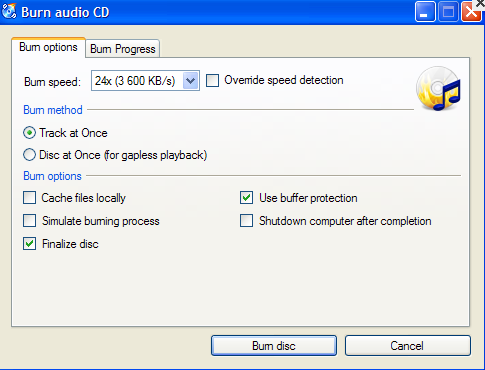
CDBurnerXP is another good freeware app to burn CDs, DVDs, and Blu-ray discs. Like BurnAware, you can create and burn ISO images and you can create bootable discs. The only other unique feature it has is the ability to convert NRG/BIN image files to ISO format.
ImgBurn
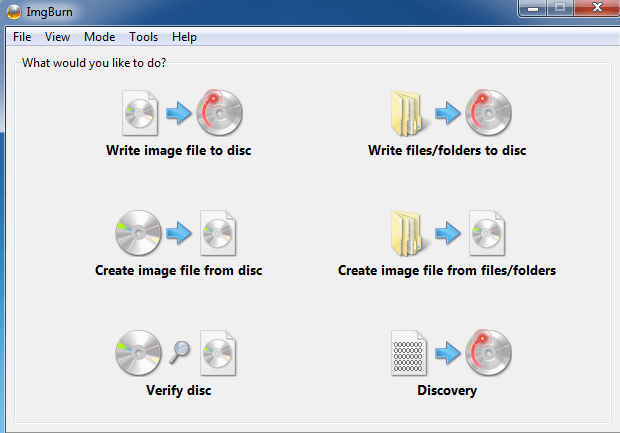
ImgBurn has been one of my favorite CD/DVD burning apps for a long time and now it also supports Blu-ray discs, which makes it even better! It has a bunch of other features that make it popular, including supporting the latest drives, the ability to batch create images, support for a wide range of image file formats, and lots more. The other unique feature of ImgBurn is that it can be used to create playable DVD and Blu-ray discs from VIDEO_TS and BDAV/BDMV folders, respectively.
StarBurn
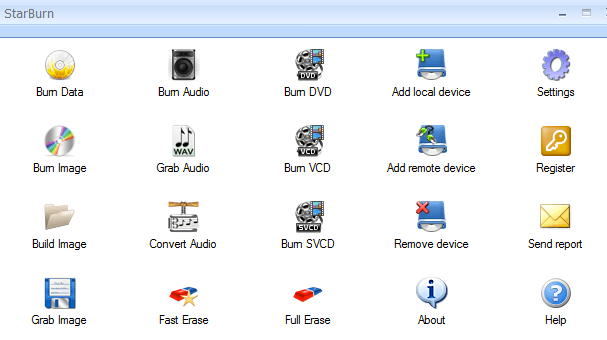
StarBurn is a nice full-featured CD/DVD/Blu-ray burning app. It has a nice GUI interface that splits your burning options into audio, video, and data. You can burn images and build ISO images also. Unique features include the ability to erase a disc and to compress audio.
Tiny Burner
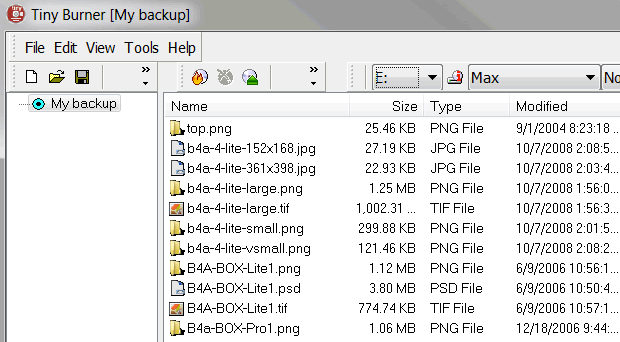
Tiny Burner is an excellent freeware app that works with CDs, DVDs and Blu-ray discs. The installer also comes with a 32-bit and 64-bit version and will install the appropriate version automatically. Just load your disc into the drive, drag and drop the files you want and click the Burn icon to burn the disc.
True Burner
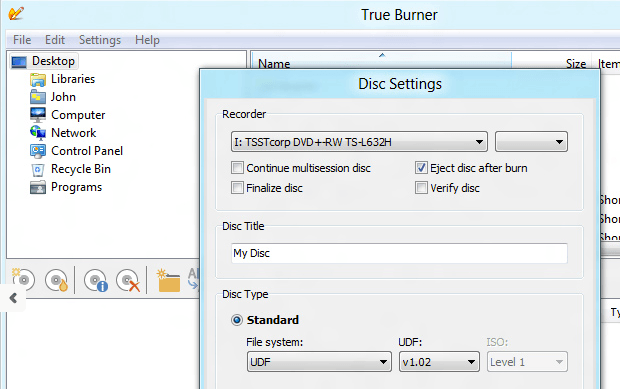
True Burner can burn standard, multi-session and bootable CDs, DVDs and Blu-ray discs. It’s got a very simple user interface and not a whole lot of settings. It doesn’t have a lot of advanced features like ImgBurn, but it gets the job done and it works well.
If you know of any other free software that can burn Blu-ray discs, feel free to post them in the comments! Enjoy!