

On November 23, 2026, Google announced five holiday updates to Google Photos, its photo app available on Android, iPhone, and the web at photos.google.com. The short version is that families who share big albums gain the most, especially from the new people-and-pet filter. Casual users can ignore this update and lose nothing.
The biggest caveat is that Google’s official announcement doesn’t provide a complete rollout schedule, country list, or required app version. Your phone might not show these features yet.
Check the features available in your Google Photos account; the announcement does not give a complete app-versus-web availability list.
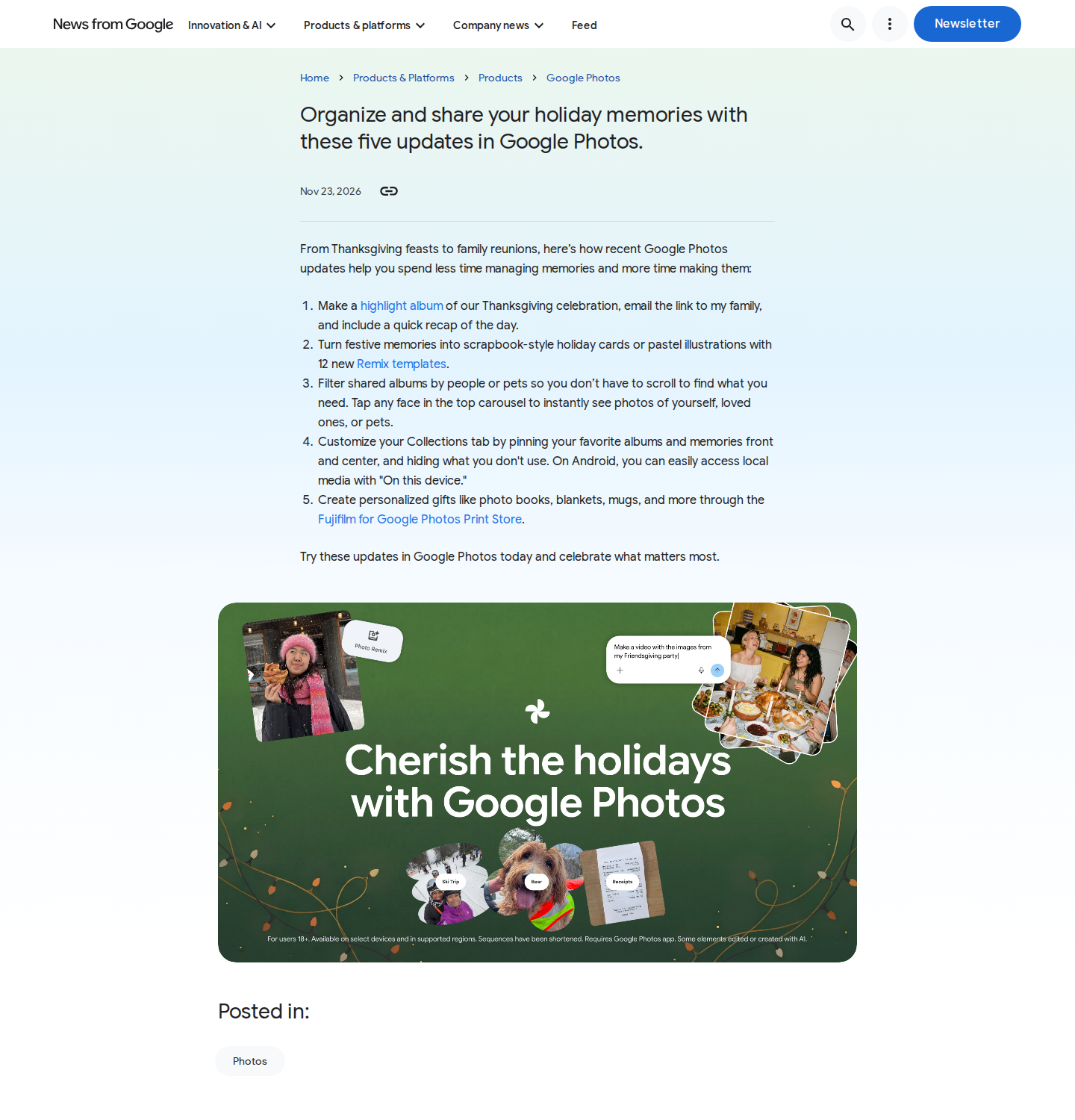
What Happened: The Google Photos Holiday Updates
Google groups five recent updates together here. The announcement does not establish that every feature first launched on November 23; rollout timing and eligibility differ by feature.
Google says holiday photo and video uploads tend to rise this time of year. It pitches these tools as a way to spend less time scrolling through photos and more time with family. Google counts this as five updates, though the first bundles several Gemini-assisted steps and the last folds in an Android-specific access change. Here’s the package:
- Gemini-powered highlight albums: Ask Gemini to build a highlight album from an event like Thanksgiving, email the link to family, and add a short written recap of the day, all as one multi-step request. One tidy link beats texting 200 photos to Aunt Linda one batch at a time.
- Filter shared albums by people or pets: A face carousel sits at the top of a shared album. Tap a person or pet, and the album shows only photos with them in it.
- 12 new Remix templates: Remix turns an existing photo into something stylized. The new templates include scrapbook-style holiday cards and pastel illustrations.
- Customizable Collections tab: Pin favorite albums and memories to the top of Collections and hide the ones you never open. On Android, this update also makes photos and videos stored only on your phone easier to reach through the On this device section.
- Fujifilm for Google Photos Print Store: Order photo books, blankets, mugs, and other gifts made from pictures already in your library. Availability, products, pricing, and shipping vary by country; check your regional storefront.
Google describes the Gemini workflow, the album filter, and Collections pinning at a high level only. It also hasn’t said whether the Gemini workflow is rolling out to every account or just some, so the exact taps and availability may vary once the features reach your device.
Who This Affects
On the web
Nothing to install. Google hasn’t specified which of the five features will appear on the web version of Google Photos.
On Android
Google specifically identifies the On this device improvement as an Android change within Collections; it does not promise every listed feature to every Android account. That one helps if you keep photos on your phone that aren’t backed up to the cloud.
On iPhone
Google hasn’t detailed a timeline for when these features reach the iOS app. Google currently documents On this device as an Android feature; iPhone availability is unconfirmed.
How It Stacks Up
For this update, compare the five announced tools by the task you need. My pick is the shared-album face filter if finding a particular family member is your main frustration; this is an editorial preference, not a tested comparison with other services.
Anyone who’s scrolled through 400 cousin photos to find their own kid knows the pain.
Personal Google Accounts normally include 15 GB shared across Photos, Drive, and Gmail. Paid storage upgrades are offered through Google One; account arrangements can differ. Storage still counts against your Google account allotment, so a flood of holiday photos can push you toward that limit fast.
If you’re running low, an external SSD can work as a local backup option, separate from paying for more cloud storage.
| Feature | Best for | Downside |
|---|---|---|
| Gemini highlight album + recap | Family events with many photographers | You still review and may edit the recap |
| People/pet filter | Large shared albums | Only works in shared albums |
| 12 Remix templates | Quick holiday cards | Stylized looks won’t suit everyone |
| Collections pinning + On this device | Heavy album users and Android owners with unbacked photos | Menu path varies by account; On this device is Android only |
| Fujifilm Print Store | Physical gifts | Products and prices vary by region; check the store serving your country |
The Reaction
The linked sources describe the announcement. They do not establish a representative public reaction or independent testing of the new features.
Our Take
The shared-album filter and Collections pinning will help the organized family photo keeper the most. Remix templates are fine for a last-minute holiday card. A proper card design or a printed photo book still looks more personal than a pastel filter, though. The Fujifilm store is handy if you’d rather not export photos to another site, but treat it as a store and compare prices before you order a blanket.
What to Do Next
If you use the mobile app, keep it updated from Google Play or the App Store, then check the features available to your account. Web users can check their existing Google Photos account. An app update alone does not guarantee server-side access. Google hasn’t given a rollout timeline, so a missing feature today doesn’t necessarily mean your account skipped the update.
The Google Photos Help Center is the place to look once Google documents the exact steps.
Wrapping Up
These Google Photos holiday updates are small, practical tweaks, and the people filter is the standout for busy shared family albums. Use them if you already manage family albums in Google Photos or want an easy route to a printed gift. Stick with your current setup if you’re happy with Apple Photos or rarely share albums, because nothing here is worth switching services for.