
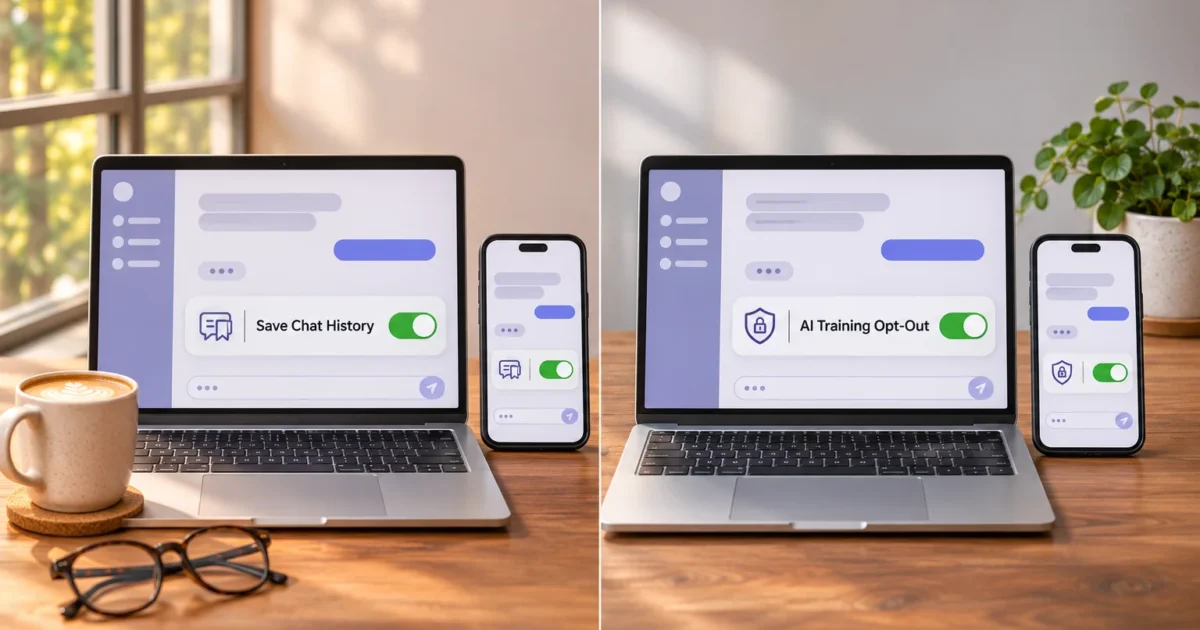
On November 16, 2026, Google announced separate history and model-training controls for the Gemini app. Its official announcement says you’ll be able to save chats while opting out of generative AI model training.
That opt-out applies to chat content such as text and attachments in future chats. Google’s current privacy documentation says future chats may still be used for training if you submit feedback on a response, so the opt-out isn’t absolute in every case.
That’s handy when you want to revisit a planning chat. But there’s a catch if you turn History off. Google says future chats stay saved for around two months. Nobody likes finding out that “off” still means keeping data.
What happened: Gemini chat history and AI training controls
Google is separating two choices: saving chats and letting Google use them for model training. You’ll be able to keep history while opting out of training (and keep that conversation you wanted to finish later), as long as you don’t submit feedback on those chats.
Google also says you’ll keep control over how long saved history stays. You can review or delete it yourself, too.
The change drew November 24 news coverage, after Google’s November 16 announcement. That coverage reported the rollout had already reached a wide range of accounts within about a week. If you don’t see the new controls yet, they may still be arriving for you.

Google’s announcement doesn’t break down the rollout by platform. The notes below reflect general guidance rather than confirmed Windows, Android, or web-specific release details.
On Windows
For Windows readers, Google’s Gemini app announcement is the reference point. Wait for the controls to appear in your account before changing your setup.
For Android
Android readers should follow the same rollout guidance. Google’s announcement doesn’t give an Android-specific release date or required app version.
On the web
Web users should also expect the rollout to happen in stages. Follow the wording in your account. Older instructions may use menu paths that don’t match the new controls.
How it stacks up
For everyday use, it helps to compare saving history, allowing training, and starting a Temporary Chat. Each meets a different need.
| Choice | Practical effect | How long chats stay saved |
|---|---|---|
| Keep history and opt out of training | Revisit saved chat text and attachments without contributing them to generative AI training, unless you submit feedback on a chat | Google says you can still adjust how long history stays, review it, and delete it |
| Turn the new History setting off | Changes how history works for future chats | Google says future chats stay saved for around two months |
| Use Temporary Chat | Temporary chats are not used to train Google’s AI models, according to its current privacy documentation | Current documentation says they are retained with your account for around two months |
Sources: Google’s November 16, 2026 controls announcement and current Gemini privacy documentation, checked November 25. The August 13, 2025 Temporary Chat announcement gave a historical 72-hour term; the current policy says around two months for both Temporary Chat and History-off chats.
History is your saved chat record. Training uses chats to improve models. Personalization uses information to tailor responses to you.
The announcement describes separate history and training choices. Google’s current privacy documentation adds the feedback exception and says the training choice doesn’t stop other uses, including responding to you, improving services in other ways, and safety review. Personalization has its own controls.
Google says keeping chats for roughly two months supports responses and feedback processing. It also helps protect Google, its users, and the public. Think of visible history and retained data as separate drawers. Closing one doesn’t empty the other.
The reaction
Public reaction is still forming. For Gemini users, the practical question is personal. Does keeping useful chats while opting out of training meet your privacy needs?
Our take
Verdict: If you use Gemini and revisit chats, the history-on, training-off choice deserves your attention. It’s a sensible improvement. Saving useful work and contributing to model training deserve separate decisions.
If privacy is your priority, pay equal attention to how long chats stay saved and to whether you’ve submitted feedback on any chats. Consider history, training, and personalization separately. Don’t assume turning History off alone answers all three.
Google says reviewed chats and related data can be kept for up to three years, separated from your account, even if you delete history or turn training off later. Training controls and history deletion therefore need separate attention.
Wrapping Up
When the controls reach your account, review the history and training choices together. Keeping history while opting out of training looks useful, though feedback you submit may still be used.
If you want chats deleted right away, keep the current roughly two-month retention term in mind. That applies to Temporary Chat as well as History-off chats; the older 72-hour announcement is no longer the current term.