

Building a new gaming rig or upgrading your current setup? You’re probably staring at a long list of parts wondering where to get the best deals without ending up with incompatible components or fake hardware. The good news is that buying computer parts online has gotten way easier (and cheaper) than it was a decade ago.
Whether you need a new RTX 5070 Ti graphics card, some DDR5 RAM, or a lightning-fast NVMe SSD, we’ve got you covered. In this guide, you’ll discover the best retailers for PC parts, learn how to avoid common pitfalls, and walk away knowing exactly where to shop for your next build.
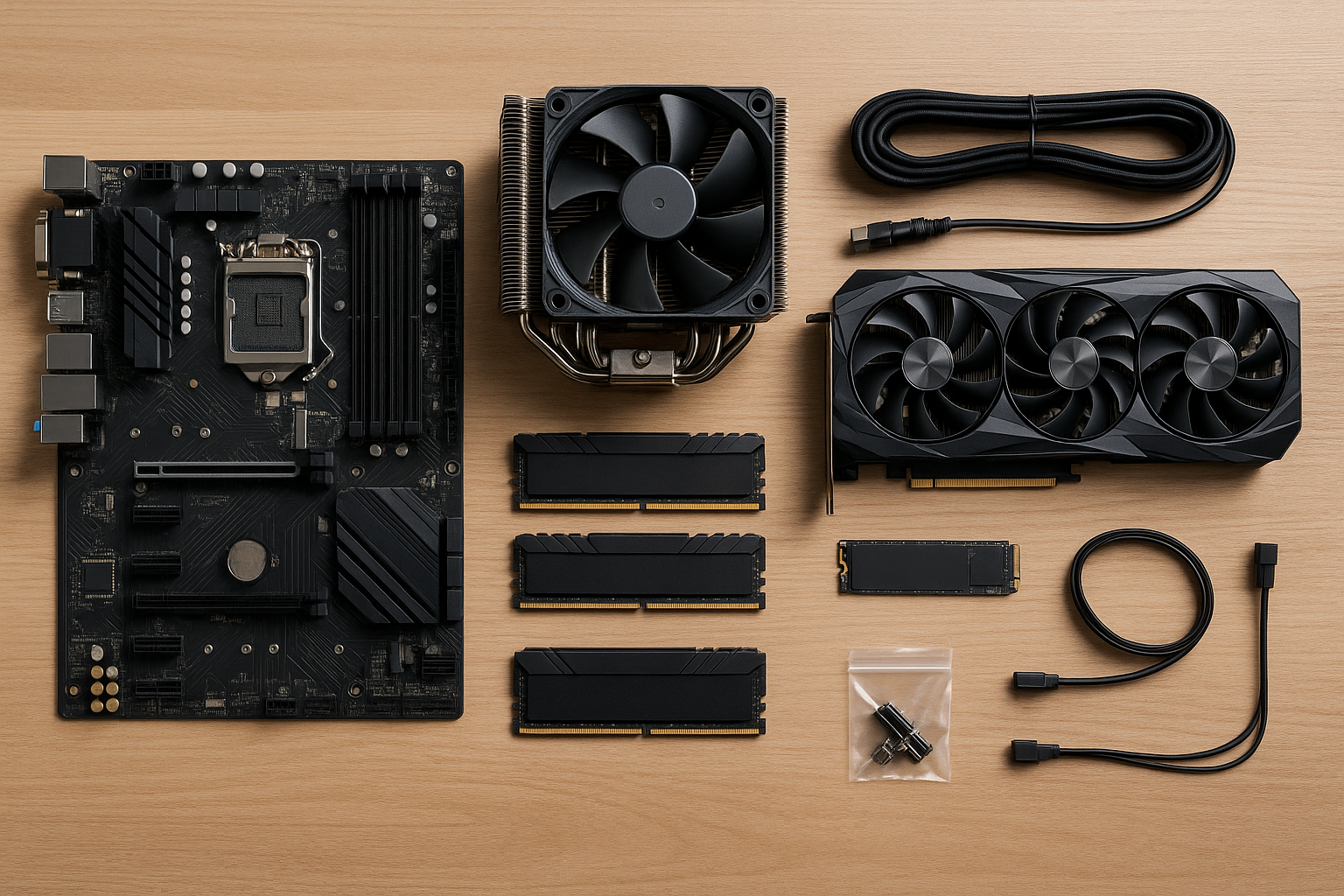
What Makes a Great PC Parts Retailer?
Not all computer part retailers are created equal. The best ones offer more than just competitive prices, they make the whole experience painless.
Key Features to Look For:
- Compatibility tools: Built-in checkers to prevent buying the wrong socket type or incompatible RAM
- Deal alerts and price tracking: Notifications when that expensive GPU finally goes on sale
- Fast, reliable shipping: Nobody wants to wait weeks for their new CPU to arrive
- Hassle-free returns: Essential when dealing with DOA (dead on arrival) components
- Bundle deals: CPU + motherboard combos that save you money and ensure compatibility
The 7 Best Places to Buy Computer Parts Online
Amazon — Best for Fast Shipping and Selection
Amazon has become the go-to choice for many PC builders, and it’s easy to see why. With Prime shipping, you can get most components in 1-2 days, and their return policy is hard to beat (even if dealing with counterfeits can be annoying).
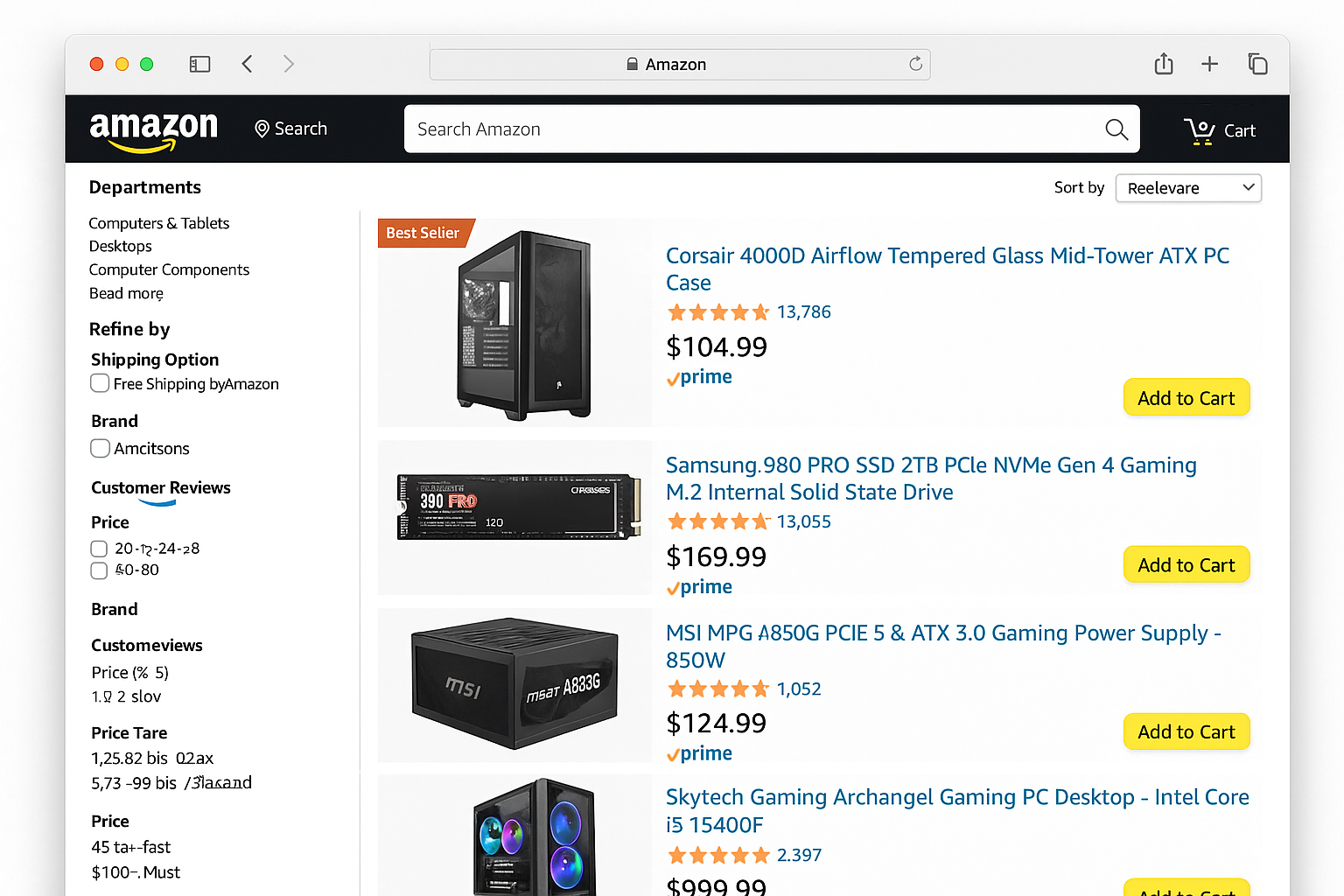
What Amazon Does Well:
- Lightning-fast delivery: Prime members get free 1-2 day shipping on most items
- Massive selection: From budget DDR5 kits to high-end RTX 5070 Ti cards
- Competitive pricing: Regular discounts of 40-60% on CPUs and monitors
- Easy returns: No-questions-asked return policy makes dealing with defective parts painless
Watch Out For: Occasional counterfeit items (especially RAM and SSDs). Stick to items sold and shipped by Amazon or verified sellers with thousands of positive reviews.
Newegg — Best for PC Enthusiasts
Newegg has been the PC builder’s favorite for years, and they’ve evolved with modern tools like their PC Builder compatibility checker and AI-powered recommendations.
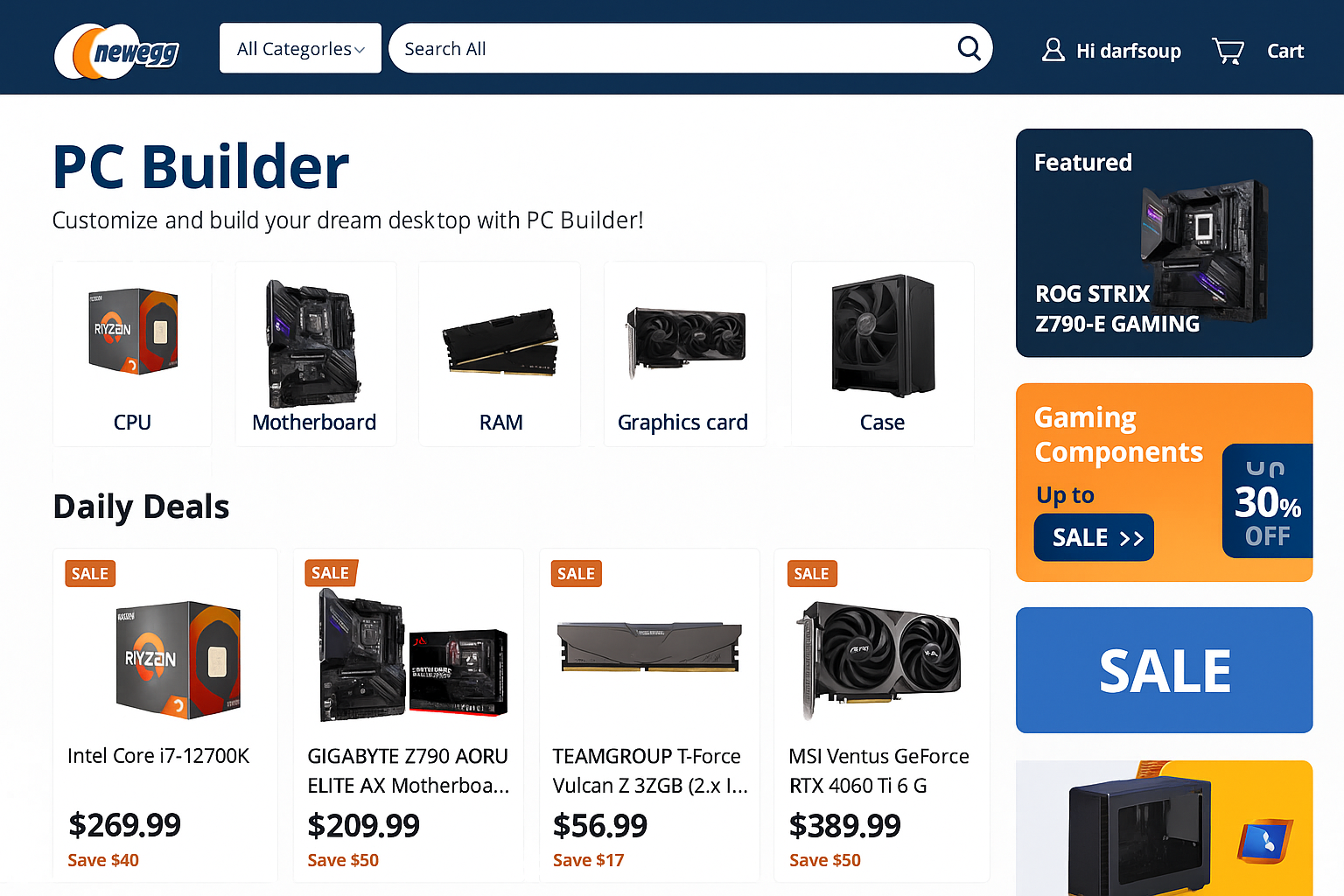
What Newegg Does Well:
- PC Builder tool: Automatically checks compatibility as you select components
- Daily deals and rebates: Shell Shocker deals can save you serious money
- Gaming PC configurator: Pre-built systems you can customize
- Detailed specs and reviews: More technical info than most retailers
Recent Changes: Some users report mixed experiences with customer service lately, so read recent reviews before big purchases.
Micro Center — Best for CPU and Motherboard Bundles
If you live near one of Micro Center’s physical stores, you’re in luck. They offer some of the best CPU deals around and their staff actually knows what they’re talking about.
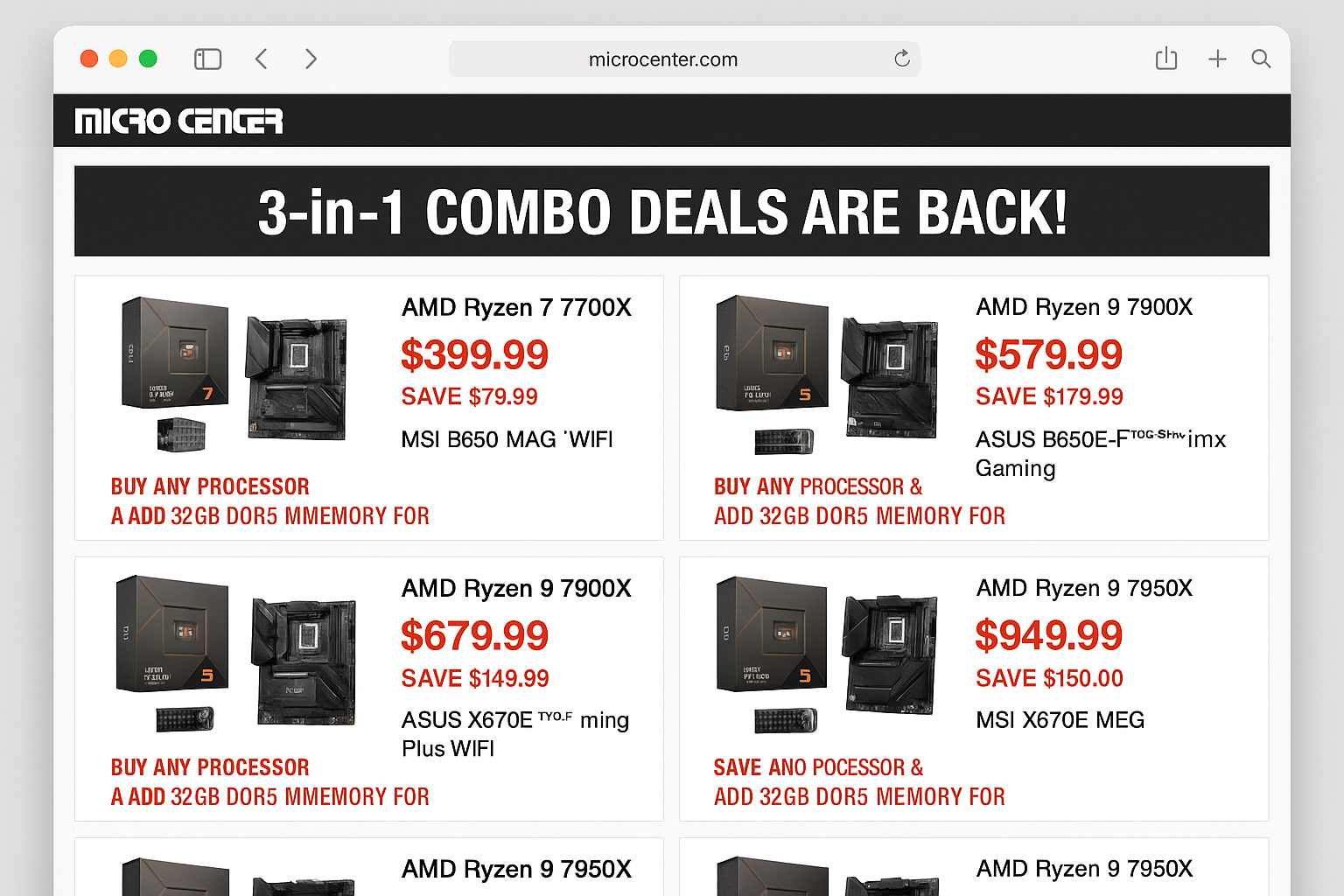
What Micro Center Does Well:
- Unbeatable CPU bundles: AMD Ryzen 7 7700 + compatible motherboard combos save $50-100
- Same-day pickup: Order online, grab it after work
- Knowledgeable staff: Actually helpful when you have compatibility questions
- Gaming setups in-store: Test before you buy
The Catch: Limited to 25 locations in the US. If you don’t live near one, you’ll pay shipping costs that can offset their great prices.
Best Buy — Best for Mainstream Builds
Best Buy has seriously upped their PC parts game. While they’re not the cheapest for enthusiast components, they’re reliable and great for everyday upgrades.
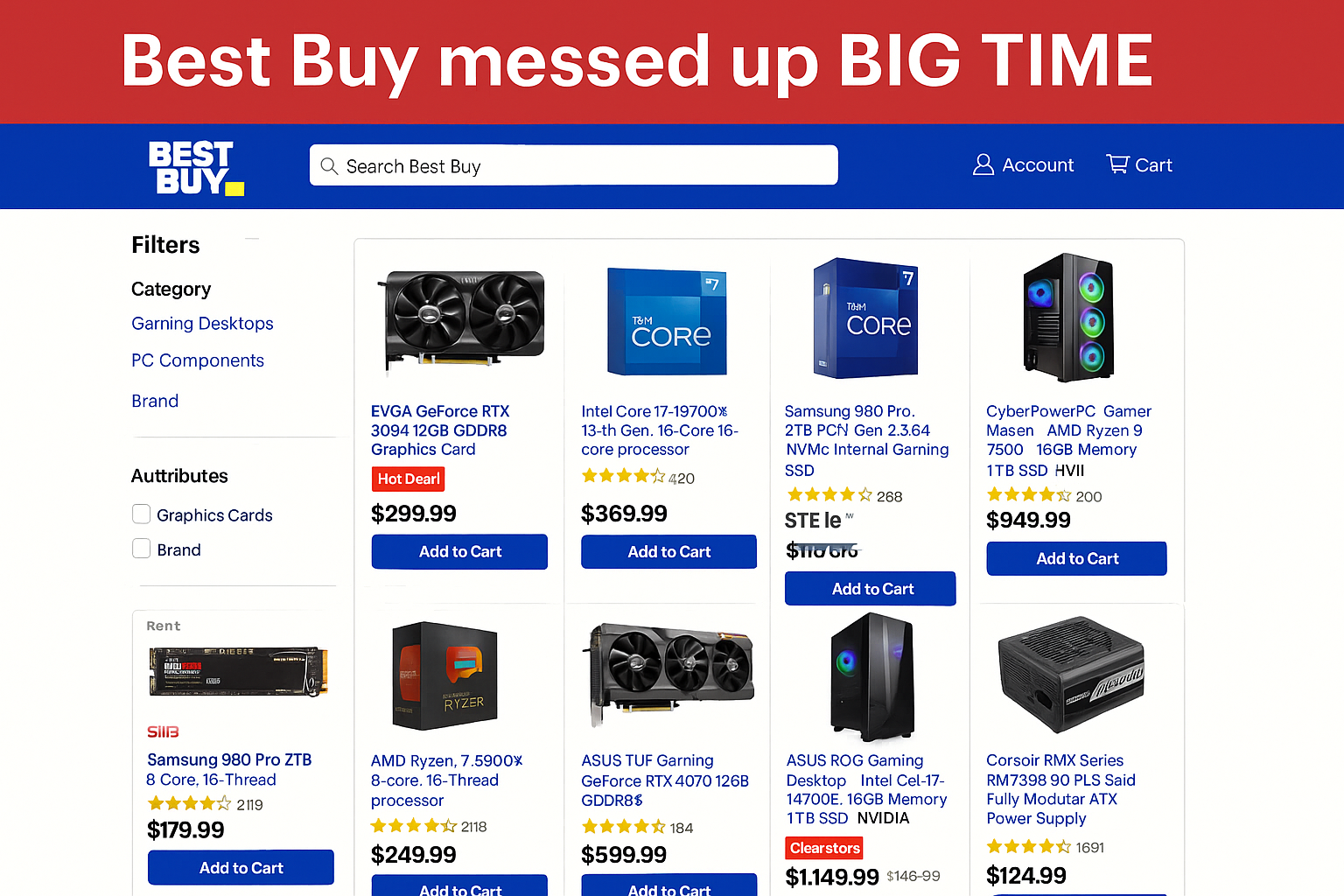
What Best Buy Does Well:
- High-capacity RAM deals: Corsair 64GB DDR5-5200 kits often on sale
- Holiday blowouts: Compete directly with Amazon Prime Day pricing
- Geek Squad support: Professional installation if you don’t want to DIY
- Rewards program: Points add up quickly, especially during sales events
Best For: Casual builders who want the safety net of physical stores and professional support.
Walmart and Costco — Best for Budget Prebuilts
This might surprise you, but both Walmart and Costco have become solid options for gaming PCs and basic upgrades. They’re not going to have the latest RTX 5070 Ti on launch day, but for budget-conscious builders, they’re worth checking.
What They Do Well:
- Competitive prebuilt pricing: Often beat traditional retailers on complete systems
- Monthly promotions: Rotating discounts on gaming PCs
- Extended warranties: Costco’s return policy is legendary
B&H Photo — Best for International Shipping
B&H Photo might be known for cameras, but they carry quality PC components and ship worldwide reliably.
What B&H Does Well:
- International shipping: Ships to countries where other retailers won’t
- Quality focus: Curated selection means fewer duds
- Professional service: Helpful for business/workstation builds
PCPartPicker — Best for Planning and Price Comparison
PCPartPicker isn’t a retailer, but it’s absolutely essential for any PC build. Think of it as your compatibility safety net.
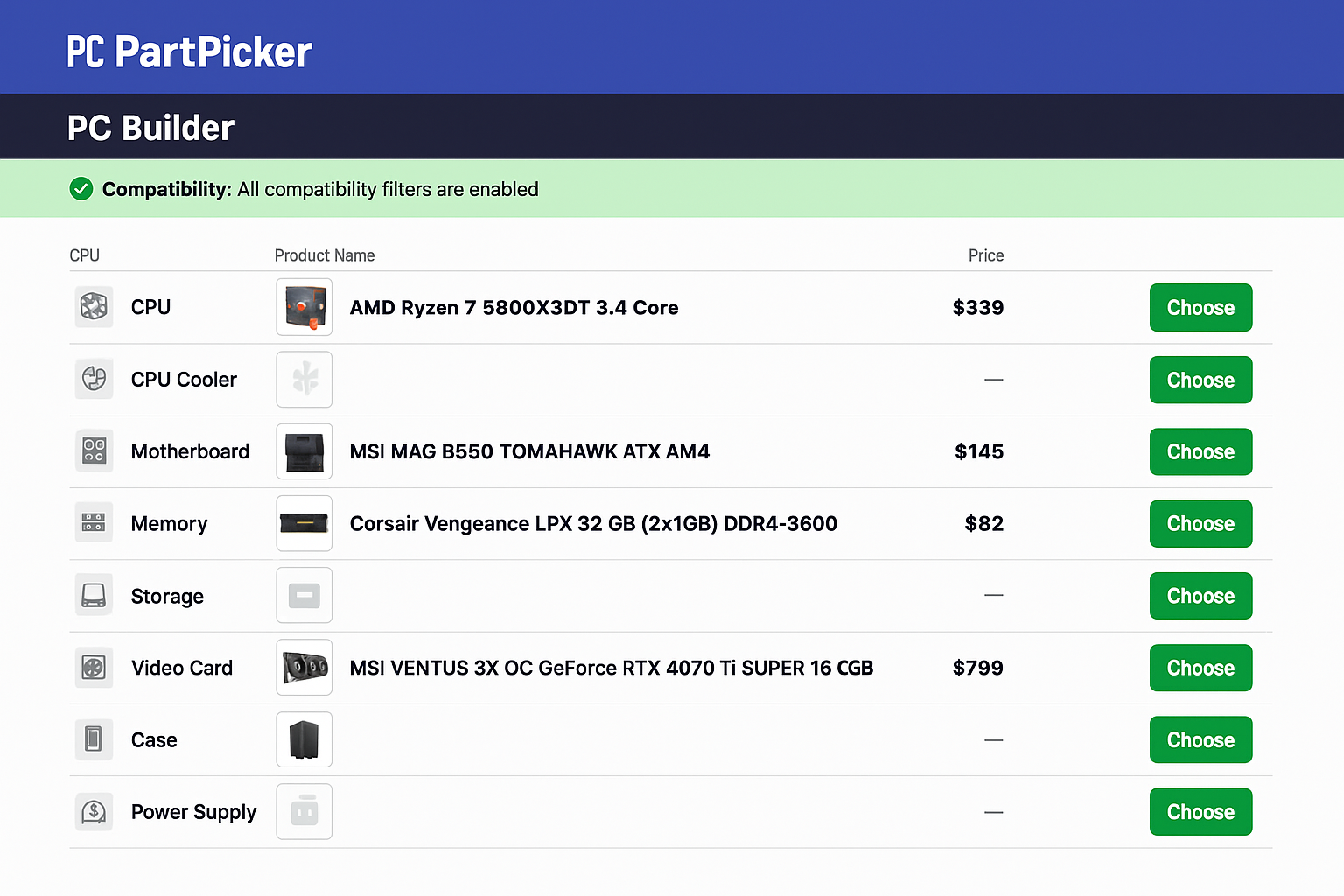
What PCPartPicker Does:
- Compatibility checking: Prevents expensive mistakes like buying DDR4 for a DDR5 motherboard
- Price tracking: Shows price history and alerts for deals
- Community builds: See what others are building for similar budgets
- Wattage calculator: Ensures your power supply can handle your components
How to Shop Smart for PC Parts
Step 1: Plan Your Build with PCPartPicker
Before you buy anything, head to PCPartPicker.com and input your planned build. This prevents costly compatibility mistakes.
- Select your CPU (e.g., AMD Ryzen 7 7700 or Intel equivalent)
- Choose a compatible motherboard (PCPartPicker will filter automatically)
- Add DDR5 RAM (check speed compatibility — DDR5-5200+ is the sweet spot)
- Pick storage (2TB PCIe 4.0 NVMe SSDs are the current standard)
- Select your GPU (RTX 5070 Ti with 16GB GDDR7 for high-end gaming)
- Choose a power supply (1000W+ for high-end builds)
Step 2: Compare Prices Across Retailers
PCPartPicker shows prices from multiple retailers, but it’s worth double-checking:
- Check for bundle deals: Micro Center’s CPU + motherboard combos can save $50-100
- Factor in shipping: Amazon Prime might win even if the base price is higher
- Look for promo codes: Newegg often has $10-20 rebates
- Consider return policies: Worth paying a bit more for hassle-free returns
Step 3: Time Your Purchase
PC part prices fluctuate constantly. Here’s when to buy:
- Black Friday/Cyber Monday: Best overall deals of the year
- Amazon Prime Day: July event with solid discounts
- New generation launches: Previous-gen components get discounted
- End of quarters: Retailers clear inventory in March, June, September, December
What to Watch Out For
Common Pitfalls
Compatibility mismatches: The most expensive mistake is buying a CPU that doesn’t fit your motherboard socket. Always use PCPartPicker to double-check.
Counterfeit components on Amazon: Stick to items sold by Amazon directly or highly-rated sellers. If a deal seems too good to be true (like a $200 RTX 5070 Ti), it probably is.
Overpaying for old tech: DDR4 RAM and PCIe 3.0 SSDs are being phased out. Make sure you’re buying current-generation components that’ll last.
Insufficient power supply: That RTX 5070 Ti needs serious juice. Use a PSU calculator to ensure your power supply can handle your full build.
Pro Tips
- Join deal communities: Reddit’s r/buildapcsales alerts you to flash sales
- Use price tracking tools: Set alerts on PCPartPicker for components you want
- Buy a PSU calculator: Better to have 20% headroom than run at max capacity
- Keep receipts and boxes: Essential for warranty claims and returns
Wrapping Up
Building a PC in 2026 is easier than ever, thanks to better compatibility tools and more reliable retailers. Amazon dominates for convenience and speed, Newegg remains the enthusiast favorite, and Micro Center offers unbeatable bundles if you live near a store.
The key is using PCPartPicker to plan your build, comparing prices across multiple retailers, and timing your purchases around major sales events. With a little patience and the right approach, you can build an awesome gaming rig without breaking the bank or ending up with incompatible parts.
What’s your go-to retailer for PC parts? Drop a comment and let us know where you’ve found the best deals!