
You’re trying to watch your favorite YouTube creator when BAM! another unskippable 30-second ad about car insurance. Sound familiar? You’re definitely not alone in being fed up with YouTube’s increasingly aggressive advertising.
The good news? There are still ways to watch YouTube without ads in 2026, even though YouTube has been cracking down hard on ad blockers. Some methods are easier than others, and what works best depends on your device and how much you’re willing to spend. Let’s dive into what actually works right now.
What You’re Up Against: YouTube’s Ad Arsenal
Before we jump into solutions, let’s quickly cover what types of ads YouTube throws at you. Understanding this helps you pick the right blocking method:
- Pre-roll ads: Those annoying ads before your video starts (some skippable after 5 seconds, others you’re stuck with)
- Mid-roll ads: Interruptions in the middle of longer videos
- Banner ads: The display ads around the video player
- YouTube Shorts ads: Ads between short-form videos
- Sponsored segments: When creators mention products in their videos (no ad blocker can touch these)
The challenge is that YouTube keeps changing how they serve ads to stay ahead of blocking methods. What worked last year might not work today, which is why we’re focusing on methods that are still effective in 2026.
1. Pay for YouTube Premium (The Nuclear Option)
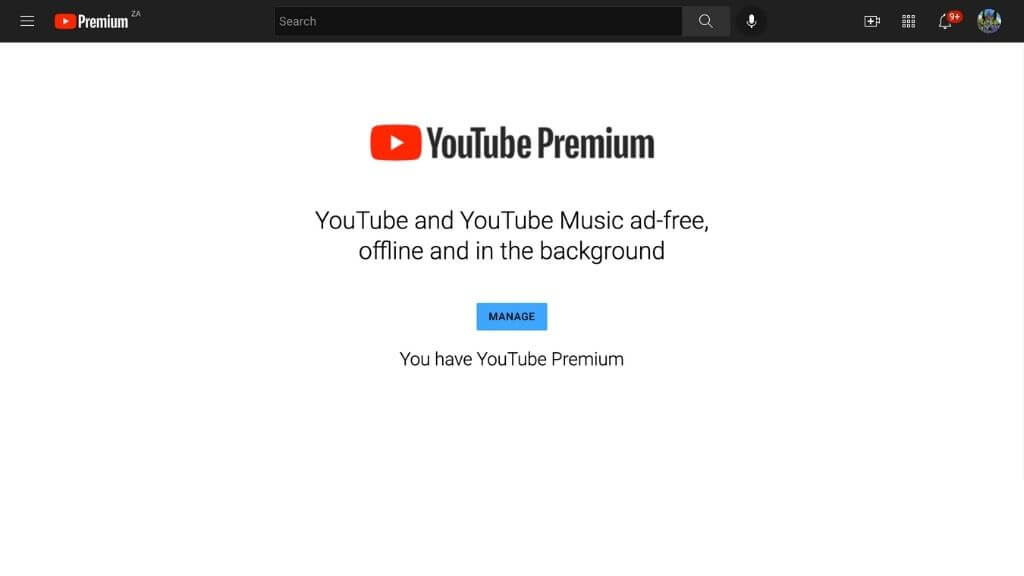
Let’s get the obvious one out of the way first. YouTube Premium costs $15.99 per month for individuals (or $26.99 for families), and it completely eliminates ads across all your devices. No exceptions, no workarounds needed, no cat-and-mouse games with YouTube’s detection systems.
How to Subscribe to YouTube Premium
- Go to youtube.com/premium in your browser
- Click Try it free (usually offers a 1-month trial)
- Choose your plan: Individual ($15.99/month) or Family ($26.99/month for up to 6 people)
- Enter your payment details and confirm
Most new Premium subscribers get a 1-month free trial; you can cancel anytime before the trial ends to avoid charges.
The subscription works across all your devices automatically once you’re signed into your Google account. You’ll also get YouTube Music (which is actually pretty decent), offline downloads, and background play on mobile.
Here’s the thing: YouTube Premium is our top recommendation because it’s the only method that’s 100% reliable and supports content creators. When you watch with Premium, creators still get paid from your subscription fee. It’s also the only way to get ad-free YouTube on iPhones and iPads without jumping through hoops.
2. Use the Albania VPN Trick (The Sneaky Workaround)
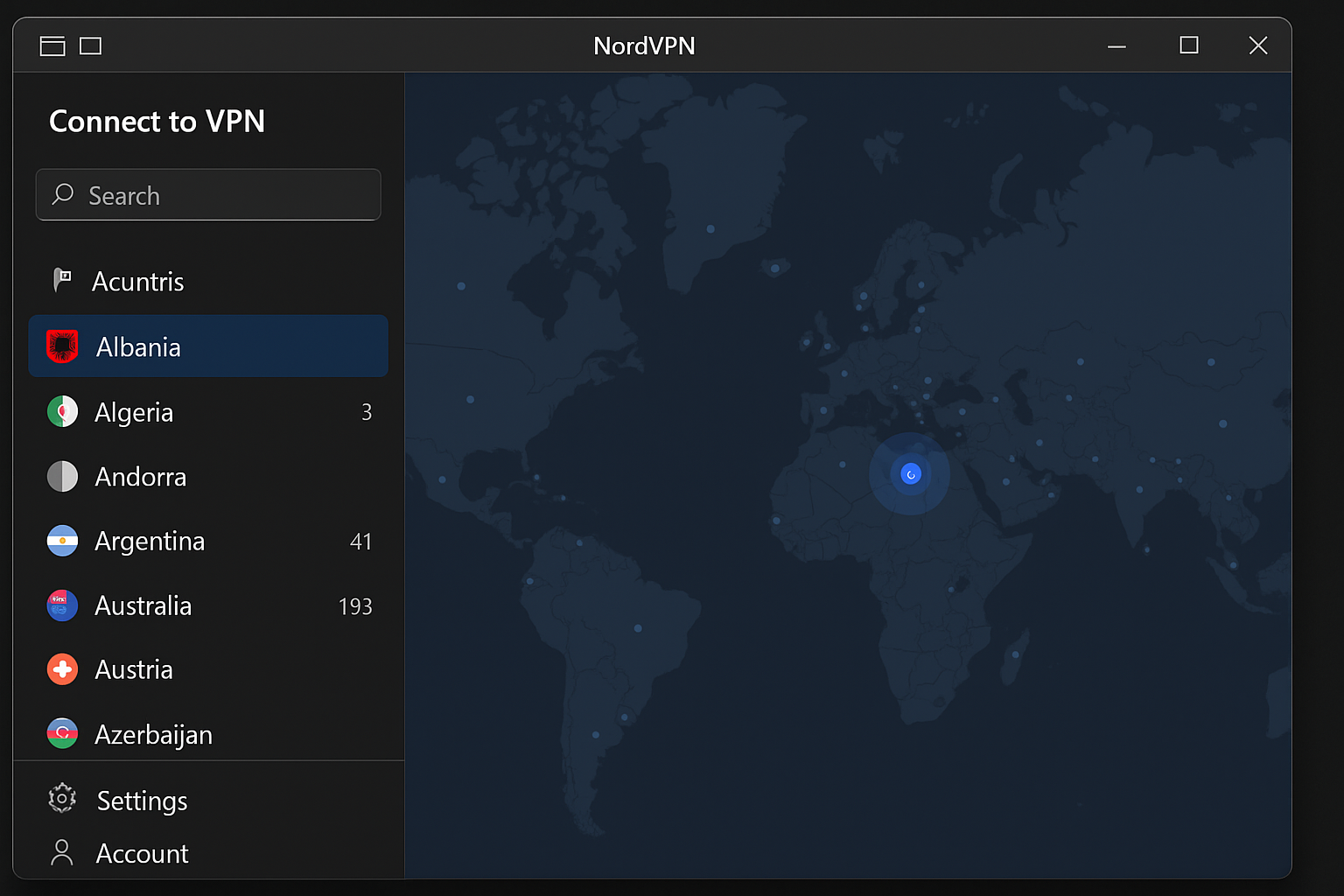
This is probably the most interesting discovery of 2025: YouTube serves zero ads in Albania due to the small market size. Connect to an Albanian server with a VPN, and you’ll get completely ad-free YouTube. We tested this for over 2 hours in January 2026, and it worked flawlessly.
How to Use the Albania VPN Method
- Sign up for a premium VPN service like NordVPN, Surfshark, or ExpressVPN (free VPNs don’t work reliably for this)
- Download and install the VPN app on your device
- Connect to an Albania server from the server list
- Open YouTube in an incognito/private browsing window (this prevents detection through cookies)
- Enjoy ad-free YouTube!
Pro tip: Always use incognito mode when doing this. Regular browsing windows can leak information that helps YouTube detect you’re using a VPN.
Note: Not all VPN providers reliably support Albania servers; test the connection before relying on it long-term.
The downside? You’re paying for a VPN (usually $3-12/month), and there’s always a chance YouTube could patch this loophole. But for now, it’s working great and gives you the added benefit of VPN privacy protection.
3. Switch to Brave Browser (The Easy Button)
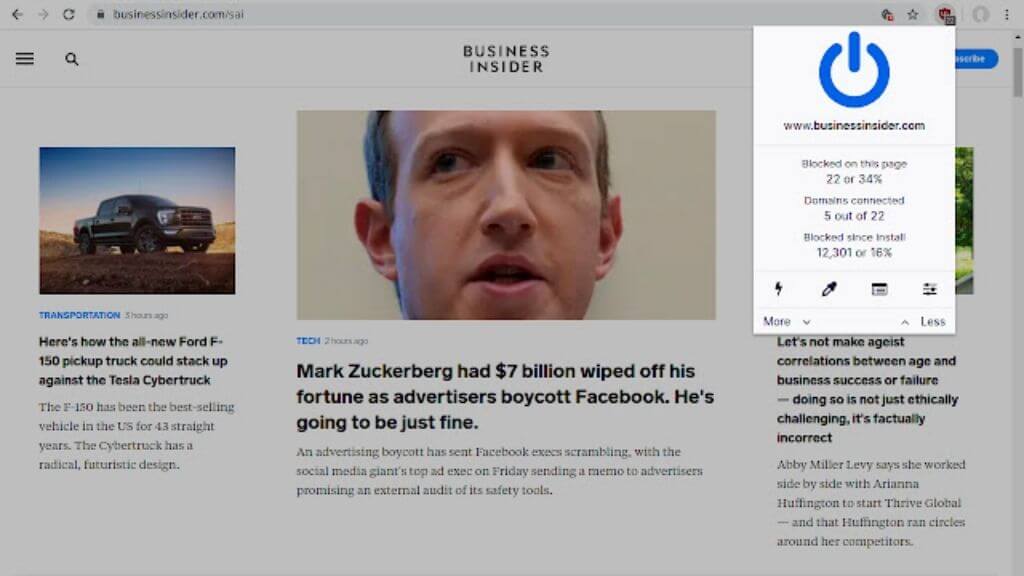
If you’re tired of the browser extension arms race, Brave browser might be your answer. It’s built on Chrome’s engine but comes with ad-blocking baked right in, no extensions needed.
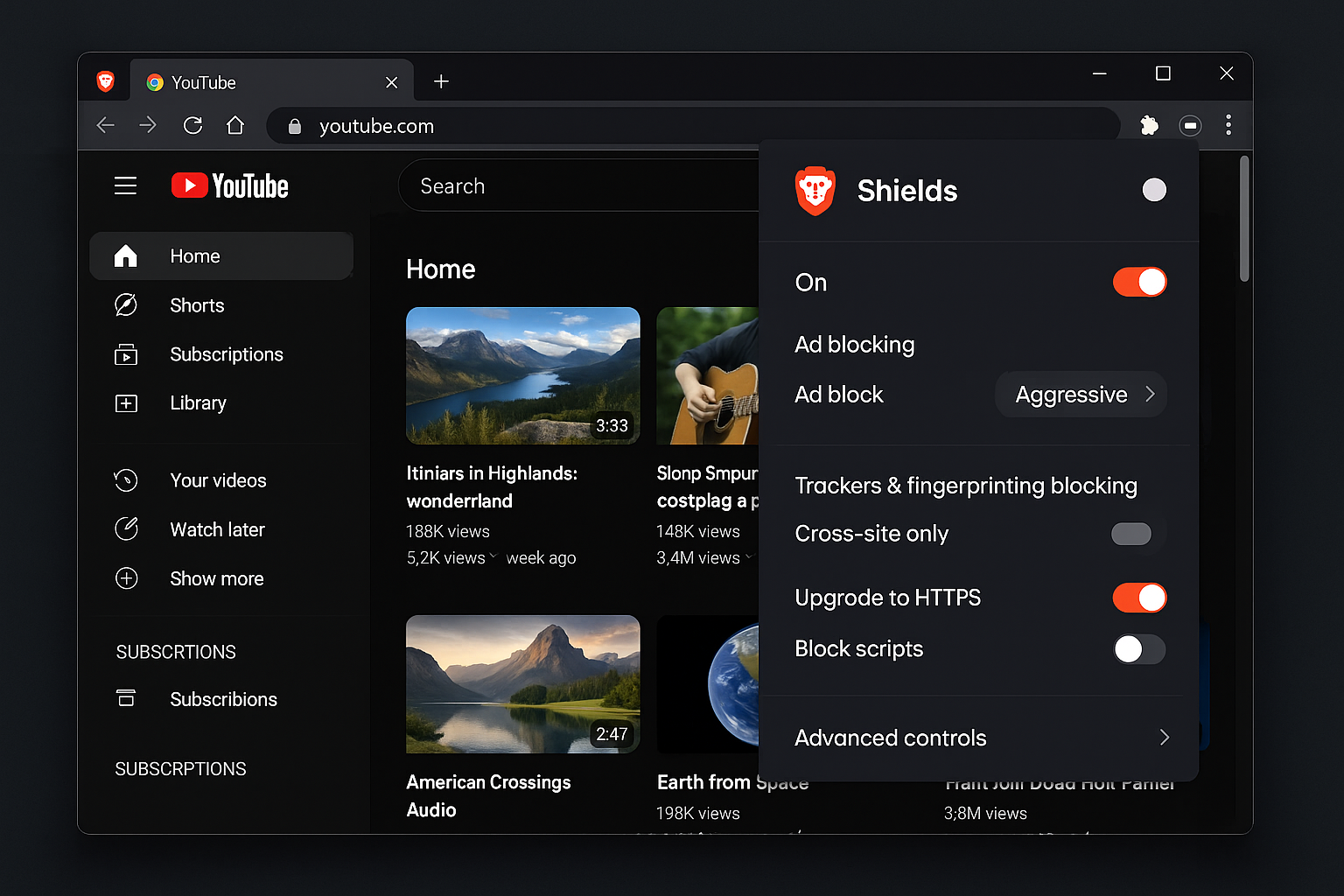
How to Set Up Brave for YouTube
- Download Brave from brave.com and install it
- Open Brave and navigate to youtube.com
- Click the Brave Shields icon (the lion logo) in the address bar
- Make sure Block ads and trackers is set to Aggressive
- That’s it! Some YouTube ads should be blocked automatically
Brave works on Windows, macOS, Android, and iOS. The mobile version even supports picture-in-picture and background play, which makes it a solid alternative to the official YouTube app.
Note: Brave on iOS cannot block YouTube ads due to Apple’s restrictions. YouTube Premium is the only reliable option for iPhone and iPad users.
Brave’s ad-blocking effectiveness on YouTube can vary as YouTube has been increasing its detection efforts in 2026, so results may not be consistent for all users.
The best part? Since the ad-blocking is built into the browser itself rather than an extension, it’s much harder for YouTube to detect and block.
4. Try Third-Party YouTube Apps (For the Tech-Savvy)
If you’re comfortable sideloading apps (installing apps from outside the official app stores), third-party YouTube clients can give you an ad-free experience with extra features.
SmartTube (Android TV and Google TV)
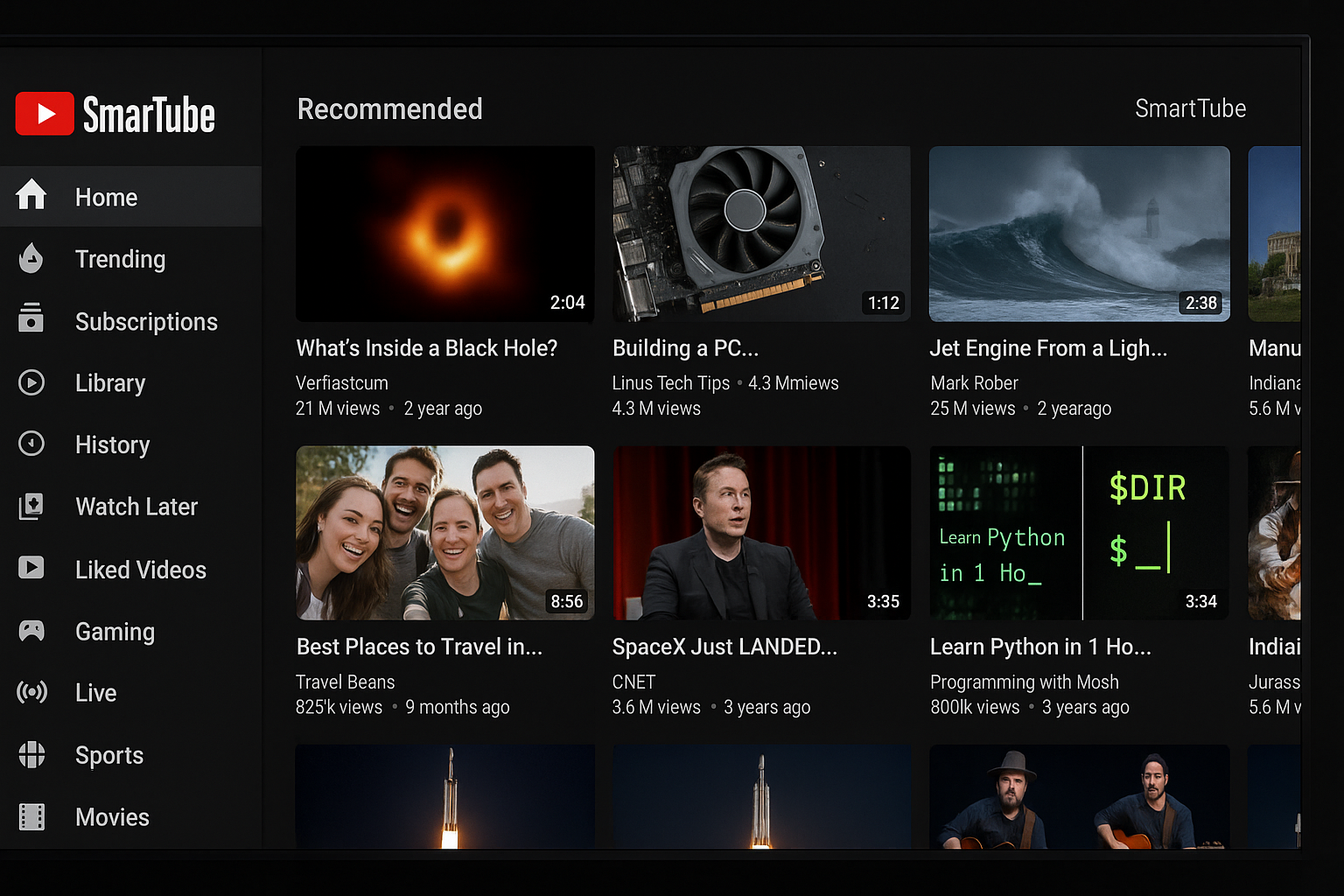
If you have an Android TV or Google TV device, SmartTube is hands-down the best YouTube replacement. It looks and feels like the official YouTube app but without any ads.
How to install SmartTube:
- On your Android TV, go to Settings > Apps > Security & Restrictions
- Enable Unknown Sources for the Downloader app
- Install the Downloader app from the Play Store
- Open Downloader and enter github.com/smarttubeapp/smarttube-releases to find the latest APK download link
- Download and install the APK file
- Sign in with your Google account to sync your subscriptions
SmartTube even includes SponsorBlock, which automatically skips sponsored segments within videos. It’s like having YouTube Premium features for free, but only on your TV.
FreeTube (Desktop)
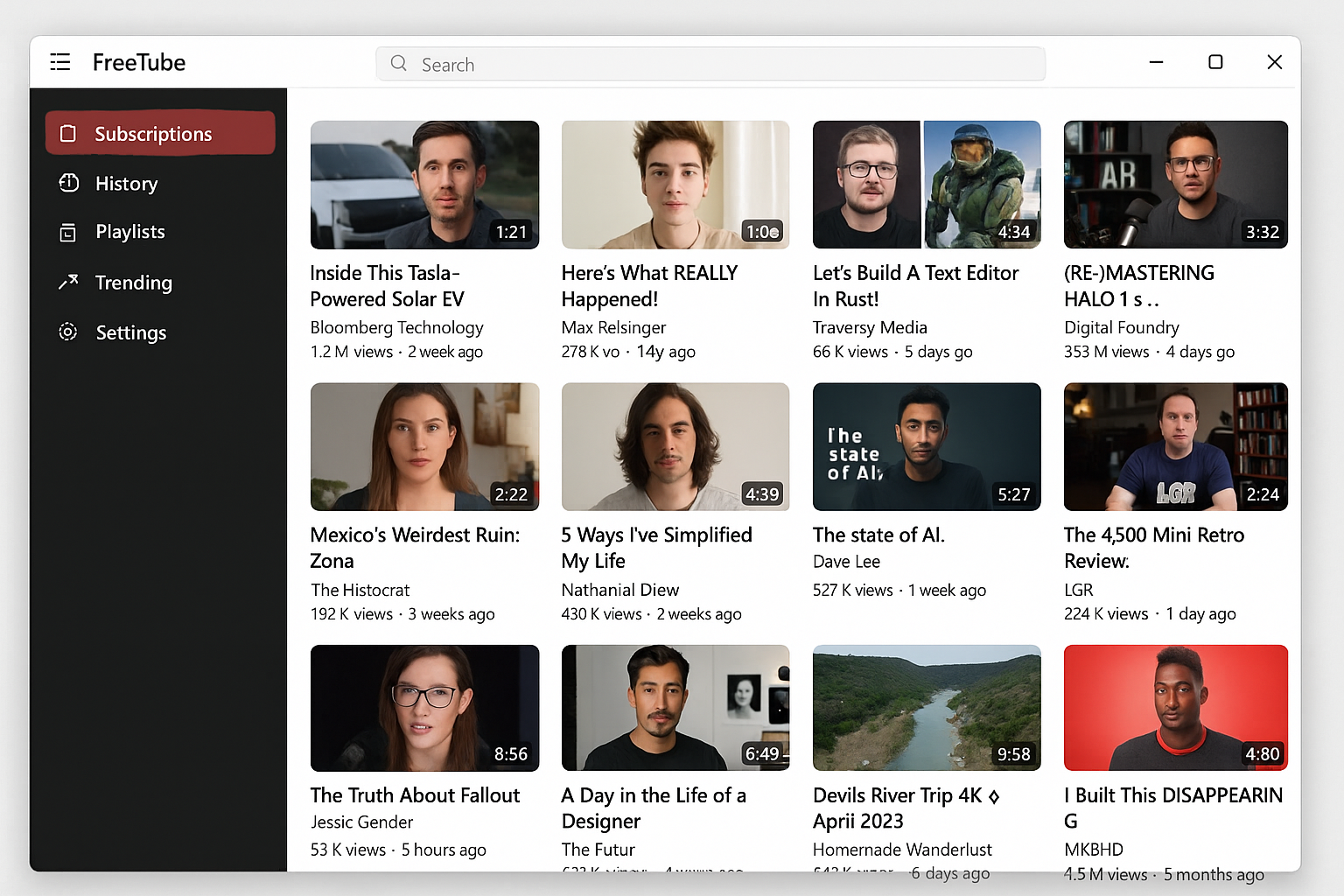
For Windows, macOS, and Linux users, FreeTube is an excellent desktop alternative. It’s open-source, stores everything locally (great for privacy), and blocks all ads automatically.
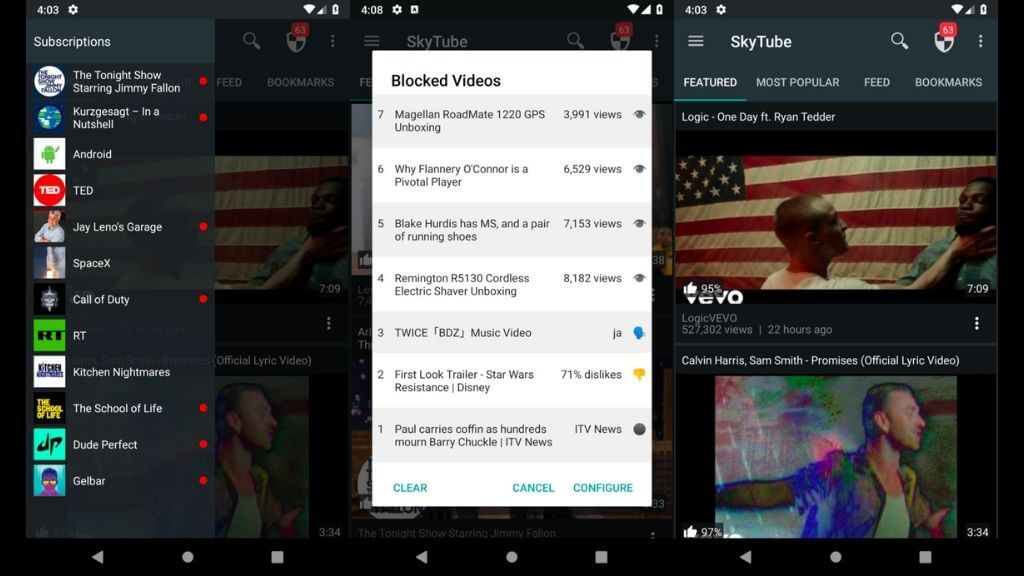
How to get FreeTube:
- Go to freetubeapp.io and download the version for your operating system
- Install it like any other desktop application
- Open FreeTube and start watching — no account needed!
NewPipe and LibreTube (Android)
For Android phones and tablets, NewPipe and LibreTube offer ad-free YouTube with extra privacy features.

Both apps are completely free, open-source, and don’t use any Google code or tracking. You can download them from F-Droid (an alternative app store) or directly from their GitHub pages.
Important note: These apps violate YouTube’s terms of service, and while account bans are rare, they are possible. Proceed with that in mind.
5. Download Videos for Offline Viewing
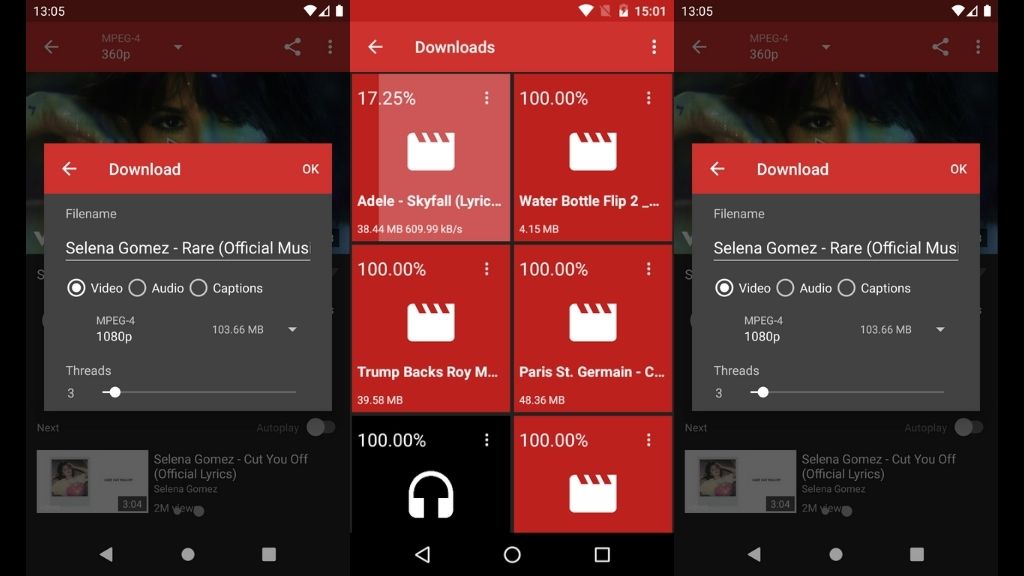
Sometimes the best way to avoid ads is to avoid YouTube altogether. Video downloaders let you save YouTube videos to watch later without any interruptions.
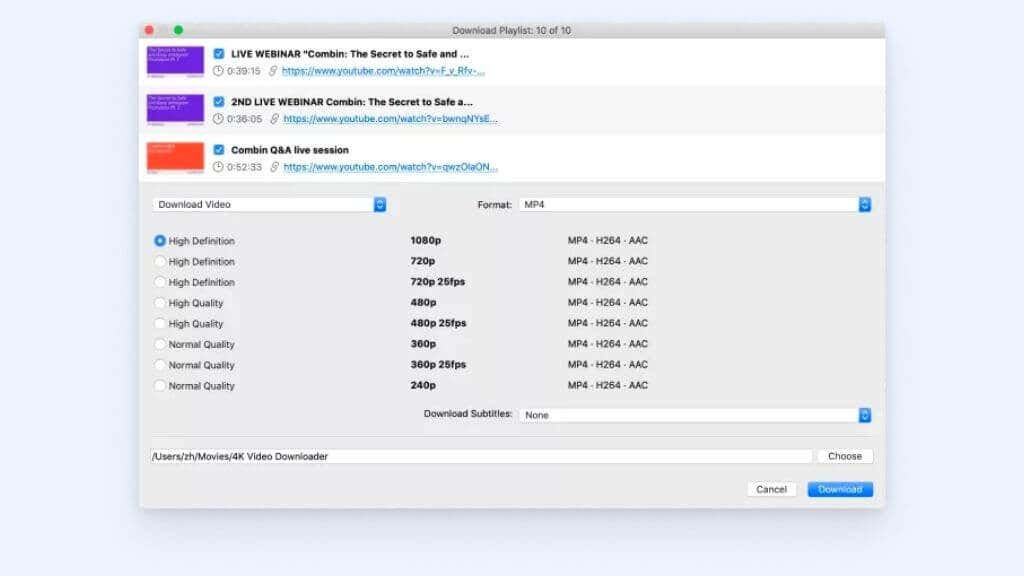
Popular options include 4K Video Downloader and yt-dlp (a command-line tool). Just paste in a YouTube URL, choose your quality, and download the video to watch whenever you want.
Fair warning: Downloading YouTube videos violates their terms of service. It’s also not practical for casual viewing since you have to manually download each video. But for educational content or videos you want to keep permanently, it’s an option.
What Doesn’t Work Anymore (Save Your Time)
Let’s talk about some methods that used to work but are basically dead in 2026:
Browser Extensions (Mostly Broken)
Traditional ad-blocking extensions like uBlock Origin used to be the go-to solution, but YouTube has gotten really aggressive about detecting them. As of early 2026, many users report being blocked from watching videos when YouTube detects an ad blocker.
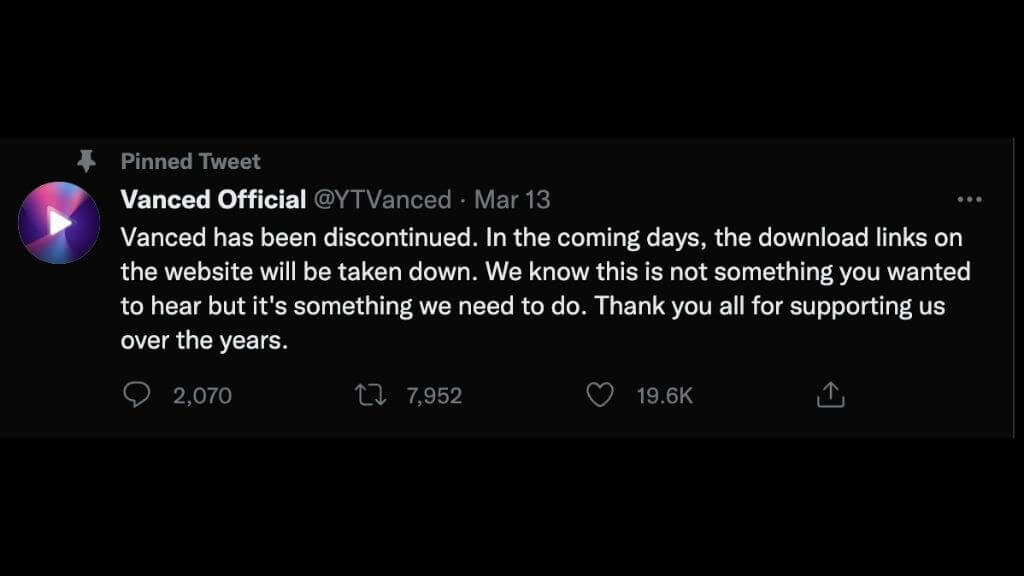
There are still some workarounds floating around Reddit and GitHub, but they require constant updates and technical know-how. For most people, it’s more hassle than it’s worth.
DNS-Based Blocking
Methods like Pi-hole used to work by blocking ad domains, but YouTube now serves ads from the same servers as regular videos. This means DNS blockers can’t tell the difference and end up blocking everything or nothing.

Tips and Troubleshooting
Common Issues
Problem: YouTube shows “Ad blockers violate our Terms of Service” message
This happens when YouTube detects traditional browser extensions. Try switching to Brave browser or using the Albania VPN trick instead.
Problem: VPN method stops working
Make sure you’re using incognito mode and connecting to Albania specifically. Some users report success with other small European countries, but Albania has been the most reliable.
Problem: Third-party apps break after YouTube updates
This is normal! Open-source apps like FreeTube and SmartTube usually get fixed within 1-2 days. Check their GitHub pages or subreddits for updates.
Problem: Can’t sideload apps on Android TV
You need to enable “Unknown Sources” in your TV’s security settings. The exact path varies by manufacturer, but it’s usually under Settings > Apps > Security.
Pro Tips
- Combine methods: Use Brave browser on desktop and SmartTube on your TV for complete coverage
- Keep backups: If you’re using third-party apps, keep the APK files saved in case they get removed from download sites
- Stay updated: Follow the GitHub pages or subreddits for your chosen apps to get updates when YouTube changes things
- Consider the family plan: If multiple people in your household watch YouTube, the Premium family plan ($22.99) might actually be cheaper than multiple VPN subscriptions
Which Method Should You Choose?
Here’s our honest take on each method:
| Method | Best For | Pros | Cons | Cost |
|---|---|---|---|---|
| YouTube Premium | Everyone (especially iPhone users) | Works everywhere, supports creators, includes YouTube Music | Monthly cost | $13.99/month |
| Albania VPN | Desktop/browser users | Works reliably, adds privacy protection | Requires VPN subscription, might get patched | $3-12/month |
| Brave Browser | Casual users wanting simplicity | Free, easy setup, works on mobile too | Browser-only solution; iOS users cannot block YouTube ads | Free |
| Third-party apps | Tech-savvy users, Android TV owners | Free, extra features like SponsorBlock | Requires sideloading, occasional breakage | Free |
| Video downloading | Offline viewing, archiving content | No internet required, permanent storage | Manual process, violates ToS | Free-$40 |
The Bottom Line
After testing all these methods extensively, YouTube Premium is still the most reliable solution if you can afford it. The Albania VPN trick is brilliant for browser users, and Brave browser offers the best free option for most people.
For Android TV users, SmartTube is absolutely worth the sideloading hassle, it’s like having Premium features for free on your TV. And if you’re privacy-conscious, FreeTube on desktop gives you complete control over your data.
The cat-and-mouse game between YouTube and ad blockers will continue, but these methods have proven resilient through 2026. Pick the one that fits your technical comfort level and budget, and enjoy your ad-free YouTube experience!