
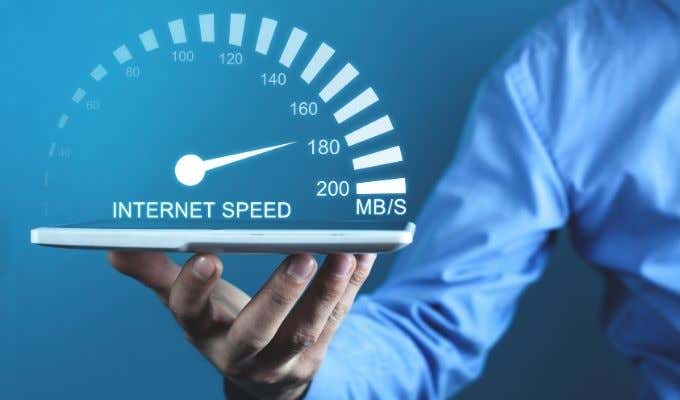
Looking for a way to increase your Internet speed without upgrading your ISP Internet plan? Well, Internet speed can depend on a several factors, both internal to the network and external.
Starting from the operating system, you have the network card, network cable, wireless router, broadband modem, and possibly other devices before you even get out of your house.

Also, this article is meant for users who had previously been browsing at a certain download speed, but now seem to be browsing at a much slower speed. If you perform a speed test on your connection and are getting within 85% to 90% of the advertised speed from your ISP plan, then there really isn’t much you can do. You simply won’t be able to get anything faster than the maximum speed of your ISP plan.
In this post, I’ll talk about the different reasons why your Internet connection may be running slow and what you can possibly do to fix those issues. Some of the issues are going to be out of your control, so I’ll split the discussion into two parts: external and internal.
External Internet Speed Issues
Shared Connections
First and foremost, you are most likely sharing your Internet connection with a bunch of other people. If you’re feeling your connection is slow, make sure to do a speed test at different times during the day and night.
If you see a pattern, it could simply be that congestion is causing the slowdown for not only you, but also everyone else using that same connection to the ISP. Everyone streaming Netflix from 6 PM to 12 AM can definitely cause problems.
Possible Solution: If residential Internet speed isn’t good enough for you, then you can check to see if your ISP provides business Internet to your area. A lot of folks simply choose a business plan, which costs only a little bit more, and gives you much better reliability and speed.
Internet Fast Lanes
Speaking of Netflix, you may notice only certain sites are slow and this is because of the debate around net neutrality. As of now, certain ISPs are charging Netflix fees in order to deliver their content to your computer faster. If they don’t pay up, some ISPs are actively throttling the bandwidth.

Possible Solution: Support Net Neutrality by sending comments to the FCC on the Open Internet filing.
Throttling
The last point brings us to this point, which is that ISPs will throttle certain types of traffic. If you’re wondering why your torrent downloads aren’t super fast, it could be because your ISP can see it and isn’t going to let illegal activity eat up everyone else’s bandwidth.
They’ve gotten so good at it that they can even sniff it out over an encrypted connection like a VPN. Even outside of torrenting, you might get slowed down if you pass a certain data cap. On my parents Cox Cable plan, we found out anything over 200GB in a month was considered high usage and would be throttled.
Possible Solution: Your best bet if you like to torrent is to use a VPN. Depending on the ISP, you may or may not be throttled. Also, you should never torrent without encryption otherwise the MPAA will sue you.
Server Speeds & Location
Even if you have a Verizon FIOS 50 Mbps download/upload plan, it won’t really matter if the server sending you the data can only push it out at 2 Mbps.
If a server is being overloaded or has some other issues that are slowing it down, you might see slower speeds, but only on that particular website. Also, if you’re in the US and trying to connect to a server located in India, for example, you might also find the speed slower.
Possible Solution: Nothing. If you visit a site often and it’s down or loading very slowly, it might be worth figuring out who owns the domain and sending them a polite email. If it’s a government agency of any kind, you’re screwed.
Internal Internet Speed Issues
Now that we covered some of the external factors involved with Internet speed, let’s take a look at the internal stuff. Let’s start at the very beginning: your computer.
Operating System
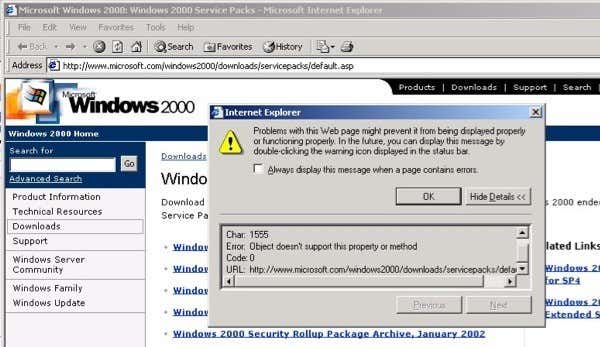
It might sound obvious, but it’s a good idea to be using a modern operating system that can take advantage of the latest networking protocols and services. If you’re still on Windows 2000 or OS X 10.4, then it may play into problems with Internet speed. If you’re still on Windows XP, you should be fine, but you probably shouldn’t be using Windows XP anymore for a lot of other reasons.
The other major things to check for are viruses or malware and have them removed immediately. Viruses and malware tend to communicate with master servers and depending on what kind of data they are stealing, that can slow down your Internet. Check out my post on keeping your computer free of viruses and malware.
Web Browser
The browser you use will end of making a difference in your browsing speed. Depending on your version and brand, it could be significant.
For example, I had a client complaining about all kinds of browsing issues and I upgraded him from IE 7 to IE 11 and everything just went away. IE 11 also supports a lot of web standards, so things run a smoother compared to even IE 10. There are a couple of other things to consider:

1. Might be worth trying a different browser like Google Chrome or Firefox if you’re currently using IE. Tons of sites have Javascript and each browser has their own Javascript engine, some of which are significantly faster than others.
2. Try to disable any additional add-ons, toolbars or other extensions that might be installed in your browser. Add-ons are great, but they can be memory hogs, which will in turn make your computer slow and therefore slow down your browsing speed.
3. Don’t clear the browsing cache and history unless you really need to. Caches and cookies are used to keep from having to request the same data from servers if you visit a website more than once. Yes, cookies can be used to track you also, but it disabling cookies or clearing the cache every time you close the browser will slow things down.
4. If your Internet plan is already pretty slow and you can’t upgrade, then you can try blocking ads on websites to help save on bandwidth.
Network Card
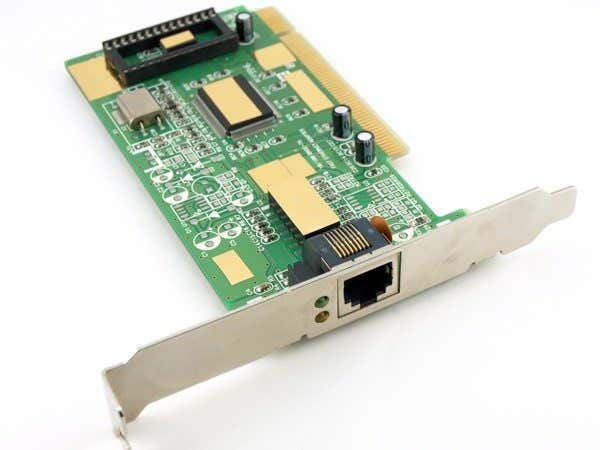
Next up is the network card on your computer. If it’s a wireless card, you can expect speeds to be slower than if you were using a wired Ethernet connection.
Currently, only wireless AC is going to get you speeds faster than 100 Mbps, which is the max speed for a non-gigabit network port. If you have a gigabit router or switch, then even wireless AC still can’t touch 1000 Mbps since it tops out at 866.7 Mbps.
You’re probably wondering why that matters at all when the normal range of ISP speeds are from 4 Mbps to 50 Mbps. Well, since your computer has to talk to your router first before the data gets sent to the Internet, you want that data to be sent as fast as possible.
It’s worth ditching any A/B/G router and upgrading to either N or AC. Tons of devices like all Apple computers, many Samsung phones, etc already have wireless AC built in. Obviously, connecting directly via cable will give you the fastest possible speed without having to upgrade your network card as long as it’s a gigabit port.
Wireless Router
The router you are using can play a major role in your Internet speed. There are several things to consider when we look at the router, so let’s begin.
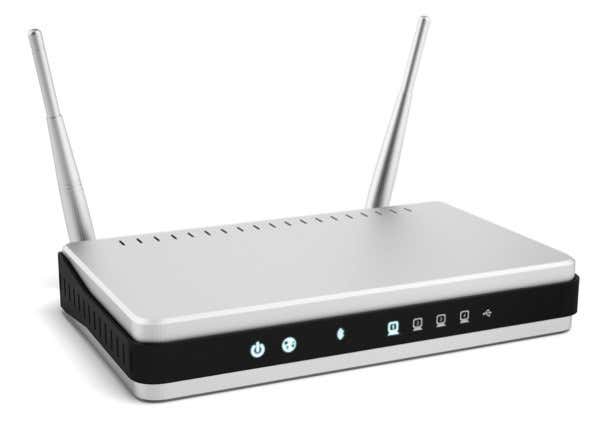
1. If you have an older router, it may not be able to deliver the full speed that your ISP plan provides. If your ISP put in their own router, you don’t have to worry about that particular issue. However, I have noticed with ISP routers that they only last about a year or two before they just become miserably slow. I have always gotten my ISP routers replaced within two years and the speeds always go back up to their original highs.
2. Since most routers still use the 2.4 Ghz range, you probably should try messing around with the channel. Interference at the 2.4 GHz range is a huge problem because of the sheer number of devices communicating over it. You can use a program like inSSIDer (Windows) or WiFi Explorer (Mac) to see all the wireless networks around you and which channels they are using. Adjust your channel so that it doesn’t overlap with anyone else’s if you can.
3. The location and placement of the router also matters quite a bit. In my house, they stuck it into a box in my closet inside the wall! It was the worst possible location for a router. Anyway, you have two options: you can try to boost your WiFi signal or setup a second router that will act as a repeater or extender.
4. Lastly, if your router is not secured properly, other people may be using your bandwidth without you having a clue. Read my previous article on stopping others from using your Internet connection.
Speedier Internet?
Well that pretty much covers everything! I didn’t mention any hacks or tweaks like messing with the TCP registry settings or with your network card setting because most of those speed boosts are just myths and will mess up your connection even more. If you have your own idea, feel free to post a comment. Enjoy!