
If you’re a music lover, there are tons of websites where you can listen to free music online from your mobile phone, tablet, or computer without downloading anything.
With so many options available, you may find it hard to settle on only one or two. Below is a list of 12 sites that will make it easier for you to decide so you can find and play just about any song in the world whenever you want.
Where To Listen To Free Music Online
Spotify
Spotify is one of the leading music streaming service providers with millions of songs listed in its catalog. With Spotify, you can listen to free music online without downloading anything. You only use a web browser on your laptop or an app on your mobile device.
What makes Spotify enjoyable is that you can create playlists and share with others so they can play the same songs, or access curated playlists. You can also create a radio station and Spotify will play recommendations based on your music interests.
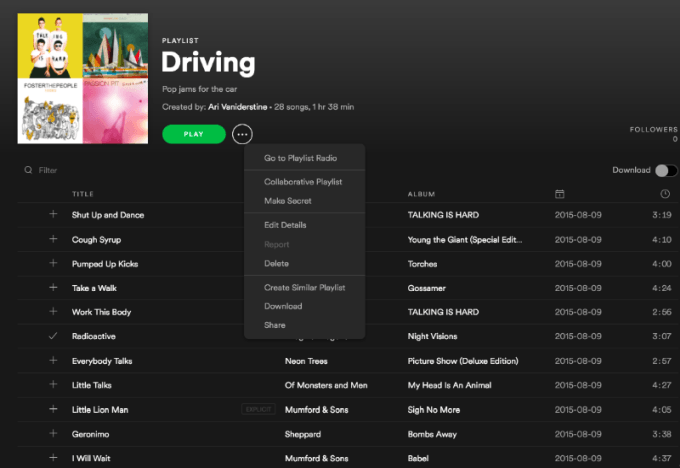
All the music is free, and there’s a wide variety of genres including modern and older music, which you can find by searching for your favorite artists, playlists and albums, or by viewing top lists and new releases. You can add these to a Spotify music library to play them again later.
However, you have to create a user account to use Spotify.
Spotify free shows ads, has lower bitrate, and limits track skips every hour. Plus, you can only pick and play any track on select playlists.
YouTube Music
YouTube Music is another widely used site to listen to free music online. It enables you to access an entire music catalog and is much easier to access as it works with all major platforms.
YouTube Music works just like the regular site, except it’s dedicated to streaming music videos and songs. You can search for and upload your favorite music, craft playlists, listen to preset playlists for specific genres, find categories for kids music, or subscribe to your favorite artists’ channels for updates on new content.
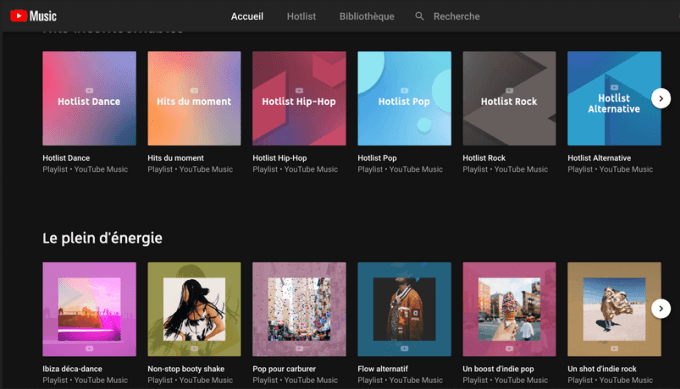
It can also build a playlist based on your music interests, and you can use it on your mobile phone, tablet, or computer. However, YouTube Music, like Spotify, also requires you to sign into your Google account.
If you just want to play music in the background while you work or study, YouTube Music free is a good option. However, you’ll have to put up with ads in between tracks, and you can’t download music, or listen to music in the background.
You’ll enjoy YouTube Music more if you pony up for the paid tier as it offers ad-free music, allows you to download tracks, and play music in the background.
Pandora
Pandora is one of the oldest platforms to stream free music online. Besides the millions of songs in its catalog, it boasts lots of features including podcasts, artist tour information, and album commentary among others to compete with rival services.
You can explore the music for free with or without a subscription, create up to 100 personalized stations, and play music on demand. It also learns the music you like as you listen and rate the songs. It then adapts to your tastes so as to play more of what you like.
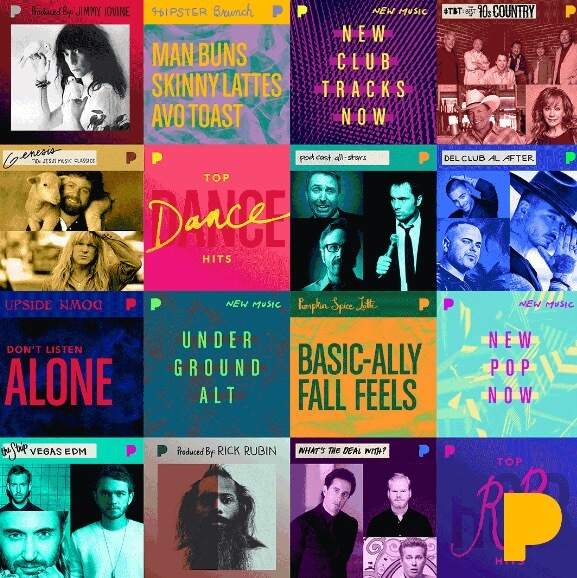
If you love to customize your music listening experience, Pandora is an ideal place to find your favorite songs and artists, and discover music that’s similar to what you already like.
Pandora works on multiple devices, but there are some differences between using the free and premium versions of the service.
With Pandora free, you can listen to music and create personalized stations. It also offers unlimited track skips only if you watch the video ads. The paid tier – Pandora Plus – offers ad-free music, unlimited personalized stations, unlimited skips and replays, and up to 4 stations for offline listening.
Mixcloud
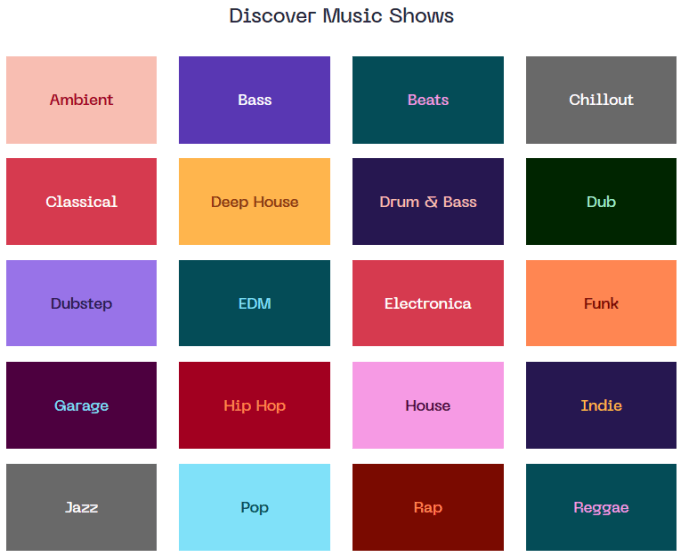
Audio-streaming platform Mixcloud used the ‘interactive radio’ approach to grow as a platform for podcasts, millions of DJ mixes and radio-style shows put together by DJ’s and radio presenters. Listening was free, but there were rules around what could or could not be uploaded in mixes, and they could pay royalties to the content creators for the music used in the content.
Like other free music sites online, you can create playlists, access long-length audios, music mixes, and radio shows for free. If you want, you can sort the content by genre, mood or searchable tags, and listen to it from your mobile device or computer.
However, the free playback streaming experience limits users in several ways. You can’t listen to shows featuring more than three tracks from one album or four tracks by the same artist.
Plus, you can only seek forwards if you’re listening to a show, and you can only listen to the same show for a maximum of three times in a rolling two-week window. It’s also ad-supported and you can’t listen to specific songs on-demand.
AccuRadio
AccuRadio is a free online music streaming service that lets you browse for stations or pick any that you want if you don’t know what you’re looking for. Unlike the other services on this list, it’s curated by humans rather than algorithms or bots, and you can skip songs an unlimited number of times.
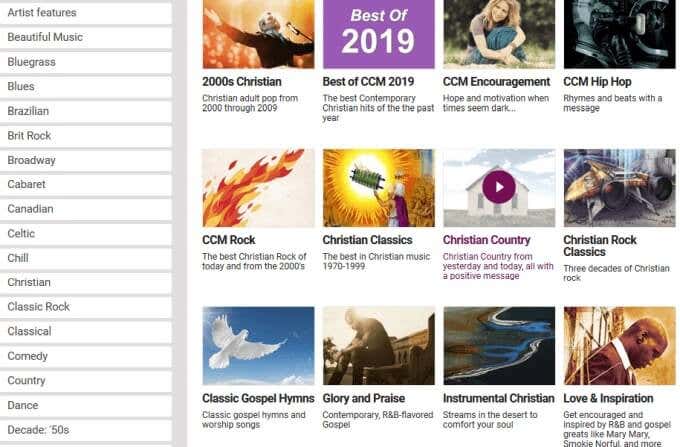
You don’t need a user account to use the service, but if you want fewer ads, you can sign up for a free account, and then customize your channel based on your music interests, or save them as your favorites. There is no premium, ad-free version of Accuradio available.
Deezer
Deezer has one of the largest music catalogs, with tens of millions of songs you can listen to for free. It has lots of radio stations, genres, and fun pre-made mixes. You can also play individual songs or full collections, create playlists and add your music to them or share with others.
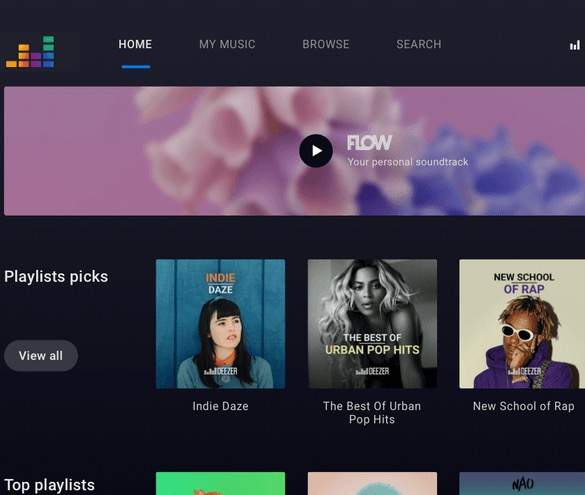
You can also use Deezer’s music discovery tool to find new music based on your likes and enjoy them from any mobile device or computer. Like other free music streaming services on this list, it’s free tier is ad-supported, and doesn’t stream music in high definition (HD) quality.
Jango
Jango has a massive library of songs you can listen to for free without downloading or signing up. You can create your own internet radio station by searching for your favorite artists or browsing stations by genre or decade, and then share them with others.
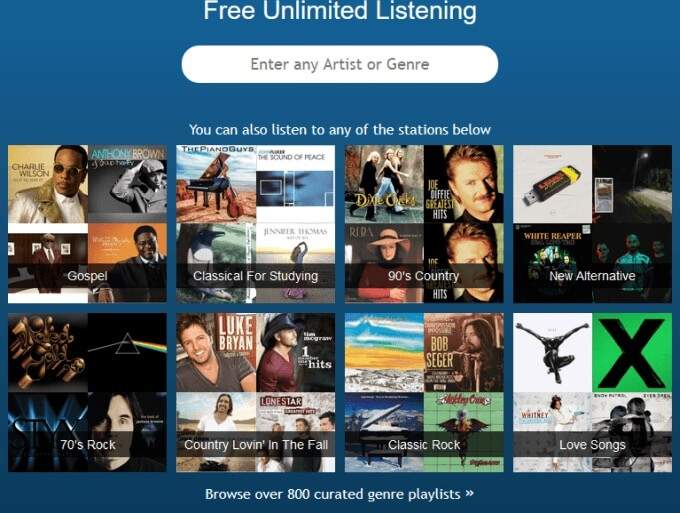
It also suggests similar artists and songs based on music that you like, lets you listen to other users’ stations, and you can ban the songs you don’t want to show up in your stations.
You’re free to jump between songs in its collection, but you can’t skip to a specific spot on the track. Plus, if you want to play a specific song, you can search for it, though Jango will play the full YouTube video instead of an audio track.
SoundCloud
SoundCloud has been on the music scene since 2007 when social media sites like Facebook and others were taking off. It’s one of the best sites to listen to free music online without downloading. You can find upcoming artists, mixtapes from DJs, and demo tapes from musicians.
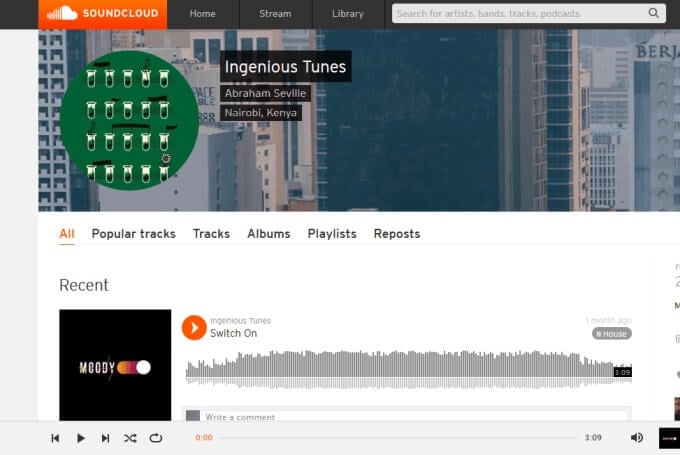
You can also share your own music creations with others, access unlimited playlists, and if you have an account, you can access all your songs from the website and the mobile app. It doesn’t include most of the songs on other music streaming sites though.
StreamSquid
StreamSquid streams audio from YouTube without the videos. From a usability standpoint, it has fewer restrictions compared to other services. You can skip unlimited tracks, create playlists and a library of your favorite tracks, access your listening history, and play any songs.
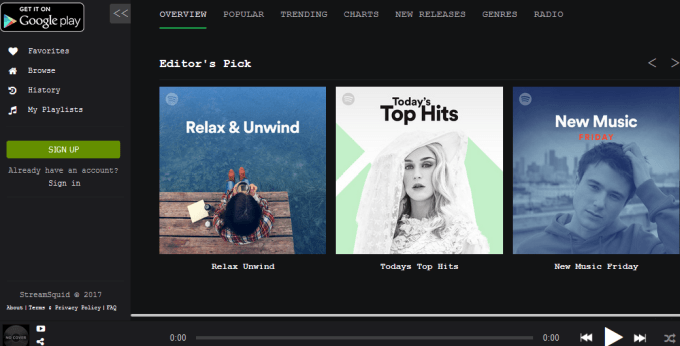
Although you can play all songs from the search results and browse top charts from different countries, you can’t import the YouTube playlists to your own collection.
LiveXLive
LiveXLive also lets you stream music for free online but it’s popular for streaming live festivals and events. You can create custom radio stations around your music interests based on different genres, artists, or songs, and find stations made by other users.
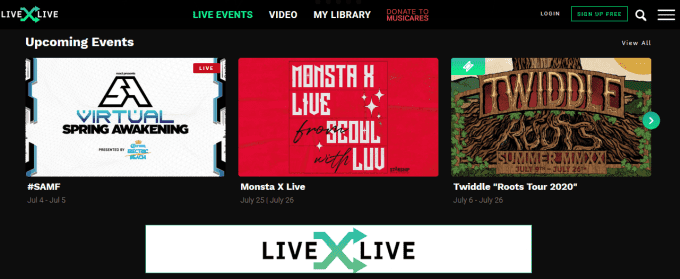
The free version doesn’t let you pick the songs you want to play. It’s also ad-supported, lacks offline music playback and HD quality audio, and limits your track skips.
MusixHub
MusixHub is another source of unlimited free music that streams songs from a variety of genres like rock, punk, rap, and pop alongside YouTube music videos all on one platform.
It gives you free, easy, and unlimited access to the music you like from your favorite artists, which includes live performances, latest videos, full albums, and interviews among other content.
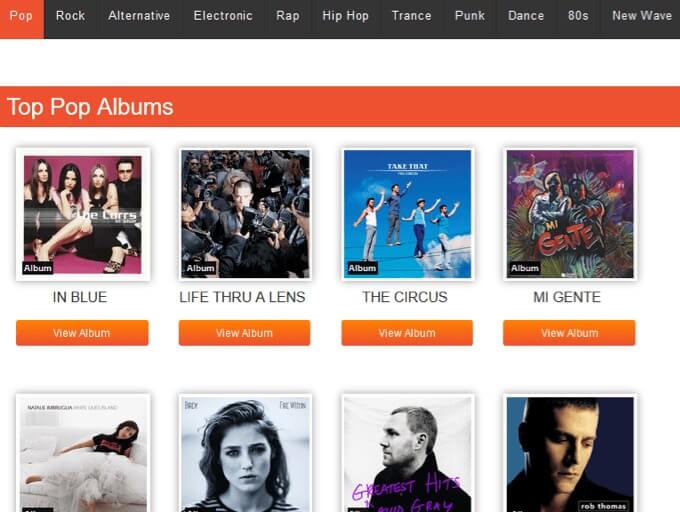
It lists all the songs from your favorite playlist on the side so you can choose the ones you want to listen to, and you don’t need to sign up to use the service. You can replay the songs as much as you want and skip to any part during a song.
However, when you search for a song, it doesn’t show the individual track you searched for but brings up playlists instead. It also tends to lag a bit because it shows both audio and video on the same platform.
Dash Radio
Dash Radio is an internet radio website that offers a variety of radio stations in different genres, which you can share via email or on social media with your family or friends. You can stream free music by finding a station by your favorite genre, and add it to your dashboard to access it later on.
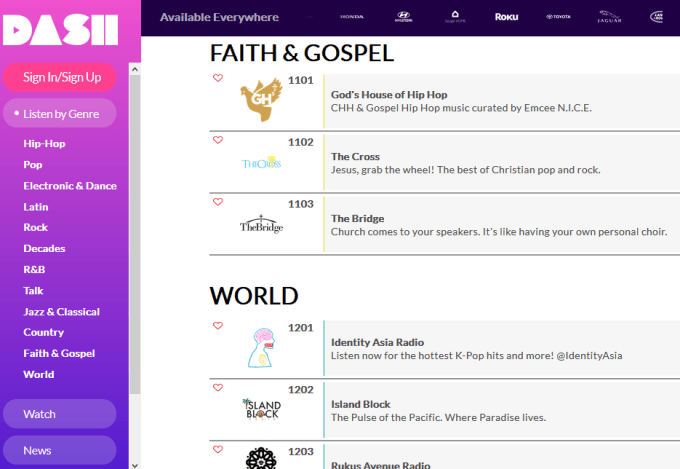
You can use it on the web or from the mobile app, but the selection of genres is limited, and some have as little as two radio stations.
Enjoy Your Favorite Tunes
All of these sites allow you to listen to free music online without downloading. Whether it’s a single track or full album, playlist or radio station, you can find music from different genres and artists, and even share with others.
The majority of these services are ad-supported, but you still get to enjoy your personal music library, discover new or upcoming artists, and save money too.
Did your favorite site for free music make the list? If not, tell us about it in the comments below.