
YouTube is the biggest public streaming platform in the world. Anyone can start a channel (Online Tech Tips has a YouTube channel too!), make content and then share it with the world. YouTube has grown into a viable business model for many people, letting them earn substantial amounts of money while doing something they love.
Where does the money come from? Advertisements! That’s right, almost every YouTube video displays one or more adverts, with the revenue going to both the creator and YouTube itself. Now however, the YouTube Premium subscription service has changed that dynamic completely.
But what is YouTube Premium? Should you sign up for it?
What Is YouTube Premium?
YouTube Premium is a paid subscription service similar to Netflix or Amazon Prime Video. However, unlike those services you can get access to most of the videos on YouTube for free. So what exactly do you get if you pay the asking price for this souped-up YouTube experience?
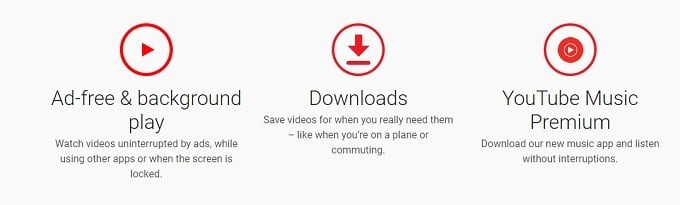
These are the main features:
- No advertising.
- YouTube Originals.
- YouTube downloads and background playback in the app.
- Access to YouTube Music Premium.
- Ad-free YouTube Kids with downloads.
It might not be immediately obvious why some of these features may be worth the money, but we’ll unpack each one to demonstrate why they are (or aren’t) a good reason to get YouTube Premium.
The Ad-Free YouTube Experience
In our opinion, this is by far the number one reason to be a YouTube Premium subscriber. Using YouTube without the constant assault of advertising is a revelation.
If you only watch the occasional clip this might not be something you really notice. However, most of us in the tech blogging world are very heavy YouTube users and after the third, fourth and fifth ad-break in a longform video most people will be grinding their teeth! Once you’ve experienced YouTube with no advertising at all, it’s incredibly hard to go back.
If YouTube adverts really annoy you, there’s no real need to read further. For you this service is already worth it.
Original Content
What’s less appealing is YouTube’s offering when it comes to original content. This is of course largely a matter of personal taste, but we didn’t find any “must watch” content among the slim pickings filed under “YouTube Originals”.

There’s a categorized list of YouTube Originals on Wikipedia if you want to see exactly what’s on offer, but it’s not a particularly long one.
Downloading Videos With The YouTube App
Depending on where you live in the world, you may already have the ability to download YouTube videos using the YouTube mobile app. YouTube opened this feature up to developing nations for free a while ago, but if you aren’t in one of these designated countries, you’ll have to pay for the privilege.
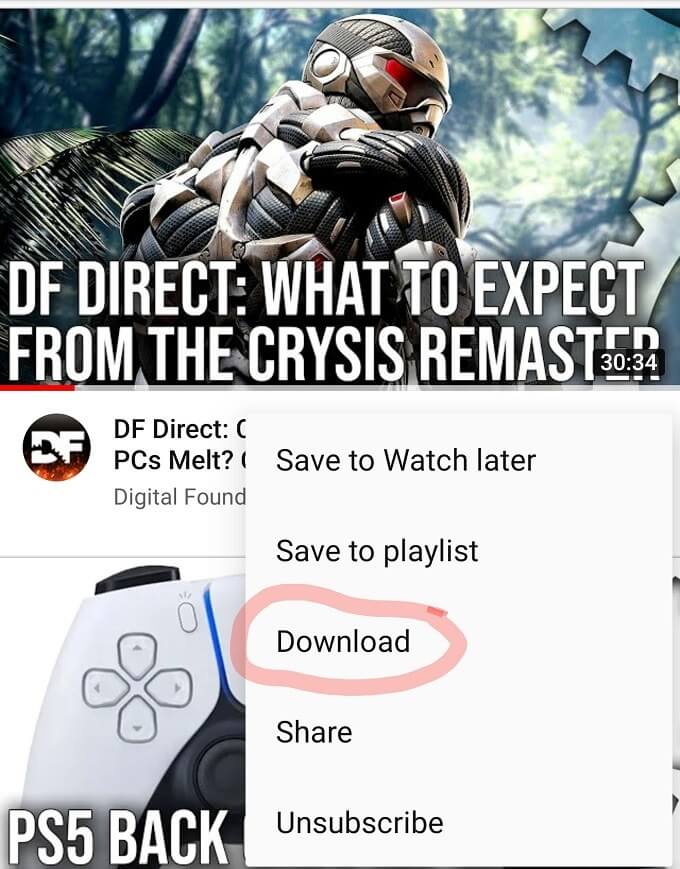
As a YouTube Premium subscriber, you’ll now see a download button under a video in the YouTube app. You can use this button to download the video to your phone or tablet’s local storage. This is useful for downloading videos while on WiFi and then saving your mobile plan data later. It’s also useful if you want to watch videos on a plane or in the subway.
You only need an active internet connection every 30 days to renew the licence on downloaded videos, so you can use this feature while out in the wilderness or any other situation where you won’t have internet for long periods of time. It’s a neat feature, but it does feel a little cheeky of YouTube to put this behind a paywall.
Letting Videos Play In The Background
Speaking of cheekiness, paying for YouTube Premium allows you to listen to YouTube videos in the background while switching to other apps. Almost as if it were a podcast.
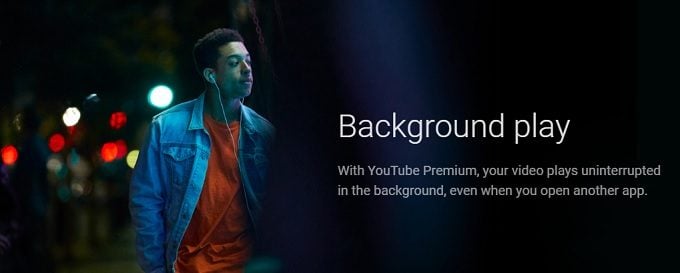
This is another feature where YouTube has no real reason to hide it behind the paywall, other than to bulk up the list of premium benefits. How much use anyone would get out of this feature also depends on the sorts of content you watch. Most people would prefer to pause their videos if they have to switch to their mail app or browser.
YouTube Music Premium Is An Amazing Deal
Music streaming is now most likely the future and there are plenty of providers to choose from. Apple Music, Spotify and Pandora are but three big names in the music streaming game.
YouTube Music Premium offers its own dedicated mobile app and had its own section in the Samsung TV YouTube app we tested it with. On desktop systems only a web interface is available at the moment, so music downloads are restricted to mobile devices.
Compared to industry leaders such as Apple Music, our first impressions are that YouTube Music lacks some polish overall, but it’s a perfectly good streaming platform and it’s included in the price of YouTube Premium.
That makes it tempting to cancel an existing music-only service in favor of getting YouTube Premium with Music Premium thrown in. You can get YouTube Music Premium as a standalone service, but that only saves you $2.
YouTube Kids Is Included
There have been plenty of controversies regarding children’s content (and fake children’s content) on YouTube, which is partly why the YouTube Kids app exists.
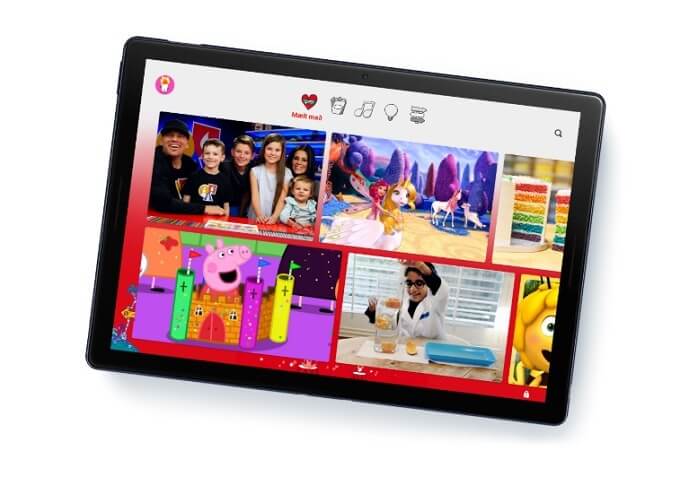
If you have children and they watch YouTube Kids, then you’ll be happy to know that they also won’t have to see advertising. This may actually save you even more money given all the toy adverts they won’t see.
What Does YouTube Premium Cost?
The pricing of YouTube Premium varies from one region to the next, but in North America you’ll pay $11.99 for a single-user subscription and $17.99 for a family plan which can include five people in your household. Each person gets their own YouTube Premium and Music subscription, so it’s a massive saving.
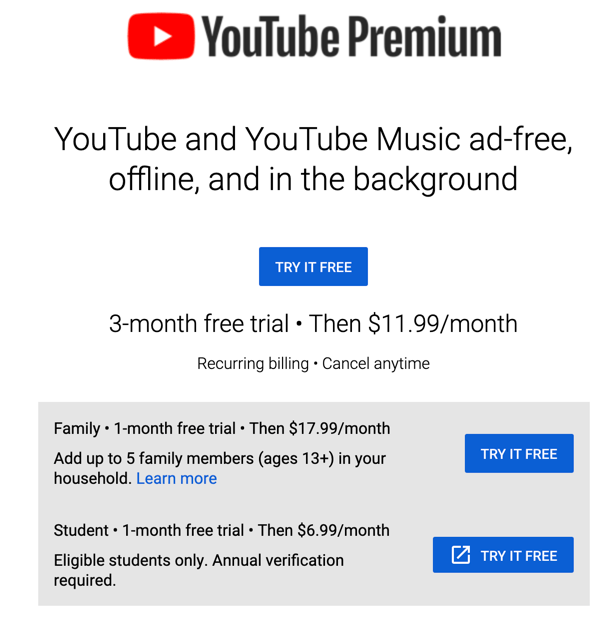
As mentioned a little earlier, the music-only option is $9.99, which makes absolutely no sense for virtually everyone except for the one person who wants music, but never watches YouTube.
Who Is YouTube Premium Right For?
In general, we think that YouTube Premium represents excellent value for money, especially when it comes to the family plan. Whether it’s worth your money is a different question. If you fit one of these use cases, you probably want to look at YouTube Premium seriously:

- You watch YouTube on a daily basis.
- You often have no internet or expensive mobile data.
- You watch content that can be listened to instead.
- You’d like to listen to YouTube’s vast music library ad-free.
Any one of these use cases are good enough to make the price tag on YouTube Premium worth it. In fact, you don’t even have to put down money to give it a try. At the time of writing YouTube is offering a one-month trial, so you can see for yourself whether this higher-end YouTube experience is something you’d want to commit to.