
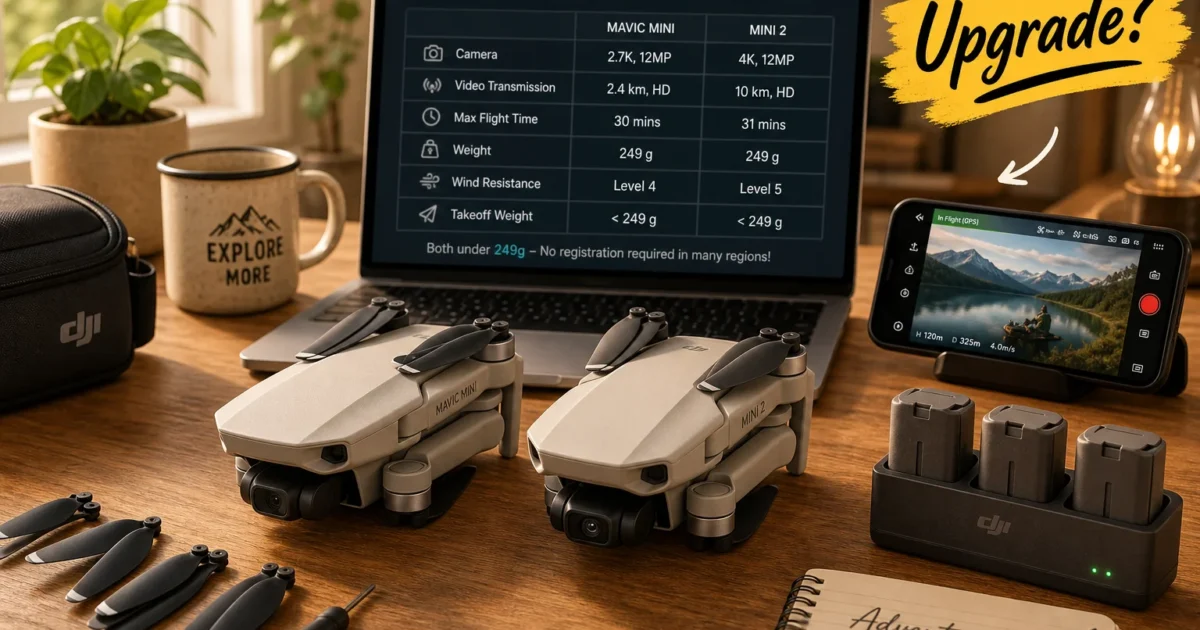
If you’ve had a Mavic Mini sitting in your bag for a while and the DJI Mini 2 has caught your eye, it’s worth a proper look. The Mini 2 improves on the original in almost every area: better camera, better signal, better handling in the wind. That part is straightforward.
The fuller picture in 2026 is a bit more nuanced. DJI’s sub-250g lineup has grown a lot since both of these launched, and whether the Mini 2 is the right upgrade, or whether you’d be better off going further up the ladder, depends on what you actually need from a drone.
Why the Sub-250g Weight Still Matters
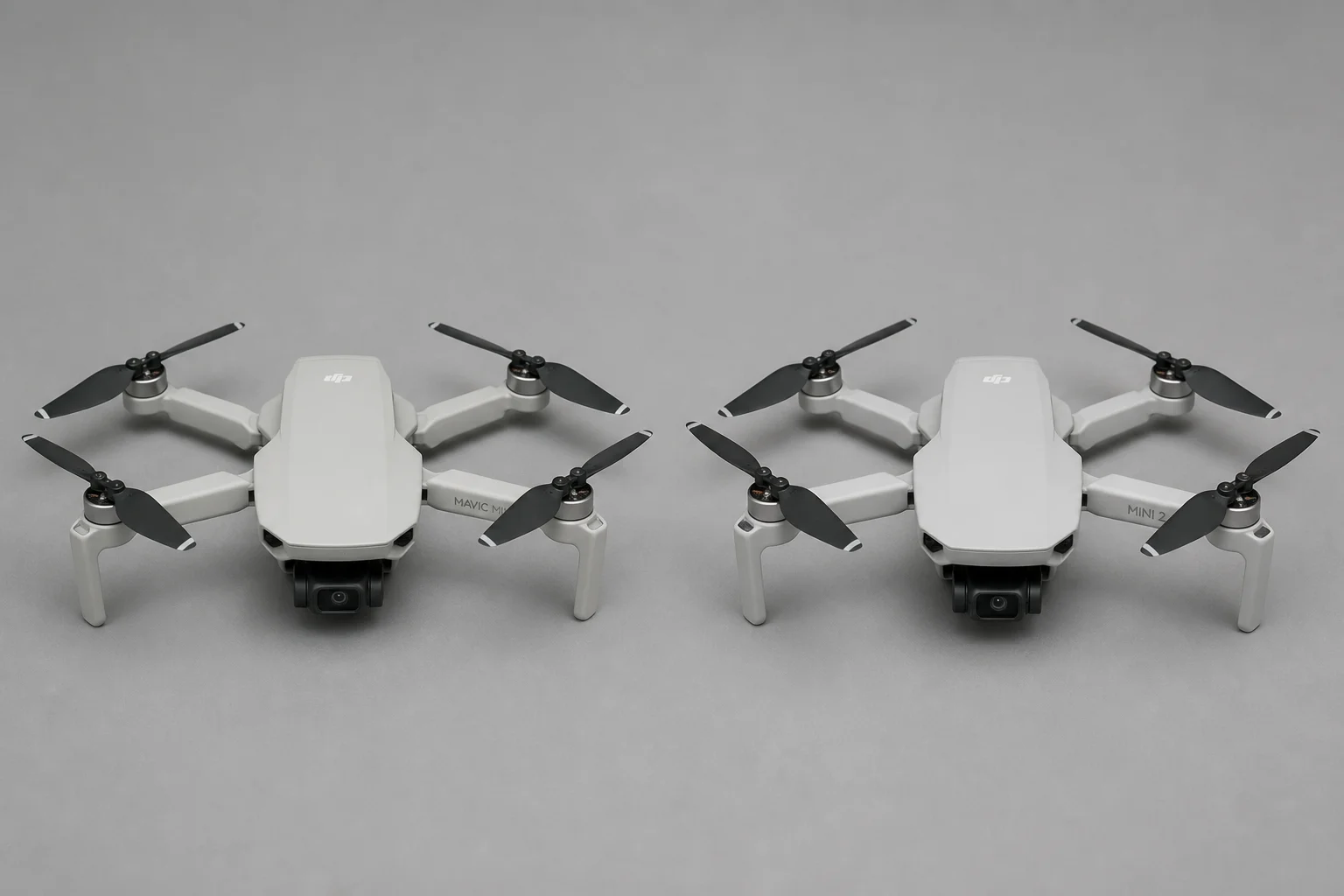
Both drones weigh under 250g, and DJI made sure you knew it. The original Mavic Mini shipped with a “249g” sticker on the body, partly practical, partly just a bit smug (which, fair enough).
In many countries, drones under 250g carry lighter registration requirements and fewer operational restrictions than heavier models. The rules vary quite a bit by jurisdiction, so check what applies where you fly, but the weight advantage is still real, and both drones have it. Every newer Mini-series model DJI has released also targets that same sub-250g threshold, so upgrading doesn’t cost you that benefit.
DJI’s official introduction to the Mini 2 is worth a watch if you want to see the camera quality for yourself.
Where These Drones Fit in 2026
The Mavic Mini launched in 2019 and the Mini 2 in 2020. Both still fly fine, but DJI’s sub-250g lineup now looks like this:
- Mavic Mini: 2.7K video, Wi-Fi transmission, JPEG photos only. Discontinued in most markets.
- DJI Mini 2: 4K/30fps video, OcuSync 2.0 transmission, RAW + JPEG photos.
- Mini 2 SE: Budget option. 2.7K camera, but with an OcuSync-class link. Often the recommended entry point for new buyers on a tight budget.
- Mini 4K: Roughly Mini 2-level camera specs with a handful of newer additions.
- Mini 3 / Mini 3 Pro: Vertical video, obstacle sensing on the Pro version, more advanced flight modes.
- Mini 4 Pro: The current top of the sub-250g range. Obstacle avoidance, advanced subject tracking, actively developed.
The core Mavic Mini vs Mini 2 comparison is still valid. Mini 2 is a clear improvement. But depending on budget and use case, jumping straight to the Mini 3 or Mini 4 Pro might make more sense than stopping at Mini 2.
Camera: 2.7K vs 4K (and RAW Photos)
The headline upgrade: 2.7K on the Mavic Mini vs 4K/30fps on the Mini 2, recorded at 100 Mbps.
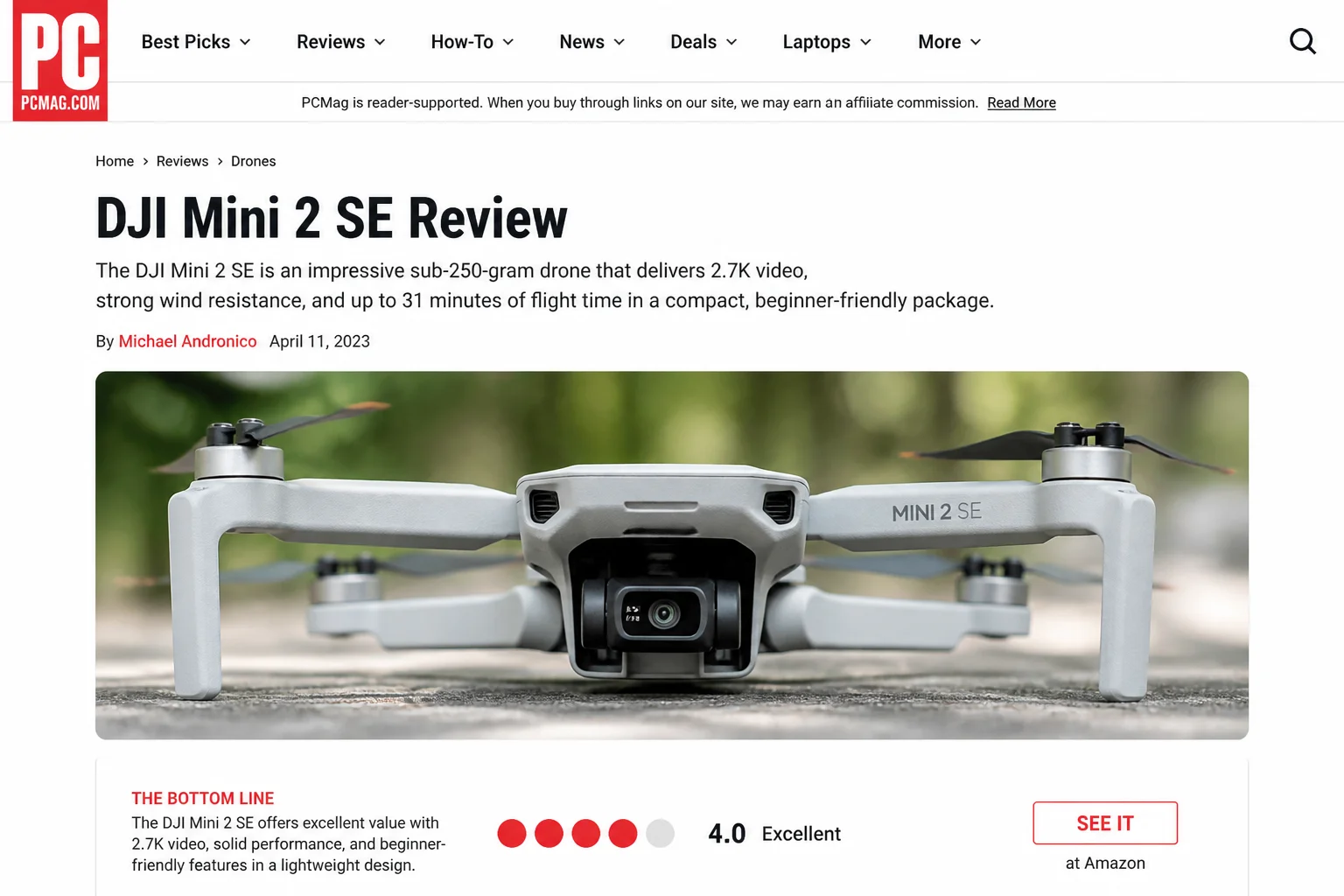
2.7K footage works well for 1080p output. There’s enough resolution to reframe a little, and it looks sharp enough for most playback situations. Take that same footage into a 4K project and it starts looking soft. Mini 2 gives you clean, proper 4K with real headroom to crop, correct, and cut without losing quality.
The other camera upgrade that doesn’t always get the attention it deserves: RAW photo support. The Mavic Mini saves only JPEGs, processed in-camera before you ever touch the file, with a fair amount of original image data already discarded. RAW keeps everything: full highlight and shadow detail, complete color information. If you do any editing of still photos, this is a meaningful difference. (If you mostly just hit record and post straight to social media, JPEG is fine. But once you’re doing anything more deliberate with the footage, RAW opens things up considerably.)
Rounding out the camera upgrades: 4x digital zoom in video mode, with up to 2x lossless in 1080p. Handy when you want a tighter shot without flying the drone closer to your subject.
Signal: Wi-Fi vs OcuSync 2.0
The signal upgrade is the one that changes how flying actually feels day to day.
The Mavic Mini connects over standard Wi-Fi. In a field with nothing else around, that works fine. In a city, or anywhere with a lot of competing signals from routers, phones, and other devices, things get unreliable. The video feed stutters, commands feel sluggish, and you end up watching the signal indicator instead of thinking about the shot. Like trying to make a phone call in a crowded stadium: technically possible, frequently frustrating.
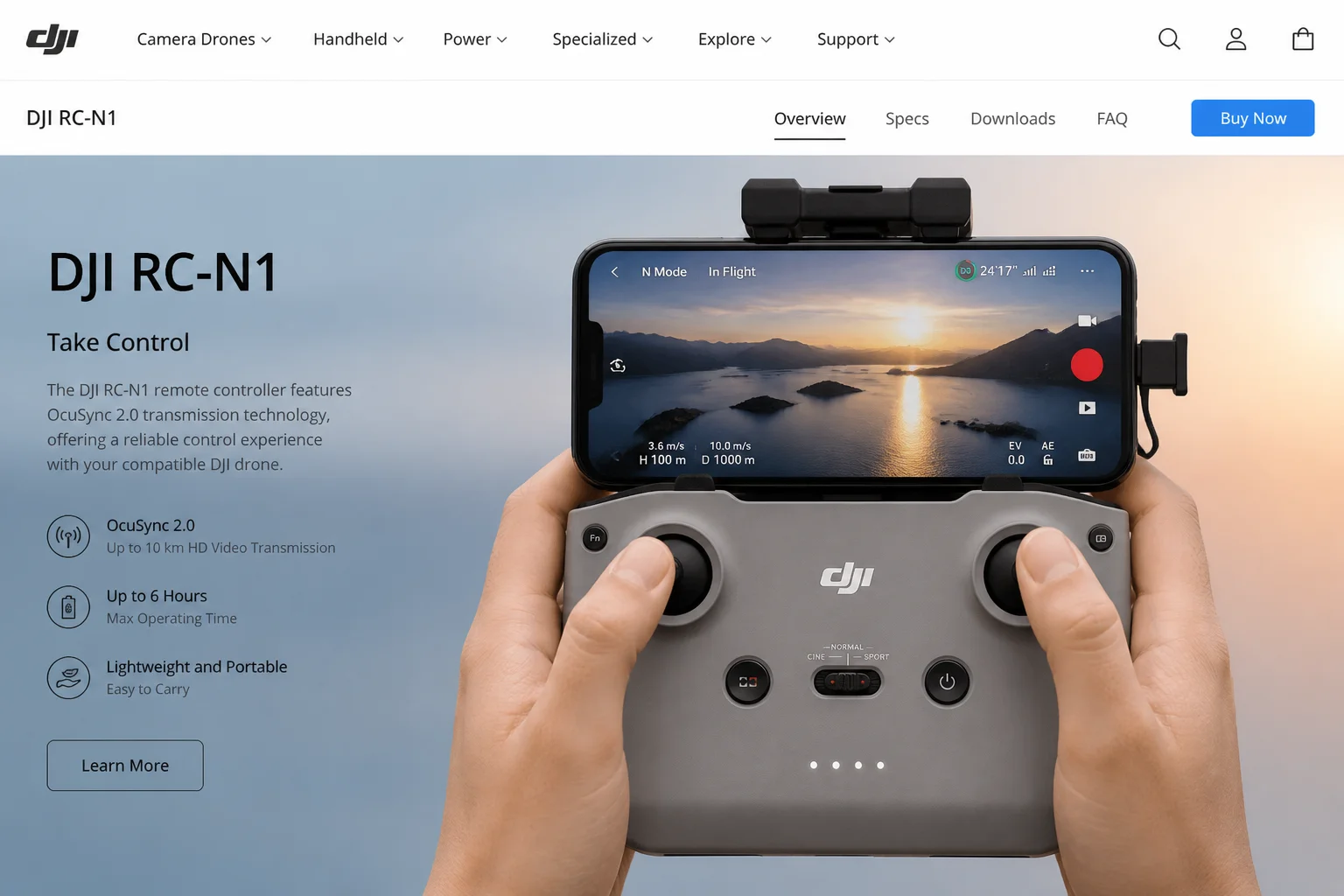
The Mini 2 uses OcuSync 2.0, DJI’s own transmission system. It handles interference far better than Wi-Fi and extends the maximum range from around 4km to up to 10km under FCC conditions. You’re probably not flying 10km out (seriously, don’t), but the real-world benefit is a stable, low-latency feed in busy environments where the Mavic Mini would be dropping out.
For anything you can only film once (an event, a one-off action shot, anything without a second take), OcuSync is worth a lot. A choppy connection at the wrong moment is a missed shot.
Wind Resistance and Flight Performance
The Mavic Mini is rated at Level 4 wind resistance and tops out at 13 m/s (about 29 mph). It handles calm conditions well enough. In anything gustier, you start fighting to hold position, and return-to-home in real wind can feel more anxious than it should.
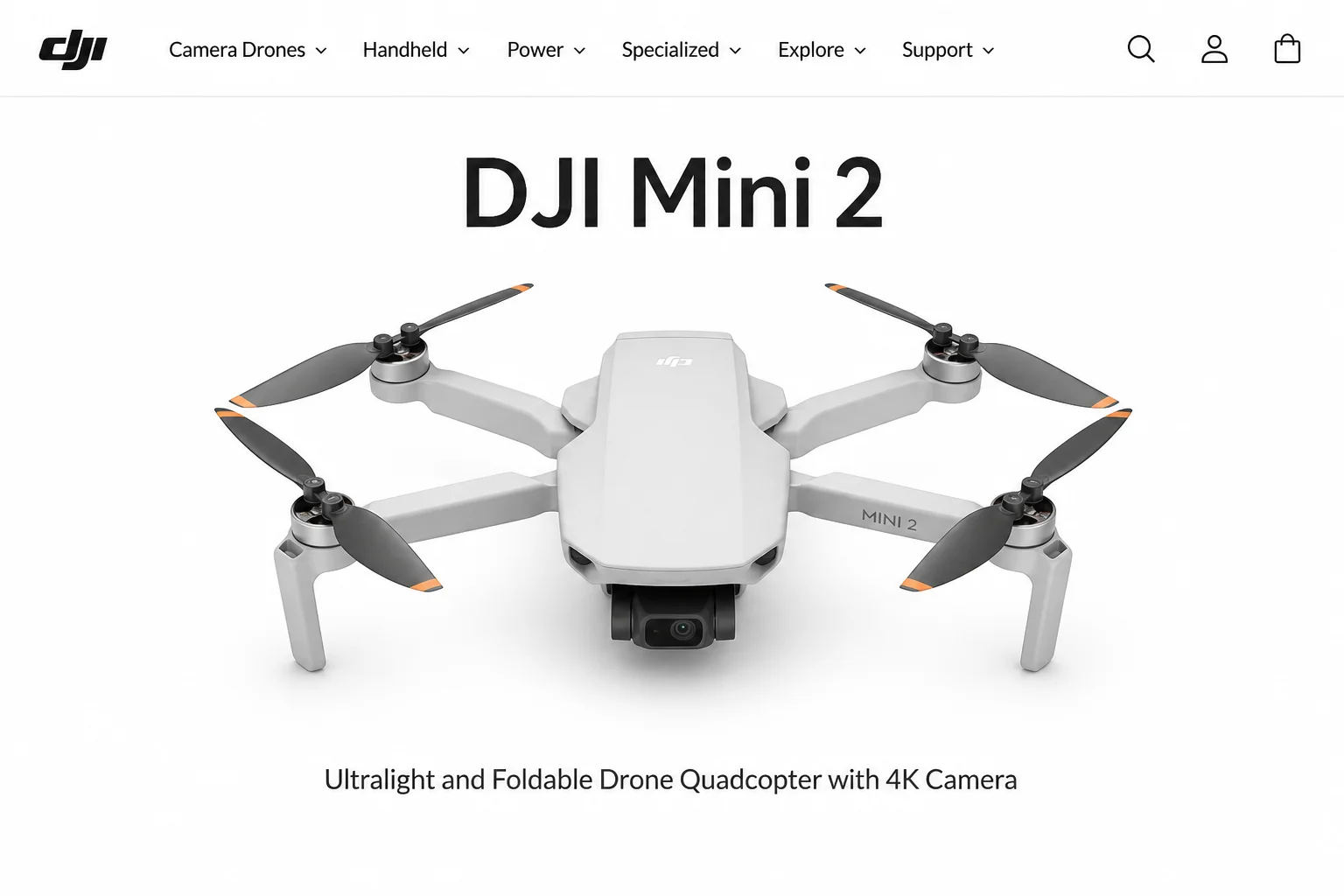
The Mini 2 steps this up to Level 5 wind resistance and a top speed of 16 m/s (about 35.7 mph). One extra level sounds minor, but the practical effect is real: more flyable days, more confident positioning in a breeze, and a drone that can actually keep pace with fast-moving subjects like cyclists, vehicles, and action sports. If the Mavic Mini has ever felt like it was getting pushed around more than you’d like, the Mini 2 handles that noticeably better.
Flight time is roughly the same on both, around 30 to 31 minutes in calm conditions. The stronger motors don’t cost you battery life, which is a nice trade.
QuickShots and Flight Features
Both drones support DJI’s QuickShots: automated cinematic flight paths that include Dronie, Circle, Helix, and Rocket. These are genuinely well done on both drones. One tap and the drone executes a smooth, polished move that would take real practice to fly manually.
The Mini 2 adds Boomerang to the QuickShots lineup (an oval arc that sweeps out and around you, then returns) and brings 4K Hyperlapse into the mix. Hyperlapse at full 4K resolution is satisfying for cityscapes and sunsets, and it looks noticeably better than lower-resolution versions.
Both drones run through the DJI Fly app. Keep it updated; DJI pushes refinements regularly, and the update prompt comes up as soon as you power on the drone, so there’s no good excuse for flying outdated software.
Should You Upgrade?
Here’s the straight breakdown depending on where you’re starting from.
Stick with the Mavic Mini if:
- You fly casually and your current footage and signal quality have been working fine.
- You’re shooting for personal use: trips, family moments, social media clips.
- The upgrade cost doesn’t feel justified for the flying you’re actually doing.
Upgrade to the Mini 2 if:
- Signal drops and a choppy feed have been genuinely frustrating you.
- You want 4K video or RAW photos for editing and color grading.
- You do any content creation where reliability and image quality matter, even occasional paid work.
- You want more confidence flying in windier conditions.
Consider Mini 3 Pro or Mini 4 Pro if:
- Obstacle sensing or advanced autonomous tracking is on your list.
- Vertical video for Reels or TikTok is part of your workflow.
- You want a platform DJI is still actively adding major features to.
| Situation | Best option |
|---|---|
| Happy casual flyer | Keep the Mavic Mini |
| Frustrated by Wi-Fi signal drops | Upgrade to Mini 2 |
| Photographer who wants RAW support | Upgrade to Mini 2 |
| Budget-conscious content creator | Mini 2 is a solid pick |
| Want obstacle sensing or vertical video | Mini 3 Pro or Mini 4 Pro |
Starting From Scratch in 2026?
If you don’t own either drone and you’re comparing them as new purchases, the original Mavic Mini is a skip. It’s discontinued in most markets, capped at 2.7K and JPEG, and not receiving any meaningful new features. There’s no good reason to buy into that platform now.
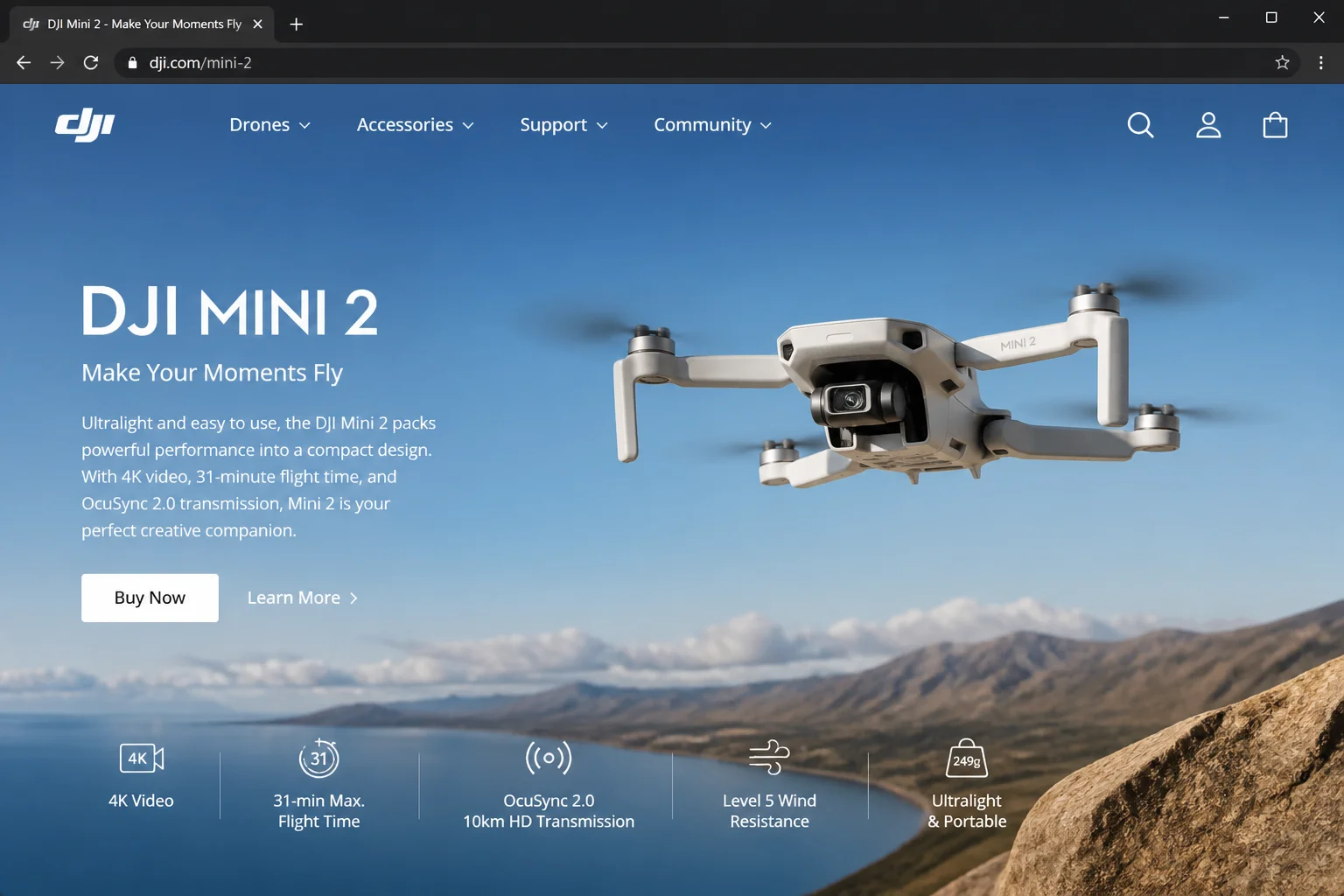
The DJI Mini 2 is still a smart pickup for buyers who want 4K, RAW support, and OcuSync reliability without paying for the newer models. On a tighter budget, the Mini 2 SE keeps the OcuSync-class transmission while trimming back to 2.7K on the camera side, which is fine if image quality isn’t your main priority. If you’re willing to spend more, the Mini 3 Pro and Mini 4 Pro are where DJI’s active development is focused right now. You’re buying into a platform that’ll keep getting updates for years to come.
Wrapping Up
The DJI Mini 2 is a genuine gem of an upgrade from the Mavic Mini. OcuSync 2.0 alone makes a practical difference on every single flight, and 4K with RAW support gives real editing flexibility that the Mavic Mini simply can’t match. If you’ve been annoyed by Wi-Fi dropouts or want footage you can actually work with in post, this is the upgrade worth recommending.
The one thing to factor in: it’s a 2020 drone. It delivers on everything it promises, but DJI’s active development has moved further up the lineup. If Mini 2’s spec set is exactly what you need, it’s a well-priced, dependable choice. If you’re not sure, spend a few minutes with the Mini 4 Pro specs before committing. You might find the extra features worth the additional cost.