
After a long hiatus, Twitter has reopened verification. Getting verified on Twitter means having that coveted checkmark next to your username that lets people know that you are who you say you are.
However, getting that recognition can be a little complicated. So if you want to try your luck at getting a checkmark, here’s what you need to know.
Why Get Verified?
Officially, verification is for people who are notable, of public interest, and likely to be impersonated.
Because verification has some strict notability requirements, it acts as a sign that you’re someone important–important enough that Twitter thinks you need to be protected from identity theft.
Who Can Be Verified?
Twitter has several categories of persons or entities who can be verified:
- Activists, organizers, or influencers.
- Companies, brands, and other organizations.
- Entertainers (or groups of entertainers).
- Government officials.
- Journalists and news organizations.
- Professional sports and esports entities.

Each one of these categories has its own rules to reflect what notability means in each industry. For example, entertainers may have minimum follower count requirements, but journalists may have different criteria.
While Twitter publishes some of these requirements, the others don’t seem to be public knowledge.
How To Apply for Verification
After closing the verification service for a long time, Twitter has recently brought it back. This time, the process is much more straightforward, and you can complete the process from your Twitter phone app.
At the time of writing this article, not everyone will see the verification option in the app. However, Twitter is rolling it out on the Android or iOS app. Unfortunately, there’s no word of the feature on the web version of Twitter or the iPadOS application.
For now:
- Open your Twitter app.
- Go to Settings and privacy, then Account.
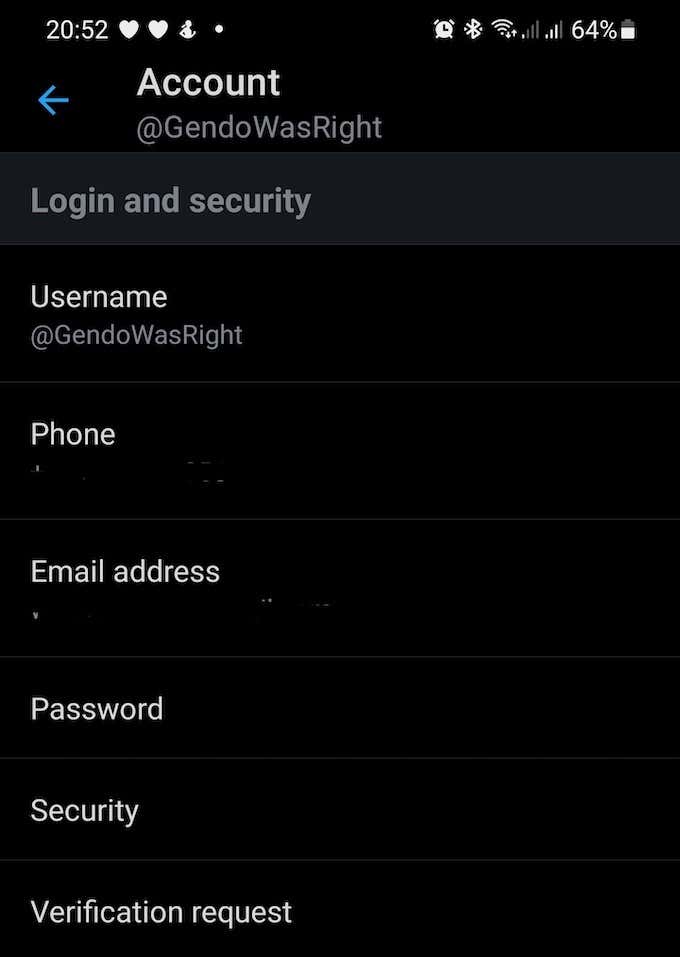
- Look for Verification Request. If you don’t see it, you haven’t been included in the feature rollout yet. If you do see it, select it.
- Select Start Request.
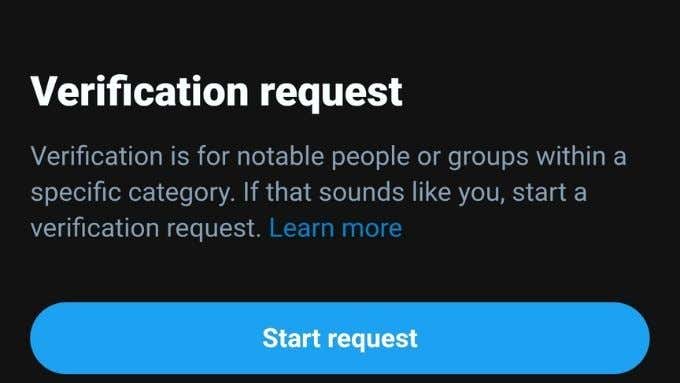
- Choose which category you belong to.
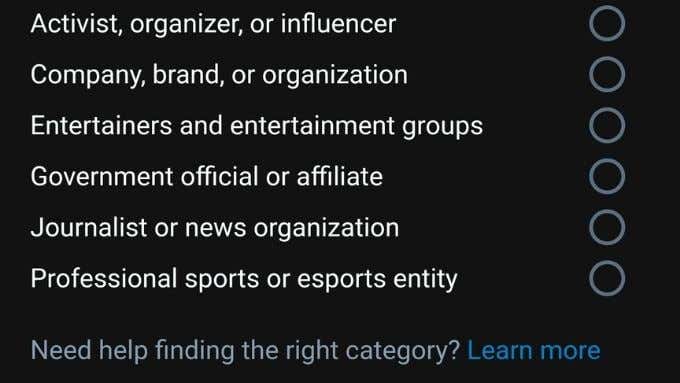
- Complete the verification steps required for your specific category.

- If necessary, choose your country and the type of government ID.
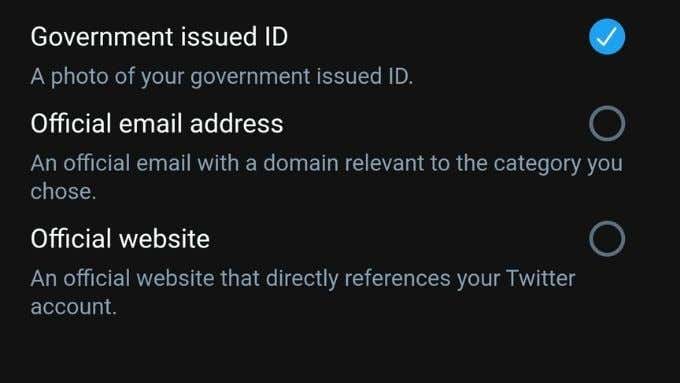
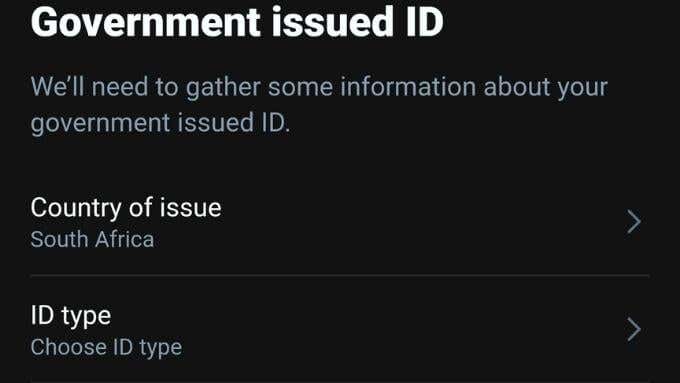
- Review your submission and select Submit.

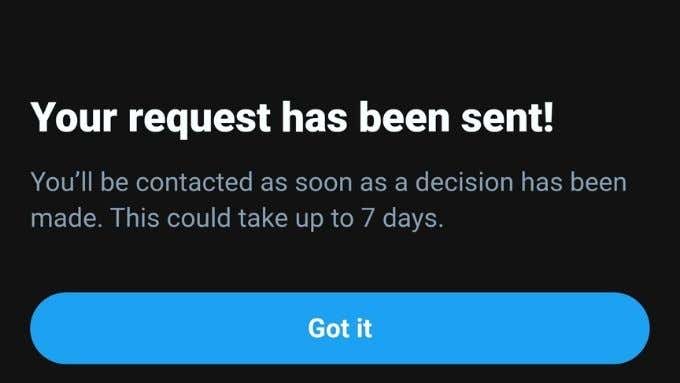
Twitter promises to give you a response in 7 days or fewer, but you’ll see the verification badge next to your Twitter name as soon as it’s approved. If you get rejected, Twitter will send you a message to that effect.
What if I Get Rejected?
If you get a rejection, you can reapply every 30 days. If you apply every time without changing the inputs you’re not going to get a different result. That is unless Twitter changes its policies in the future.
Instead, take a careful look at the requirements for the category you’ve chosen. Is there anything you could change to be a better fit? Would a different category be easier for you to comply with?
Note that Twitter’s categories and policies change over time, so you may now be eligible if you were rejected a long time ago.
Losing Your Verified Status
Twitter may have taken away your verified status under two situations.
- The first is if your account no longer fits the category for which you were verified. For example, if you were verified as an entertainer but now work as a writer, that could be grounds to revoke it. If your new vocation still fits the criteria for verification you should have the option to apply again.
- The second is if you violate Twitter policy or break the rules that every Twitter user must adhere to. You’re more likely to get an account ban than a de-verification for serious policy violations. You’re not likely to lose verification after a single offense. It usually takes repeat offenses to be permanently punished.
Do You Really Want or Need Verification?
Verification is something many people aspire for on Twitter, but is it something you’d want?
A verified badge has become shorthand for people that are worth listening to. From that point of view, a verified badge could give your presence on Twitter more impact.

However, as with any exclusive group, some negatives go along with being verified. Your tweets may now be subject to a much higher level of scrutiny. You may have to deal with stereotypes about verified users. In other words, the same social class stigmas can apply on Twitter as they do in real life.
In the end, not being verified may be better for the type of account that you run. If you aren’t at serious risk of having your identity stolen or impersonated on Twitter, you could very well be better off skipping verification altogether.