

There’s a big misconception that if you want to use Facebook Messenger, you must be signed into Facebook itself and access the chat interface from the Facebook website or the mobile version. Nothing could be further from the truth. In fact you don’t even need a Facebook account anymore to use Messenger.
Even if you do have a Facebook account, it is perfectly possible to use Messenger without going anywhere near facebook.com or even having the Facebook smartphone app installed. I should know. I’ve had Facebook uninstalled from my iPhone for months but I still use Messenger.
Use The Messenger Smartphone App
If you’re a heavy smartphone user, it makes sense in this case to just use the Messenger app for your phone. It is a very sleek, well-built app and I have had no issues with it whatsoever. It even has games on it where you can play basketball with a phone contact! The iPhone version is here and the Android version is here.
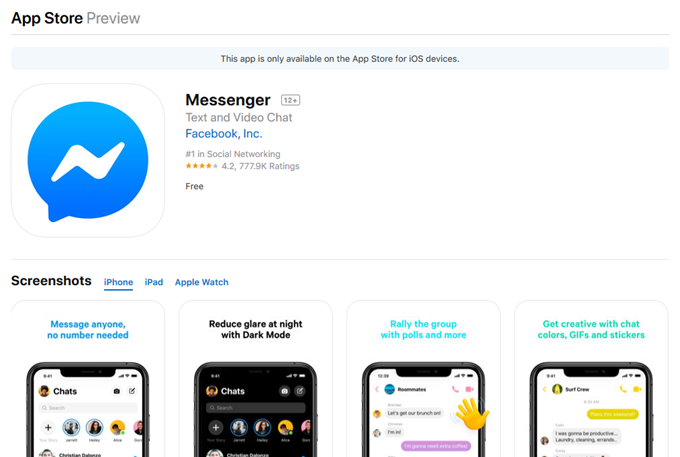
I particularly like “Dark Mode” as well as the self-destructing messages (which I will be discussing in another article soon).
Use The Standalone Messenger Website
You may or may not know that Messenger actually has its own standalone website at messenger.com, made by Facebook themselves. Here you can log into your Messenger account and use it without going anywhere near your Facebook timeline or any other time-sucking distractions.
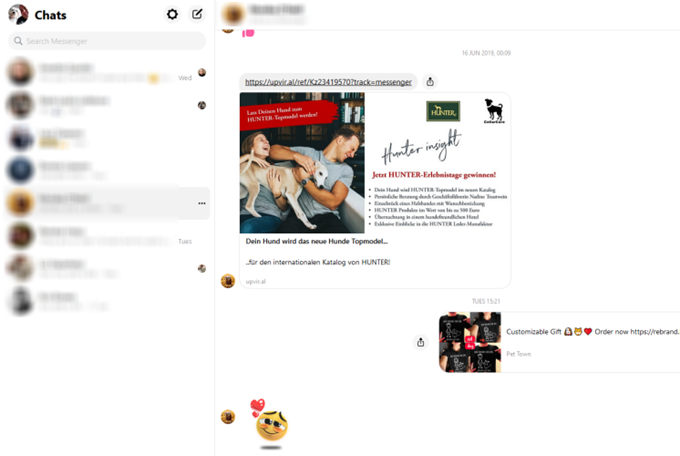
Being browser-based, you can set notifications in your browser for new messages and generally it works and looks exactly the same way as the smartphone app. The only difference is that there doesn’t seem to be any dark mode, self-destructing messages, and a few other bells and whistles normally offered on Messenger such as Facebook Stories.
However if all that doesn’t bother you, messenger.com is an ideal solution if you want to monitor your messages without constantly getting drawn into the Facebook timeline black hole.
Mac Users Can Use Messenger For Mac
Mac users have a really nice software possibility with a really original name – “Messenger for Mac”. This is NOT made by Facebook, as made clear by the website which states that it is a “free and open-source project made by fans of Messenger”. But I have used this on my Mac for a very long time and it works wonderfully.
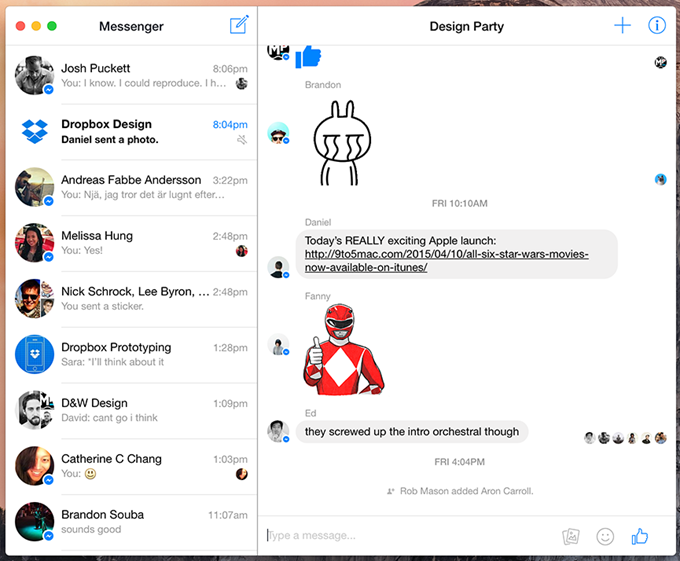
Again there doesn’t seem to be any Dark Mode or other features normally offered by Facebook Messenger. This is just a stripped down bare-bones version of Messenger you can run on your Mac and have pinned to your Dock. But not everybody wants the latest shiny object.
Use An All-In-One Solution
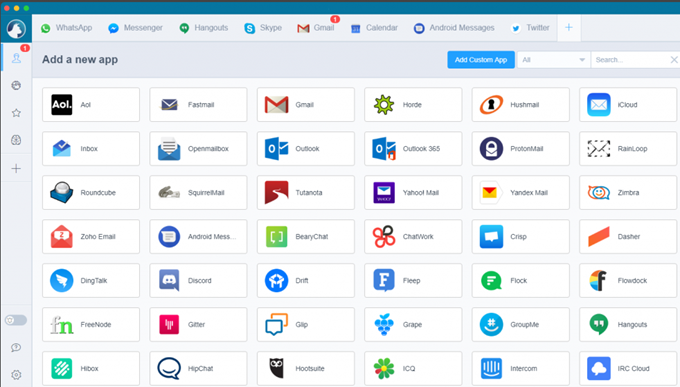
There used to be a time when you had individual chat clients such as MSN Messenger, Yahoo Messenger, ICQ, Google Talk…..then the trend moved to combining those services into one platform, so we had Trillian, Pidgin, Adium, and so on.
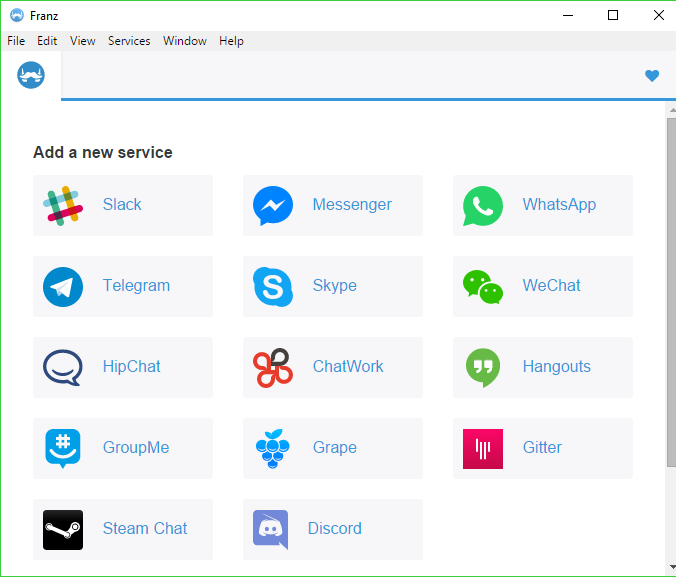
Even though a lot of these individual chat services have now shut down, we still have things like Messenger, Slack, Skype, Signal, Telegram, and so on. So the “next generation” of one-stop chat platforms might be what you need. Two which I have used and recommend are Franz and Rambox.
The downsides are that they only give you your messages, nothing else (obviously you can reply too, but what I mean is don’t expect any cute stickers or anything).
Second, there is no mobile phone version so these are purely desktop only. But there are versions for Windows, Mac, and Linux, and it is enormously helpful to have everything in the same place if all you need are your messages.