
Netflix’s “This content is not available in your region” message ruins movie night faster than anything else. Most streaming VPNs charge premium prices for mediocre performance. But you can test nearly every major VPN completely risk-free using money-back guarantees.
Quick verdict: ExpressVPN offers rock-solid streaming but costs more. Surfshark delivers nearly the same performance for half the cost. Start with Surfshark’s 30-day trial, then test NordVPN and CyberGhost to find your perfect match.
Overview
When hunting for streaming VPNs, you’ve got four main routes. Each comes with different trade-offs in cost, speed, and bypassing geo-blocks.
What We’re Comparing
| Tool | Description | Best For |
|---|---|---|
| VPN Services | Full privacy protection with global servers optimized for streaming | Complete security + reliable streaming access |
| Smart DNS Services | Location spoofing without encryption for faster speeds | Speed-focused streaming on multiple devices |
| Proxy Services | Basic location masking through intermediary servers | Occasional use and very tight budgets |
| Tor Browser | Anonymous browsing through encrypted relay network | Maximum privacy (not suitable for streaming) |
Feature Comparison
At a Glance
| Feature | VPN Services | Smart DNS | Proxy Services | Tor Browser |
|---|---|---|---|---|
| Streaming Speed | Good-Excellent | Excellent | Poor-Good | Very Poor |
| Privacy Protection | Excellent | None | Poor | Excellent |
| Ease of Setup | Good | Fair | Good | Good |
| Platform Support | Excellent | Good | Fair | Limited |
| Bypasses Detection | Good | Fair | Poor | Poor |
| Cost | $3-15/month | $2-8/month | Free-$5/month | Free |
Streaming Performance Analysis
VPN Services: These work best for consistent streaming access. Premium services like ExpressVPN and NordVPN maintain dedicated streaming servers. Netflix rarely flags their IP addresses.
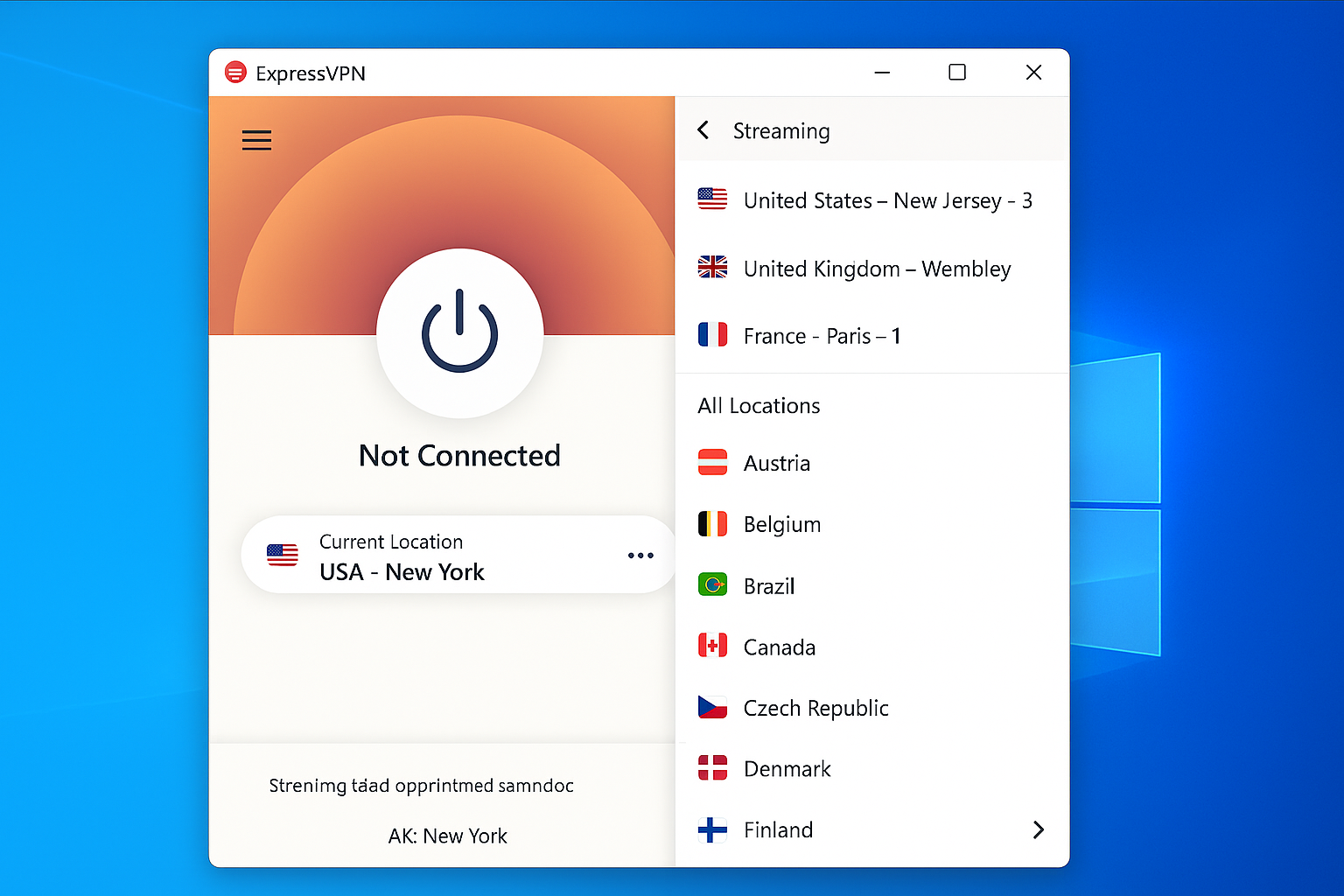
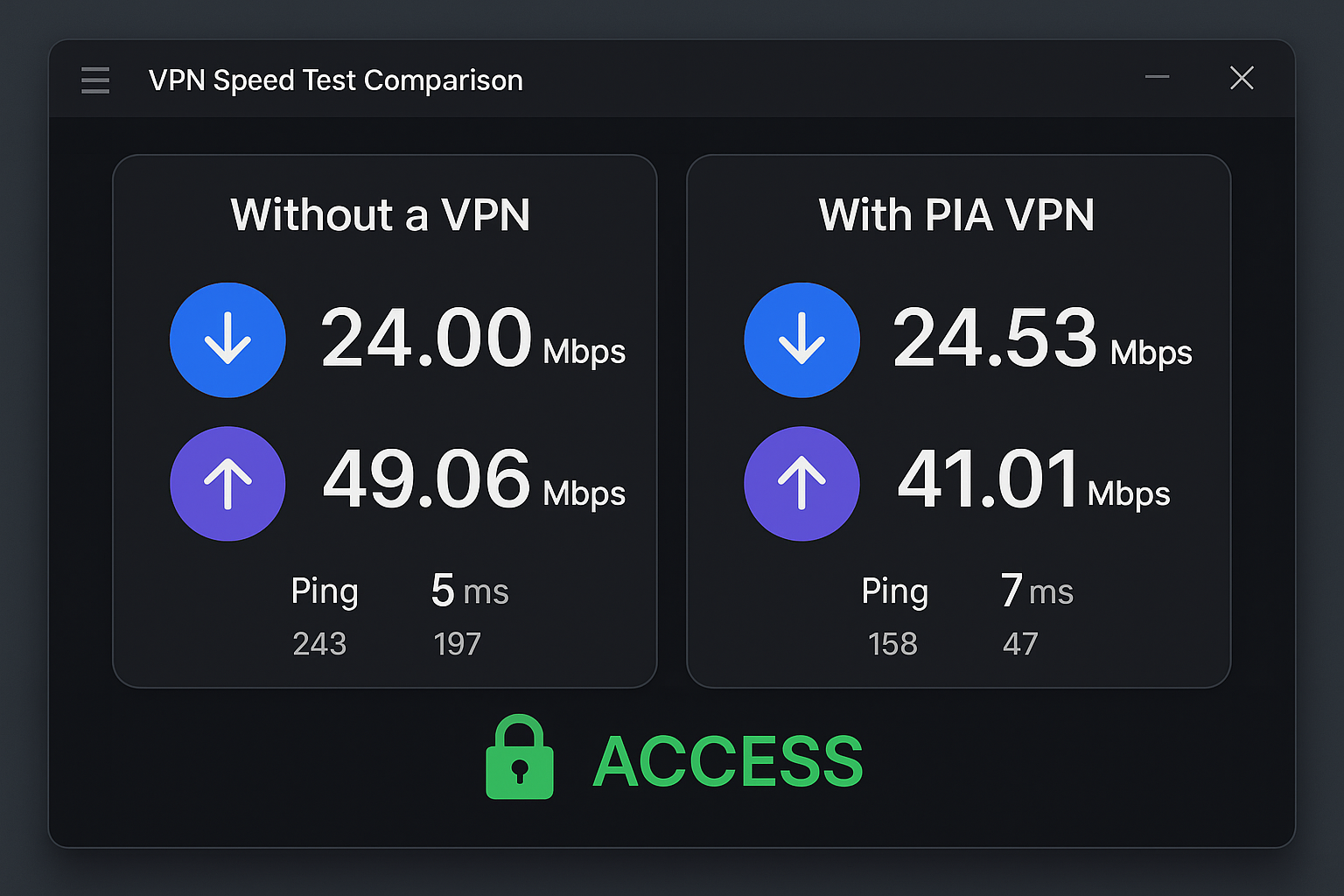
The trade-off? Your connection gets routed through an encrypted tunnel. This typically reduces speeds by 10-30%. Top-tier services keep this impact minimal. You’ll still have plenty of bandwidth for 4K streaming.
Smart DNS Services: Smart DNS services like Unlocator redirect only your location-checking traffic. They don’t encrypt everything you do online. This means faster speeds since there’s no encryption overhead.
But you get zero privacy protection. Plus, streaming platforms find these easier to detect and block. Setup can also be trickier on some devices.
Winner: VPN Services – That slight speed hit is worth it for reliability and security. Proxy services get blocked so frequently that the trade-off makes sense.
Security and Privacy
VPN Services: Your internet traffic gets fully encrypted. This hides your activity from your ISP, government snooping, and potential hackers on public Wi-Fi. Good services offer no-logs policies, kill switches, and DNS leak protection.
Smart DNS Services: Zero privacy protection. Your ISP can see exactly what you’re binge-watching. Your real IP address is exposed to streaming platforms and anyone else paying attention.
Proxy Services: Basic IP masking but usually no encryption. Free proxies are especially sketchy since operators can monitor and log everything you do.
Tor Browser: Maximum privacy through multiple encryption layers. But it’s completely useless for streaming due to painfully slow speeds.
Winner: VPN Services – Unless you’re fine with your ISP tracking every episode of your guilty pleasure shows, VPNs win easily.
Cost Analysis
VPN Services:
- Budget options: $2-5/month (Surfshark, CyberGhost annual plans)
- Premium services: $8-15/month (ExpressVPN, NordVPN monthly plans)
- Best value: Annual plans typically offer 50-70% savings
Smart DNS Services:
- Typical cost: $2-8/month
- Cheaper than VPNs but more limited functionality
Proxy Services:
- Free options: Usually slow and unreliable
- Paid proxies: $3-10/month for decent quality
Tor Browser:
- Completely free but unusable for streaming
Winner: Proxy Services – On pure cost alone. But VPN annual plans offer much better value when you consider reliability and features.
Pricing Comparison
What you’ll actually pay for streaming-capable services in 2026:
| Service Type | Monthly Cost | Annual Cost | Free Trial | Money-Back Guarantee |
|---|---|---|---|---|
| ExpressVPN | $12.95 | $99.95 ($8.33/month) | 7 days (mobile) | 30 days |
| Surfshark | $15.45 | $59.76 ($2.49/month) | 7 days | 30 days |
| NordVPN | $11.99 | $71.88 ($5.99/month) | 7 days (mobile) | 30 days |
| CyberGhost | $12.99 | $56.94 ($2.37/month) | 1 day | 45 days |
| Smart DNS Proxy | $4.90 | $34.90 ($2.91/month) | 14 days | None |
| Bright Data Proxy | $15/month | $180/year | None | None |
Value for Money
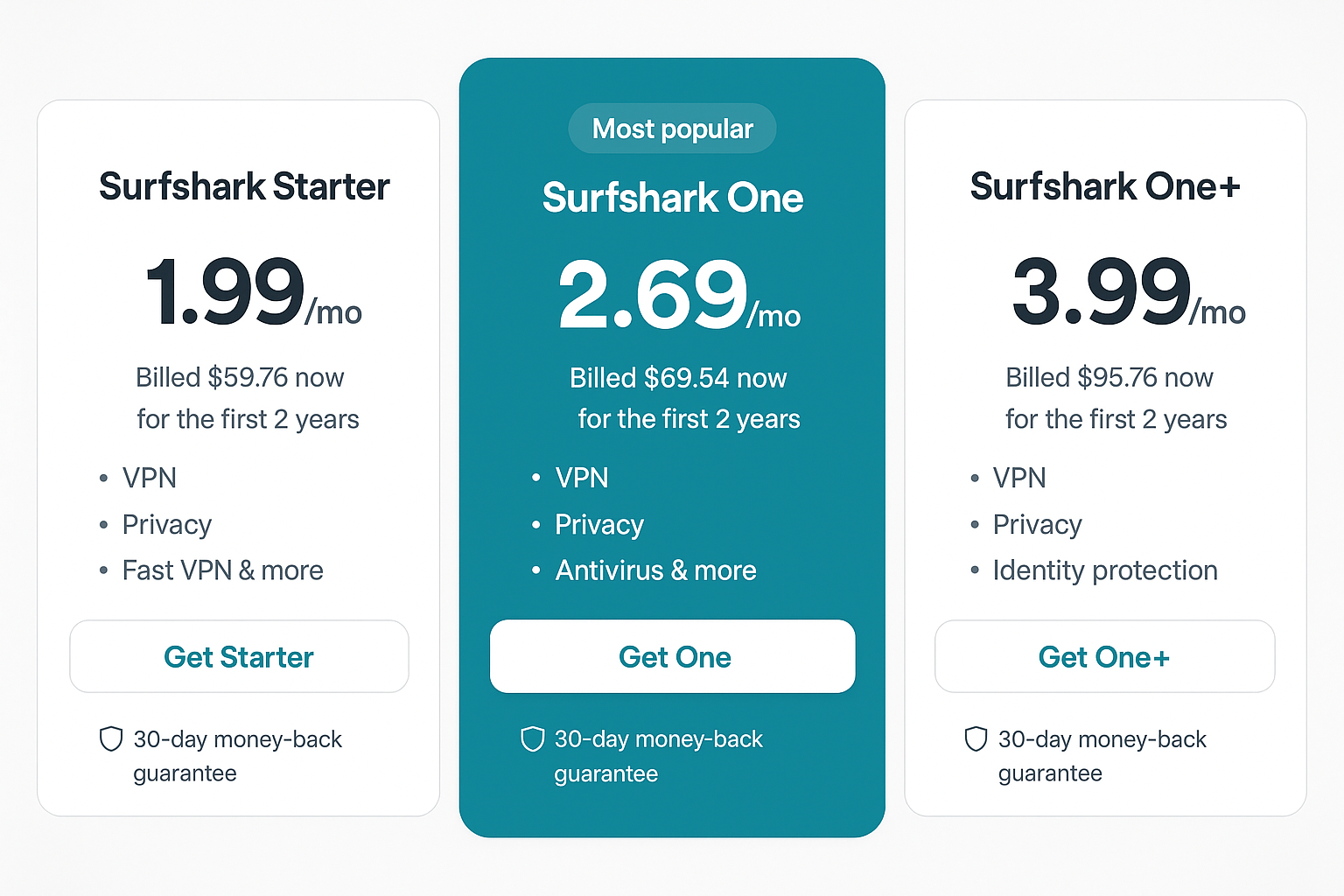
The annual pricing reveals the real winners. Surfshark at $2.49/month delivers about 90% of ExpressVPN’s performance for less than 30% of the cost. CyberGhost is even cheaper but with slightly less consistent Netflix access.
Smart DNS services look tempting at $2-3/month. But when you factor in the privacy risks and higher chance of getting blocked, the VPN annual deals are usually worth the extra buck or two monthly.
The 30-Day Risk-Free Testing Strategy
How to test multiple VPN services without spending anything upfront:
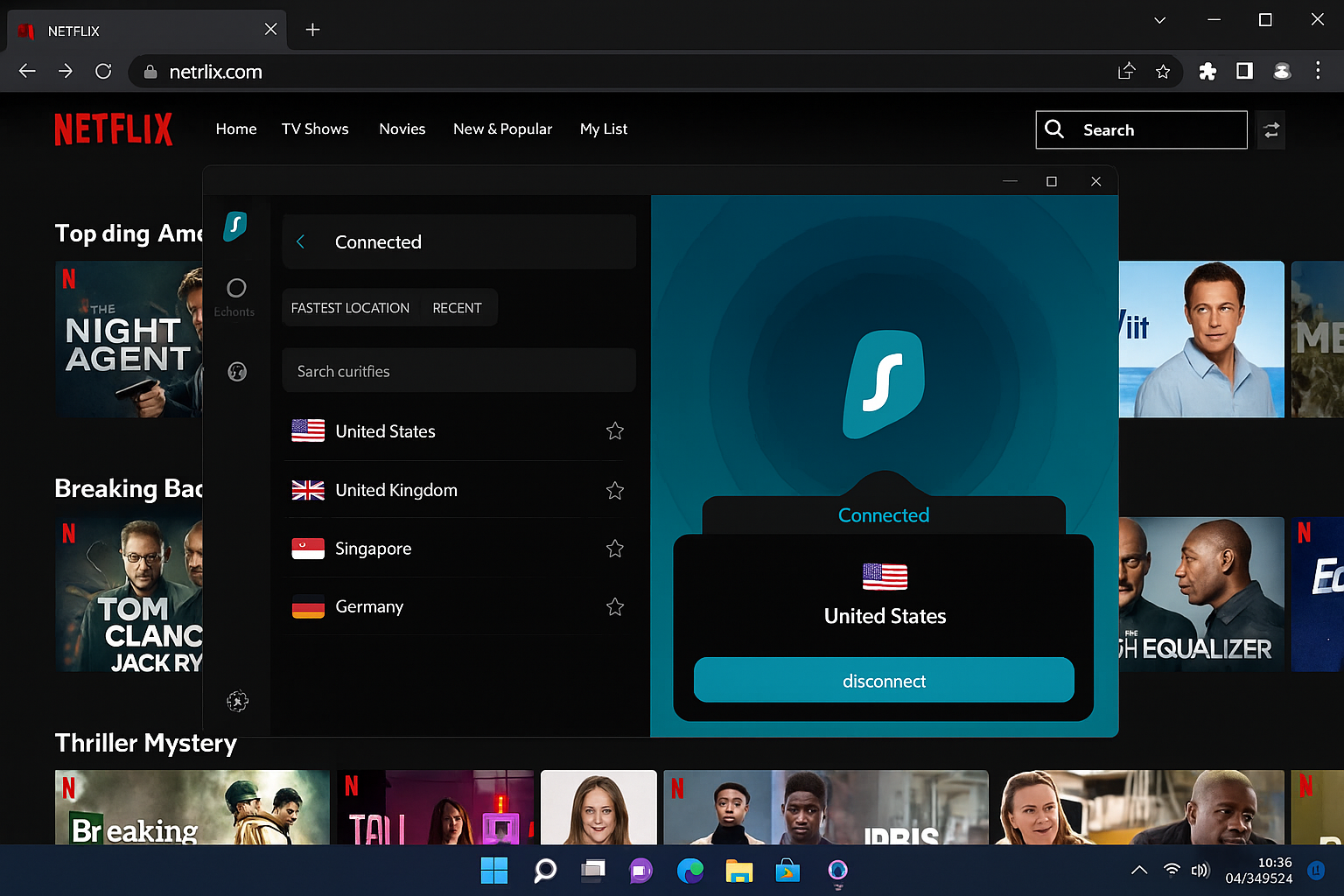
Week 1-2: Start with Surfshark
Sign up for Surfshark’s annual plan. Remember, you can cancel within 30 days for a full refund. Test it thoroughly with all your streaming platforms.
Testing checklist:
- Netflix: Try US, UK, and Japan libraries
- Disney+: Test access during peak hours (7-10 PM)
- Hulu: Check if you can access live TV features
- Speed tests: Run tests at different times of day
Week 2-3: Add NordVPN
While still testing Surfshark, sign up for NordVPN. This gives you overlapping coverage to compare performance head-to-head.
Week 3-4: Test CyberGhost
Add CyberGhost to your testing lineup. Their 45-day guarantee gives you the most breathing room for thorough testing.
Week 4: Decision Time
Keep the service that performed best during your testing period. Cancel the others before their guarantee periods expire.
Pro tip: Set calendar reminders 3-5 days before each guarantee expires to avoid accidental charges.
Top Budget VPN Services for Streaming
Surfshark: Best Overall Value
Monthly: $15.45 | Annual: $59.76 ($2.49/month) Free trial: 7 days (mobile) | Money-back: 30 days
Surfshark consistently delivers way more than you’d expect for under $2.50/month. It’s become the go-to choice for budget-conscious streamers who don’t want to sacrifice reliability.
Streaming performance:
- Netflix: Works with US, UK, Canada, Japan libraries 95% of the time
- Disney+: Reliable access to US and UK content
- Hulu: Consistent access including live TV features
- Amazon Prime: Works with US, UK, Germany libraries
Speed test results: 15-25% speed reduction on average. This still leaves most users with plenty of bandwidth for 4K streaming.
Hidden costs to watch for: None. Surfshark includes unlimited simultaneous connections, so your whole family can stream at once.
NordVPN: Best for Consistent Netflix Access
Monthly: $11.99 | Annual: $71.88 ($5.99/month) Free trial: 7 days (mobile) | Money-back: 30 days
NordVPN’s specialty servers for streaming make it particularly reliable for Netflix. You’ll pay a bit more for that rock-solid consistency.
Streaming performance:
- Netflix: Near 100% success rate with US, UK, Canada libraries
- Disney+: Excellent performance across all major regions
- BBC iPlayer: One of the few VPNs that reliably works
- Hulu: Consistent access with minimal buffering
Speed test results: 10-20% speed reduction, among the best in the industry.
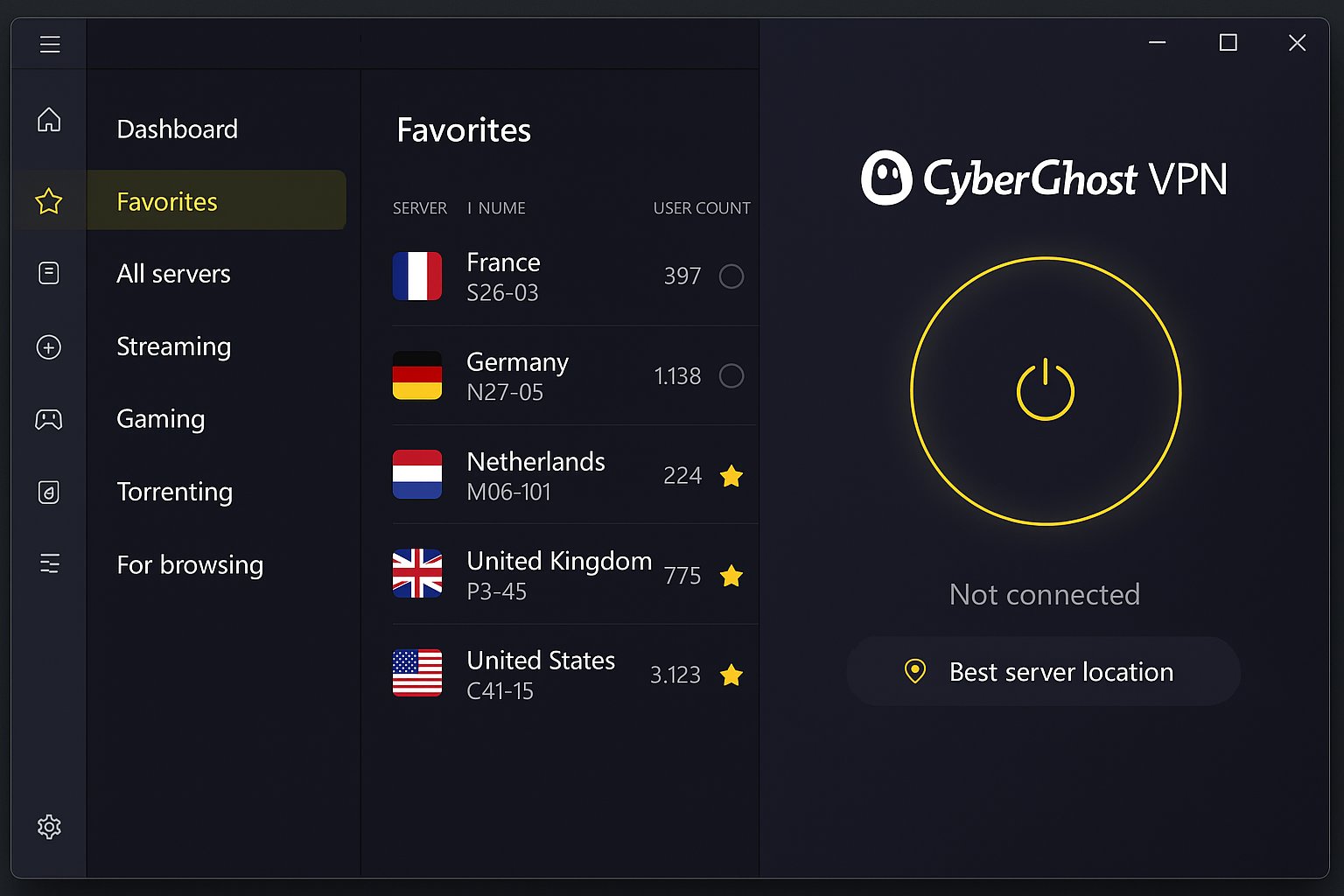
CyberGhost: Best Extended Trial Period
Monthly: $12.99 | Annual: $56.94 ($2.37/month) Free trial: 1 day | Money-back: 45 days
CyberGhost’s 45-day money-back guarantee gives you the longest testing window. Perfect if you want to thoroughly evaluate performance across multiple streaming services and usage scenarios.
Streaming performance:
- Netflix: Good success rate with US and UK libraries
- Disney+: Reliable but occasionally slower during peak hours
- Amazon Prime: Consistent access to major regions
- HBO Max: Better than average success rate
Platform-Specific Setup
On Windows
Step 1: Download and Install Visit your chosen VPN’s website and click Download for Windows. Most services offer dedicated apps rather than complex manual setup.
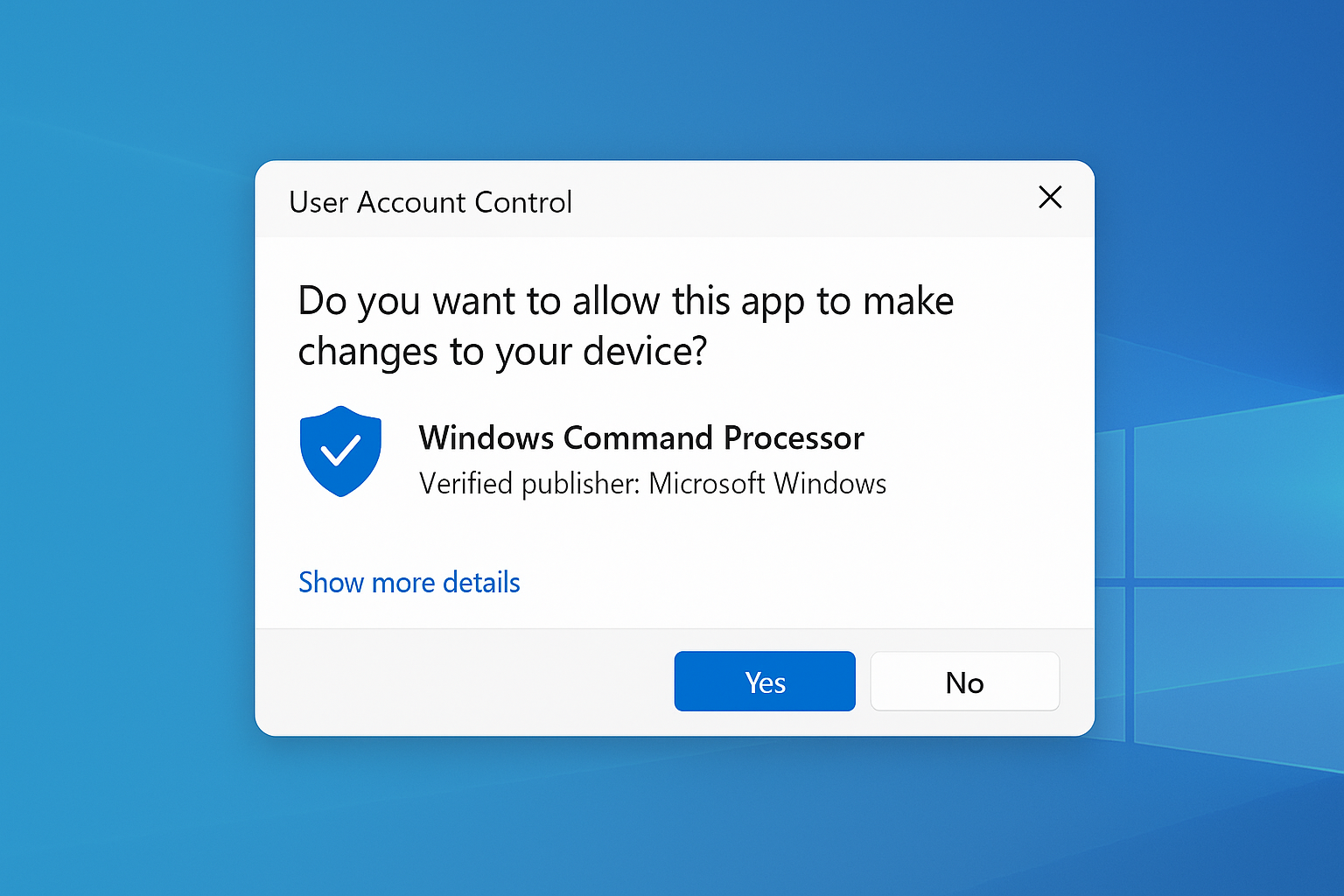
Step 2: Launch and Connect Open the installed app. Log in with your account credentials. Select a server optimized for streaming.
Step 3: Test Your Connection Before opening Netflix or other streaming apps, visit whatismyipaddress.com to confirm your location has changed.
On macOS
Step 1: Install from Website Download the .dmg file from your VPN provider. Drag the app to your Applications folder.
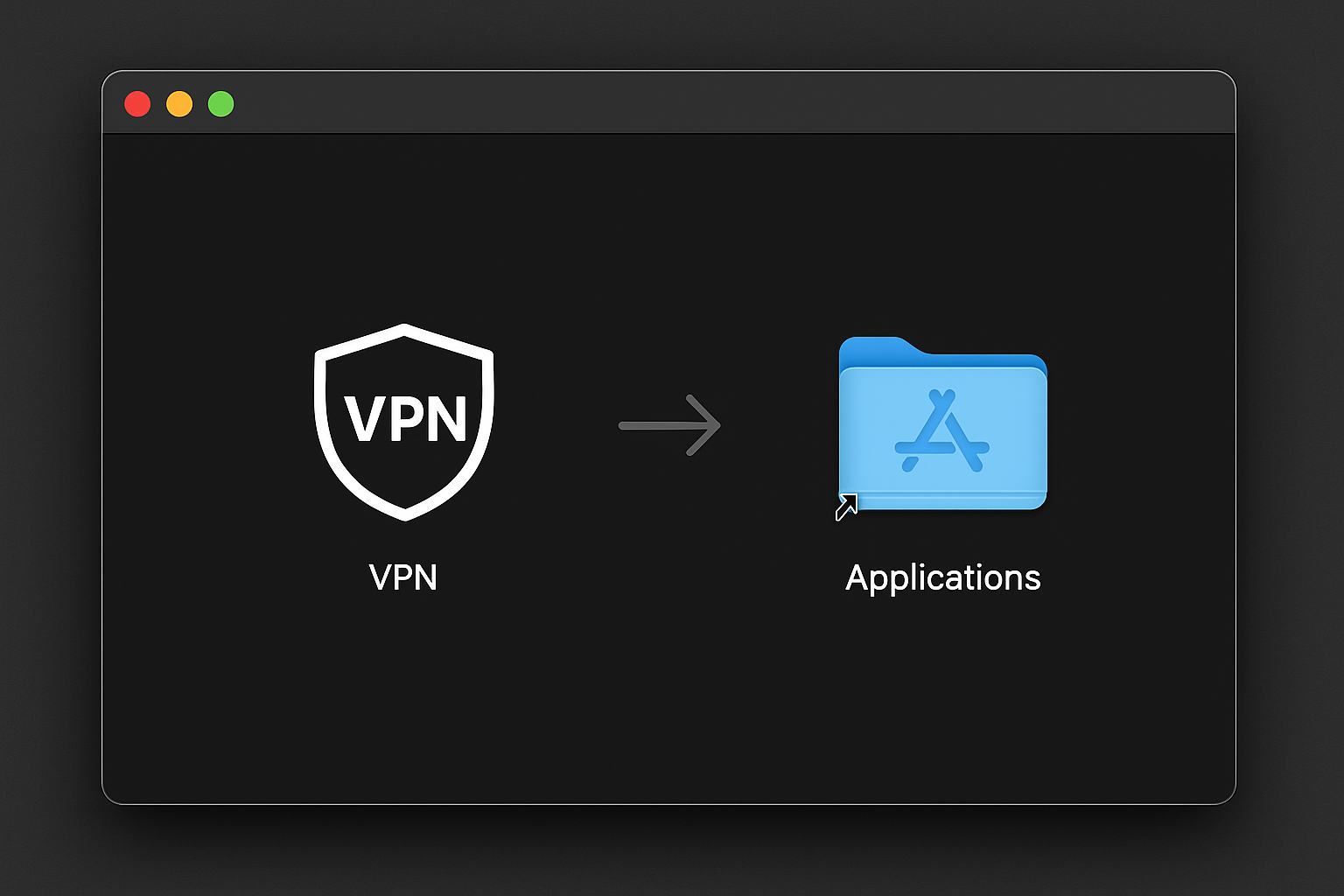
Step 2: Grant Permissions macOS will ask for permission to install VPN profiles. Click Allow and enter your admin password.
Step 3: Connect and Stream Choose a server location and connect before launching your streaming apps.
Web Browser Extensions
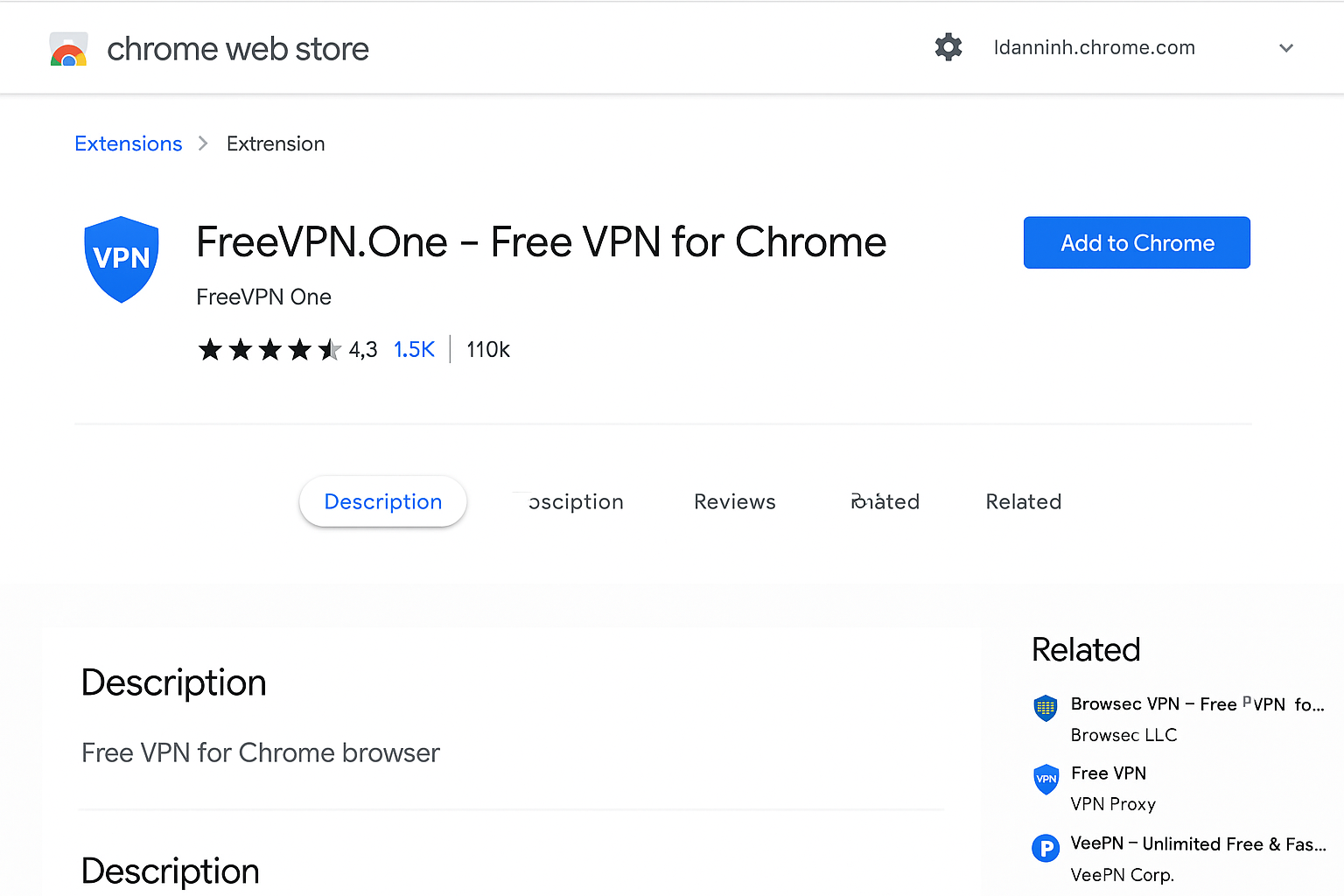
Many VPN services offer browser extensions for Chrome, Firefox, and Edge. These are lightweight but only protect browser traffic.
When to use browser extensions:
- Quick access to different Netflix regions
- Protecting streaming on shared computers
- Lighter system resource usage
When to use full apps:
- Protecting all device traffic
- Better connection stability
- Access to specialized streaming servers
Streaming Platform Compatibility
Netflix: The Trickiest Platform
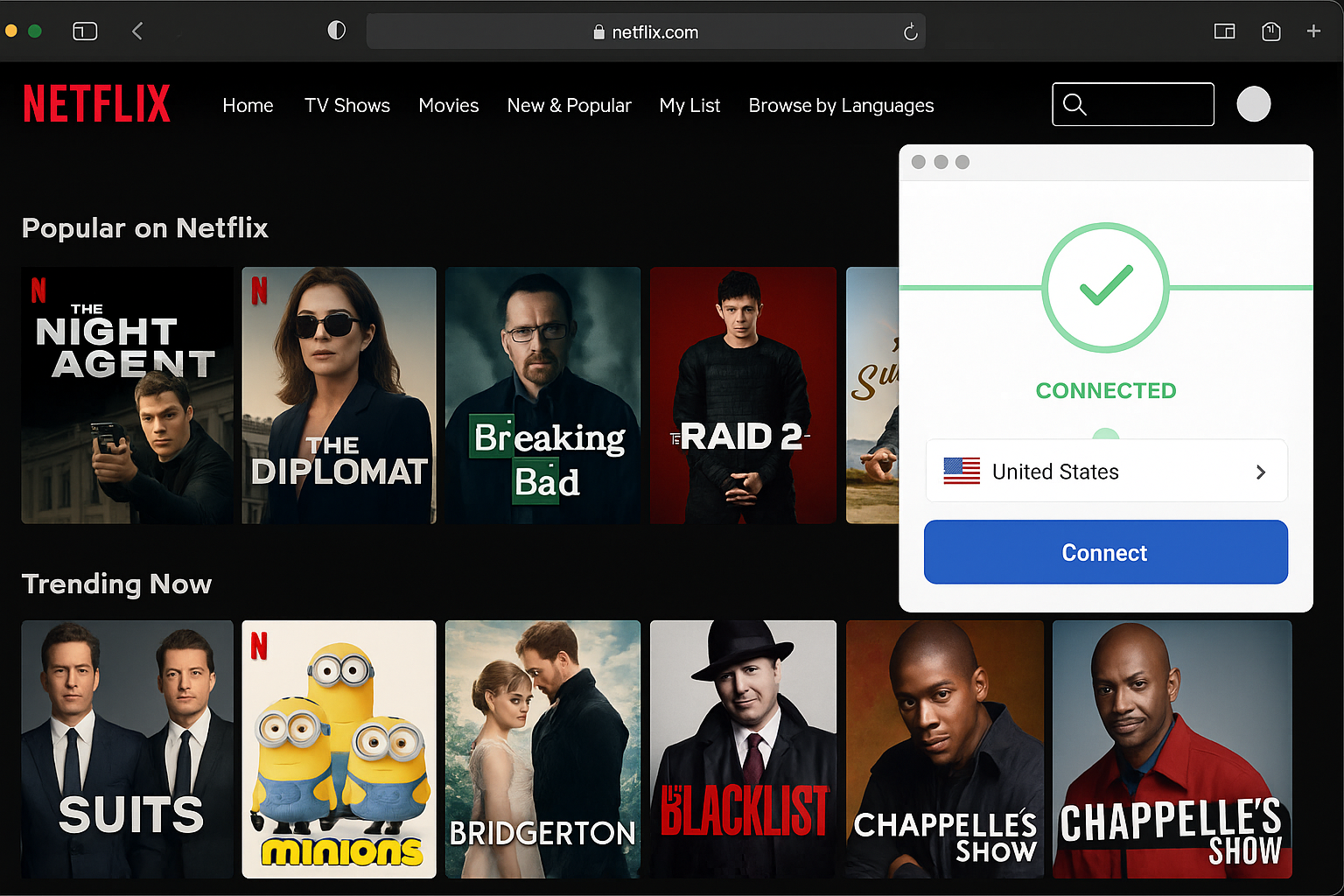
Netflix actively hunts down and blocks VPN traffic. But these services maintain the best success rates:
Tier 1 (95%+ success rate):
- ExpressVPN
- NordVPN
- Surfshark
Tier 2 (80-90% success rate):
- CyberGhost
- Private Internet Access
- IPVanish
Pro tip: If Netflix detects your VPN, try switching to a different server in the same country. Don’t turn off the VPN entirely.
Disney+ and Hulu: Easier but Region-Locked
Disney+ is generally more VPN-friendly than Netflix. But availability still varies by country. Hulu remains stubbornly US-only and demands consistent US IP addresses.
- Surfshark (excellent global coverage)
- ExpressVPN (fastest speeds for 4K content)
- NordVPN (most reliable connections)
Amazon Prime Video: Regional Libraries
Prime Video offers different content libraries by country, similar to Netflix. The platform is moderately aggressive about VPN detection but less paranoid than Netflix.
Recommended servers:
- US: West Coast servers typically work best
- UK: London servers for BBC content on Prime
- Germany: Access to exclusive German Prime originals
Free Trials and Money-Back Guarantees
Maximizing Your Testing Window
The 60-Day Strategy:
- Day 1: Start CyberGhost (45-day guarantee)
- Day 15: Add Surfshark (30-day guarantee)
- Day 30: Add NordVPN (30-day guarantee)
- Day 45: Cancel CyberGhost if not satisfied
- Day 45: Cancel Surfshark if not satisfied
- Day 60: Final decision on NordVPN
This gives you 60 days of testing with overlapping service comparisons.
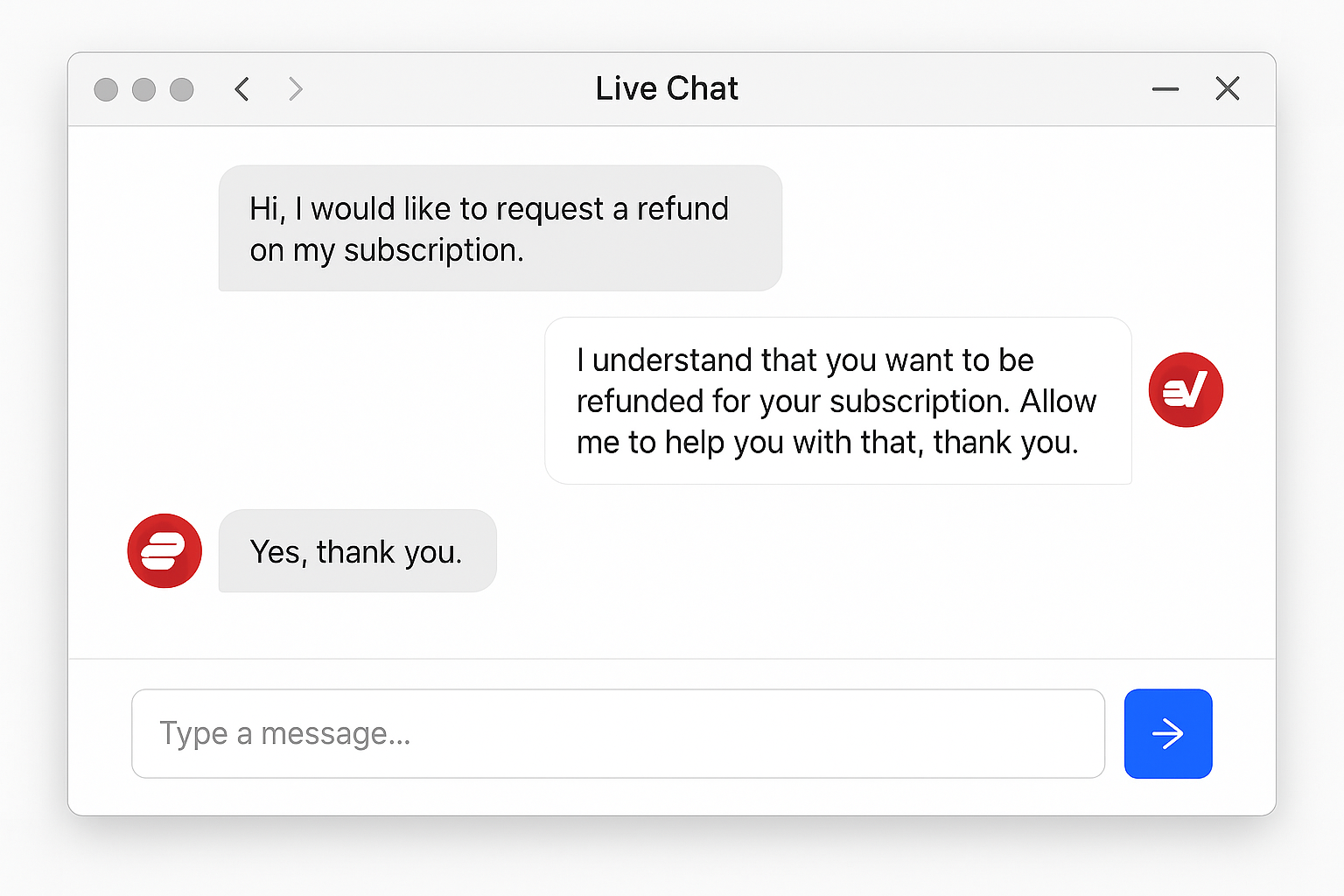
Money-Back Guarantee Success Tips
What works:
- “The service doesn’t meet my streaming needs”
- “Connection speeds are too slow for my use case”
- “I’m not satisfied with the performance”
What to avoid:
- Claiming technical issues without trying support
- Waiting until the last day of the guarantee period
- Making multiple refund requests from the same account
Common Issues and Solutions
VPN Detected by Streaming Service
Problem: Netflix shows “You seem to be using an unblocker or proxy” error.
Solutions:
- Switch servers: Try a different server in the same country
- Clear cookies: Delete browser data and restart your streaming app
- Try incognito mode: Open a private browsing window
- Contact support: VPN providers often have updated server recommendations
Slow Streaming Speeds
Problem: Video keeps buffering or won’t load in HD quality.
Solutions:
- Choose closer servers: Connect to servers geographically closer to you
- Switch protocols: Try different VPN protocols in app settings
- Close other apps: Limit bandwidth usage from other devices
- Test different times: Peak hours (7-10 PM) are often slower
Can’t Access Streaming Service at All
Problem: Streaming platform won’t load or shows connection errors.
Solutions:
- Disable IPv6: Turn off IPv6 in your network settings
- Check DNS settings: Ensure you’re using VPN provider’s DNS servers
- Restart network: Disconnect VPN, restart router, reconnect VPN
- Try different device: Test on phone vs. computer to isolate issues
Use Case Recommendations
Choose VPN Services if:
- You want reliable access to multiple streaming platforms
- Privacy protection matters to you
- You’re willing to pay $2-8/month for consistent performance
- You stream regularly and need dependable service
- You want to use the service on multiple devices simultaneously
Choose Smart DNS if:
- Speed is your top priority over privacy
- You primarily use one or two streaming services
- You’re comfortable with more complex setup procedures
- You don’t mind that your ISP can see your streaming activity
- You want to set up streaming access on devices that don’t support VPN apps
Choose Proxy Services if:
- You only need occasional access to geo-blocked content
- Budget is your primary concern (under $5/month)
- You don’t mind frequent service interruptions
- Privacy isn’t a concern for your use case
- You’re technically comfortable troubleshooting connection issues
Choose Tor Browser if:
- Maximum anonymity is essential
- You don’t need to stream video content
- You’re researching or accessing text-based content
- Speed doesn’t matter for your use case
- You’re willing to accept very slow browsing speeds
Pros and Cons Summary
VPN Services
Pros:
- Reliable streaming access across multiple platforms
- Strong privacy protection and encryption
- Easy-to-use apps for all major devices
- Money-back guarantees allow risk-free testing
- Can protect entire household with one subscription
Cons:
- Monthly costs add up over time
- 10-30% speed reduction compared to direct connection
- Occasional detection by streaming platforms requires server switching
- Annual plans require upfront payment for best value
Smart DNS Services
Pros:
- Fastest speeds since there’s no encryption overhead
- Lower cost than premium VPN services
- Works on devices that don’t support VPN apps
- Simple setup once configured properly
Cons:
- Zero privacy protection or encryption
- More easily detected and blocked by streaming platforms
- Limited to changing apparent location, no security benefits
- More complex setup process for non-technical users
Proxy Services
Pros:
- Lowest cost option, often under $5/month
- Free options available for testing
- Quick setup for basic location changing
- Good for occasional use
Cons:
- Frequently blocked by streaming services
- Poor reliability and connection stability
- Limited or no encryption protection
- Free services often inject ads or track users
Tor Browser
Pros:
- Completely free to use
- Maximum privacy and anonymity
- No logs or tracking possible
- Excellent for sensitive browsing
Cons:
- Extremely slow speeds unsuitable for streaming
- Complex setup for optimal security
- Many websites block Tor exit nodes
- Not practical for everyday streaming use
Final Verdict
VPN services deliver the best mix of reliability, speed, and privacy protection for most people wanting to bypass geo-blocks. While they cost more than alternatives, those money-back guarantees make it easy to find one that works for your specific needs.
Overall Winner: Surfshark – At $2.49/month on annual plans, it delivers premium performance at budget prices. You get unlimited device connections and a solid 30-day guarantee.
Score Summary
| Category | VPN Services | Smart DNS | Proxy Services | Tor Browser |
|---|---|---|---|---|
| Streaming Performance | 8/10 | 9/10 | 5/10 | 1/10 |
| Ease of Use | 9/10 | 6/10 | 7/10 | 4/10 |
| Value for Money | 7/10 | 8/10 | 9/10 | 10/10 |
| Privacy Protection | 10/10 | 2/10 | 3/10 | 10/10 |
| Overall | 8.5/10 | 6.2/10 | 6.0/10 | 6.2/10 |