

Are you trying to watch an Instagram Story only to be greeted with a “This story is unavailable” message? Your Instagram app for iPhone (iOS) or Android displays this error for various reasons. Many items can cause your chosen Story to become unavailable. We’ll tell you the occasions when this error occurs and what you can possibly do to see the Story.
Some reasons you can’t access an Instagram Story are that the user has deleted the Story, the Story is expired, Instagram is down, your Instagram app has a minor glitch, you’ve muted the user’s Stories, and more.
Reason 1: The User Has Deleted Their Instagram Story
The most common reason you get a “This story is unavailable” error is that the Story you want to watch is deleted. The Story creator may have decided to remove the Story from their profile, preventing users’ access to that item.
The reason you can still see the Story’s thumbnail in your Instagram app is that your app has cached that content. However, you can’t access the actual Story as the user has removed it from their account.
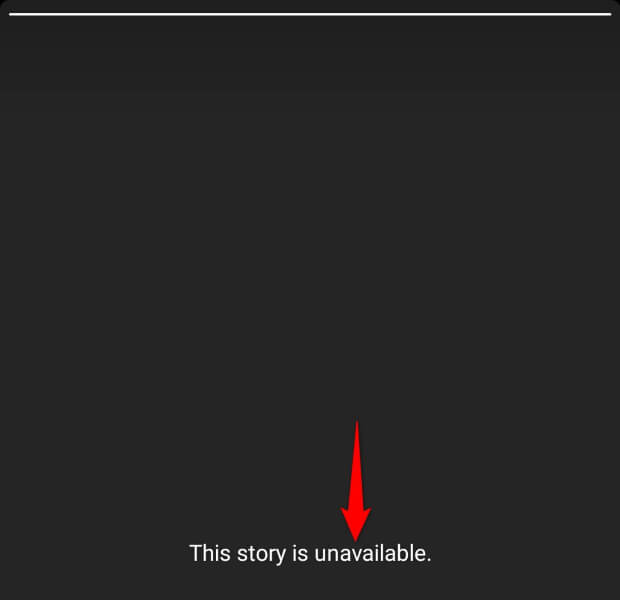
In this case, there’s no way to access the Story unless you reach out to the Story creator and ask them to send you the Story contents.
Reason 2: The Instagram Story Is Expired
Another possible reason you can’t see a Story is that your chosen Story is expired. As you may already know, Instagram Stories expire 24 hours after they’re posted. When this time period has elapsed, the app removes the Story contents.
If the user has saved the Story elsewhere, you can ask the user to send you the Story’s contents.
Reason 3: Instagram Servers Are Down
One reason you may get a “This story is unavailable” error is that Instagram is down. The platform’s servers may be experiencing an outage, making the content unavailable to all Instagram users.
In this case, you can head to the Instagram page on the Downdetector site to check if the platform is indeed down. This site collects outage reports from users and lets you know if a site is experiencing problems.
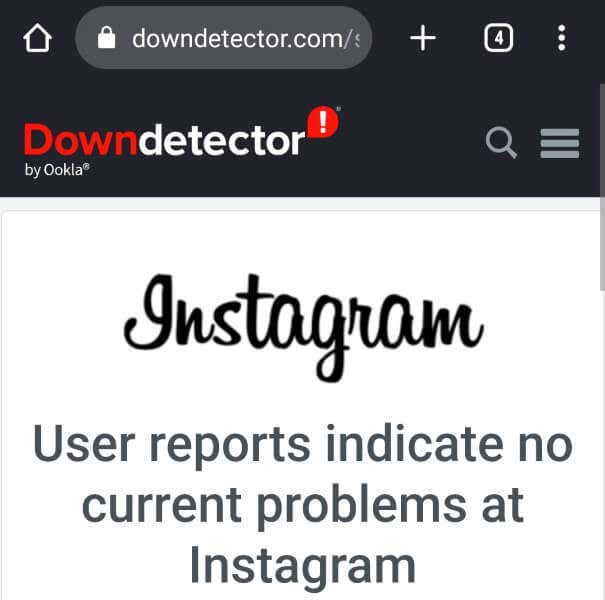
If the site tells you that Instagram is down, you don’t have any option but to wait until the platform restores the functionality. When that happens, you can access your chosen Story.
Reason 4: Your Instagram App Has a Glitch
Sometimes, the issue isn’t on Instagram’s end but on your end. Your Instagram app may be experiencing minor issues, preventing you from watching your Stories. These app issues aren’t uncommon, and there are a few easy ways to fix these app problems.
One basic fix you can apply is to force stop and reopen the Instagram app on your phone. Doing so turns off and reloads all the app features, fixing many minor problems. If that doesn’t resolve your issue, give your iPhone or Android phone a reboot to fix your phone’s minor problems.
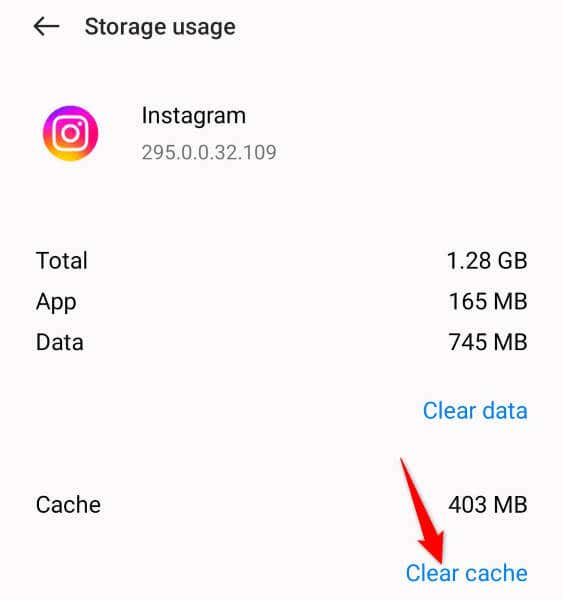
Another fix Android users can use is to clear the app cache, which helps fix many issues. You can do this by heading into Settings > Apps > App management > Instagram > Storage usage and tapping Clear cache. You don’t lose your account data when you do this.
Reason 5: You Have Muted the User’s Stories
Muting someone’s Stories ensures you don’t see that user’s Stories in the top bar of your Instagram app. While muting doesn’t directly affect your ability to access Stories, it’s worth unmuting the user whose Stories you can’t watch to possibly fix your issue.
- Open Instagram on your phone and access the profile page of the user whose Stories don’t load.
- Select Following on the profile page.
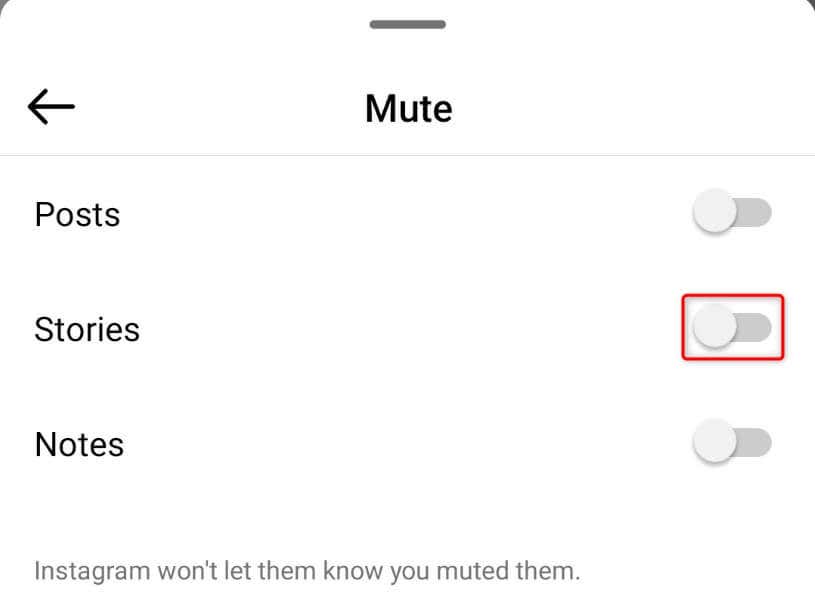
- Choose Mute in the menu.
- Toggle off the Stories option to unmute the user’s Stories.
Reason 6: Instagram Has Removed the Story So You See a “This Story Is Unavailable Instagram” Error
One reason you can’t access a Story is that Instagram has removed that particular Story. While this happens rarely, Instagram is known to take action when a Story or another content type goes against the platform’s community guidelines. The Story you’re trying to watch may have violated Instagram’s guidelines, forcing the platform to remove the Story.
In this case, you can’t do anything to get access to the Story. If you know the Story creator, you can get in touch with them and ask to see the Story’s contents.
Reason 7: The User Has Made Their Instagram Account Private
When a user makes their Instagram account Private, you can’t access any content on that user’s profile, including their Stories. Only the users who follow that particular account can access that account’s contents, like Stories, when the Private account feature is enabled.
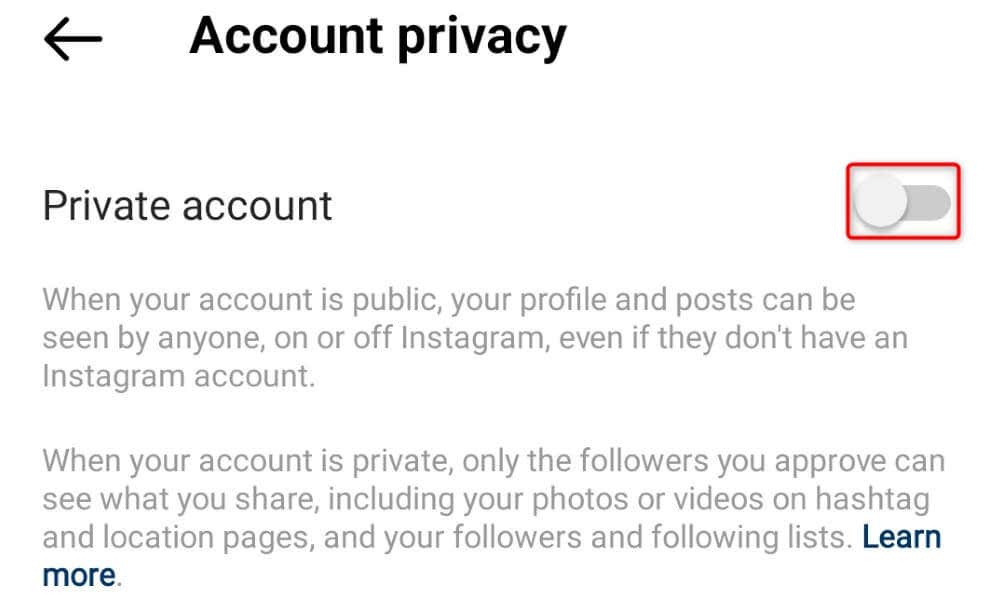
If you don’t follow the user whose Stories you want and that user account is Private, that may be why you can’t access your Story. The user may have made their account Private right after your Instagram app loaded that user’s Story.
In this case, access the user’s profile page and follow the account. Once the account owner accepts your follow request, you can view that user’s content, including their Stories.
Reason 8: The User Has Blocked You on Instagram
If you continue to get a “This story is unavailable” error, it may be because the Story creator has blocked your account on the platform. The user may have blocked you after your Instagram app loaded their Story. This is the reason you see the Story thumbnail but can’t access the Story contents.
When someone blocks you on Instagram, you can’t access their Stories, photos, Reels, or other content. You can’t even access that user’s profile, and that profile won’t appear in Instagram search, either.
In this case, if you think the user has made a mistake, you can reach out to the user via other mediums and ask them to unblock you on Instagram.
Reason 9: The Instagram Account Is Deactivated or Deleted
The last possible reason you can’t see a Story is that that user has deactivated or deleted their Instagram account. This action may have happened after your app loaded the Story.
In this case, you can’t do anything on your end to watch the Story. You can try to contact the user on other platforms and ask about their Instagram account status. However, note that someone deactivates or deletes their account for a reason.
Troubleshooting Instagram’s “This Story Is No Longer Available” Error
There are several reasons you can’t access someone’s Story on Instagram. As explained above, Instagram may have taken action against the Story, the Story creator may have deleted the item, and so on.
The above guide explains various reasons you get a “This story is unavailable” error and what you can do in each scenario on this platform. We hope this answers your question as to why you can’t view a Story.