
Have you deleted an important message on Instagram and regretted it moments later? You’re not alone. The good news is, it’s possible to recover deleted DMs — Instagram doesn’t make it obvious how.
Below, we’ll explain how to recover deleted messages on Instagram on both iPhones and Android phones.
How to Recover Deleted Instagram Messages
When you delete data from your Instagram account, it isn’t deleted from the Instagram servers straight away. This means there’s a grace period where you can recover messages before your deleted chats are gone for good.
But to recover deleted Instagram DMs, you have to use a new feature called “Data Download.” This feature lets you download and review your content (including any messages you deleted over the last 24 hours).
To use the Instagram message recovery process:
- Open the Instagram app.
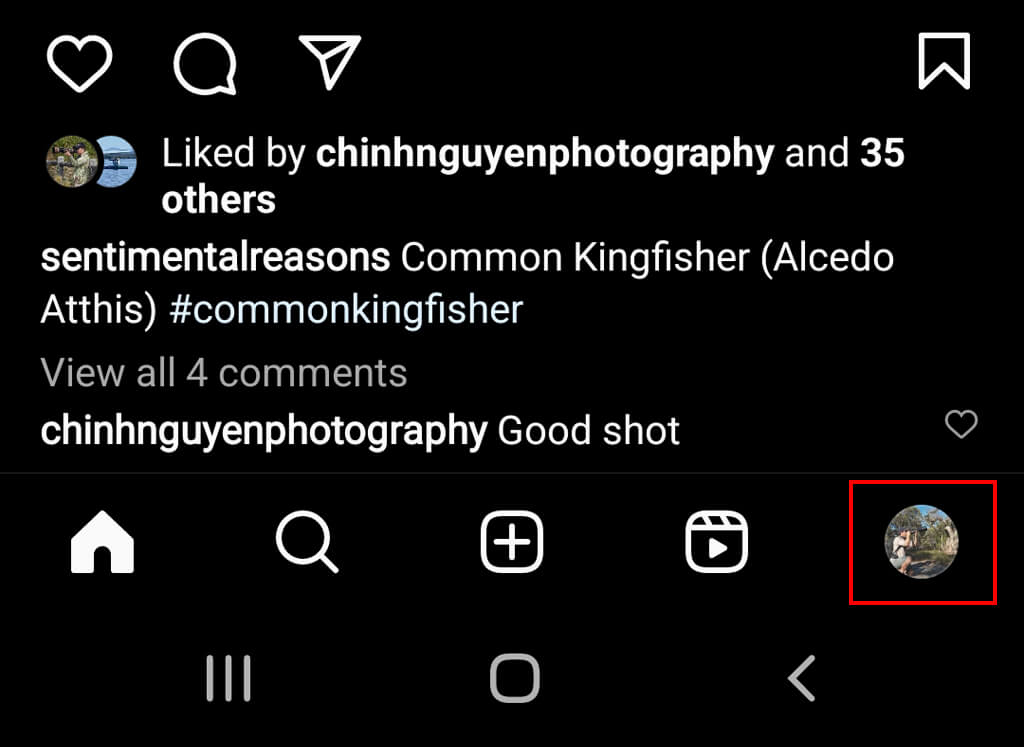
- Tap your profile icon in the bottom-right corner.
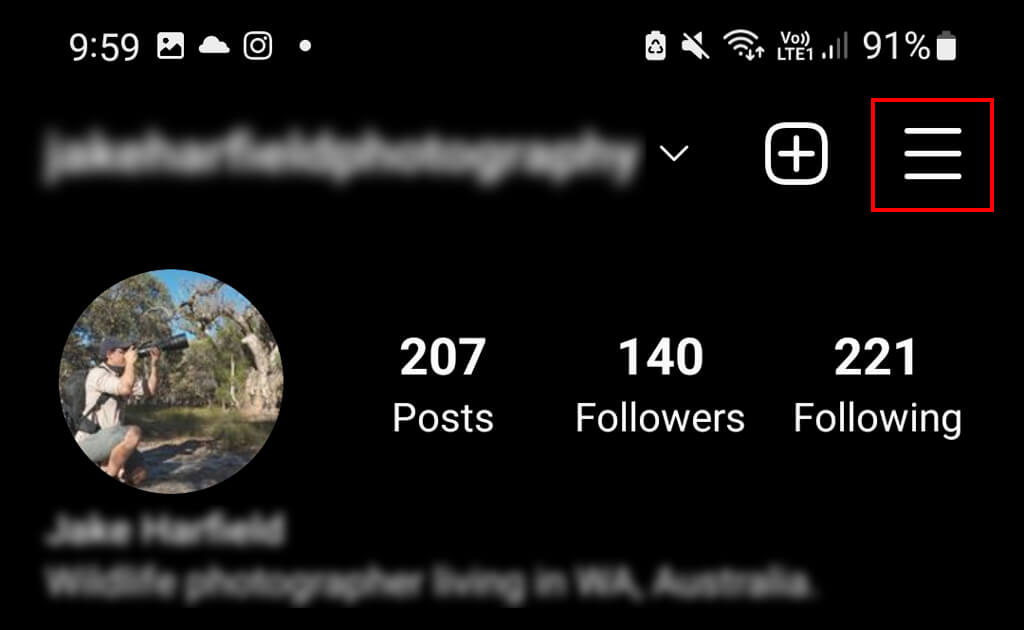
- Tap the three horizontal lines at the top-right of the screen.
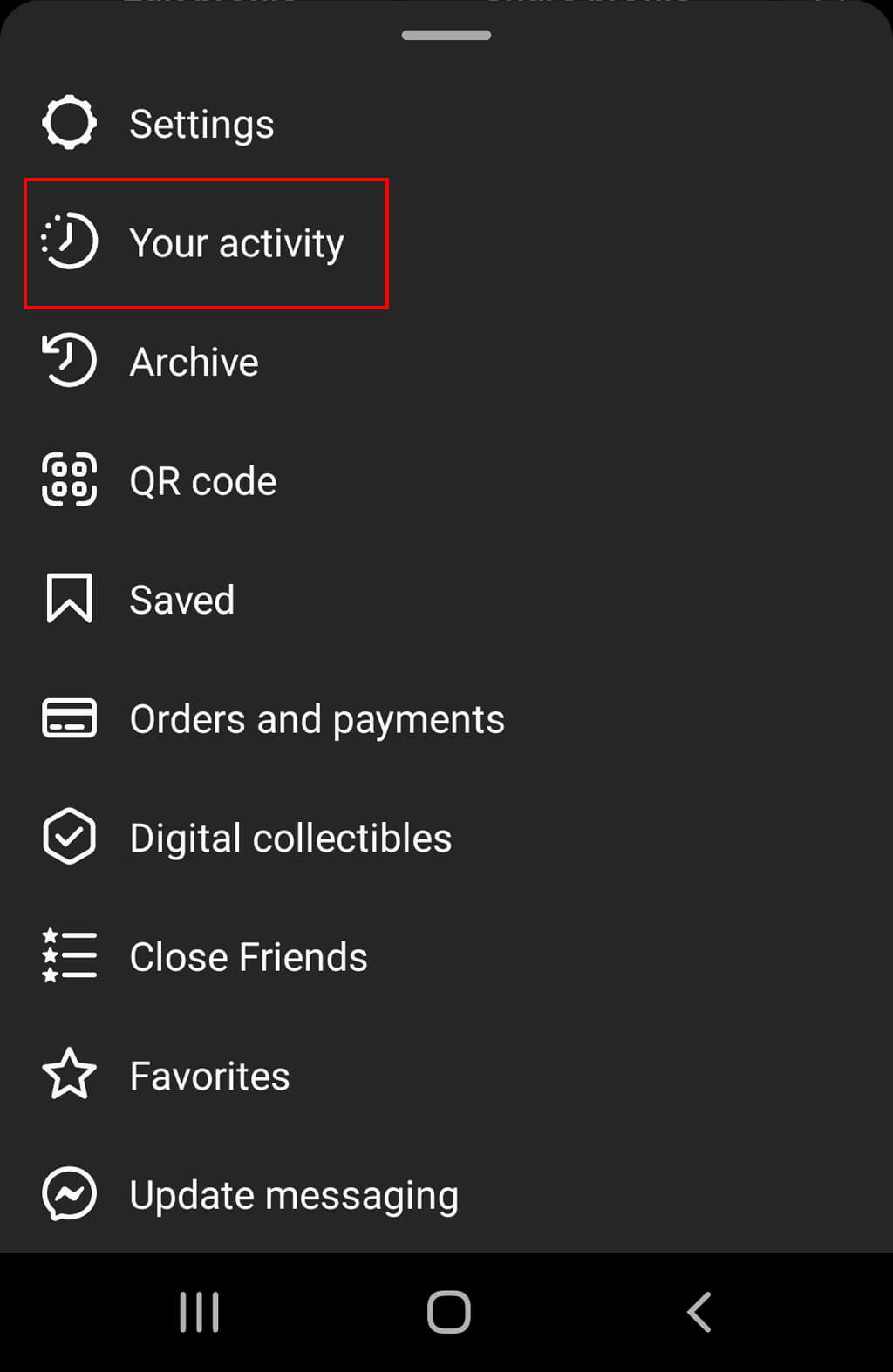
- In the pop-up menu, select Your Activity.
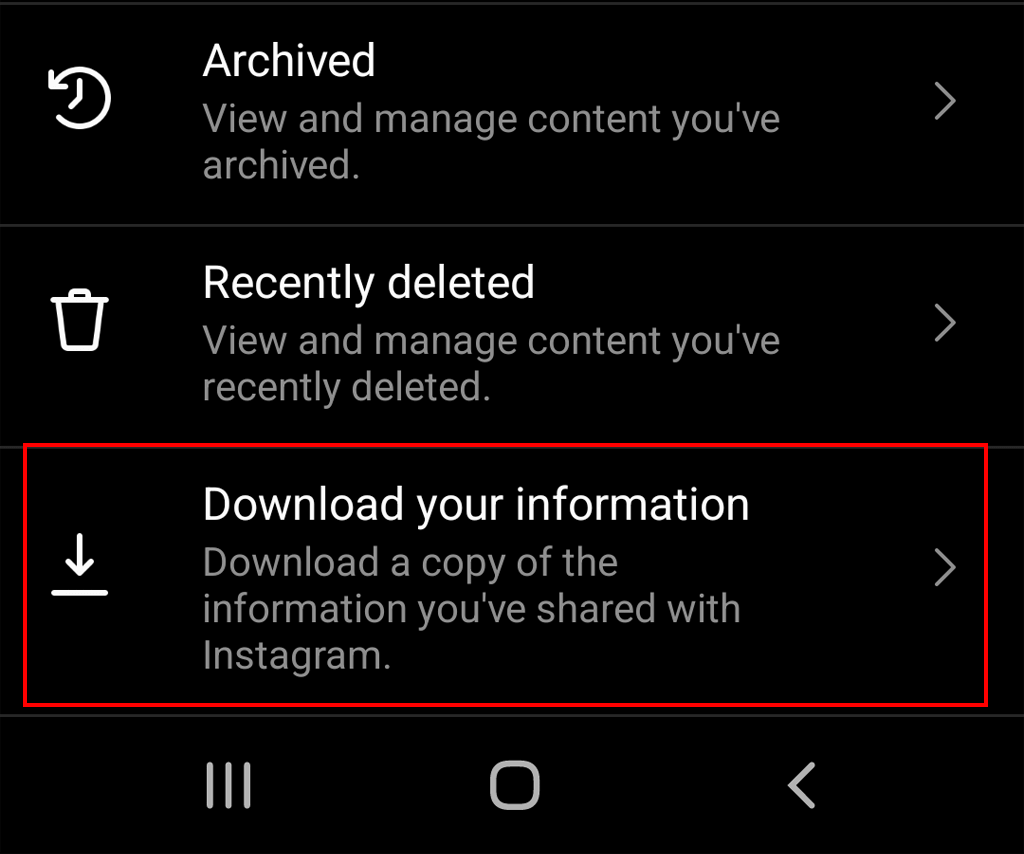
- Tap Download your information.
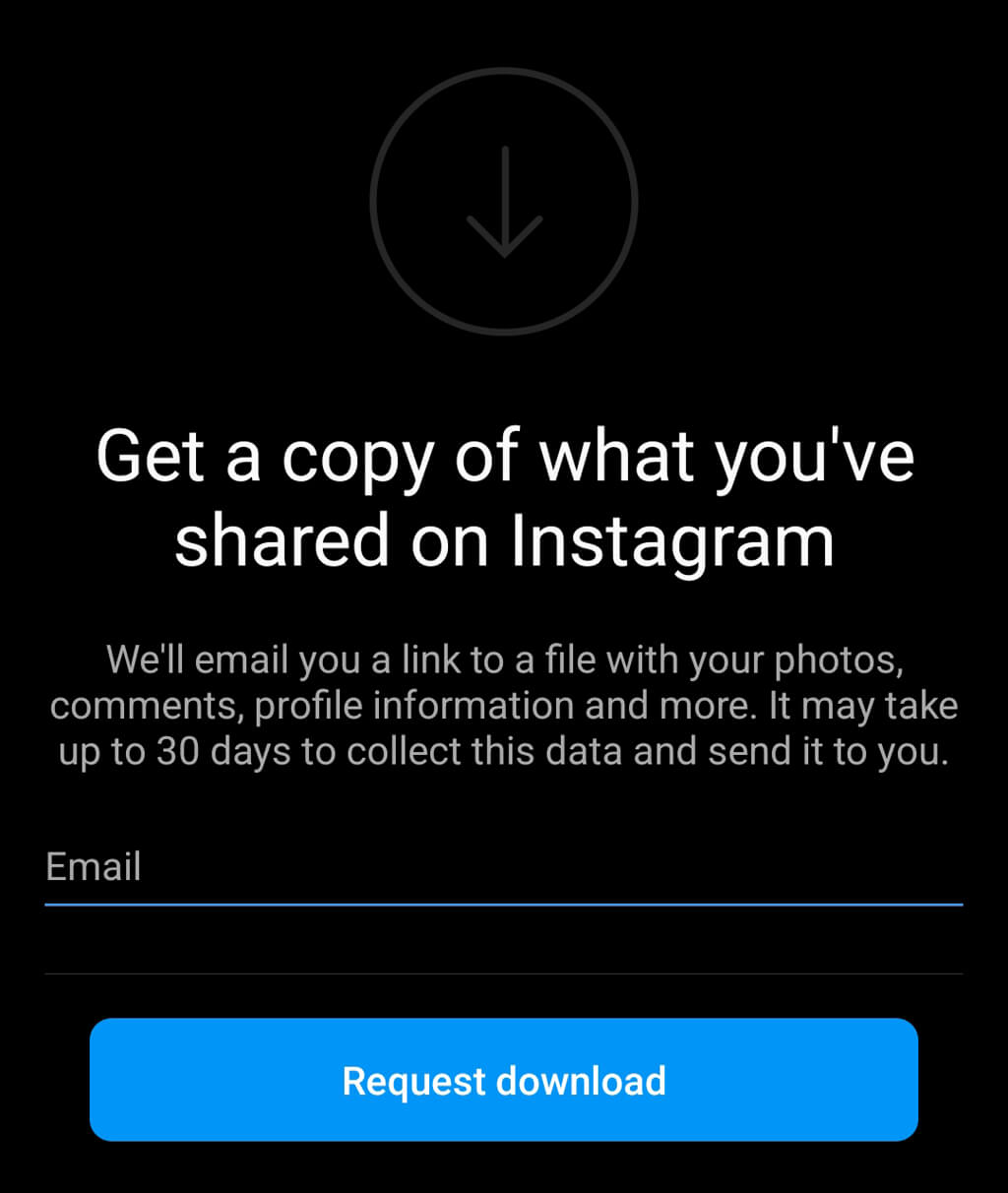
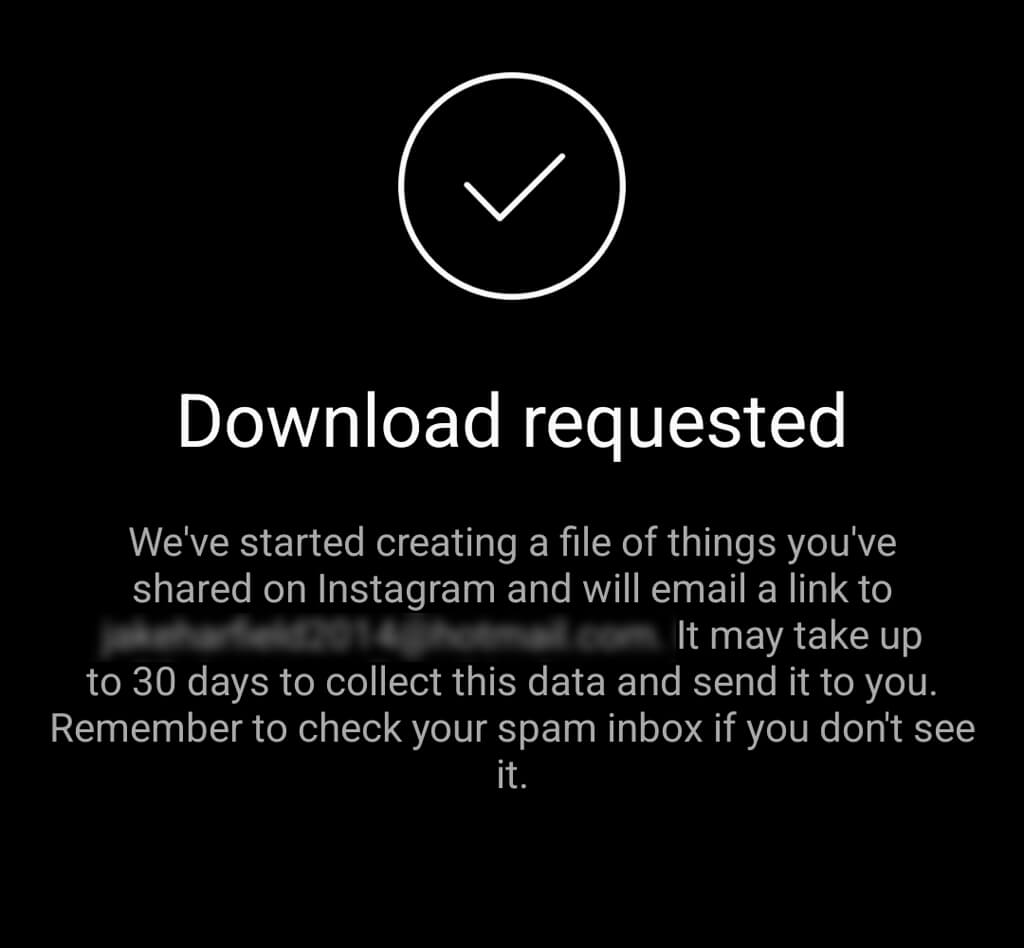
- Enter your email address. You may also be asked to select the information format you’d like to download your data in. You can select HTML or JSON. Tap Request Download.
- You’ll receive an email called “Your Instagram Data.” Open this email and tap Download Information.
- You’ll be taken to a web page. Sign in to your Instagram account, then select Download information again.
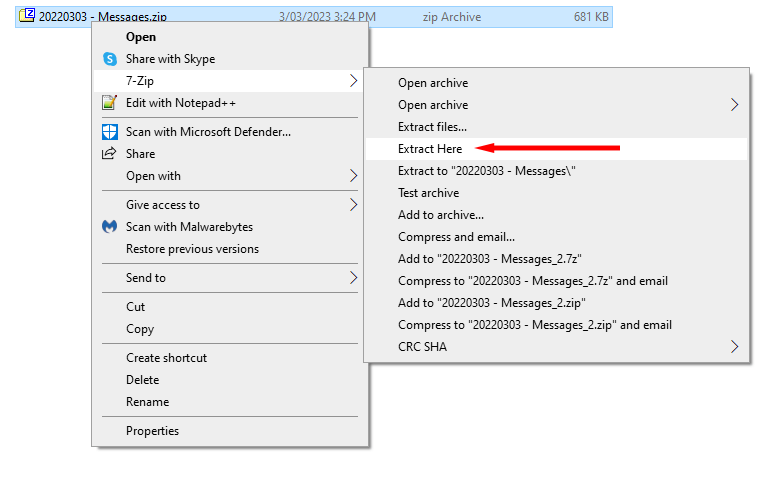
- Your messages will be downloaded in a ZIP file. Unzip this wherever you like.
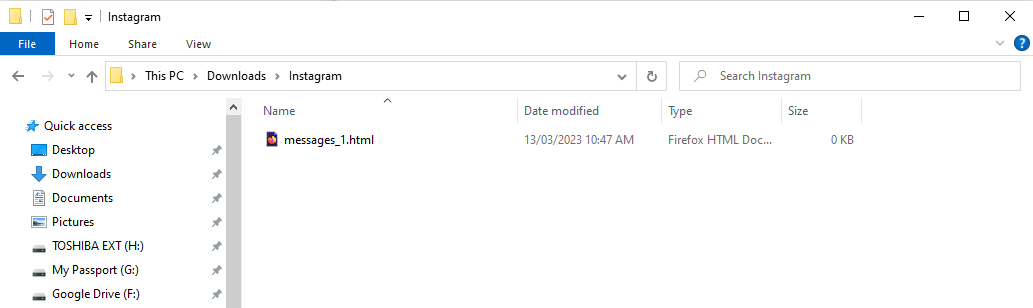
- If you chose HTML, open Messages > Inbox > Your Name. If you choose JSON, you can open the messages.json file using an app like Notepad++.
Instagram is consistently changing its menus, so depending on your version, the process to restore your Instagram direct messages might be slightly different. If the above method doesn’t work, try the following:
- Open the Instagram app and tap the profile icon at the bottom of the screen.
- Select the three horizontal lines in the top-right corner.
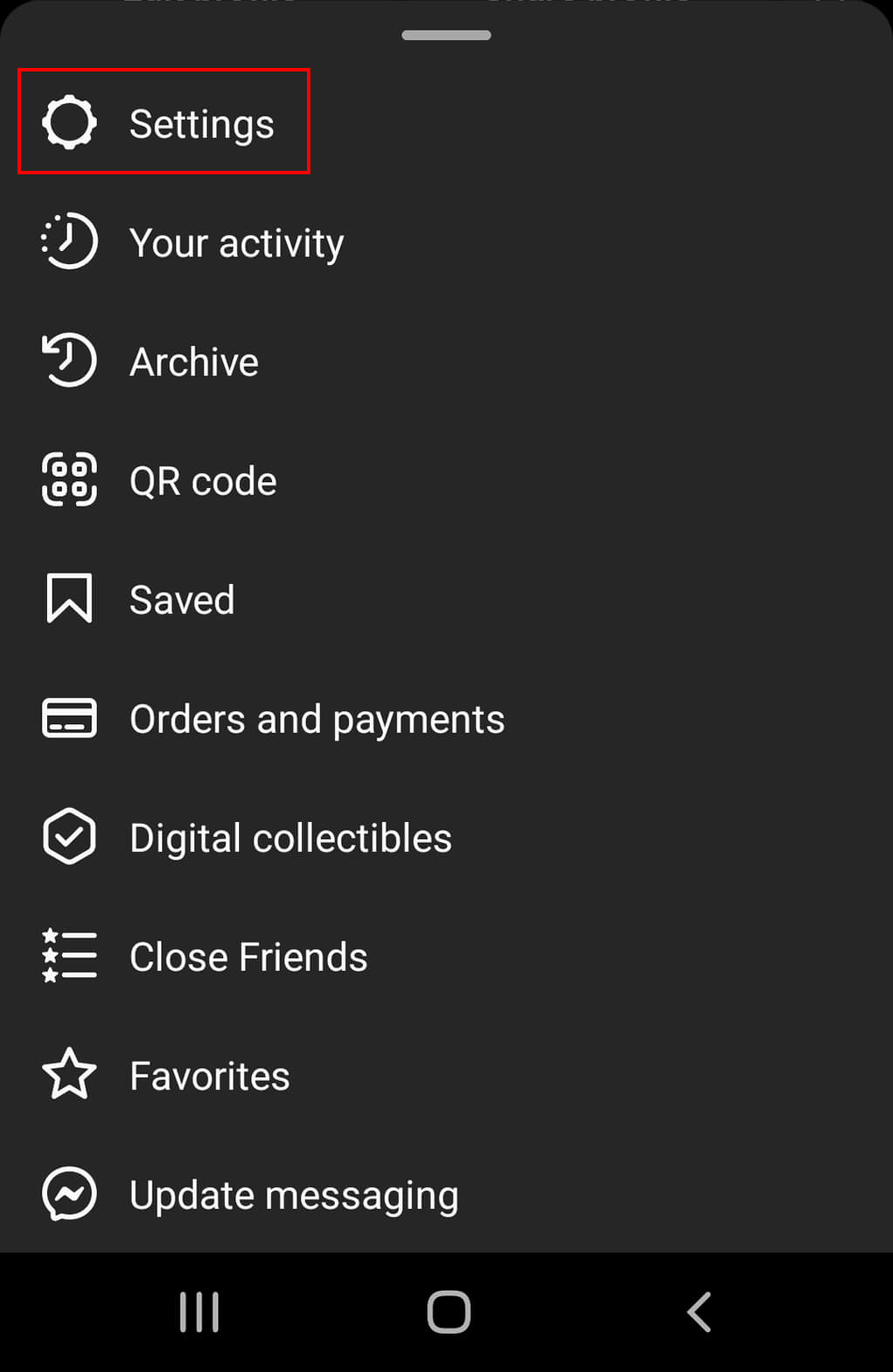
- Tap Settings.
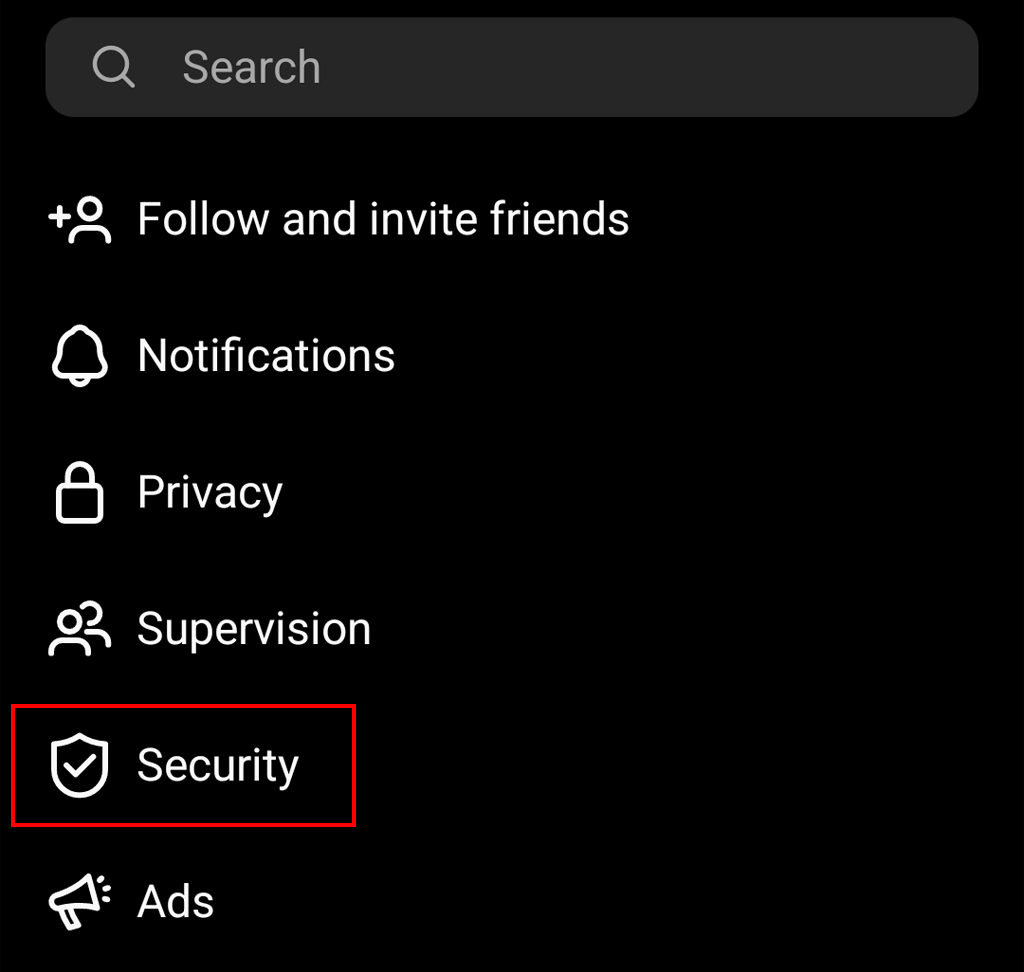
- Select Privacy and security and tap Request download. If this isn’t visible, select Security > Download data.
- Enter your email address and select the information format you’d like to download your data in. Tap Next.
- Enter the password for your Instagram account and tap the Request download button.
- Follow steps 7-8 above to access your deleted data.
Note: This data recovery method will work for both iOS and Android devices as well as from a web browser. However, it may take up to 30 days for Instagram to send the email containing your data and text messages.
Never Lose Your Messages Again
There’s nothing worse than an accidentally deleted DM. But with this tutorial, you should be able to easily download any of your lost messages with the tap of a button.
Finally, while several third-party apps (like Fonelab) are advertised to be able to recover your deleted Instagram chats, they’re generally unnecessary (and often don’t work). Instead of using third-party tools, use Instagram’s built-in data recovery tool.