

Today YouTube is a multi-purpose tool that you can use both in your professional life and for your own entertainment. Of course, depending on how you use it, you can get different results out of it. YouTube has a great number of tricks and shortcuts that many people don’t know about. But that’s not all you can do to enhance your YouTube experience.
There are many online tools out there that can help you discover a better YouTube. One without annoying ads, and with extra useful options. Like the sites that let you trim and crop YouTube videos. Or a tool that shows you the best videos from a decade ago.
Use the following third-party apps, online tools, and add-ons to fix YouTube and make it fun again.
Floating For YouTube
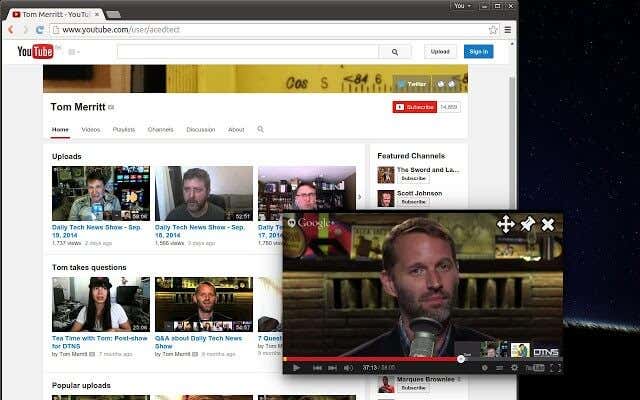
YouTube is a massive productivity killer. With the amount of videos out there, both educational and entertaining, it can be very difficult to force yourself to choose work or studies over YouTube. But what if you could do both at the same time?
If you’re a master of multitasking, try Floating for YouTube. This Chrome extension will put your YouTube video in a pop up window that you can keep over the page with other important tasks.
Smart Pause On YouTube
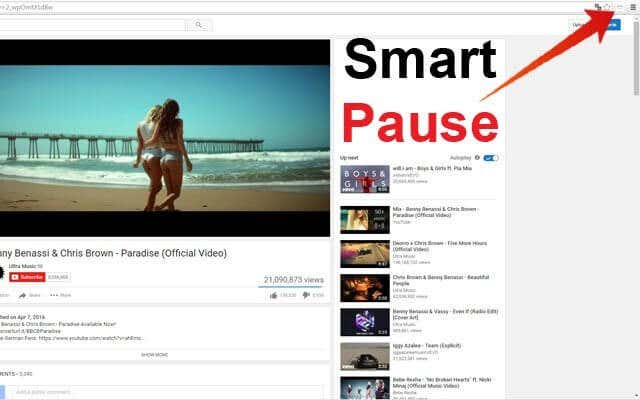
If you’re known to constantly jump from one page to another, this Chrome extension will be a lifesaver. Smart Pause will automatically stop your video every time you leave the YouTube tab, and then resume when you come back to it.
It’s a very simple YouTube tool that can come in handy when you’re doing research or need to make notes while watching a video.
Quietube
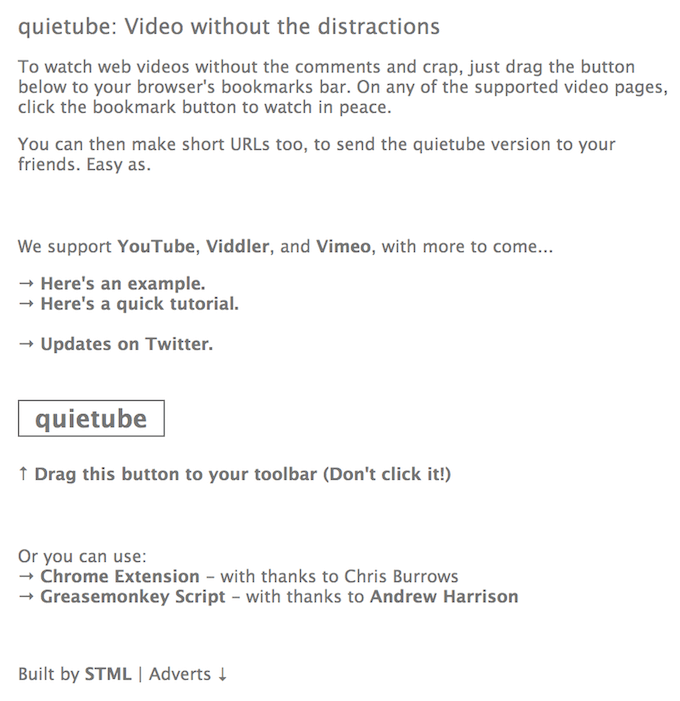
Love YouTube videos but hate all the noise that comes with them? Quietube is a great YouTube tool to take you back to a minimalistic YouTube experience.
The bookmarklet will redirect you to a Quietube page with the YouTube video embedded. On the page, you can choose between a white or black background.
It’s the perfect mix of watching the videos you like and skipping all the annoying parts.
YouTube Rabbit Hole
You watch a video on YouTube. Then thanks to the automated suggestion, the next video starts. You look over at the sidebar with recommendations and find a dozen interesting videos that you weren’t planning on watching. Going on YouTube can sometimes feel like going down the rabbit hole.
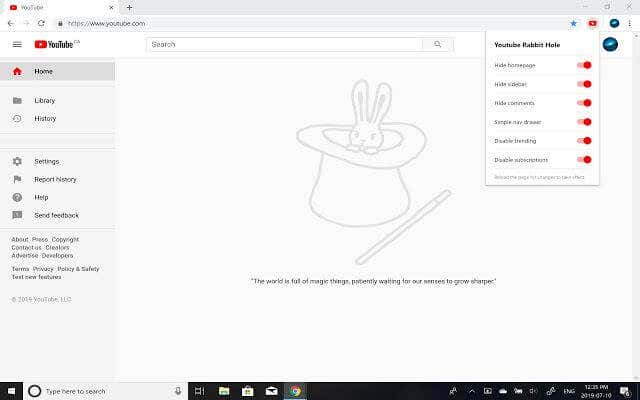
YouTube Rabbit Hole is a Chrome extension that will help you get out of the vicious circle that YouTube can be. Rabbit Hole doesn’t show suggested content, comments, or ads.
When you start using YouTube Rabbit Hole, you won’t recognize your homepage either. There will be no “trending”, or even subscription pages. All that will be left of YouTube is the search bar and the video you’re currently watching. And some cute bunnies.
SponsorBlock
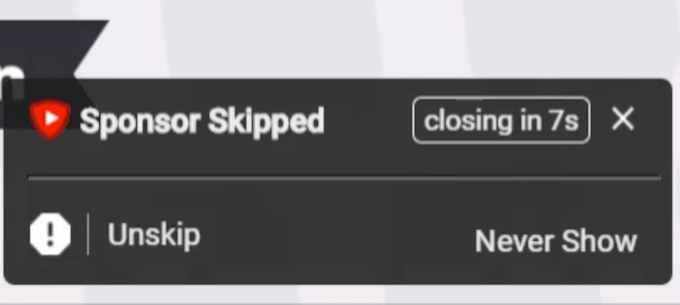
One of the biggest downsides of watching stuff on YouTube is having to sit through all the ads and annoying wait periods. One way out of that is YouTube Premium. But even if you’re a Premium user and have an adblock installed on Chrome, you still have to watch the occasional sponsor ad here and there.
Well, not anymore. Use the SponsorBlock extension to skip all of the sponsored ad segments in the videos you’re watching. This add-on is completely open source.
When you’re watching a video, you’ll be notified when SponsorBlock skips an ad. You can choose to undo it and actually watch the ad. Also, if you come across a sponsored block that wasn’t skipped, you can mark it to help improve the extension’s algorithms.
The extension is free and available for Chrome and Firefox.
StopAll Ads
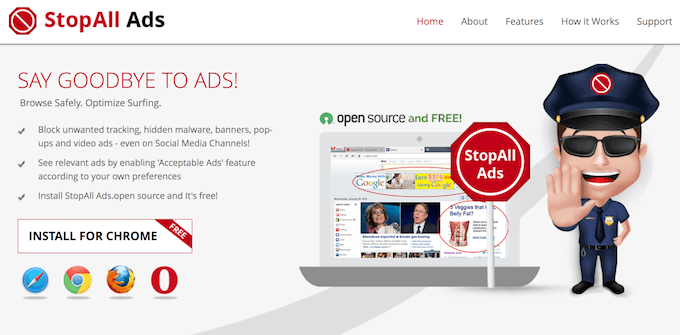
StopAll Ads is yet another Chrome extension that will help you stop wasting time on those pre-video ads on YouTube. Thus helping you improve your productivity.
The main purpose of this tool is removing all banner ads from every website you visit.
Remember those one or two ads you get at the beginning of every YouTube video? StopAll Ads will skip those for you.
YouTube Caption
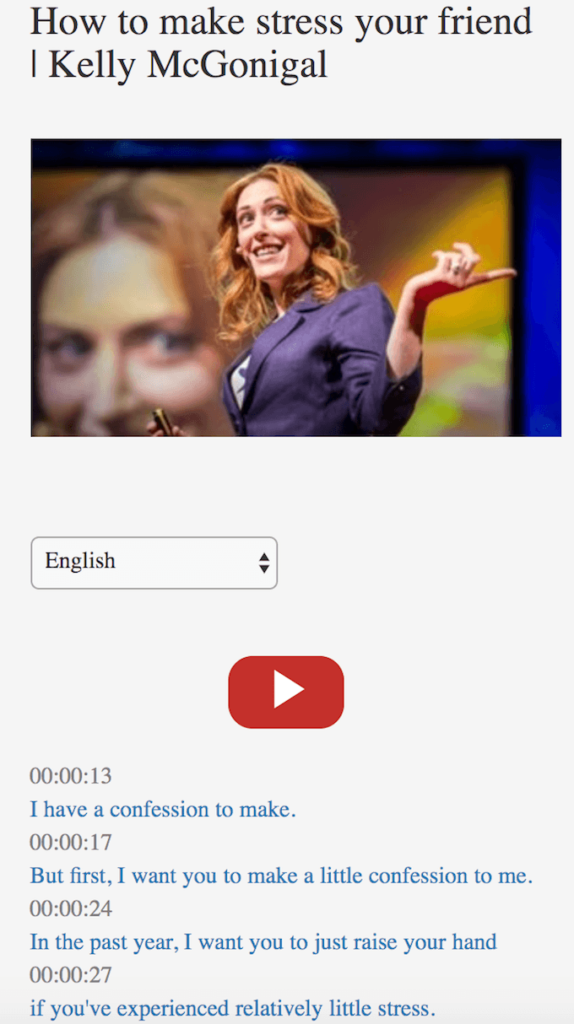
YouTube Caption is a must have web tool if you enjoy watching your TED Talks or other lecture-type videos on the platform. Videos like that often have captions. They can be made by the video’s author or generated by YouTube. This web tool will extract the captions and present it to you as text in your language of choice.
The captions come with timestamps, so you can go back to a certain moment in the video. Just click on the line and it will take you to that exact point in the video.
The tool only works with the videos that have captions. To reveal captions for a video, enter the video link into the box, tap the search button and choose the language.
You can use YouTube Caption to briefly scroll through a long video, or to make notes of an important lecture.
YouTube Decade
Once you’re happy with how efficient your YouTube experience is, move on to making it more fun. Like using online YouTube tools to download your complete YouTube playlist, or make a YouTube video loop continuously to drive your neighbors insane.
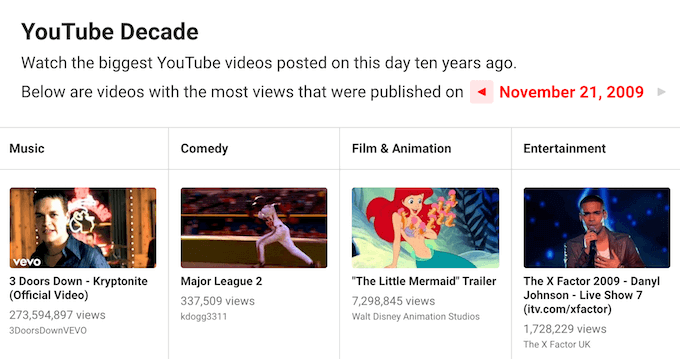
YouTube Decade is a great tool that you can use for aiding your nostalgia or simply for your own amusement. Every day it will show you eight of the most popular videos that were uploaded on this day 10 years ago.
Each video is chosen from a certain category: Music, Comedy, Film & Animation, Entertainment, News & Politics, Pets & Animals, Sports, and Gaming. So you can find a video for yourself no matter what you’re into.
For example, if you’re checking YouTube Decade on November 21st, 2019 you’ll find a page with the videos that trended on November 21st, 2009. You can use it to browse even further in time, checking what videos were popular each day a decade ago.
It’s definitely a better alternative to your standard YouTube home page with suggested videos.