
Been struggling with your iPhone taking forever to hit 100% charge? You’re not imagining it! Your phone really does slow to a crawl after 80%. What should take 20 minutes somehow stretches into an hour of watching that battery percentage creep up one digit at a time.
This isn’t a bug or a problem with your charger. It’s actually your iPhone protecting its battery from damage. In this guide, you’ll learn exactly why this happens, what’s changed since the early iPhone days, and how to get the fastest possible charging speeds with today’s iPhones.
What Is Trickle Charging?
Trickle charging is the slow, careful charging phase that kicks in when your iPhone hits around 80% battery. Think of it like filling a water balloon, you can blast water in quickly at first, but as it gets full, you need to slow down or it’ll burst.
Key Features:
- Two-phase process: Fast charging (0-80%) followed by trickle charging (80-100%)
- Automatic protection: Your iPhone’s internal charging system controls the speed, not your wall adapter
- Heat management: Slower charging reduces heat buildup that can damage lithium-ion batteries
- Universal behavior: Happens on all iPhones, iPads, and iPods regardless of charger wattage
Why Your iPhone Slows Down After 80%
Your iPhone has a built-in charging controller (the actual “charger”) that manages how much power flows into the battery. The thing you plug into the wall? That’s just a power adapter delivering electricity and your phone decides what to do with it.
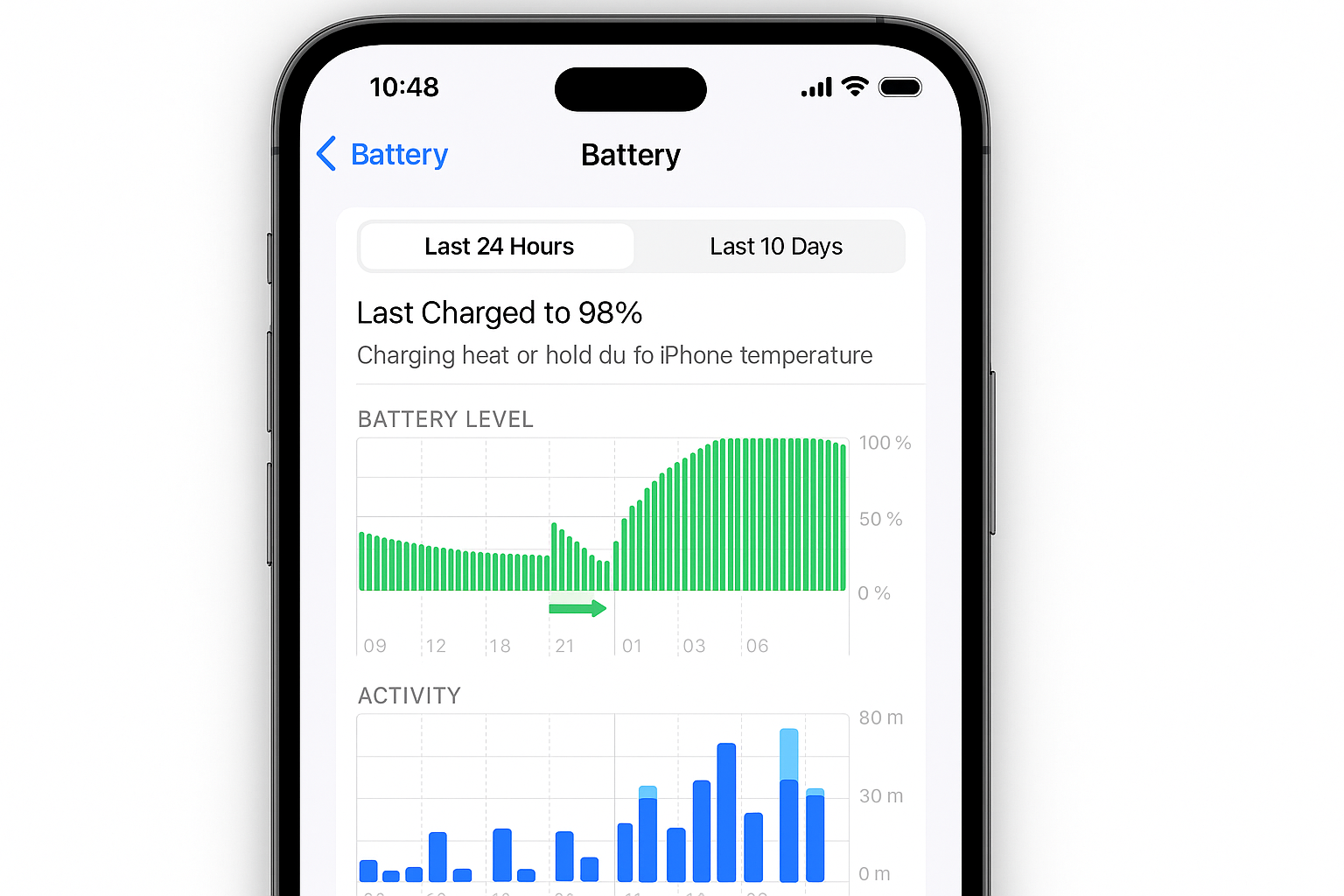
Here’s what happens during each phase:
Fast Charge Phase (0-80%): Your iPhone draws maximum power from your adapter — up to 30W on newer Pro models. This gets you from dead to 80% in about 30-45 minutes depending on your iPhone model and charger.
Trickle Charge Phase (80-100%): Power drops to around 5W or less to prevent overcharging. This final 20% takes another 30-60 minutes, regardless of how powerful your charger is.
The reason? Lithium-ion batteries (what’s inside every iPhone) can be permanently damaged or even catch fire if they’re overcharged. The trickle phase prevents this by carefully topping off the battery without pushing too much current through it.
How Fast Charging Has Evolved Since 2014
While the two-phase charging curve hasn’t changed, the speeds definitely have. Here’s what’s different with modern iPhones:
Higher Peak Speeds
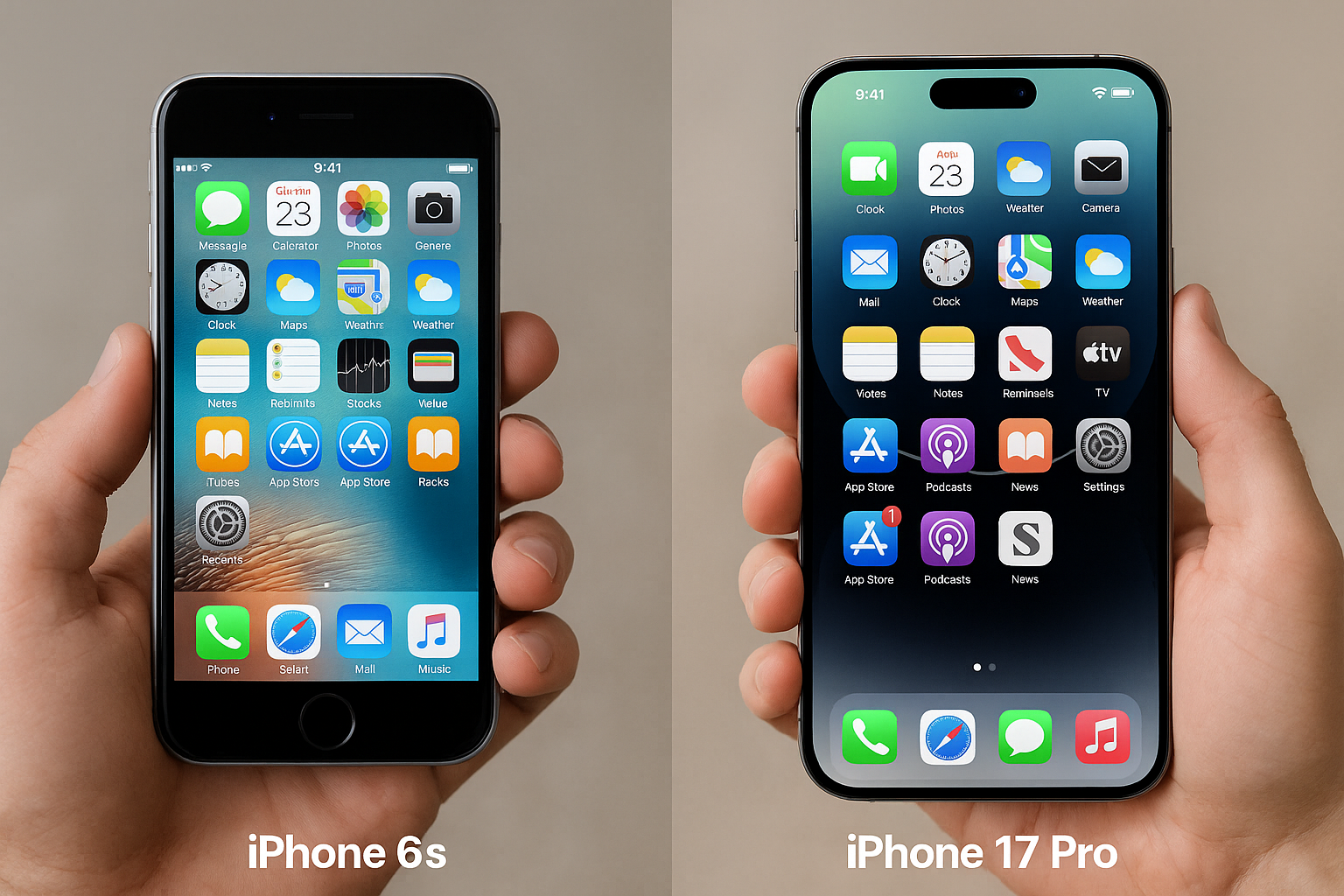
The iPhone 17 Pro can hit up to 40W during fast charging (0-50% in about 20 minutes), compared to the iPhone 6’s measly 12W back in 2014. Even the base iPhone 16 manages 30W, more than double what we had a decade ago.
USB-C Adoption
Since the iPhone 15 in 2023, all new iPhones use USB-C instead of Lightning. This opens up compatibility with more powerful chargers and faster data transfer, though the charging curve behavior remains the same.
Smarter Battery Management
iOS now includes Optimized Battery Charging that learns your routine and delays hitting 100% until you actually need it. If you charge overnight, it might pause at 80% and finish charging just before your alarm goes off.
How to Get the Fastest Charging Speeds
Want to minimize that slow trickle phase? Here’s what actually works:
Upgrade Your Charger
If you’re still using the old 20W adapter that came with your iPhone, you’re leaving speed on the table. Modern iPhones can handle much more:
| iPhone Model | Max Charging Speed | Recommended Charger | 0-50% Time |
|---|---|---|---|
| iPhone 17, 17 Pro, 17 Pro Max | 40W | 40W+ USB-C PD | ~20 minutes |
| iPhone 16 Pro/Pro Max | 30W | 30W+ USB-C PD | ~22 minutes |
| iPhone 16/16 Plus | 25W | 25W+ USB-C PD | ~27 minutes |
| iPhone 15 Pro/Pro Max | 27W | 30W+ USB-C PD | ~25 minutes |
| iPhone 15/15 Plus | 20W | 20W+ USB-C PD | ~30 minutes |
Use a Quality Cable
Not all USB-C cables support fast charging. Make sure you’re using a cable rated for at least 60W power delivery. The cable that came with your iPhone works great, but if you need extras, stick with certified options from Apple, Anker, or other reputable brands.
Keep Your iPhone Cool
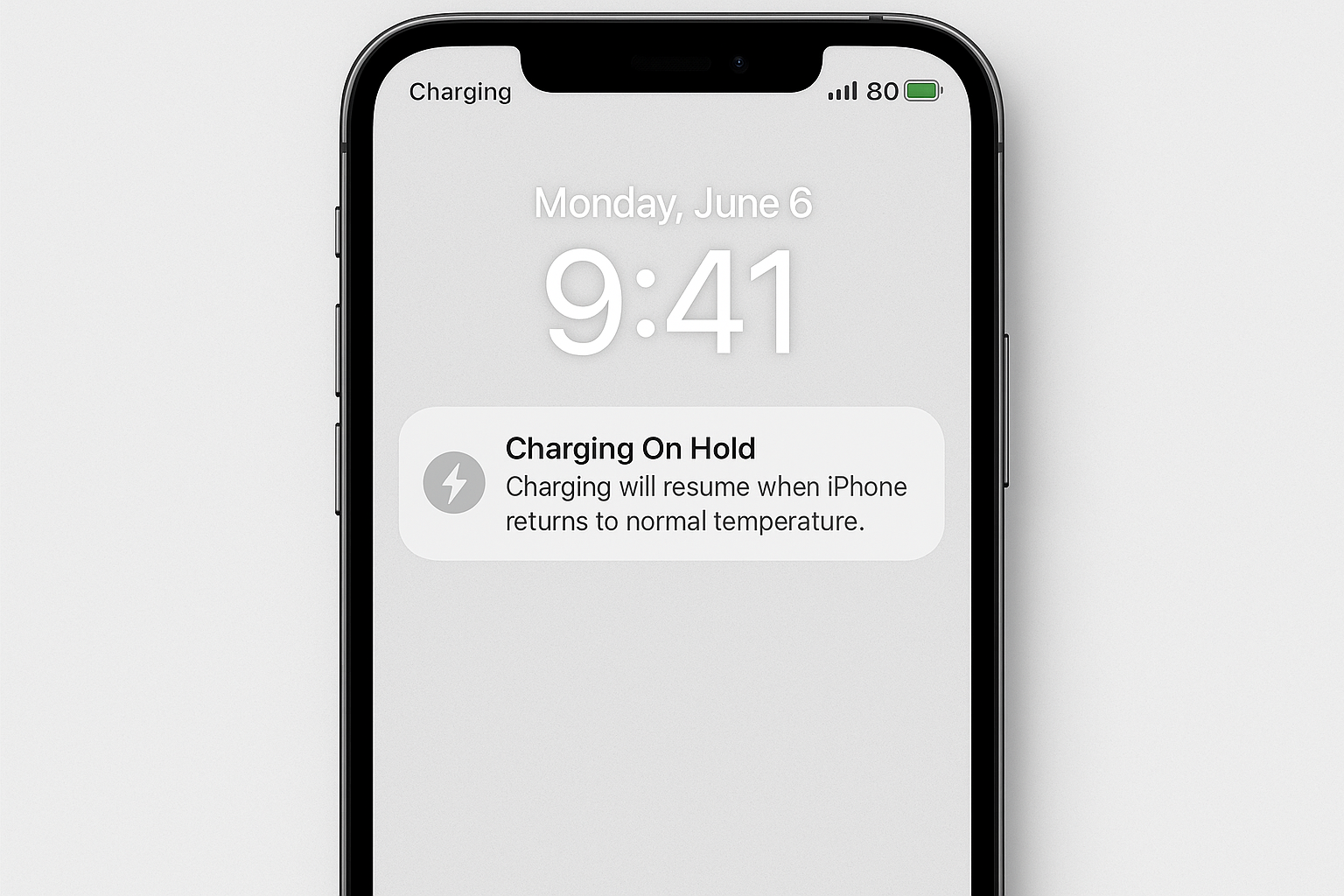
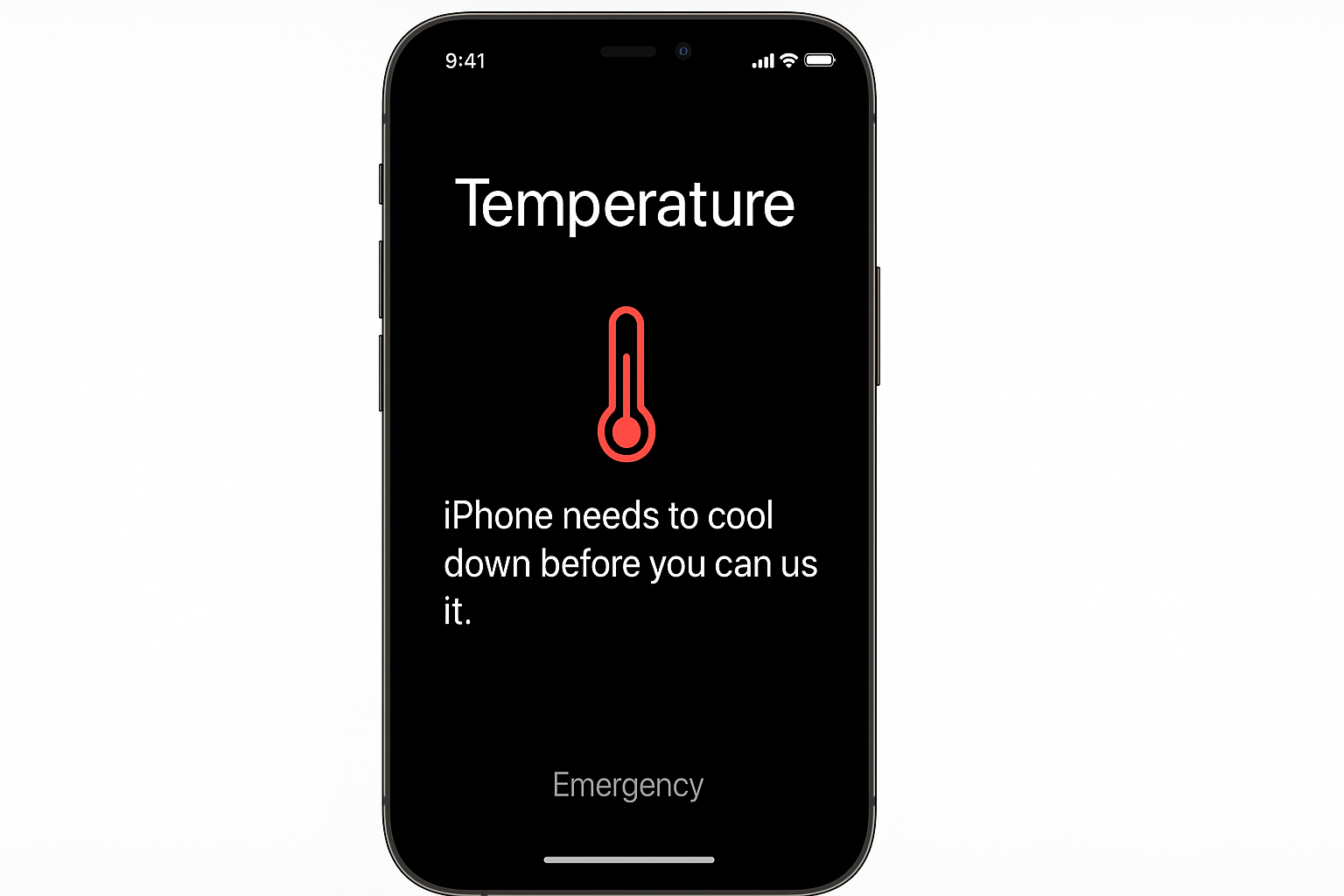
Heat is the enemy of fast charging. If your iPhone gets too warm (above 95°F/35°C), it will automatically slow down charging to prevent damage. To keep things cool:
- Remove thick cases: Especially leather or thick silicone cases that trap heat
- Charge in a cool room: Avoid charging in direct sunlight or hot cars
- Use airplane mode: Reduces heat from cellular radios and background apps
Manage Your Expectations
Here’s the thing, no charger in the world will make that 80-100% phase significantly faster. It’s going to take 30-60 minutes regardless because that’s how lithium-ion chemistry works. Plan accordingly if you need a full charge.
Wireless Charging vs. Wired
MagSafe wireless charging follows the same two-phase pattern, but it’s slower overall. The iPhone 17 Pro Max maxes out at 25W wirelessly compared to 40W wired. Expect about 40% longer charging times with wireless, though it’s super convenient for overnight charging.
Tips and Troubleshooting
Common Issues
Problem: Charging seems slower than it used to be
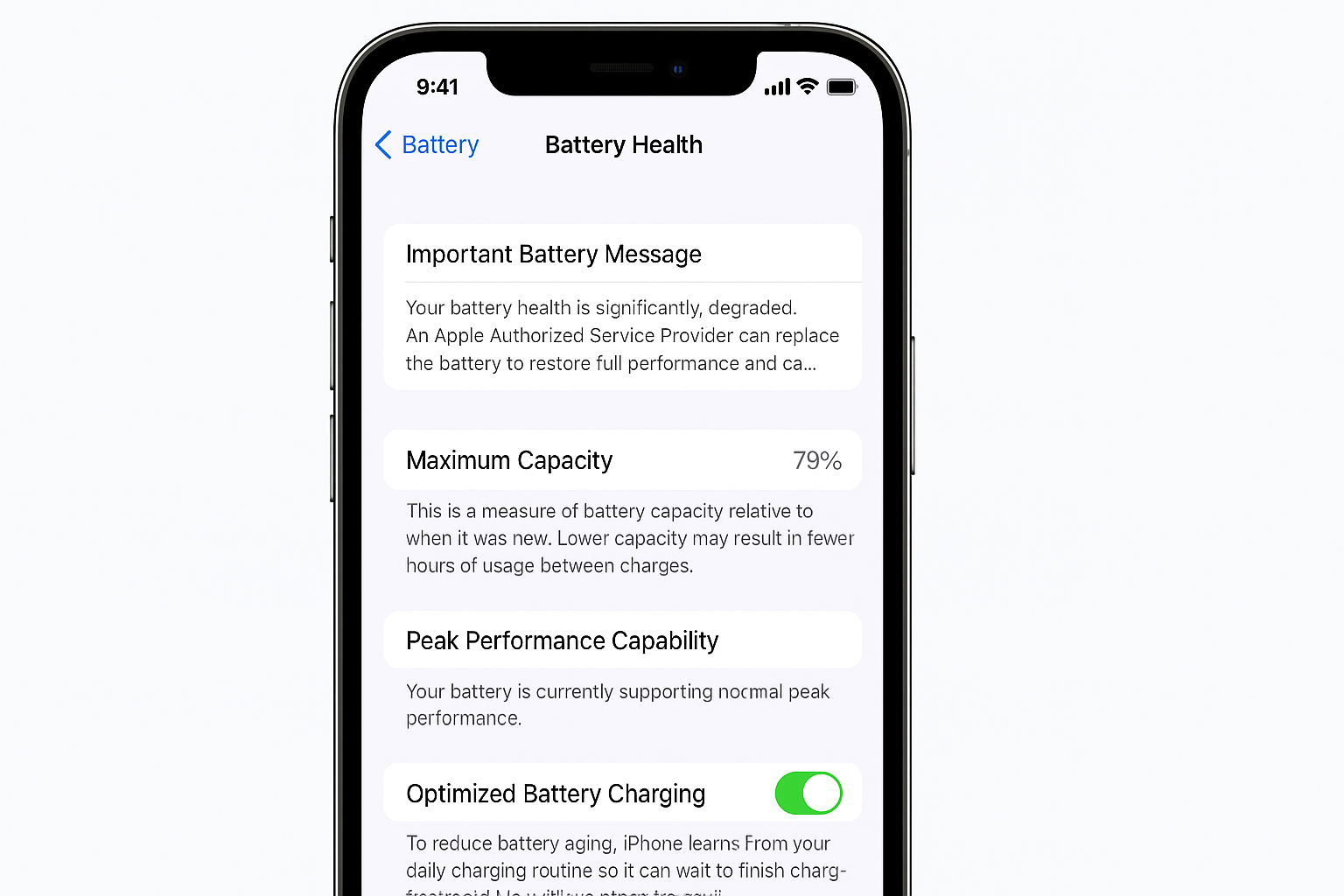
Check your battery health in Settings > Battery > Battery Health & Charging. If your maximum capacity is below 80%, your iPhone will charge slower to protect the aging battery. Time for a battery replacement or new phone.
Problem: Fast charging stops working randomly
This usually happens when your iPhone gets too hot. Let it cool down for 10-15 minutes, remove any case, and try again. iOS will resume fast charging once the temperature drops.
Problem: Charging estimates keep changing
iOS learns your charging patterns over time. New phones or after major iOS updates, the estimates might be wonky for a week or two until the system calibrates.
Pro Tips
- Charge to 80% for daily use: You’ll get most of your battery back in half the time
- Enable Optimized Battery Charging: Found in Settings > Battery > Battery Health & Charging
- Use Low Power Mode while charging: Reduces background activity and heat generation
Wrapping Up
That annoying slow-down after 80% isn’t a bug, it’s your iPhone protecting its battery from damage and extending its lifespan. While you can’t eliminate trickle charging entirely, upgrading to a higher-wattage charger will get you through the fast phase much quicker.
The good news? Modern iPhones charge way faster than they used to, even if that final stretch still feels like forever. For daily use, charging to 80% gives you most of your battery back in about 20-30 minutes, which honestly isn’t too shabby.