
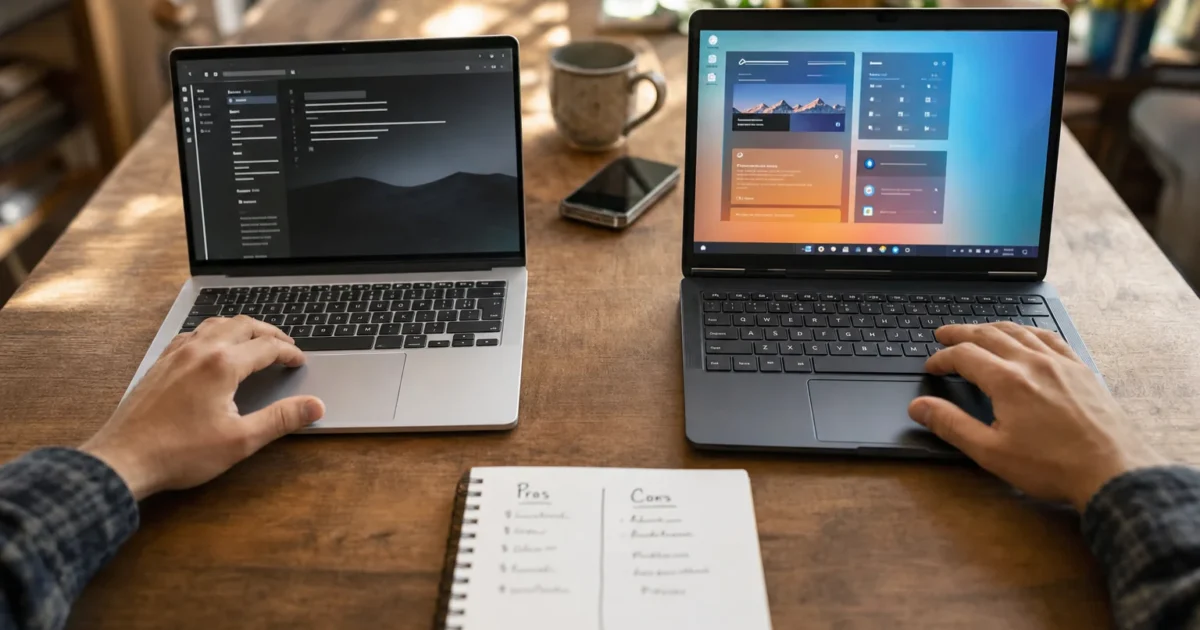
Trying to decide between a Mac and a PC is one of those questions that seems simple until you actually start digging into it. Then suddenly you’re three hours deep in Reddit threads, more confused than when you started. Sound familiar?
Here’s the good news: there’s no universally “right” answer, but there is a right answer for you. In 2026, the Mac vs. PC debate looks pretty different than it did even five years ago. Apple’s switch to its own Apple Silicon chips (the M1 through M5 families) completely changed the performance picture, and Windows 11 has matured into a solid OS with a lot going for it. This guide breaks down the real pros and cons of each platform so you can stop second-guessing yourself and just pick the one that fits your life.
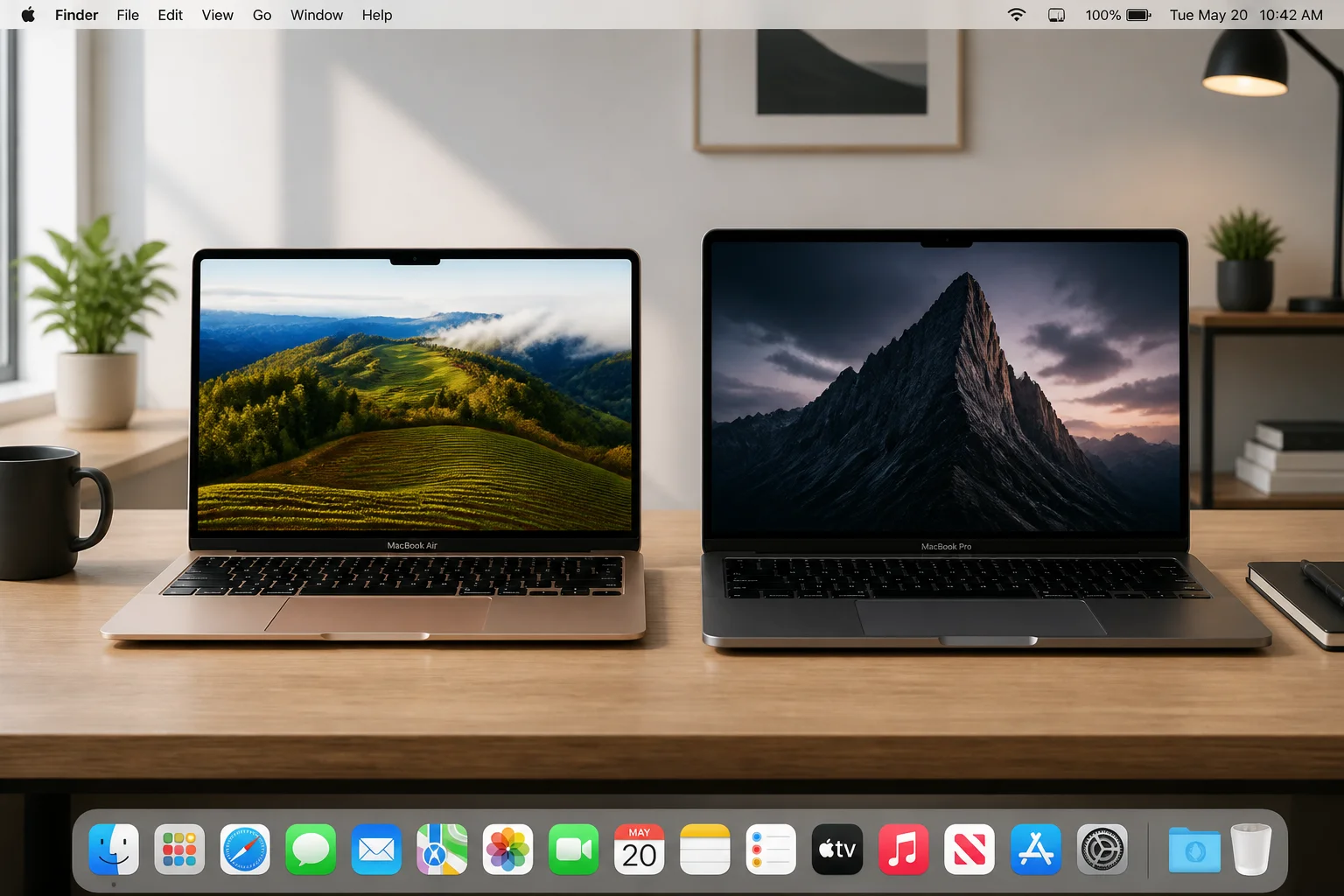
Quick Recommendation: Which One Should You Get?
Before we get into the details, here’s the short version if you’re in a hurry:
- Pick a Mac if you already use an iPhone or iPad, you do creative work (video, photo, audio, design), and you want a laptop that’ll last 6+ years with great battery life.
- Pick a Windows PC if you’re on a tight budget, you’re a serious gamer, you need specific enterprise or CAD software, or you want maximum flexibility to customize your hardware.
- Either works fine if you mainly live in a browser, use cloud apps like Google Workspace or Microsoft 365, and don’t have heavy gaming or specialized software needs.
Still not sure? Keep reading. We’ll walk through everything.
Mac Pros (and Windows Cons)
- Apple Silicon is genuinely impressive: The M-series chips Apple uses in modern Macs deliver performance that competes with, and often beats, much pricier Windows laptops. In many benchmarks, M-series chips post a noticeable single-core lead over comparably priced Windows laptops while running cooler and using less power – though some high-end 2026 Intel and AMD chips can match or exceed Apple Silicon in certain tests. The battery life on a MacBook Air or MacBook Pro with Apple Silicon is hard to match on the Windows side.
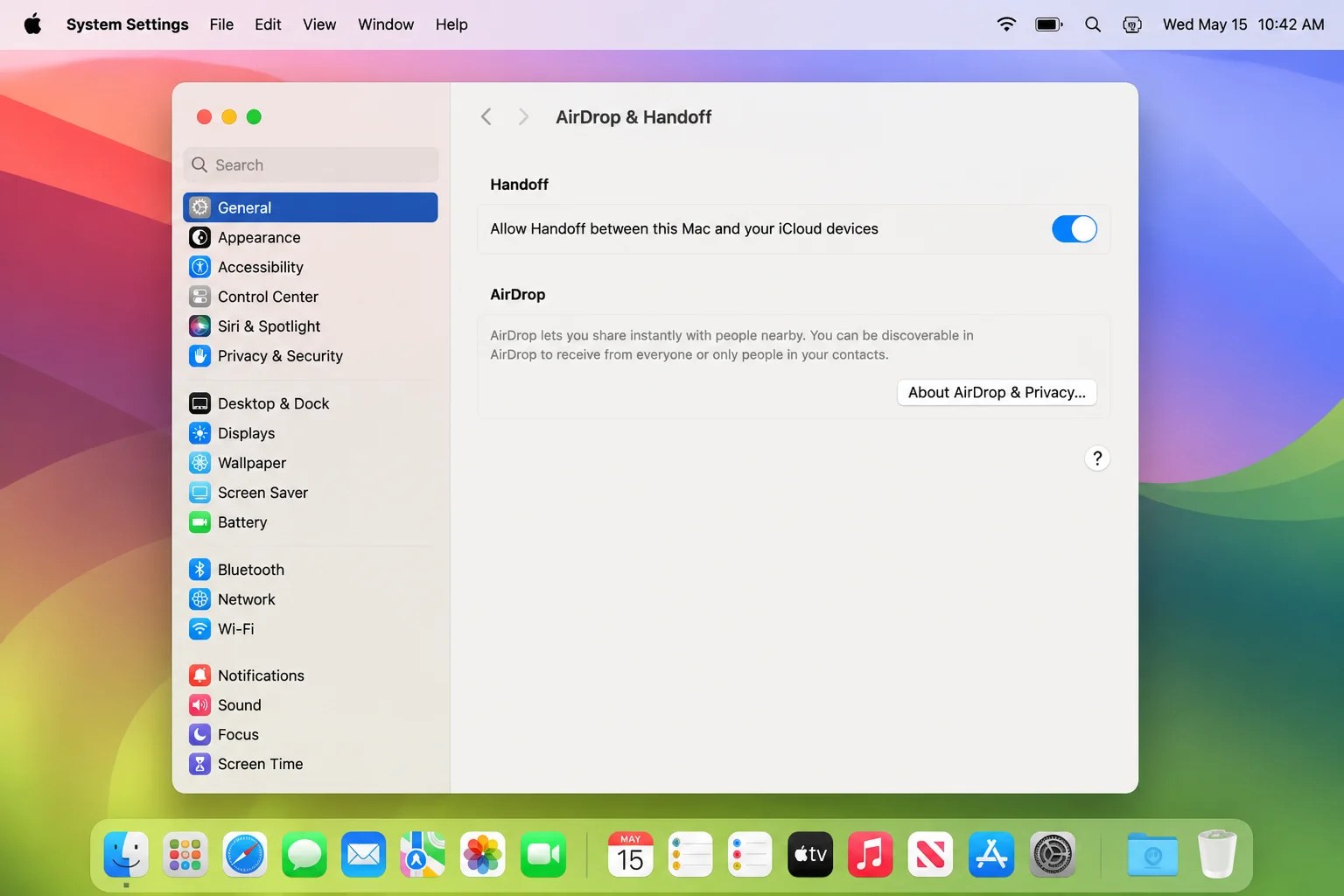
- The Apple ecosystem is hard to beat: If you already use an iPhone, iPad, Apple Watch, or Apple TV, a Mac slots in like the missing puzzle piece. Features like Handoff (pick up where you left off on another device), Universal Clipboard (copy on your iPhone, paste on your Mac), AirDrop, iMessage on Mac, and iCloud Photos all work seamlessly together. Microsoft has tried to build something similar with Windows and Android, but it’s not quite as smooth.
- Macs are great for creative work: Video editors, photographers, musicians, and designers tend to gravitate toward Macs, and for good reason. Apps like Final Cut Pro, Logic Pro, DaVinci Resolve, and the Adobe suite are all well-optimized for Apple Silicon. The displays are color-accurate, the fans barely spin, and the whole experience just feels polished.
- Less bloatware out of the box: Almost every Windows laptop from a major manufacturer comes pre-loaded with trial software, branded utilities, and promotional apps you’ll never use. Macs come with Apple’s own apps and nothing else. It’s a small thing, but it makes setup a lot less annoying.
- Fewer malware threats (in practice): Macs can absolutely get viruses and malware, so don’t let anyone tell you otherwise. But because Windows has a much larger user base, it’s a much bigger target for attackers. Day-to-day, Mac users deal with fewer security headaches. That said, good habits (keeping your OS updated, not clicking sketchy links) matter on both platforms.
- Apple Support and AppleCare are genuinely good: Walk into any Apple Store with a broken Mac and you’ll get actual help from a real person. AppleCare+ extends your warranty and covers accidental damage. It’s not cheap, but the support experience is consistently better than most Windows PC manufacturers.
- Macs hold their value surprisingly well: A three-year-old MacBook Pro can still sell for 50–60% of its original price. Try doing that with most Windows laptops. Combined with the fact that Macs tend to stay usable for 6–8 years, the total cost of ownership is often more competitive than the upfront price suggests.
- macOS is clean and consistent: If you’re already an iPhone user, macOS will feel immediately familiar. Settings are in logical places, the interface is consistent across apps, and there’s less of the “wait, where did that setting move?” frustration that Windows users sometimes deal with after updates.
PC Pros (and Mac Cons)
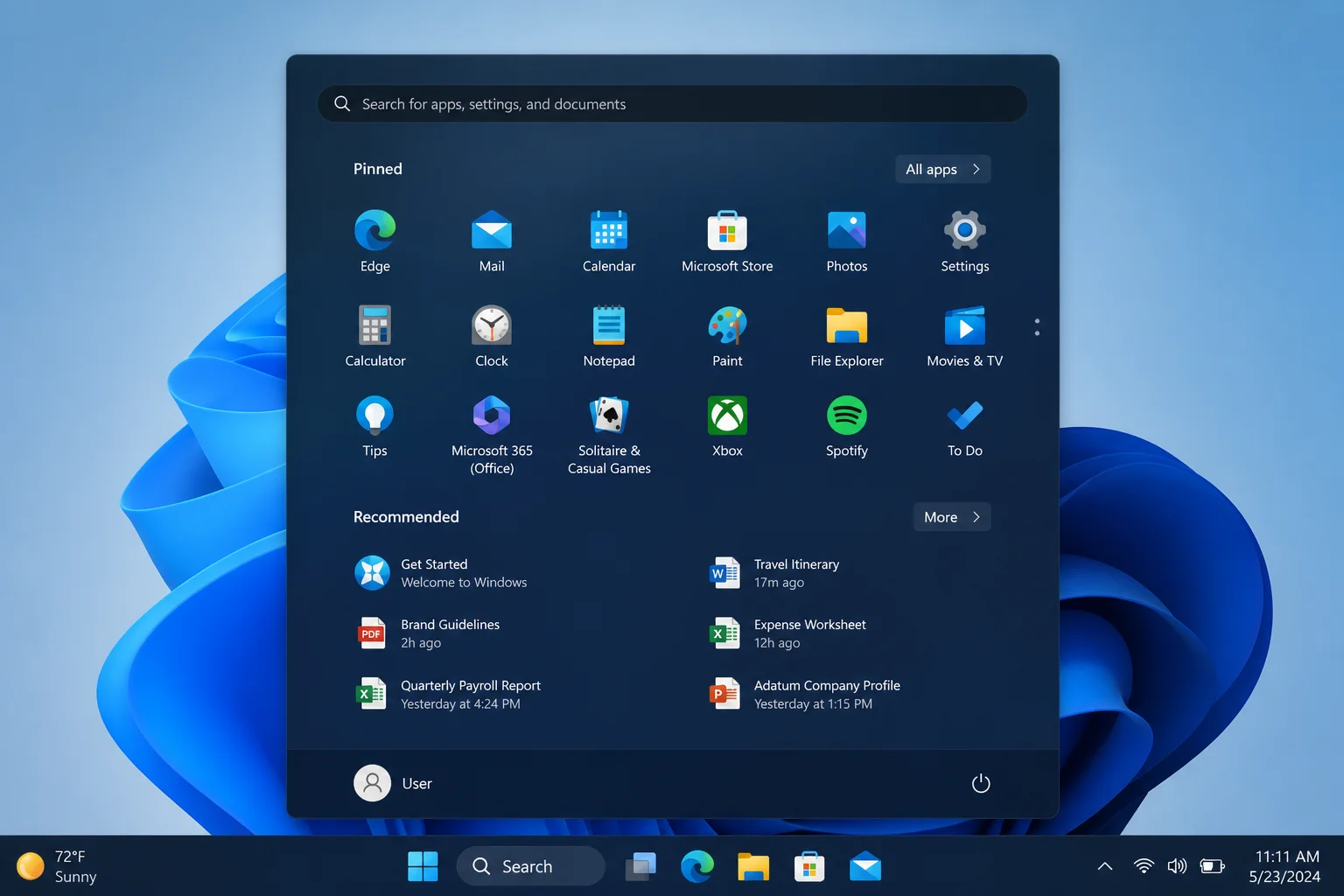
- Windows PCs are way more affordable at entry level: Apple doesn’t make a laptop under about $999. If you need something functional for under $600–800, Windows is your only real option. And there are genuinely good budget Windows laptops out there; you just have to shop carefully.
- Way more hardware variety: Want a gaming tower you can upgrade piece by piece? A 2-in-1 tablet-laptop hybrid? A tiny mini PC for your desk? A workstation with multiple GPUs? Windows has all of that. Apple’s lineup is intentionally limited, covering a few MacBook models, an iMac, and a Mac Pro. That’s it. Windows gives you choices from dozens of manufacturers at every price point.
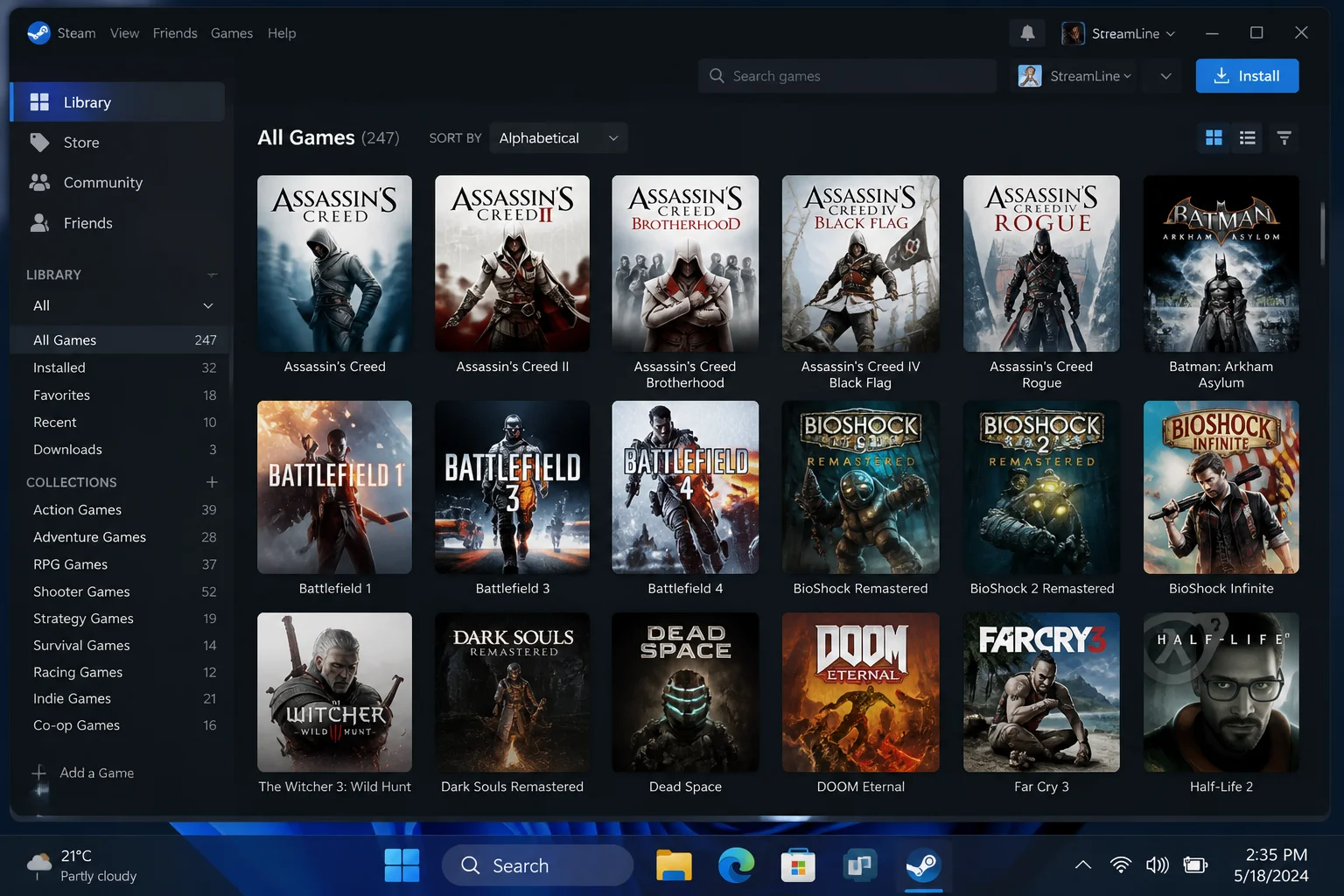
- Gaming is still a Windows thing: This one isn’t even close. Windows dominates PC gaming thanks to DirectX, broad GPU support, and near-universal game compatibility across platforms like Steam, Epic Games Store, and Xbox Game Pass. Mac gaming has improved, and Apple has made a push for more titles, but macOS still represents less than 2% of Steam users. If gaming is a priority, get a Windows PC. Full stop.
- Maximum upgradeability: On a desktop Windows PC, you can swap out virtually every component, including the CPU, GPU, RAM, storage, and even the case. Most modern Macs (especially Apple Silicon models) have memory and storage soldered directly to the chip, meaning what you buy is what you’re stuck with. Plan ahead when configuring a Mac, because you can’t upgrade later.
- Better for specialized and enterprise software: If your job requires SolidWorks, certain AutoCAD configurations, niche line-of-business apps, or software that IT mandates at your company, there’s a good chance it only runs on Windows. Always check your critical apps before switching platforms. This is probably the single most important practical consideration.
- More accessories, more options, usually cheaper: Peripherals, docking stations, monitors, webcams. The Windows ecosystem has more options at every price point, and you’re not locked into Apple’s accessories or adapters.
- Running Windows on a new Mac is complicated: If you were hoping to run Windows natively on a new Mac using Boot Camp, that’s no longer an option on Apple Silicon Macs (M1 and later). Boot Camp was Intel-Mac-only and is now a legacy feature. You can run Windows in a virtual machine using tools like Parallels Desktop, which works well for most productivity apps, but it won’t cut it for serious gaming or heavy GPU workloads.
- Works great with Xbox and Microsoft 365: If you’re already in the Microsoft ecosystem, including Xbox, Microsoft 365, OneDrive, and Teams, a Windows PC fits right in. You can stream Xbox games to your PC, and the Microsoft 365 apps feel most at home on Windows.
The Big Questions to Ask Yourself
Still on the fence? Run through these questions. They’ll point you in the right direction pretty quickly.
What do you mainly use a computer for?
- Web browsing, email, and office work: Both platforms handle this equally well. Pick based on price and ecosystem.
- Photo, video, or audio editing: Lean toward Mac. Apple Silicon handles these tasks beautifully.
- 3D modeling, CAD, or specialized engineering software: Lean toward Windows for better software compatibility.
- Gaming (AAA titles, competitive gaming): Windows, no contest.
What other devices do you own?
- iPhone, iPad, Apple Watch, Apple TV: A Mac will feel like a natural extension of what you already have. The integration is genuinely useful, not just marketing fluff.
- Xbox, Android phone, heavy Microsoft 365 user: Windows will fit better into your existing setup.
What’s your budget?
- Under $600–800: Windows PC only. Apple simply doesn’t have anything in this range.
- $1,000–1,800: Both are viable; Mac laptops often offer better long-term value thanks to longevity and resale.
- High-end desktop or custom gaming rig: Windows PC. You’ll want the GPU flexibility and upgradeability.
How much do you care about customization?
If you love the idea of building your own PC, swapping out components, and tweaking hardware over time, go with a Windows desktop. If you’d rather just have something that works great out of the box and don’t want to think about hardware, a Mac is a solid choice.
Are you switching from one platform to the other?
Honestly? If you’re already comfortable with one OS and don’t have a compelling reason to switch, staying put is usually the smarter move. The learning curve is real, and most of the time the grass isn’t greener on the other side. It’s just a different shade of green. (That said, if you’re switching from Windows to Mac because you just got an iPhone and an iPad, you’ll probably wonder why you waited so long.)
Common Questions and Myths
“Macs are way too expensive.”
The upfront cost is higher than budget PCs. That’s true. But when you factor in that Macs typically last 6–8 years, hold resale value well, and often don’t need as many upgrades along the way, the total cost of ownership is often more competitive than it looks. Compare a $1,299 MacBook Air to a $800 Windows laptop that you replace in 4 years and the math gets closer than you’d think.
“Macs can’t get viruses.”
Wrong. They absolutely can. Macs see fewer threats in practice because Windows is a much bigger target, but Mac-specific malware does exist. Keep your OS updated and don’t install sketchy software, regardless of which platform you’re on.
“Can I game on a Mac?”
A little, but not seriously. Apple has made real efforts to bring more games to macOS, and some titles do run well. But with less than 2% of Steam users on Mac and limited support for the latest AAA releases, it’s not a gaming platform. If gaming matters to you, get a Windows PC.
“Which OS is easier to learn?”
macOS tends to feel more consistent and streamlined, especially if you’re already used to iOS. Windows 11 has improved a lot over Windows 10, but it still has settings scattered across multiple places, and the old Control Panel isn’t fully gone yet. That said, if you’ve used Windows your whole life, macOS will feel weird at first, and vice versa. Both have a learning curve when you’re new to them.
“What if I need to run Windows apps on a Mac?”
For most productivity apps, running Windows in a virtual machine with Parallels Desktop on an Apple Silicon Mac works surprisingly well. But for gaming or heavy GPU applications, virtualization isn’t a real solution. Check whether your must-have apps have native Mac versions before you commit to switching.
Mac vs. PC: Side-by-Side Comparison
| Category | Mac | Windows PC |
|---|---|---|
| Starting Price | ~$999+ | Under $300 available |
| Performance (mid-to-high end) | Excellent (Apple Silicon) | Varies widely by model |
| Battery Life (laptops) | Outstanding | Good to excellent (varies) |
| Gaming | Limited | Best option |
| Creative Work | Excellent | Good |
| Hardware Variety | Limited (Apple only) | Massive selection |
| Upgradeability | Very limited | Excellent (especially desktops) |
| iPhone/iPad Integration | Seamless | Partial |
| Enterprise/Specialized Software | Limited | Best option |
| Lifespan | 6–8 years typical | 4–5 years typical (consumer) |
| Resale Value | High | Low to moderate |
| Security/Malware Risk | Lower (in practice) | Higher (larger target) |
| Running Windows | Via virtualization only (M-series) | Native |
Wrapping Up
The Mac vs. PC debate in 2026 really comes down to three things: your ecosystem, your use case, and your budget. If you’re deep in the Apple world with an iPhone and iPad, do creative work, and want a laptop that’ll still feel fast five years from now, a Mac is probably the move. If you’re a gamer, need specialized software, want to build something custom, or just need to spend less upfront, Windows is the smarter pick. And if you mostly live in a browser? Honestly, either one will serve you just fine.
The best computer is the one that fits how you actually work and live, not the one that wins the spec sheet comparison. If you’re still not sure, try to spend some time with both before you buy. Most Apple Stores will let you play around with a Mac for as long as you like, and that hands-on time is worth more than any article (including this one).