
You probably have a favorite streamer on TikTok. Much like Twitch, you can gift them a token of your appreciation in the form of TikTok Coins. Something to note is that this virtual currency has no monetary value but is instead used to purchase virtual gifts.
Coins can be bought with real money, but there are a few ways to get coins for free. You just have to know the right approach. Be careful, though; there are a lot of scams centered around free TikTok coins.
How to Buy TikTok Coins
You should first know how to buy coins the default way.
- Open TikTok and select Profile, then go to Settings.

- Select Balance.
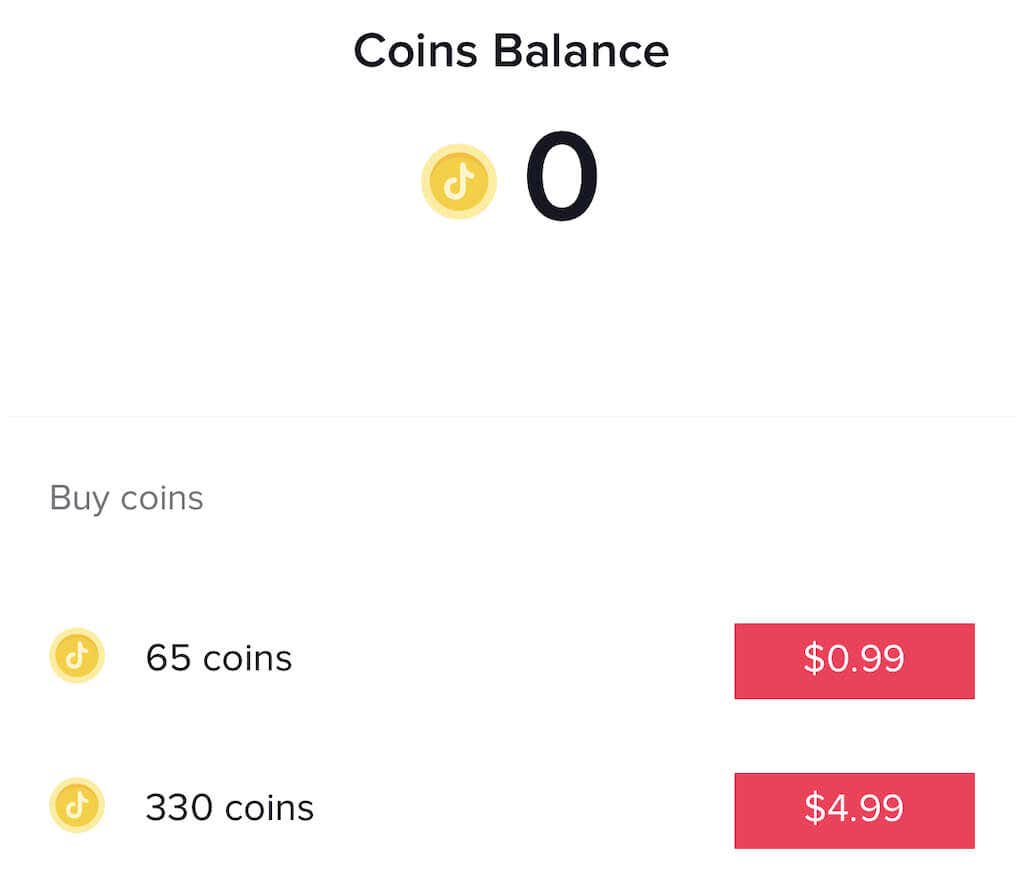
- This will show your current coin balance. Tap Recharge.
- There are various lists of coin amounts and their associated cost listed out. Tap the amount you want to buy and then confirm the purchase on your mobile device.
There are seven different amounts you can purchase that gives an idea of the value of the coins:
- 65 Coins for $0.99
- 330 Coins for $4.99
- 660 Coins for $9.99
- 1321 Coins for $19.99
- 3303 Coins for $49.99
- 6607 Coins for $99.99
- 16500 Coins for $249.99
If you buy Coins for the first time while watching TikTok live content, you get a Welcome Pack. This is a $0.99 package that provides 65 Coins plus 45 extra, an 80% discount on a unique gift, and a badge that appears next to your TikTok name for 24 hours.
You can buy coins through a bank or PayPal account, with a credit card, or with Google and Apple Pay.
What Are TikTok Coins For?
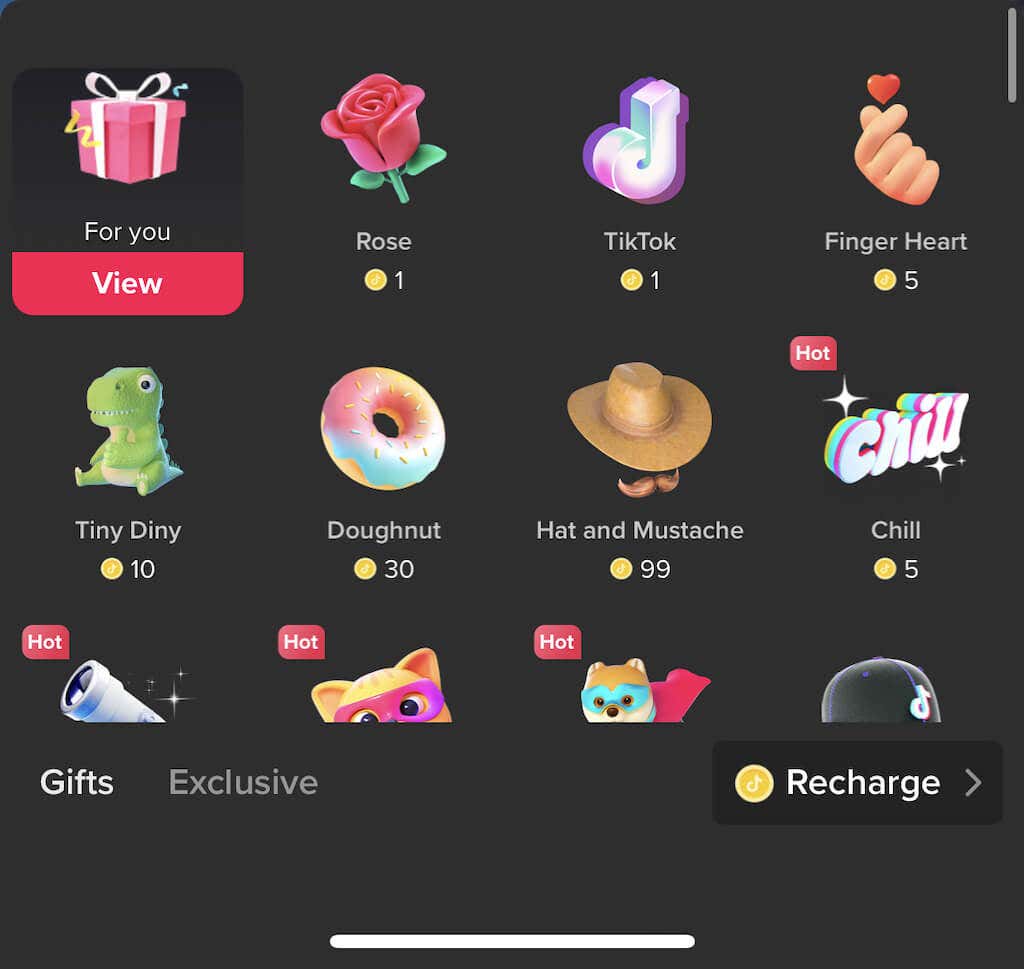
While you can use TikTok coins to buy and send gifts on TikTok Live, they have other uses, too. For example, you can send gifts to a creator through the comment section.
The other primary use for TikTok coins is in post promotions. If you want to boost a specific video and get it in front of many people, you can use the TikTok Promote feature. This feature costs different amounts based on the time you want the promotion to run and your target number of views.
For creators using TikTok to advertise or generate revenue, the TikTok Promote feature is a valuable tool. It allows you to fine-tune your targeting around age, gender, and interests. The key to TikTok is that views tend to generate more responses than on other platforms, which is why sponsored TikToks are growing in popularity.
How to Get TikTok Coins for Free
The first thing to note is that none of these methods is guaranteed. TikTok relies on coins to generate revenue, so giving them away for free is an uncommon event. Still, some users have reported success through these methods, so feel free to try them – but be cautious and know the outcome isn’t guaranteed.
1. TikTok Gifts
The first and simplest way is to receive them as gifts. Users can send coins to someone else, but you have to invest time and make content that will invite people to send you coins. Ask yourself: is the time it takes to do that worth the small amount you’d save?
2. TikTok Challenges
Participating in TikTok challenges is a bit like receiving a gift; if your TikTok videos are funny enough, someone might send you coins as a tip. Challenges come through on a somewhat routine basis – typically the latest trend that’s front and center on TikTok. A few of these in the past include the ill-fated milk crate stacking challenge and the cinnamon powder challenge.
3. Grow Your TikTok Followers
TikTok coins are meant to be a way of supporting your favorite users. So if you can create a steady flow of content and grow your TikTok followers, you’ll naturally receive more coins whenever you do live content.
4. TikTok Coin Hacks
Before we explain this, a caveat: this is not an officially supported method and can result in a ban. Various third-party apps (mostly for Android platforms) let you game the platform and produce coins for free. TikTok has begun to crack down on these tools, and many people are temporarily or permanently banned from using them. Since coins are the in-app currency, using these tools is essentially theft or fraud.
The TikTok Coin Adder is one tool. Enter your username, choose the coins you want to add and follow the on-screen instructions. You’ll be asked to download apps and create accounts on both, after which you’ll be rewarded with TikTok coins.
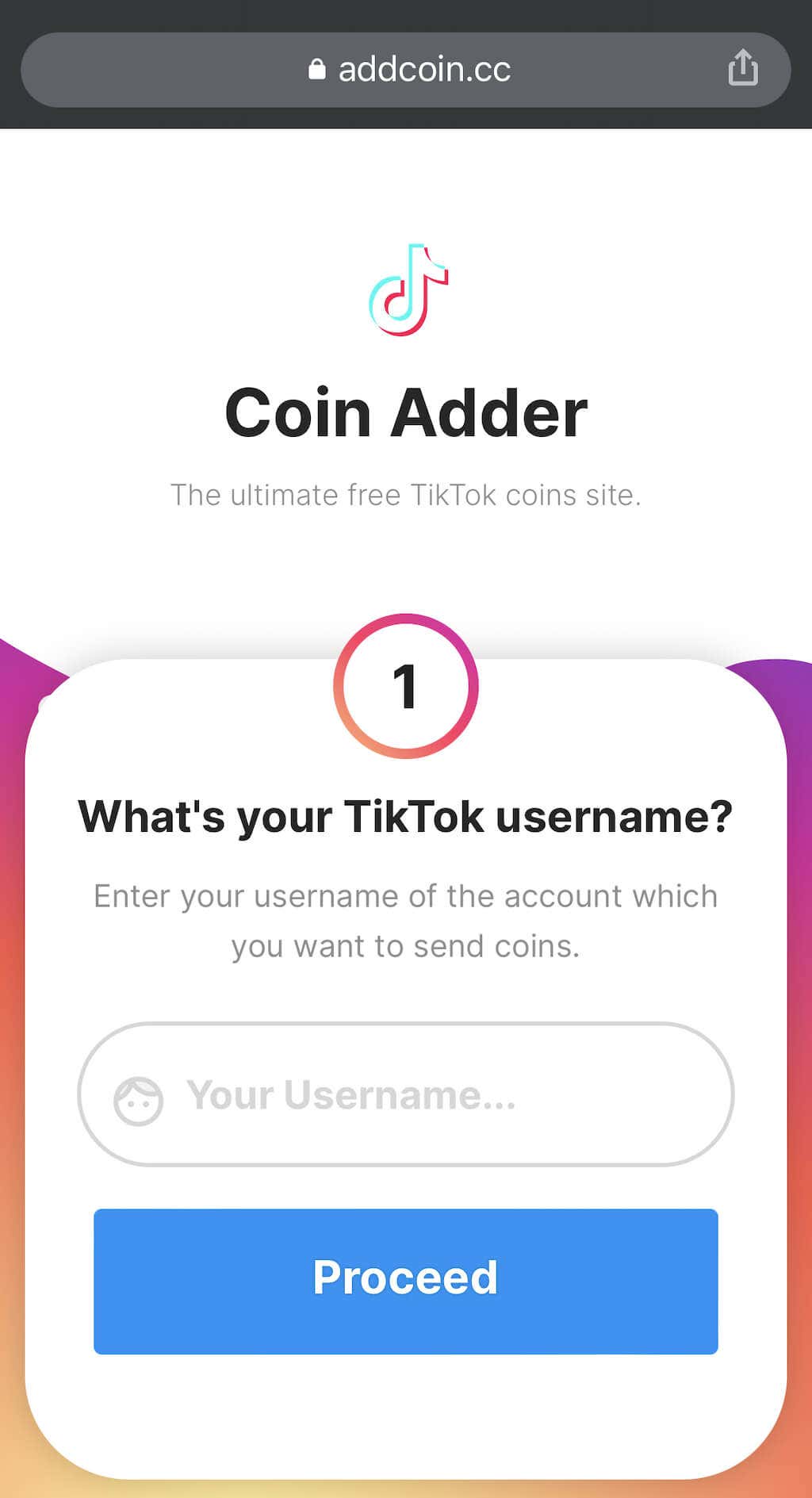
There are others, but several requested a username and a password and were clear phishing attempts. You’re free to make your own decision, but we advise against using third-party coin generators.
While there’s no surefire way to get TikTok coins for free, the best bet is to just participate. Don’t worry about getting coins – just have fun using TikTok and participating in the community.