How-To
How to Export Passwords From Chrome, Edge, Firefox, and Safari
If you started using a password manager and want to import your saved passwords or just want to save a...
Enhance your browsing with expert Chrome tips & guides. Optimize settings, boost productivity, and explore hidden features for a seamless experience.
If you started using a password manager and want to import your saved passwords or just want to save a...
If you keep coming across interesting articles that you’d like to read later, you can use Google Chrome’s built-in Reading...
Google ships minor updates to the “Stable” version of Chrome every 2-3 weeks, while major updates happen every 4-6 weeks....
With the Google Chrome browser, you can use the language of your choice. Plus, you can add more languages and...
Google Chrome’s “err_tunnel_connection_failed” error message appears when the browser fails to make a connection with your websites. You’ll have to...
One way to enjoy your browsing experience is by customizing your web browser. If you use Google Chrome, you have...
You may need to access several websites for work, school, or research. Before you know it, you have so many...
If you have a lot of bookmarks, it’s worth organizing them so you can easily find what you need. We’ll...
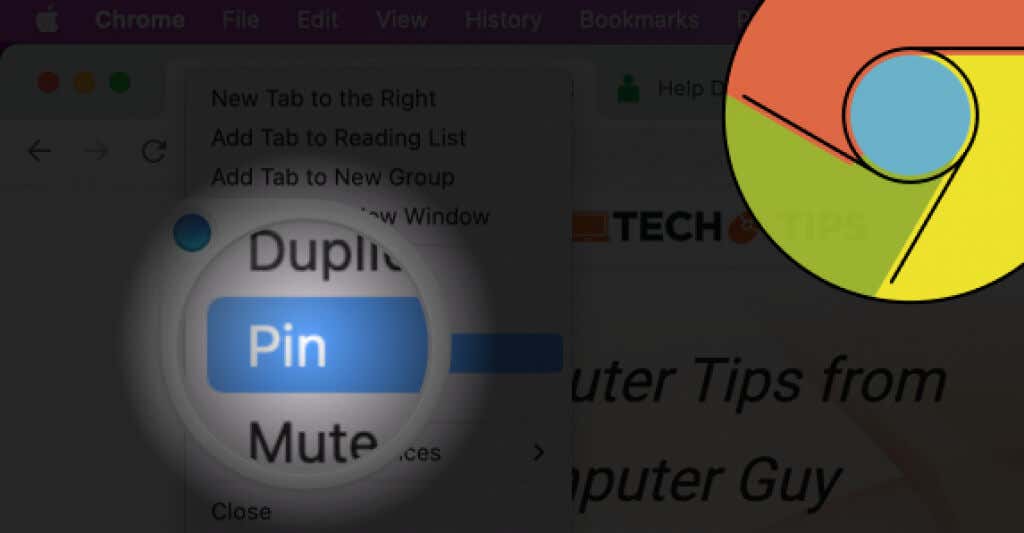
When you’re working with lots of open browser tabs, switching between them can be a pain. The “Pin Tab” feature...
By default, Google Chrome is set to display images on the sites you visit in this browser. If you find...
Every major web browser—be it Chrome, Firefox, Edge, or Safari—features a built-in PDF viewer that automatically opens PDF documents you...
Sketchy programs, malicious extensions, and browser hijackers can modify the default settings in Google Chrome without your permission. So if...
While threats on the web are getting more sophisticated, there are many tools at our disposal to help us secure...
It is only after you lose your browsing history that you realize how much you relied on it. You’ll waste...
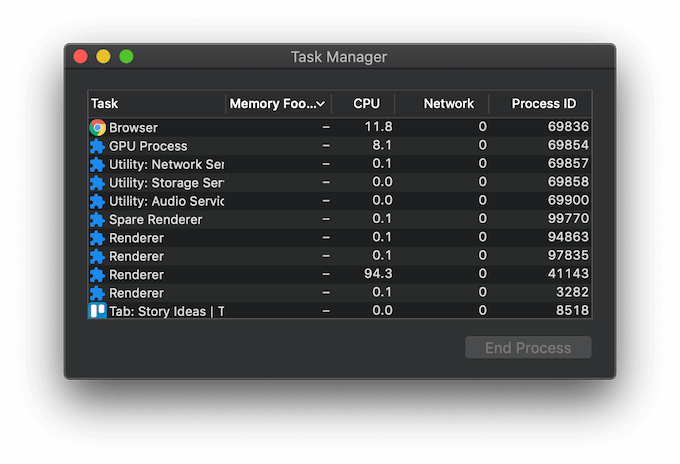
Have you ever opened Task Manager on your computer while running Google Chrome to see how many processes the browser...