

Instagram Stories were introduced in 2016. Since then, they’ve been one of the most popular aspects of the Instagram app. However, Instagram users report a frustrating glitch where they get the same stories repeatedly.
In this article, we’ll explain what causes this problem and then provide five bug fixes to resolve this issue.
Why Is Instagram Repeating Stories?
While this error has been reported on and off for many years, it seems to have resurfaced with Meta’s update on June 14, 2022 — the same update in which they released the new parental controls feature. As a result, when users finish watching a Story reel, instead of being shown the next Story, they’re forced to rewatch the same one again.
Unfortunately, there isn’t a single obvious reason why Instagram stories keep repeating. Instead, there are a few reasons that could explain why your Instagram app is repeating stories, including:
- Your Instagram app needs an update.
- Your Instagram app’s cache has become corrupted.
- Your internet connection is slow or unreliable.
Below, we’ll explain how to fix these issues.
Fix 1: Check Your Internet Connection
The first step to fixing the Stories bug is to check that you’re connected to the internet and everything is working correctly. Try loading a page in your web browser. If it takes ages or never loads, ensure you’re connected to your mobile data or Wi-Fi.
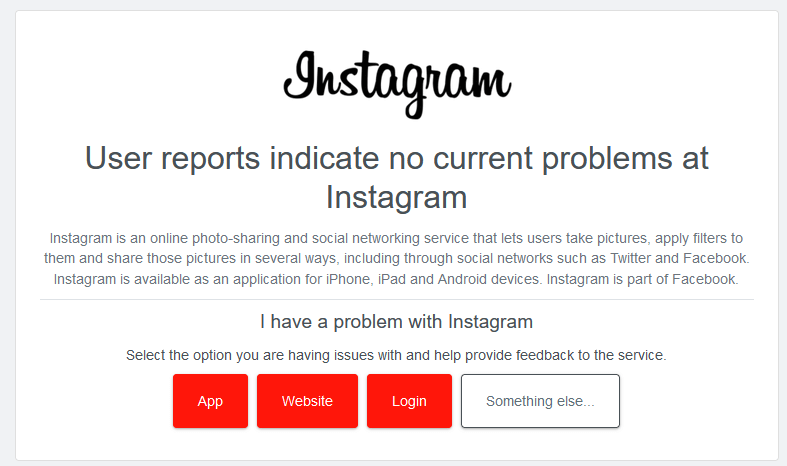
If your internet works fine, but nothing is working within Instagram, the servers might be down. To check this, visit a website like DownDetector and search for Instagram’s server status. If their servers are down, you’ll have to wait until they’re back up before your app starts working normally again.
If you’re still having issues connecting to the internet, check out our guide on how to troubleshoot a shoddy internet connection.
Fix 2: Restart Your Phone
Whenever you encounter a glitch on your phone, it’s worth restarting it to see if the error goes away. Not only can this fix your glitch, but it can also clear out other issues to improve performance.
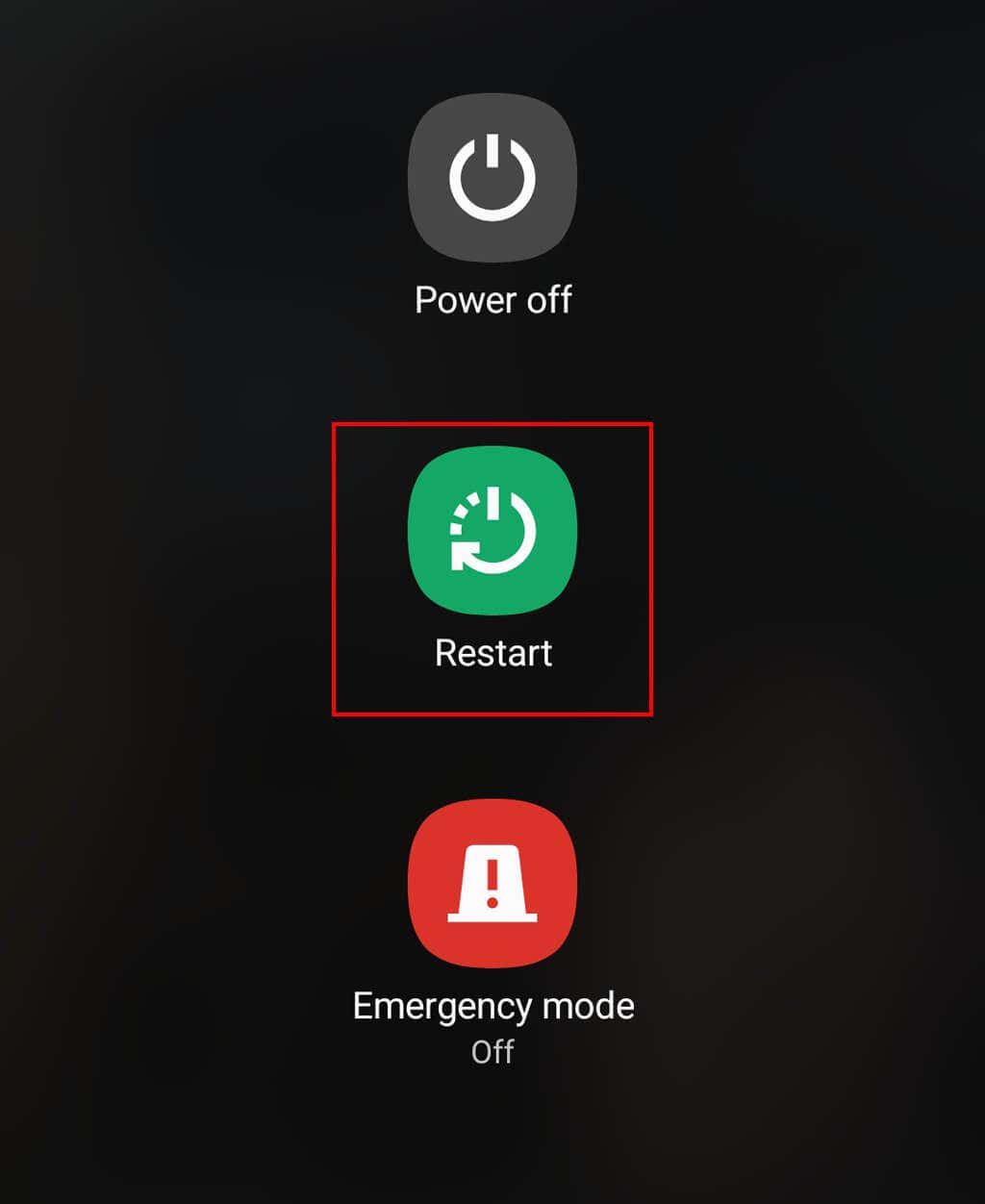
On Android, restart your phone by dragging down from the top of the screen twice and selecting the Power icon. Select Restart and wait for your phone to restart.
On iPhone, press and hold the power button and a volume button together until the power off option appears. Drag the slider to the right, then wait 30 seconds for your phone to turn off. Then, press and hold the power button to turn your phone back on again.
Fix 3: Update Instagram
Make sure that Instagram is up to date. An out-of-date app can cause several issues when connecting to the Instagram servers. It’s also a good idea to keep your app up-to-date for security reasons. Instagram updates often add new features and patch security vulnerabilities that could leave you open to hackers.
To update Instagram on Android or iPhone:
- Open the Google Play Store or Apple App Store and search for Instagram.
- If there’s an Update button next to the app on its details page, tap it to install the latest version.
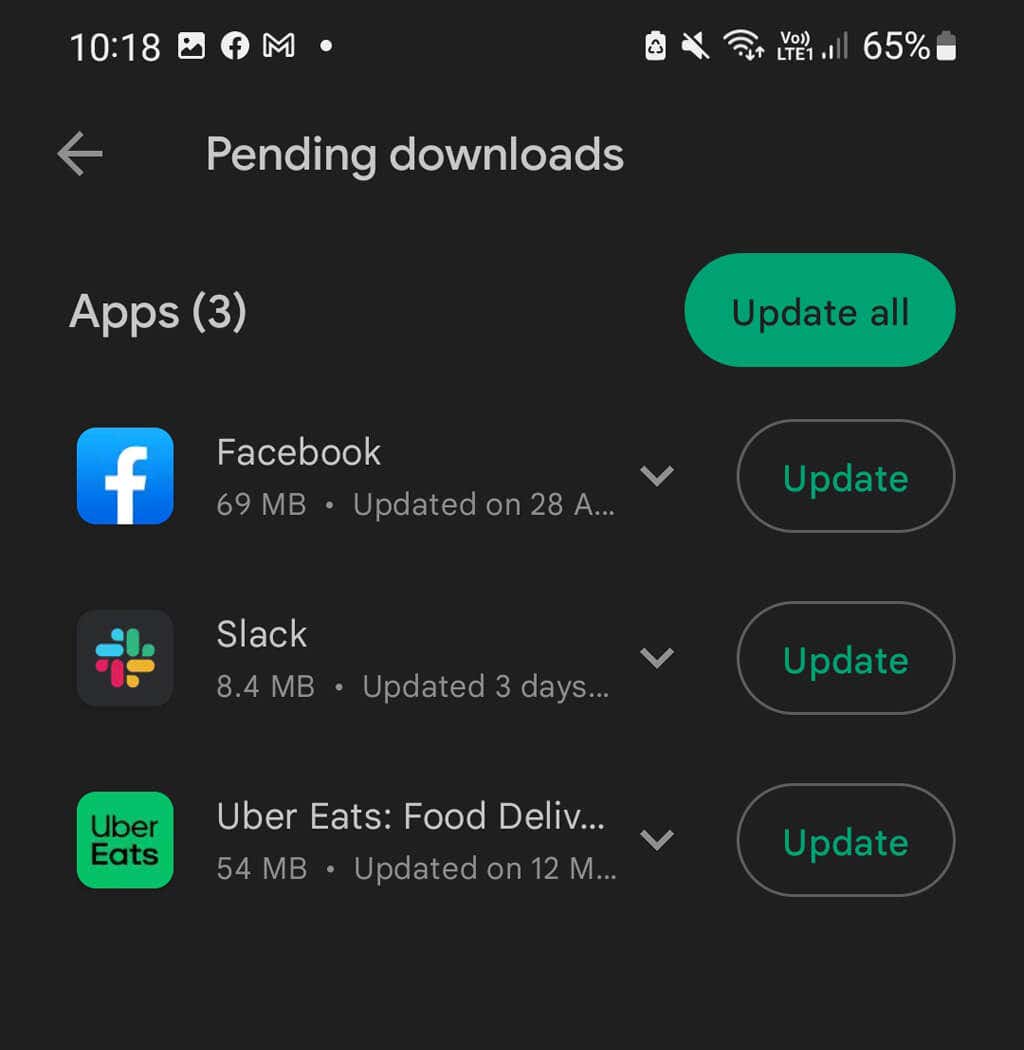
- Wait for the new update to complete, then open Instagram and see if it’s still repeating stories.
Fix 4: Clear Instagram’s Cache
Often, apps encounter glitches because their cache becomes corrupted. This can be easily fixed by clearing the cache and restarting the app.
On Android:
- Open Settings.
- Select Apps > Instagram.
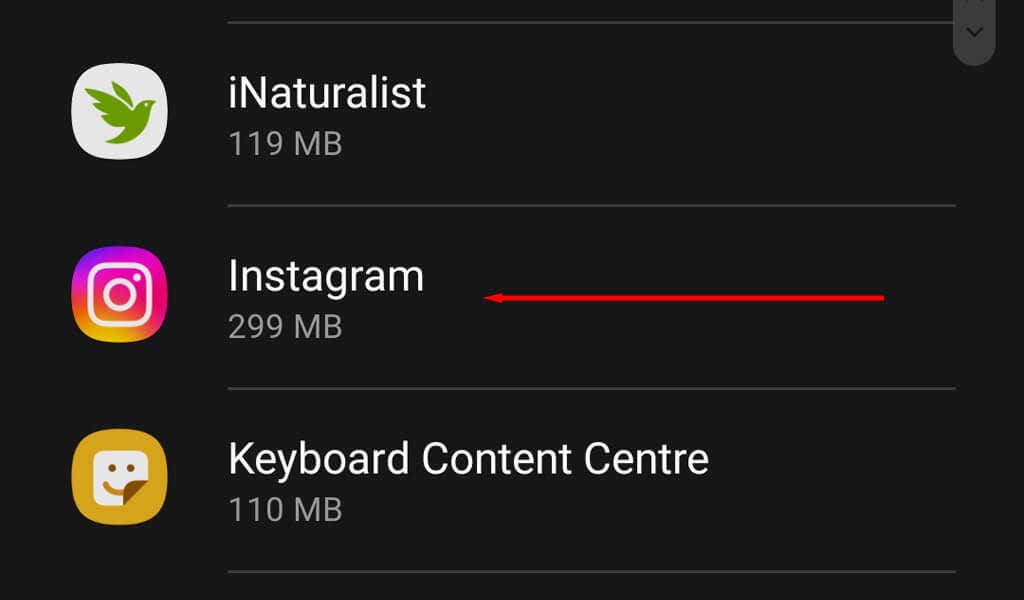
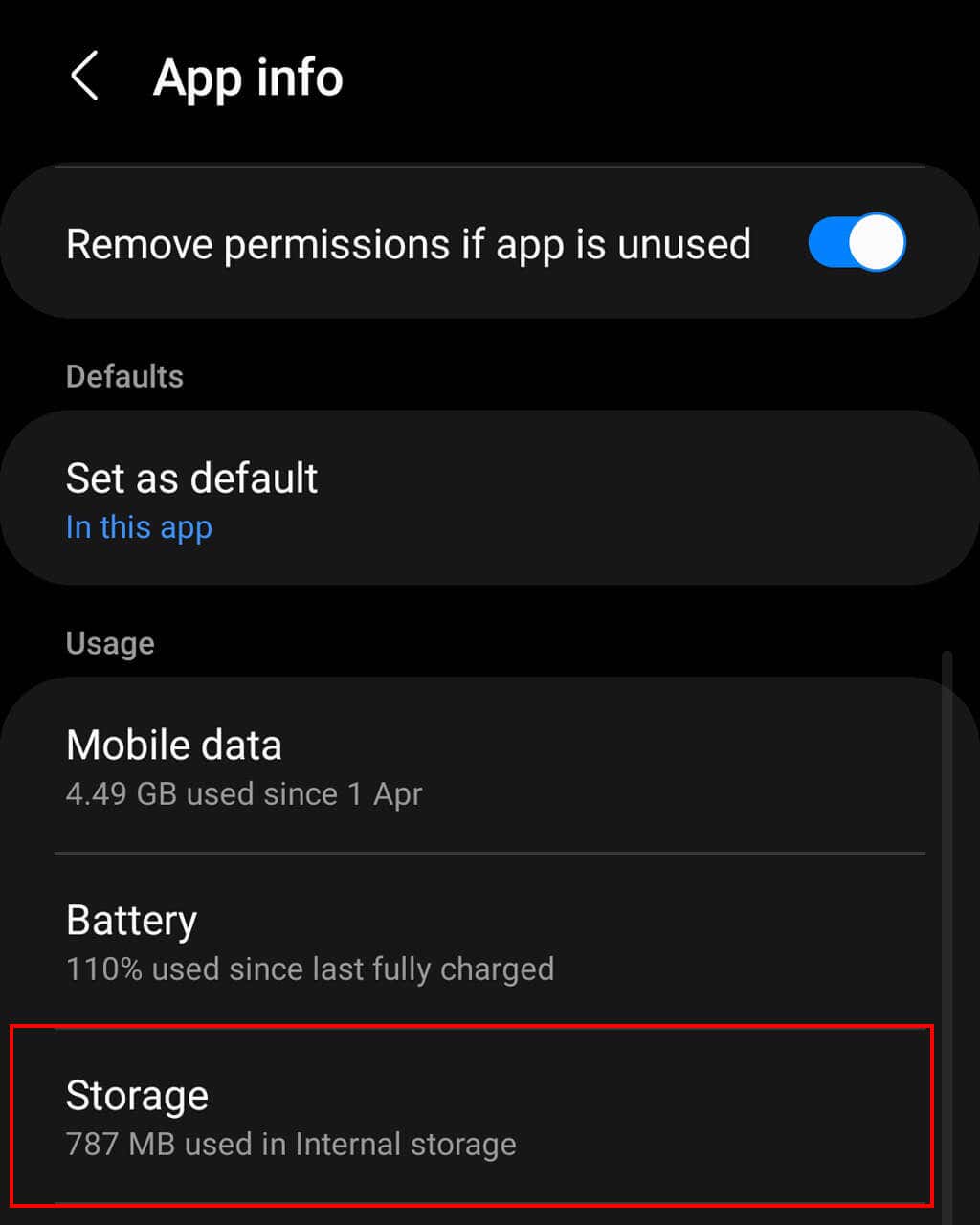
- Select Storage.
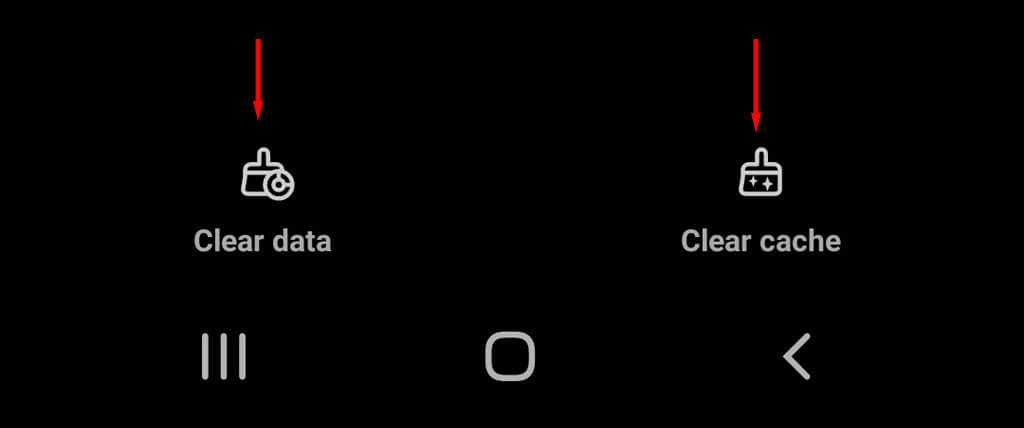
- Tap Clear Cache and Clear Data.
Note: iOS devices cannot clear their app’s cache. Instead, skip to Fix #4 to delete and reinstall the Instagram app.
Fix 5: Reinstall Instagram
Many users report that reinstalling the Instagram app is the only way to fix Instagram’s repeating stories issue.
To do so on Android:
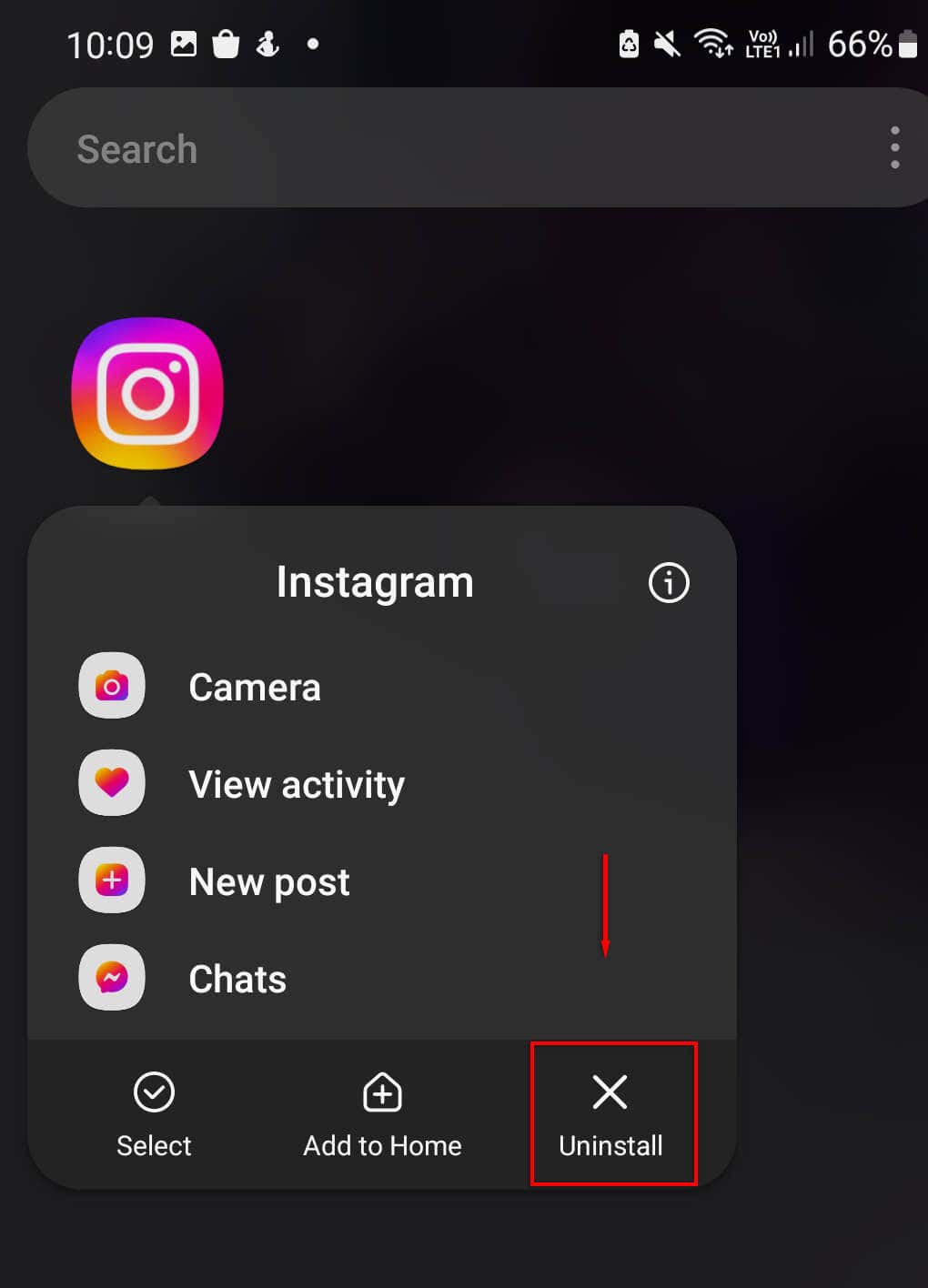
- Tap and hold the Instagram app icon and press Uninstall.
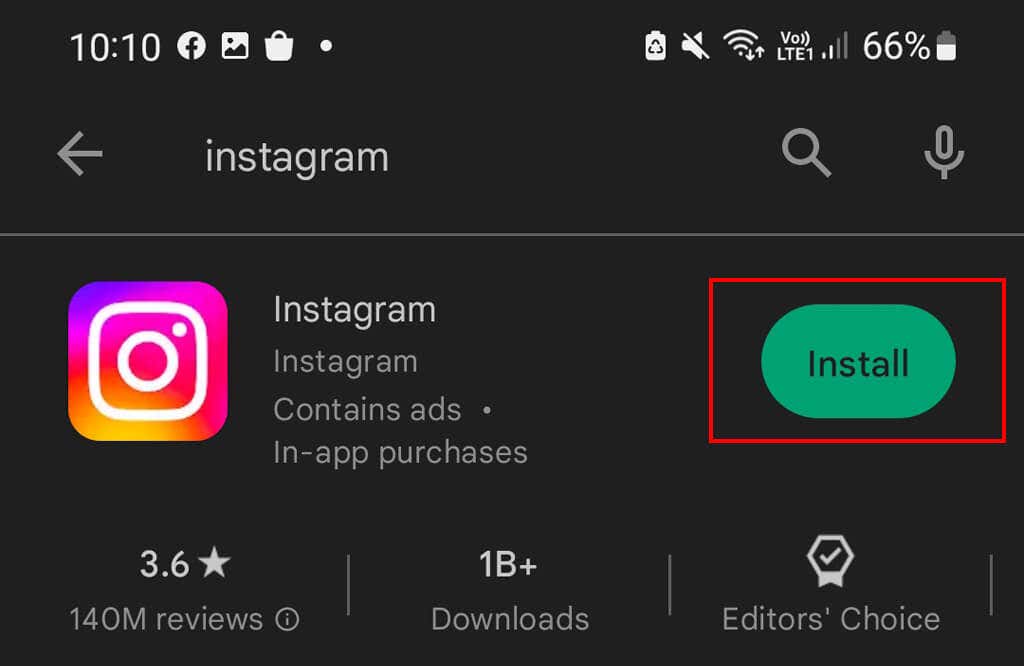
- Open the Google Play Store, search “Instagram,” and select Install.
To do so on iPhone:
- Tap and hold the Instagram app and press Delete App.
- Head to the App Store, search for “Instagram”, and select Install.
Easily Fix Instagram Stories
Seeing the same person’s Stories over and over again can be like deja vu. Unfortunately, it can take social media platforms like Instagram and TikTok a while to fix their bugs — and sometimes, they never go away.
Hopefully, this article has helped you fix your repeating Stories bug, and you can go back to watching your friends’ fun and creative Story content without issues again.