

Instagram is one of the most popular social media platforms for personal and professional use. People now share more than just pictures of their pets and food on this network. So, even if you missed out on the Instagram craze, you might still need or want to access someone else’s Instagram account.
In this article, we’ll tell you what to do if you need to use Instagram but don’t have an Instagram account and which parts of other people’s accounts you can and can’t see.
We also have a great vide on this topic if you prefer to watch videos to see more information!
What You Cannot Do Without an Instagram Account
Instagram doesn’t want anyone using their platform without registering for a profile. The features that you can use without an Instagram account are limited. Even though we’ll give you several options to view posts, pictures, and reels on Instagram without an account, there are some things that the popular platform blocks you from doing if you do not have an account registered with them. For example, if you do not have an Instagram account, you cannot:
- View stories
- Comment on posts
- Save posts
- Post to Instagram
- View anything published on a private Instagram account
When you try to do any of the above, you’ll get a screen prompting you to log in or sign up for an Instagram account.
So if you’re looking to do any of the above on Instagram, you will need an account. However, you can do quite a few things without opening an account. Let’s start with the basics.
What You Can See on Instagram Without an Account
When you land on the homepage, Instagram will ask you to log in or sign up for an account. Creating an Instagram profile is the only way to access all the Instagram features. Without logging into an account, you can’t browse Instagram content, view Instagram posts and stories, and interact with other Instagram users.
However, there are ways to skip the login screen by going to the profile pages directly and using third-party apps.

Here are the things you can do on Instagram without logging in:
- View public profiles on Instagram.
- See the information on profiles: profile name, bio, links included in bio, profile image, and the total number of posts, followers, and other accounts followed.
- View post comments.
- View Instagram stories.
Now let’s talk about how to view any of the above on Instagram without opening an account.
Method 1: Use the Instagram Username Trick
Open your browser and type the Instagram website URL with the account’s username like this instagram.com/username. This will open the account’s feed for you.

There are a few downsides to this method. First, you need to know the exact username of the account you’re searching for. If you’re lucky, you can find it on Google or some social networks or learn the username of the person you’re looking for from a friend. Remember that people sometimes change their Instagram handles, and if you know someone’s username now, you’ll be able to use it to find their profile.
Another problem is that this method only works with public profiles, and you can’t use them to view private Instagram accounts.
Method 2: Use a Third-Party Tool
Another method you can use to view Instagram accounts is a third-party tool called an Instagram viewer. You can use these tools in your web browser that allow you to look into various Instagram profiles anonymously without logging in.
ImgInn
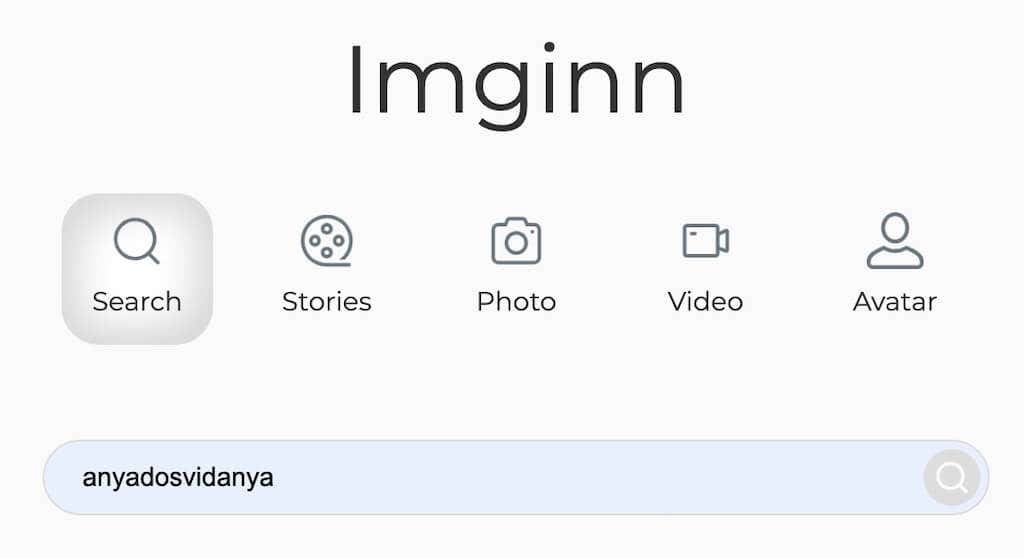
ImgInn is a free web tool that allows you to look into Instagram profiles without registering for an account. While you can’t use it to access private profiles, you’ll have no problem viewing Instagram profiles set to public. Here’s how to use Inginn to view Instagram without an account.
- Open the ImgInn website in your web browser.
- On the home page, you’ll find a search bar. Enter the name of the Instagram user whose page you’re trying to access. You can try using their full name in the search if you don’t know their exact username.
- You’ll see a list of Instagram accounts with similar names and usernames. Select the Instagram account that you need.
- You can then use ImgInn to view their Instagram profile anonymously.
ImgInn allows you to view someone’s posts, including the post caption, mentions, hashtags, and comments. Unfortunately, you can’t see the number of likes and who liked the post. However, using ImgInn you can download any photos, reels, and IGTV videos from a public Instagram account.
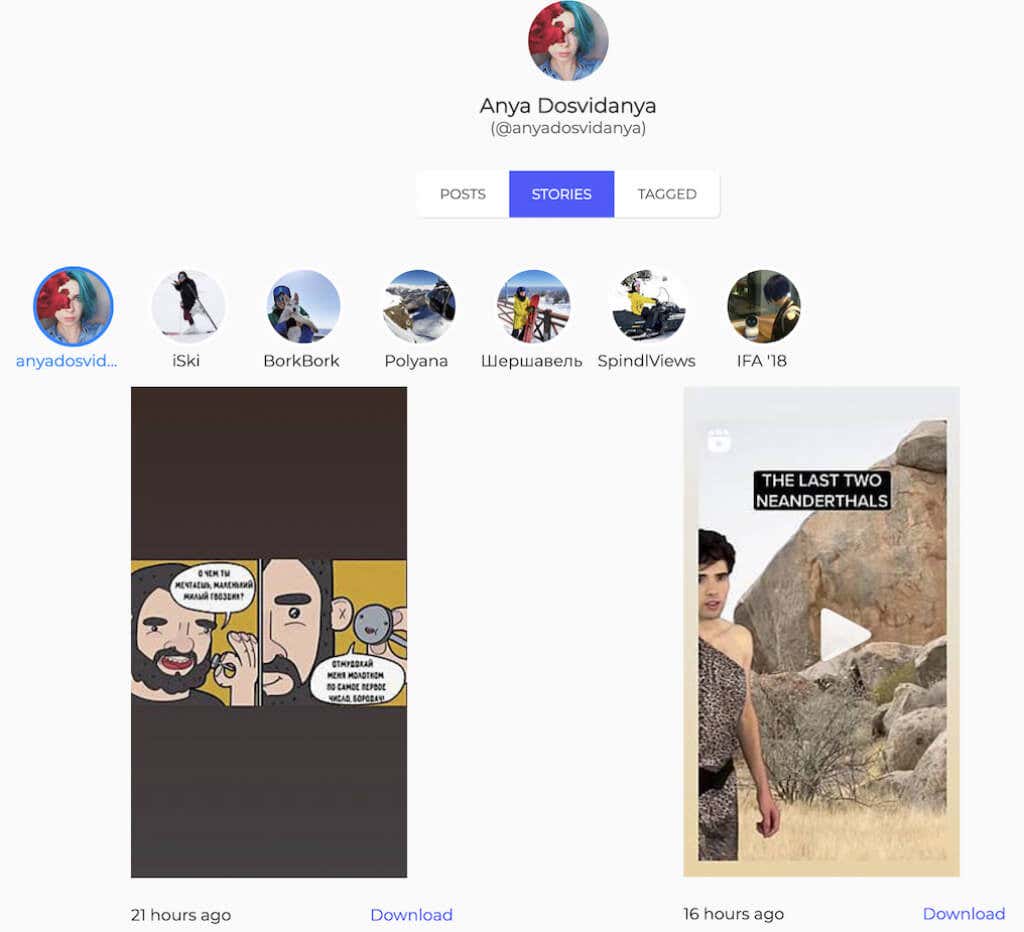
ImgInn also allows you to see and download a user’s tagged posts, current stories, and stories added to highlights. But, at the same time, ImgInn doesn’t show you the basic info about an Instagram user, like their bio and the total number of followers and posts.
Anon IG Viewer
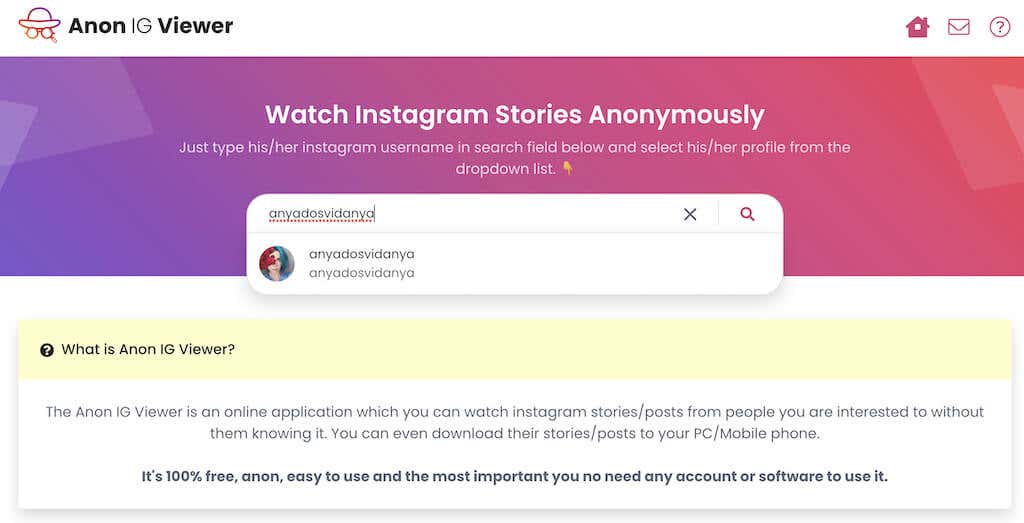
If you’re after more general info about an Instagram user, you can try accessing their account using the Anon IG Viewer.
The steps for using this free Instagram viewer are similar to what we listed above. After you open the app’s website, you must enter the username of the Instagram account you’re looking for into the search bar. Although Anon IG Viewer will only give you the correct result when you enter the exact username that the person’s using on Instagram.
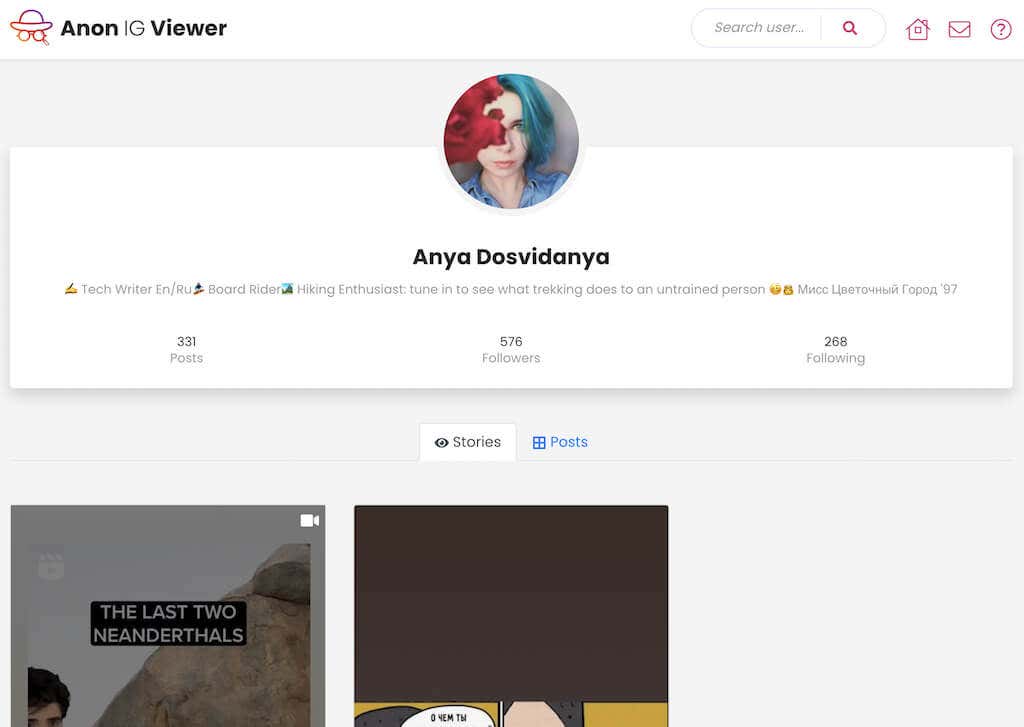
After that, you can access their profile, bio, and other profile information, including the number of followers and posts, active stories, and posts.
Dumpor
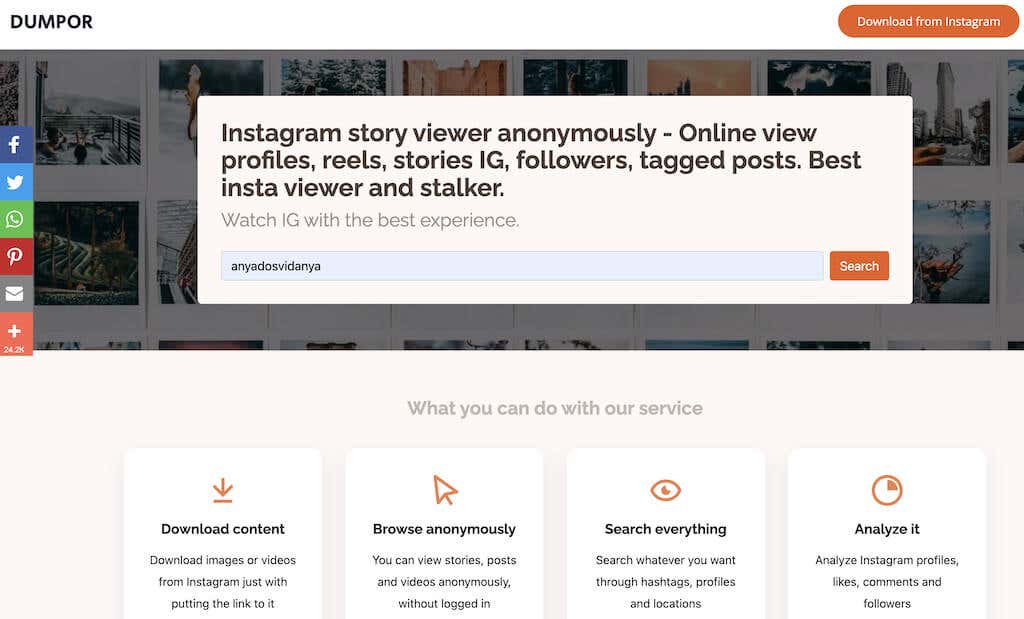
Dumpor is an anonymous Instagram viewer that allows you to see and do the most with other people’s Instagram profiles without having an Instagram account. This web tool is also easy to use and has a neat minimalistic interface.
To search for an Instagram profile on Dumpor, open the website and enter the username into the search bar. Aside from username, Dumpor allows you to search for Instagram profiles based on hashtags and locations. This search feature could be handy if you don’t know the Instagram handle of the person you’re searching for or in case you want to analyze Instagram profiles from a specific location or those using a particular hashtag.

Once you’ve accessed the profile page, you can see their profile image, bio, active stories, posts, and tagged posts. There are also boxes that should allow you to see the user’s Reels, Followers, and Following, but we couldn’t get them to work during testing.
Why Use Instagram Without an Account?
If you don’t have an Instagram account, you might need to access the platform every once in a while for various reasons. For example, if you’re trying to analyze competition in your business niche, following your favorite blogger, or simply learning the local news.
Even when you have an active Instagram account, you may still need to use the techniques and apps we discussed in this article. Like if you want to see into someone’s account without leaving a trace or if you need to view an account of someone who’s previously blocked you on Instagram.