
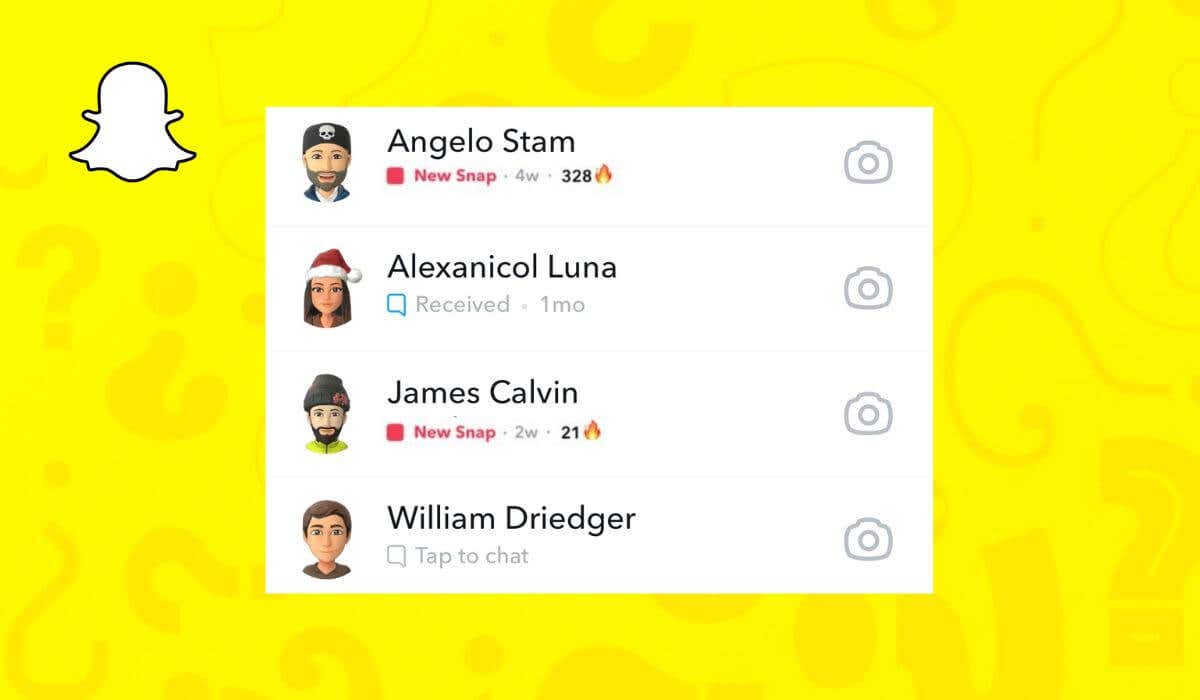
Snapchat Streak or Snapstreak is the number of consecutive days you’ve exchanged Snaps with your Snapchat friend. It appears next to that friend’s name in the form of fire emoji and a number representing the number of days you kept in touch via the Snapchat app.
The emoji will disappear if you fail to send a message within 24 hours and keep the Snapstreak going. However, it may also disappear due to bugs or glitches within the app. This step-by-step guide will show you how to get your lost Snapchat Streak back using the Snapchat Support section.
How to Recover Your Lost Snapstreak
Snapchat recognizes that some things are out of our control, and bugs and glitches can cause even the longest streaks to disappear. To reward active Snapchatters for their dedication to the app, Snapchat introduced a way for them to contact the Support team and get their Snap Streak back.
You can use your smartphone and your computer to get your lost Snapstreak back. The instructions are the same for iOS and Android users on smartphones. Follow the steps below:
- Open Snapchat on your smartphone.
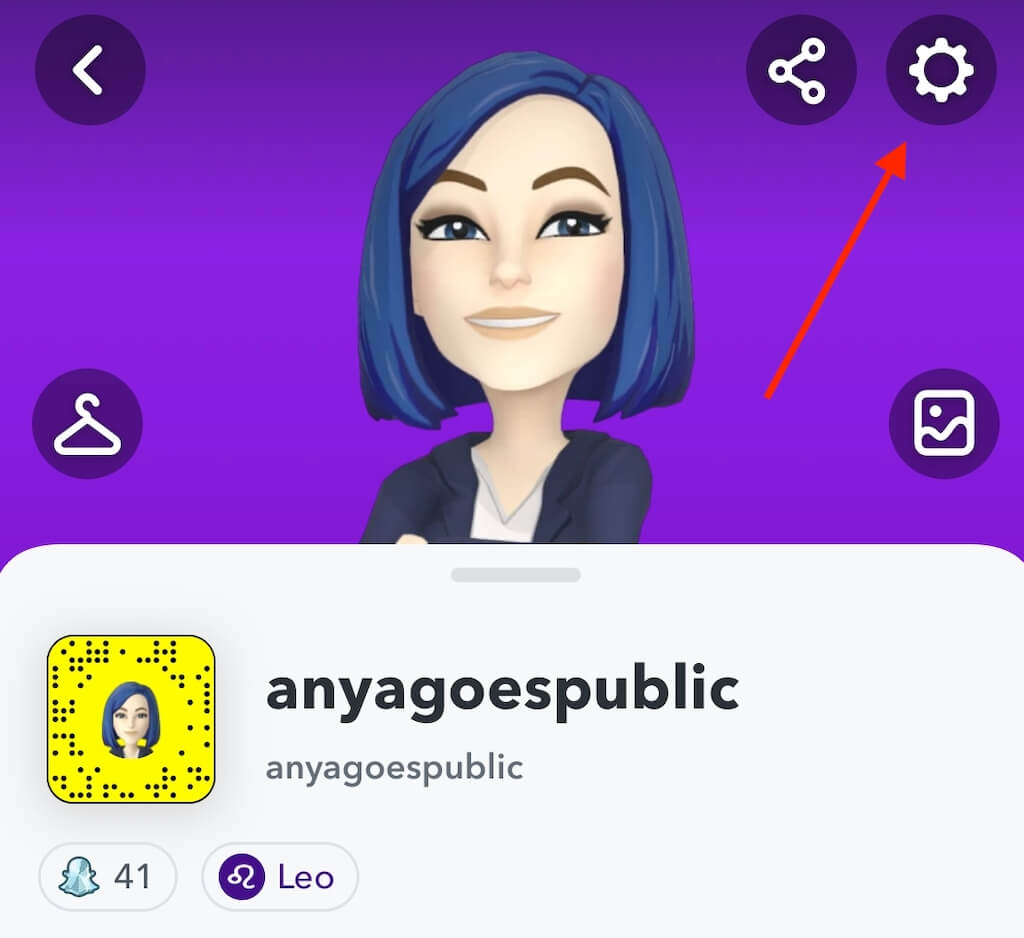
- In the top left corner, select your profile image.
- In the top right corner, select the gear icon to open Settings.
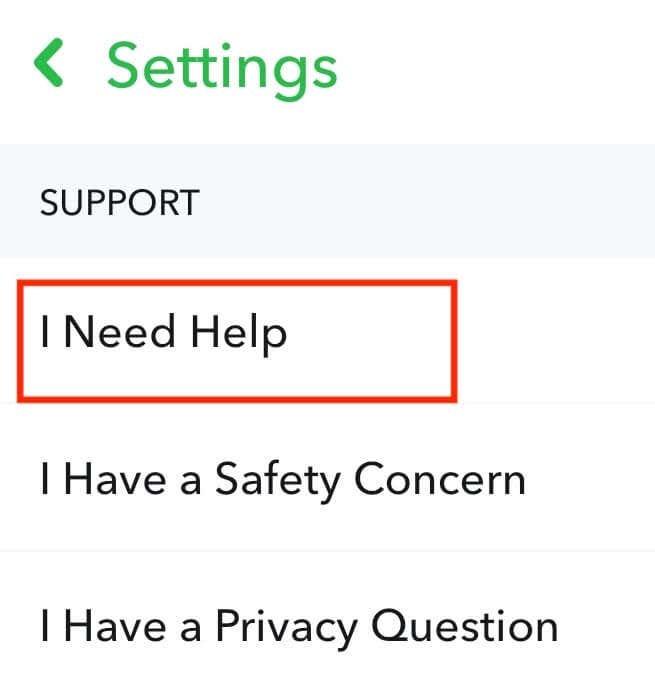
- Scroll down until you see Support and select I Need Help.
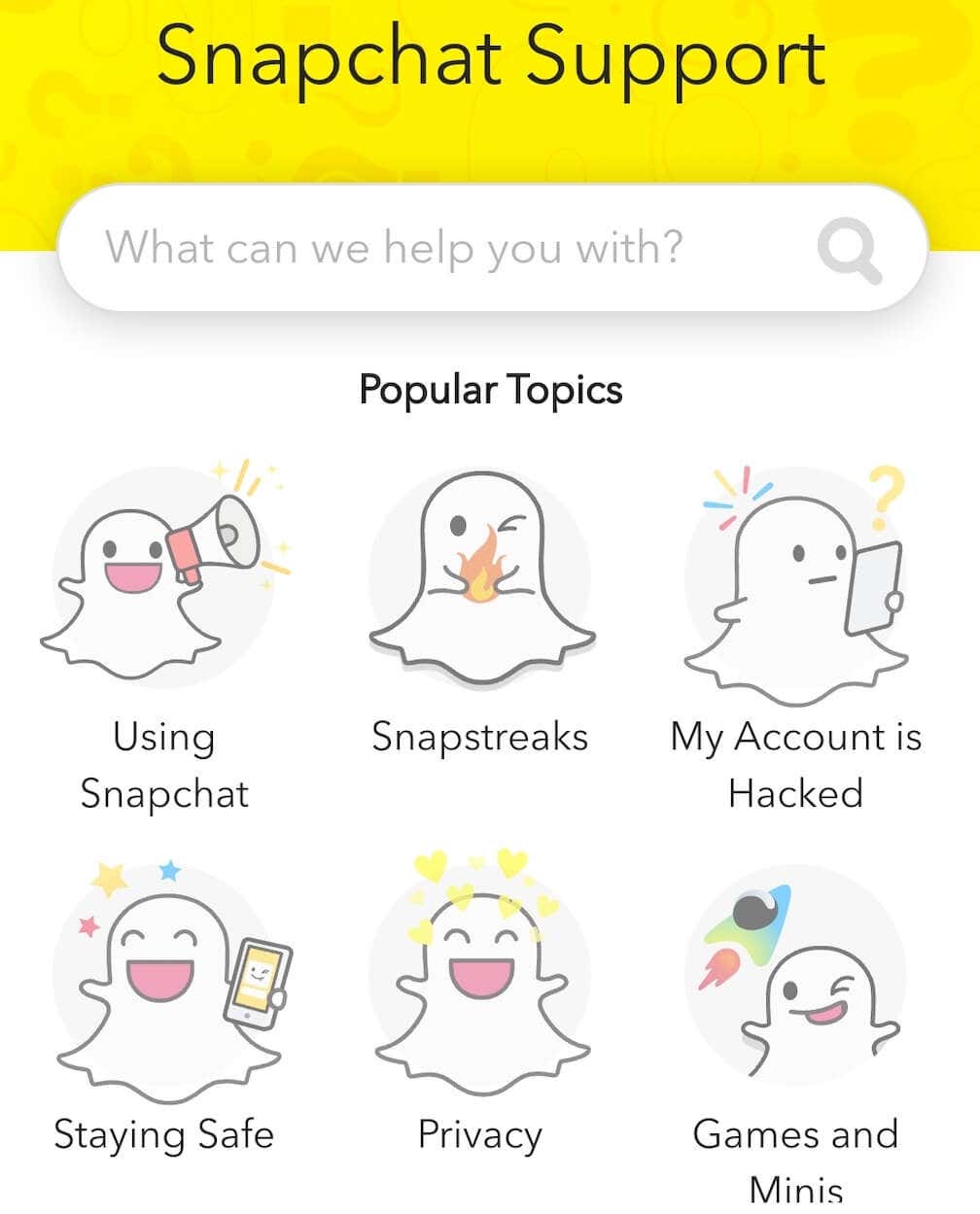
- On the next page, select Snapctreaks. This will take you to a FAQ page for Snapstreaks.
- Select let us know which is highlighted in blue.
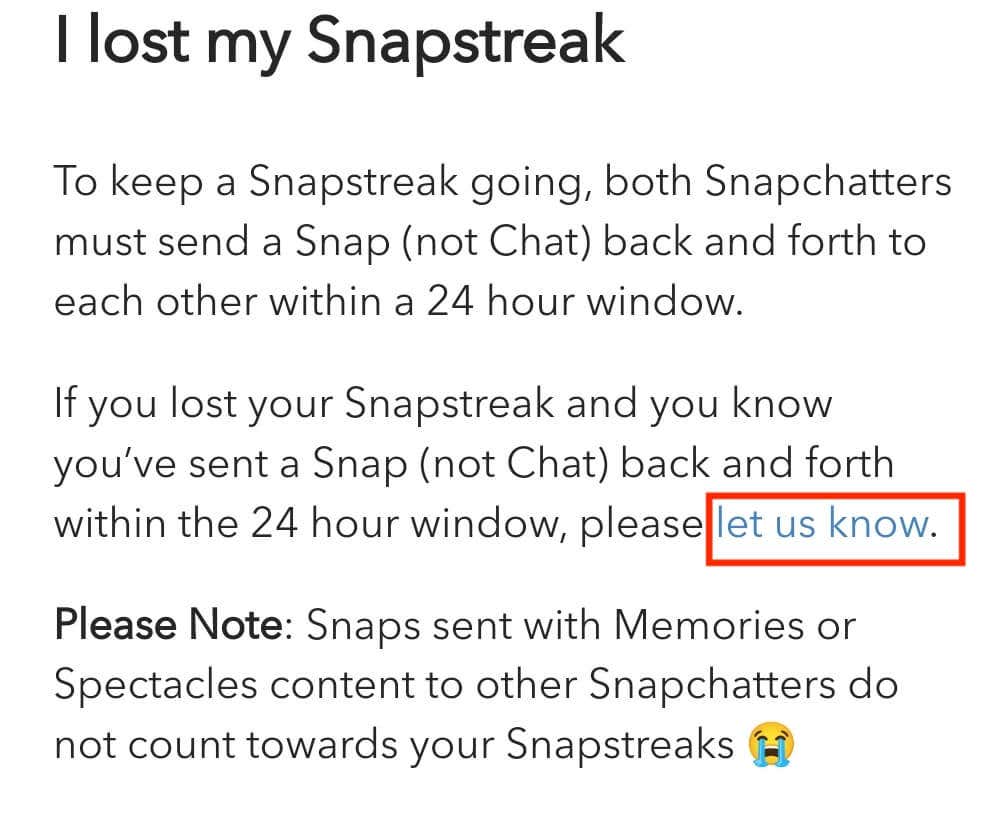
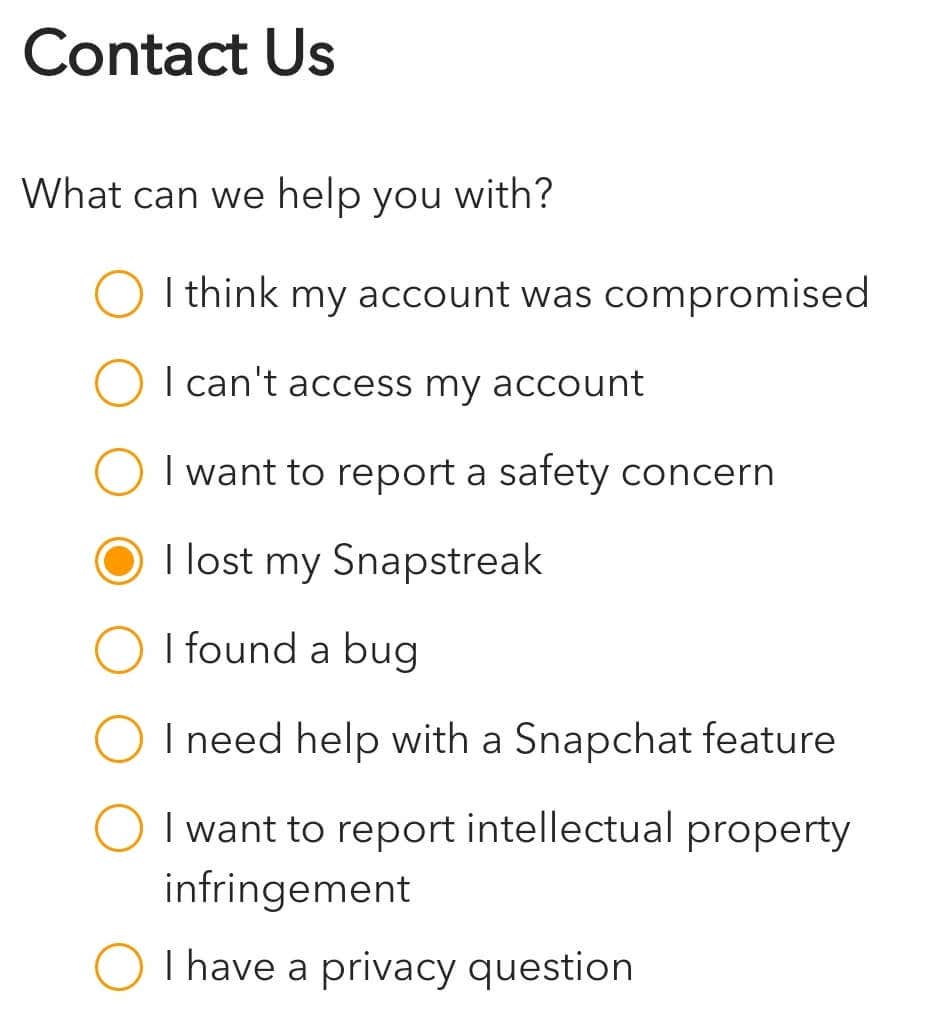
- Under Contact Us, select I lost my Snapstreak to file a report detailing how your Snapstreak disappeared.
Follow the steps below to recover your lost Snapstreak on the Snapchat web.
- Go to the Snapchat Support page.
- Under Contact Us, select I lost my Snapstreak.
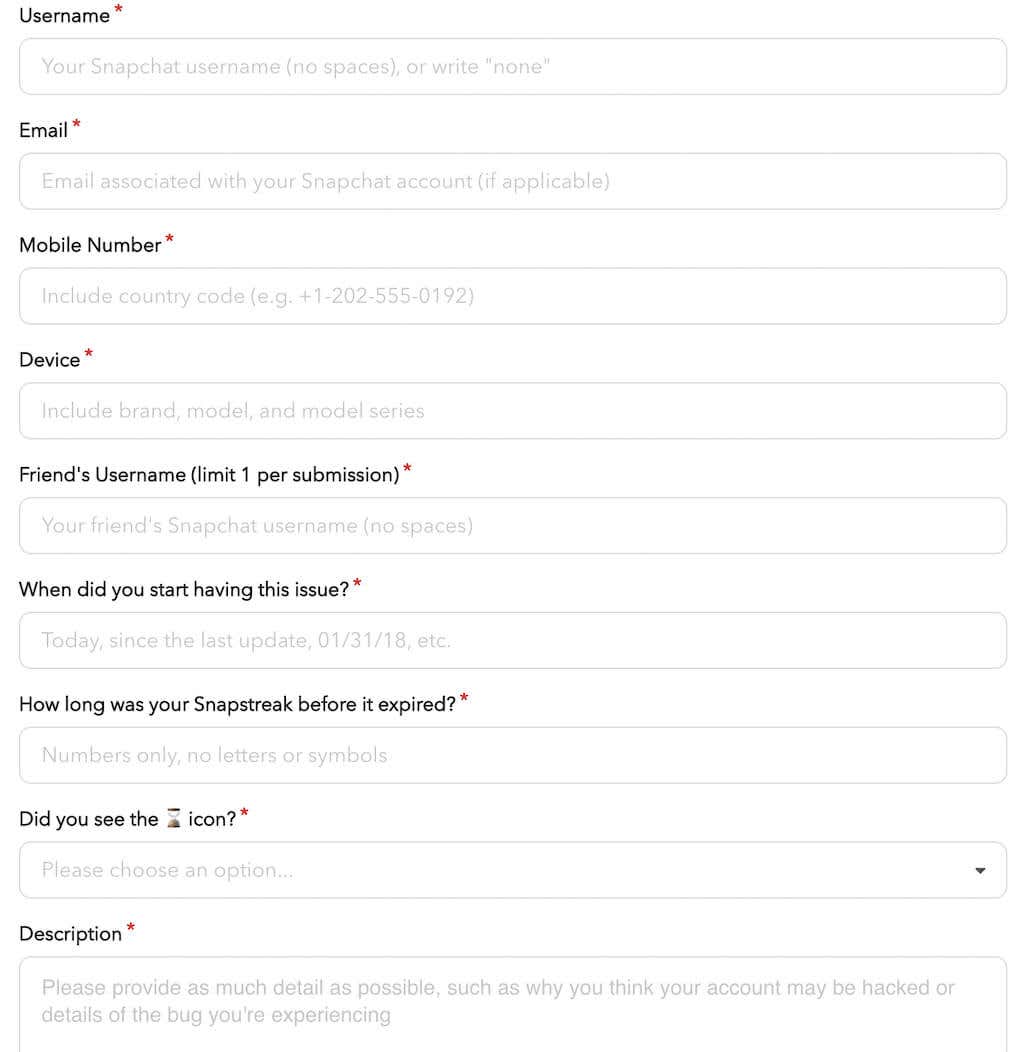
- Scroll down and fill in the form with your Snapchat username, phone number, other contact details, your friend’s username, and other information.
- After you’re finished, scroll down and select Send.
When filing the report to Snapchat, make sure to include as many details as you can. If you or your friend remember how many days your Snapstreak lasted, include that information. If you remember the exact date when the streak disappeared, it’s also helpful to mention it. Otherwise, you can state that the issue appeared after you installed the latest update.
A separate line in the form asks whether you’ve seen the hourglass icon (or hourglass emoji) next to your Snapstreak. Answering this question is most important. If Snapchat decides that one of you simply forgot to send a Snap, they won’t do anything to help you get your streak back.
How to Prevent Lost Snapchat Streaks
While contacting the Snapchat Support team can help you regain your streak, they won’t help you if you keep filing the reports daily. The best way to avoid losing Snap Streaks with your best friends on the app is to follow Snapchat rules and keep them going.
To keep a Snapstreak going, you need both Snapchatters (not just one person) to send a Snap back and forth to each other within a 24-hour window. Remember that Snaps sent with Snapchat features called Memories or Snapchat Spectacles don’t count towards your Snapstreak.
Snapchat Streak Lost? What Else Can You Do?
After filling in the lost Snapstreak form, there isn’t much Snapchat users can do but wait until the Support team restores your streak. Since the question of lost Snapstreaks isn’t the most important, you might be waiting a while until a representative of this social media network looks into your case.
If you don’t want to wait, you can start a new streak with your friend and see if you can beat the one you lost.