

Over the last few years, Facebook has struggled to find a home for its gaming feature. The social media games were once found in the Facebook Messenger app, but can now only be accessed via the Facebook app itself.
In this article, we’ll explain how you can play games on Facebook and what kinds of games are available.
Can You Play Games on Facebook Messenger?
Facebook Messenger games used to be accessible via a game controller icon hidden inside chats in the Facebook messaging app. These games could be played as embedded apps or via video calls in Messenger Rooms.
In the latest version, games are found via the Facebook website or Facebook app (rather than the Facebook Messenger app). This is true for both iPhone and Android users. If a multiplayer game is started, you’ll be able to send an invite to another player via Messenger, but the game has to be initiated from the Facebook app.
What Games Can You Play on Facebook?
The number of Facebook instant games has risen exponentially over the last few years. Starting with a humble 17 games, there are now hundreds of single and multiplayer games available to play.
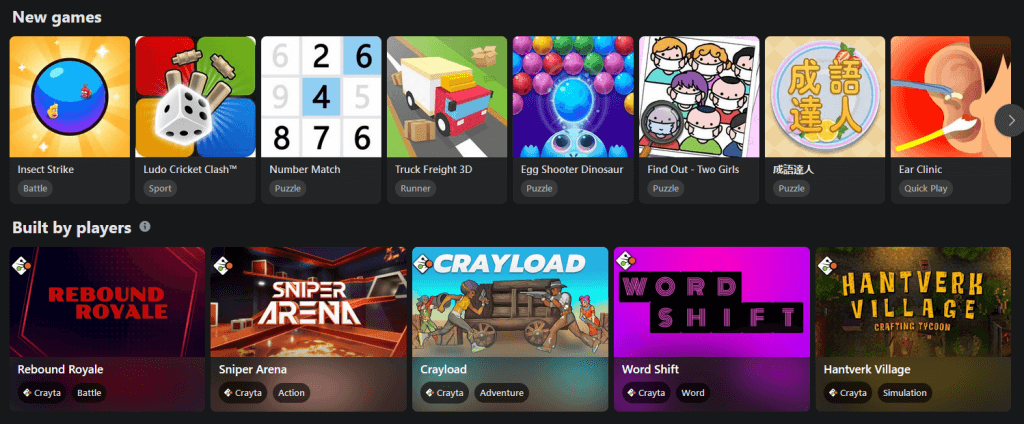
Here are some of the best games:
- EverWing – A scrolling shooter game using dragon sidekicks to fight against monsters.
- 8 Ball Pool – A virtual billiards game that you can play with friends.
- Candy Crush Saga – A version of Candy Crush that is playable on Facebook.
- FarmVille 2 – A remake of the famous FarmVille game, playable on Facebook or as a standalone app.
If this list of games doesn’t inspire you, don’t worry. Facebook games feature something for everyone, with gameplay of all kinds ranging from puzzle games, card games, and word games, to action and adventure games.
Note: Unfortunately, some of the popular games that used to be available no longer are, including Space Invaders, Pac-Man, and Galaga.
How to Play Games on Messenger
To play games in the Facebook app:
- Download the Facebook and Facebook Messenger apps. These can be found in the Google Play Store if you use an Android device, or the App Store if you use an Apple iOS device like an iPhone or iPad.
- On the Facebook app, log in to your Facebook account.
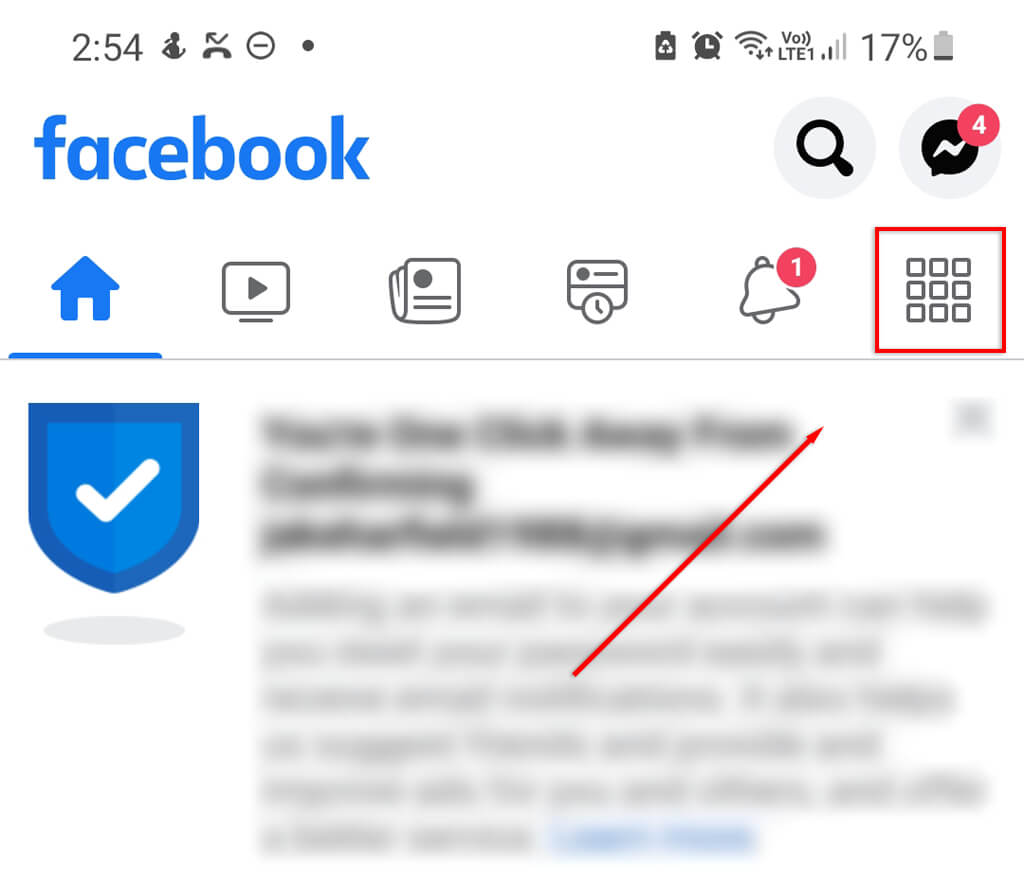
- On the home page, tap the icon made of nine squares in the top-right corner of the screen.
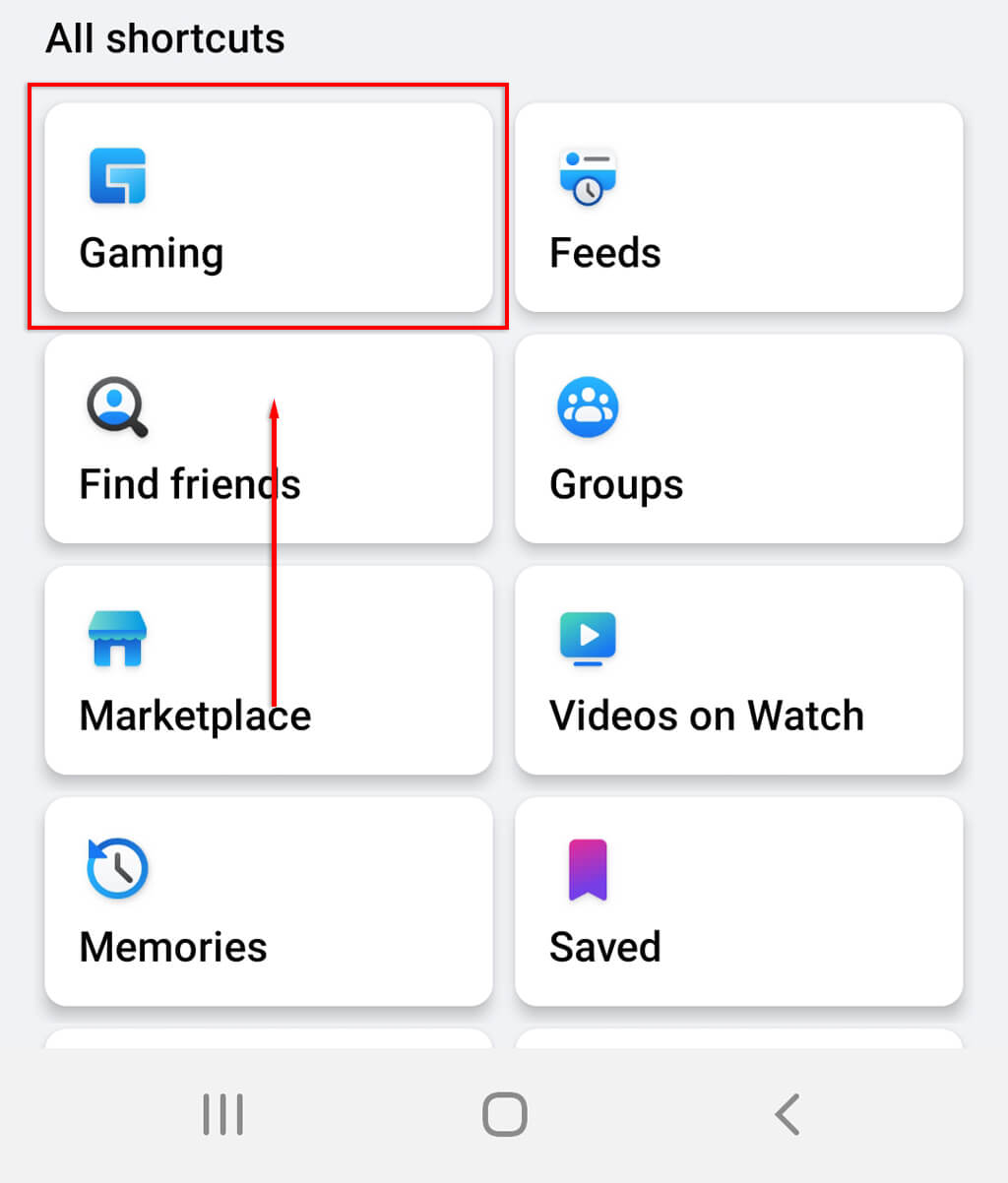
- Under “All shortcuts”, tap Gaming.
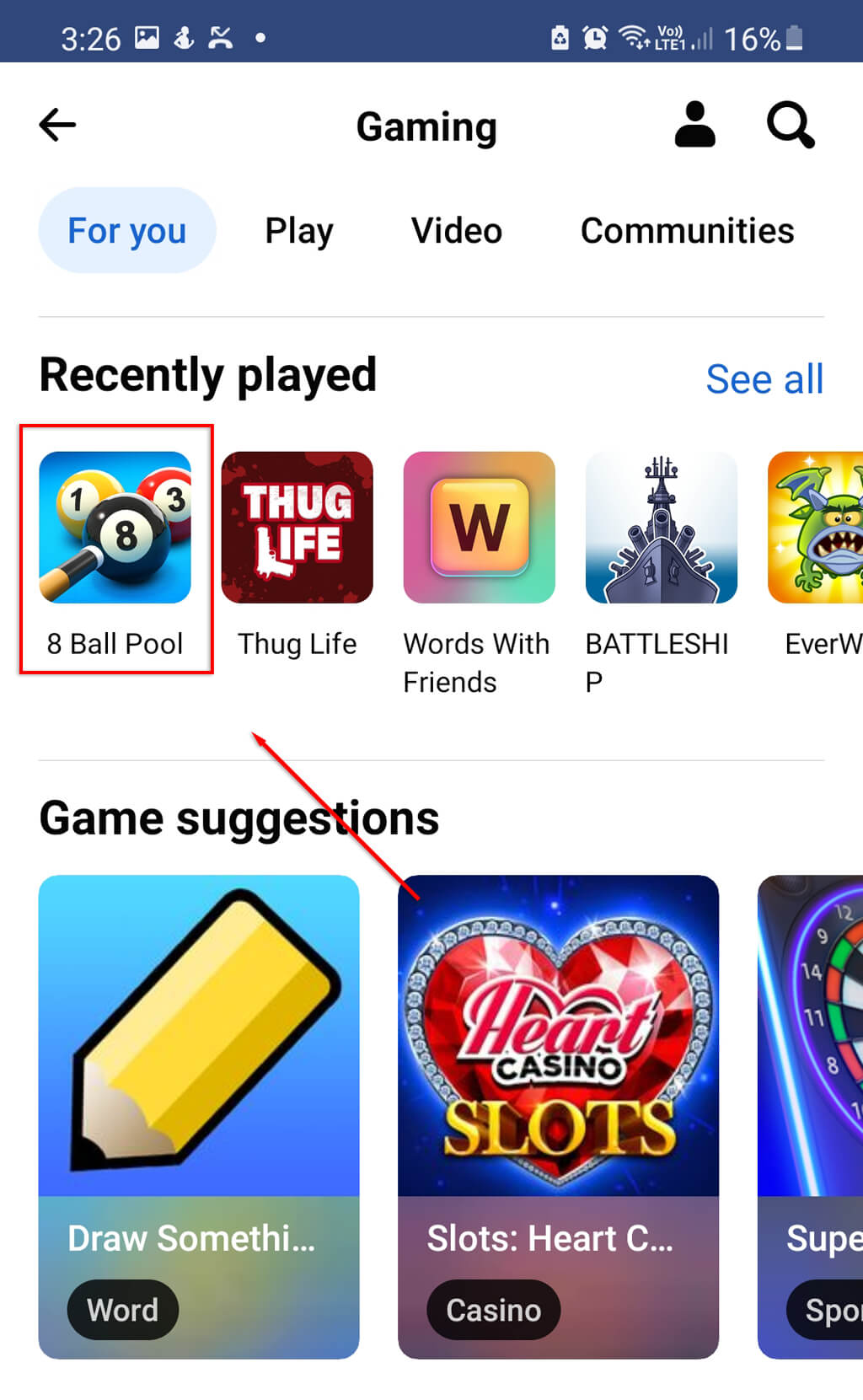
- Choose the game you would like to play. If it’s a multiplayer game, you can send an invite via Messenger for another person to have their turn. They will receive a notification informing them of your invite that they can use to access the game.
How to Play Games on the Facebook Website
To play games on the Facebook website:
- Open Facebook in your web browser and log in to your account.
- In the top-right corner of the home screen, click the icon with nine circles in a grid.

- Click Play Games under “Entertainment”.
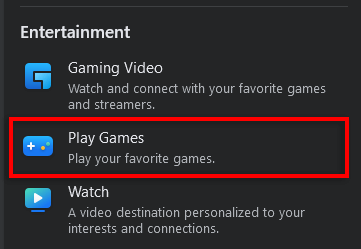
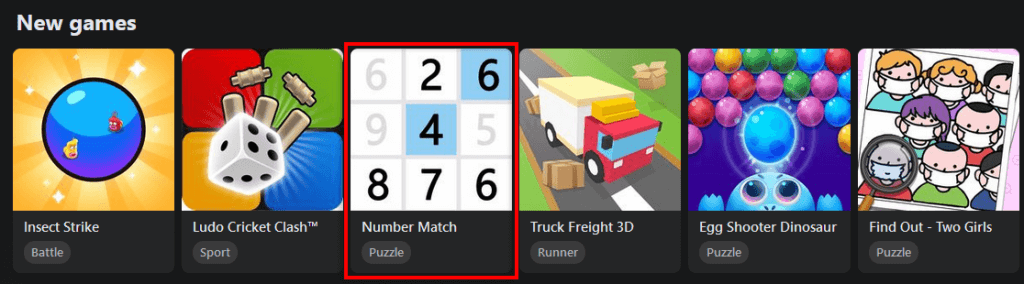
- Select the game you want to play. As above, you can send invites via Facebook messenger for multiplayer games, or play alone if you wish.
Gaming Has Never Been Easier
If you’re looking for something to do on your lunch break or you just want an excuse to message someone you haven’t spoken to in a while, why not try Facebook’s instant games? Hopefully, with this tutorial, you can get your Messenger gaming up and running again.