
Instagram may be a great way to share your images with the world, but it does not offer many ways to hold on to those images for posterity. Sure, you can like posts and bookmark them, but what about downloading them?
Fortunately, there are alternative methods of downloading Instagram images, even from private accounts. Here are the best ways.
1. Take a Screenshot
The simplest method is often the best. Most people forget that you can just take a screenshot using your Android or iOS phone. This works regardless of the app you use, even if it does not usually allow you to download the images.
There are a few drawbacks, though. First, as a screenshot saves everything visible on your phone’s display, it also captures UI elements. Then there’s the question of visual quality – the screenshot matches the resolution of your display rather than the image itself.
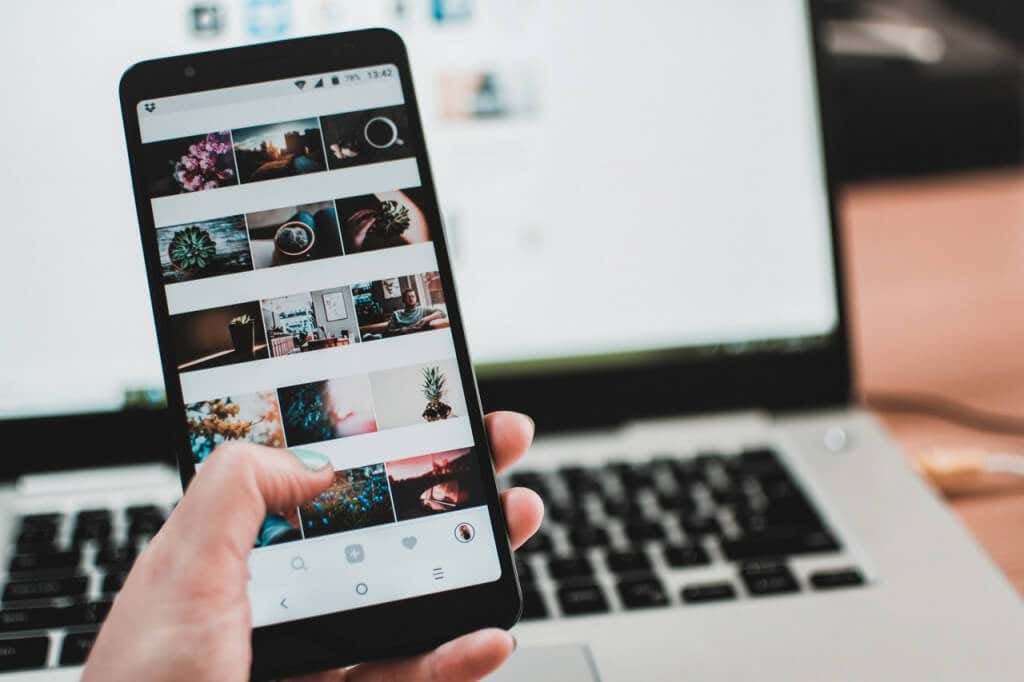
You can work around the first problem by carefully positioning your phone, ensuring you only capture what you need with the cropping tool. More tech-savvy users might also be able to edit out the unnecessary parts, though that takes a bit of work.
Screenshots work for capturing moments from reels and Instagram stories as well. This is a great way to grab images that are otherwise impossible to save with any other method. You can also download entire reels too.
2. With an Instagram Downloader Site
Screenshots are a rather roundabout way of capturing Instagram images. What can you do to download the image directly?
Take advantage of an Instagram Downloader tool. These websites offer direct downloads of Instagram images posted to any public account. As these services preserve the image’s original resolutions, you also get the best picture quality, unlike screenshots.
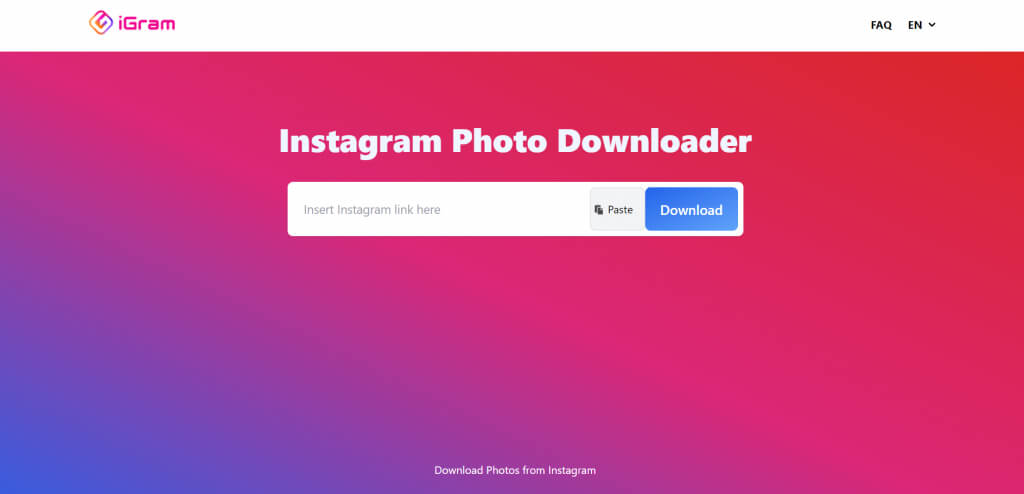
There are several web-based Instagram image downloader services available. DownloadGram, InstaFinsta, iGram, and Toolzu are just some of the options out there. Just copy the link to the Instagram post in question, paste it into the search box of any of these tools, and hit the Download button. The tool will save the image to your downloads folder.
3. Use a Third-Party App
Just like Instagram Downloader websites, there are also a bunch of apps that provide the same service. The only difference is that instead of having to navigate to a website on Chrome (or whichever web browser you use), you have the service available as an app on your phone.
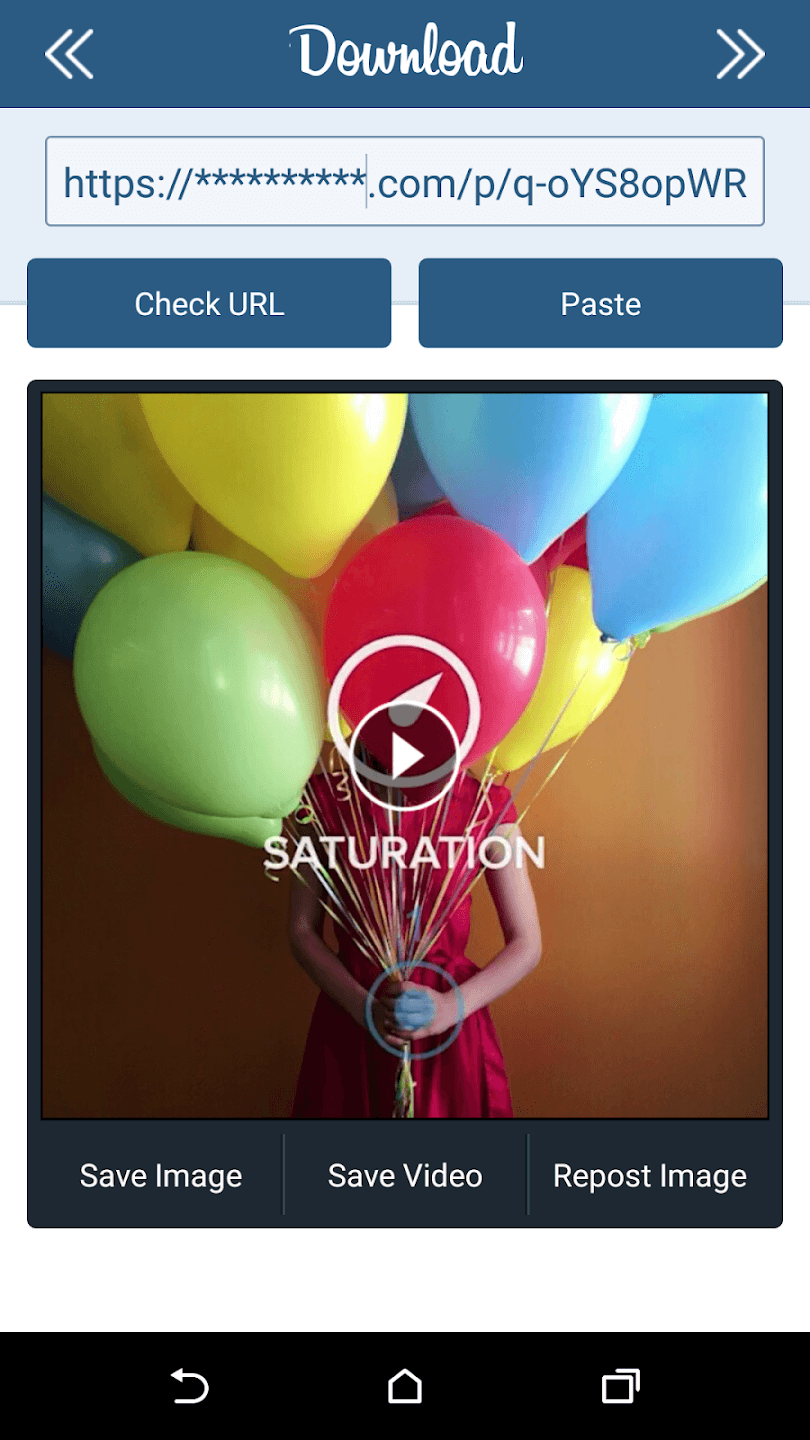
Downloader for Instagram and Instant Save are two of the many Instagram downloader apps available on Android. Using them is the same – copy the link to the relevant Instagram post and paste it into the search bar to download the image.
While Downloader for Instagram is great for Android users, Instant Save is the best option for iPhone owners. These apps allow you to download Instagram videos along with photos as well. There are other options for downloading photos from Instagram to iPhone as well.
4. Through Built-In methods
Some of you may be wondering: what about default methods? Is there no way to download Instagram images without using tricks or third-party tools?
Unfortunately, no. Due to privacy concerns, the platform does not allow Instagram users to download photos not belonging to themselves. You are only allowed to bookmark the images you like, which makes them available for viewing in your Instagram Collection.

While Collections is a great way to organize liked posts and refer to them later, it only works on the Instagram app, which means you cannot just open your phone’s gallery and view those images. If you want to download and use the pics, you must try the other methods we outlined.
Is Downloading Instagram Images Legal?
Remember that like all intellectual property, the rights to photographs belong to the creator. This means even if you manage to save images from someone else’s Instagram account, you do not own them.
Of course, if you are only using these images for personal reasons (keeping them for offline viewing, sharing with your friends, etc.) there is no issue. You are also free to repost stories you are tagged in, mentioning the original poster.
But reposting them as your own content is frowned upon and in some cases, can even get your post removed. Downloading images is also a good way to view deleted Instagram posts, especially if the account belongs to someone else.
What Is the Best Way to Download Images From Instagram?
For most users, using a third-party website or app to download Instagram pictures from a post would be the best method. It’s easy, does not require careful positioning (like a screenshot), and gives high-quality images.
You can download an Android app or just use a site like iGram to save photos from Instagram. Do keep in mind that these methods require a link to the Instagram post and must be public.
Consider taking a screenshot for private accounts. It will not give you incredible picture quality, but it is more convenient than copying a link and navigating to a different app to download it.