
Discord Canary is the alpha test release of the popular community chat software. While less reliable than the stable version, the Canary release lets people test new features and fixes and provide feedback to developers.
Why Is It Called Discord Canary?
To help mining communities protect against the threat of carbon monoxide poisoning, miners would take a canary with them to work. Taking “a canary down the coal mine” wasn’t metaphorical—it was a test to determine the air quality. If the canary survived, the miners would be safe enough to carry on work.
While miners no longer rely on canaries, software developers do. In technology terms, a “canary” is an alpha build or release of software intended for other developers, quality testers, and keen users. A canary release isn’t a stable build, so crashes, bugs, and other issues are expected.
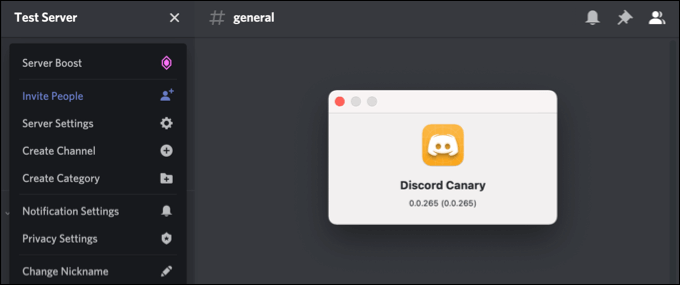
Just like Chrome Canary and other “canary”-branded software releases, Discord Canary gives willing test users access to new features and fixes.
This alpha release is the initial test build for new features and bug releases. It’s the first of three Discord release channels, allowing the development team to test and resolve problems with Discord before a wider release is issued.
If features or bug fixes in Discord Canary are safe, they’ll be added to the Discord Public Test Build (the Discord beta) for further beta testing before being released to the broader Discord community in the Discord Stable release. You’ll see and use this release when downloading the desktop app or visiting the Discord website.
If these features or fixes aren’t stable or are unfinished, the development team could remove them from Discord before they release the PTB or Stable releases. Depending on the development team’s broader plan for Discord, these features may return after further refinement or be scrapped entirely.
Is Discord Canary Safe?
Discord Canary is a very early test build. The features, fixes, and other additions aren’t ready for the wider community. While Discord Canary is entirely safe to use, it isn’t stable. If you’re keen to try it, you should expect the worst—it may crash or break, with features failing to work or working in unexpected ways.
As a testbed release, only serious developers, testers, and enthusiasts should consider installing or trying out a Discord Canary build. However, you can use Discord Canary if you’re keen to test the latest Discord features or want to support the development team by helping find bugs or problems.
If you want to try Discord Canary, you can download it as a desktop app or try the web-based version in your browser. If you test it, expect bugs, crashes, errors, and more. Discord Canary is for developers, serious testers, and enthusiasts only—other users should stick to the stable release.
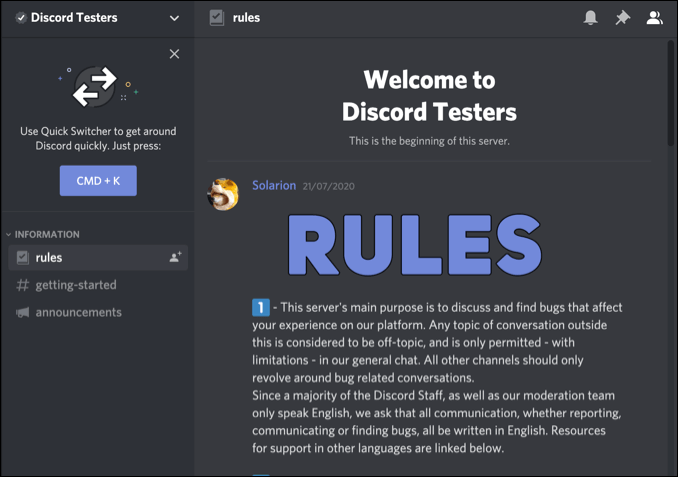
If you want to help the development team, you can submit bug reports for Discord Canary through the Discord website or by joining the official Discord Testers community server to report issues instead. New bug fixes will appear in Discord Canary first for a smaller group of users to try before reaching the Stable release at a later stage.
Android and iPhone Discord users won’t be able to try Discord Canary on their devices, but you can sign up for early testing of new fixes and features by joining the Discord Testers community server.
How to Download and Install Discord Canary
You can try out Discord Canary by downloading the latest build release of the Discord Canary desktop app or by trying it out in your web browser.
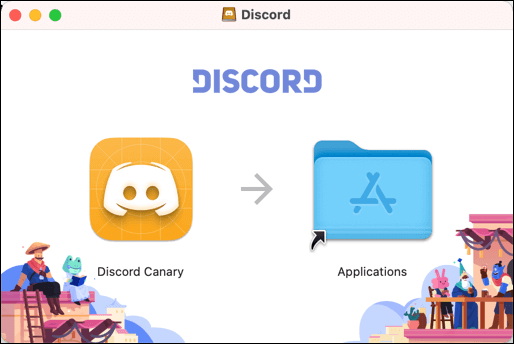
- Download the latest Discord Canary release for your operating system from the Discord website. You can download and use the desktop app on Linux, Windows, and Mac.
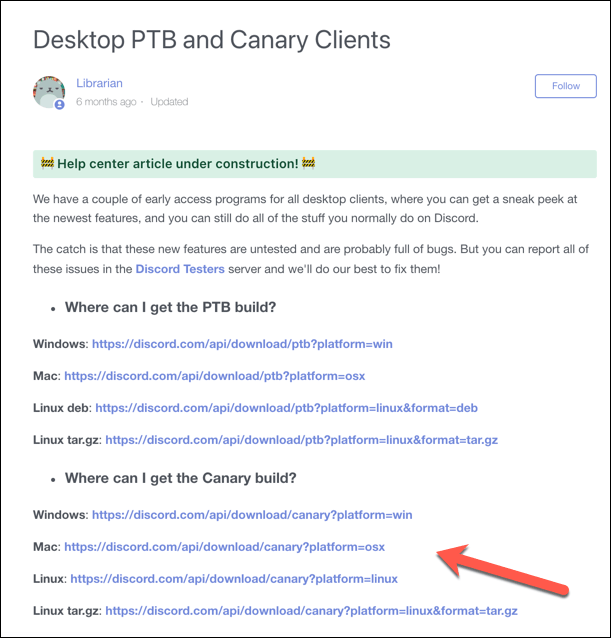
- After the download completes, run the installer for your operating system and follow the on-screen instructions.
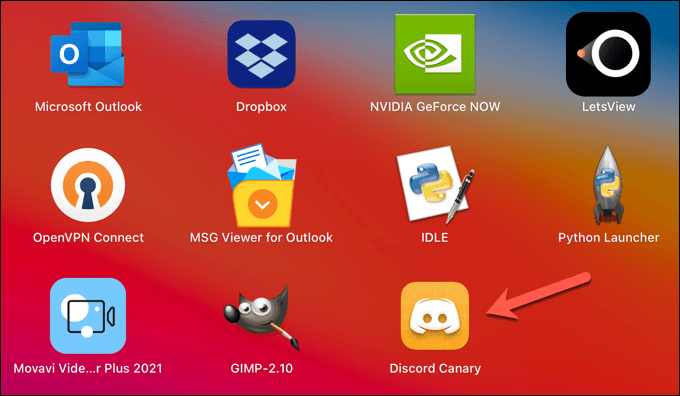
- Once you’ve installed Discord Canary on your PC or Mac, launch it. You can find the app in your Windows Start menu or Mac Launchpad menu with a gold Discord icon—select this to launch the app.
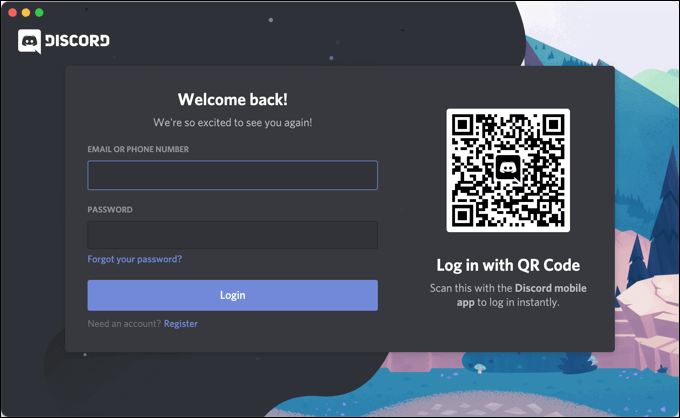
- Discord Canary will check for updates when you first launch it. Once complete, sign in using your Discord account username and password.
How to Use Discord Canary in a Web Browser
While the desktop app offers the best way to test Discord Canary thoroughly, you can also try out new features and fixes in your web browser. Using Discord through your web browser offers many of the same features as the Discord desktop app, but some features (such as constant push-to-talk voice access) are unavailable.
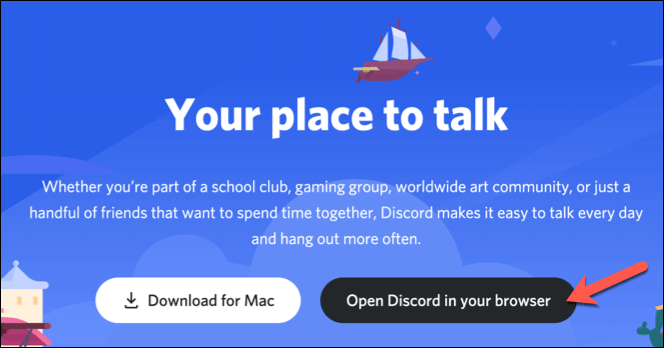
- To try Discord Canary on the web, head to the Discord Canary website in your browser. Select the Open Discord in Your Browser option to proceed.
- You’ll need to type in your username, then select the checkbox below to confirm that you accept the terms and conditions. Select the enter button to proceed, then provide your password to confirm the sign-in.
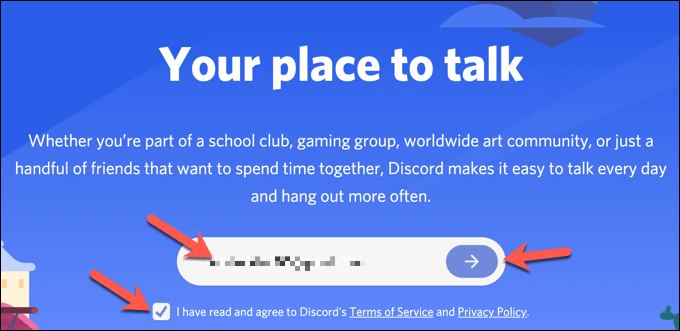
- Alternatively, select Login in the top-right corner of the Discord Canary website.
- At the Login screen, you’ll sign in again with your username and password. Select the Login button to confirm and sign in.
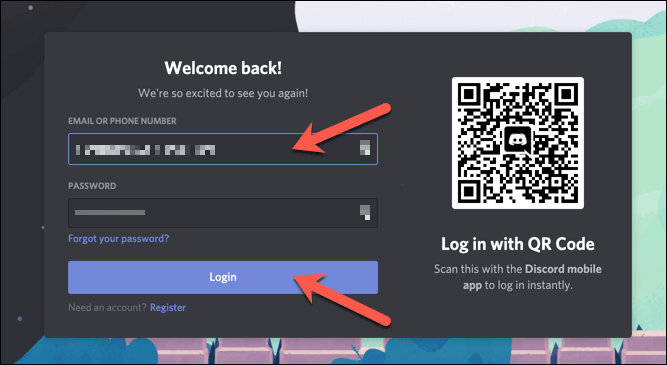
Once you sign in, you can try new features and fixes specific to the web version of Discord Canary. If it’s too unstable, open the Discord Stable website and sign in to use it instead.
Testing Out Discord Canary
With Discord Canary installed on your PC or Mac, or by visiting the Discord Canary URL in your web browser, you can try out the latest features and bug fixes. If it’s a little unstable, you can switch to the beta test release in the Discord Public Test Build (PTB) release or the widely-available Discord Stable instead.
Whether you’re using Discord Canary or Discord Stable, you can try it out for free by setting up a new Discord server. If you want more from Discord, you can add new Discord bots to expand functionality or consider switching to a number of Discord alternatives like Slack or Ventrilo instead.