Third-party apps for Windows 7 users

If you’ve been using Windows 8 as your main PC, you have probably noticed the vastly upgraded performance and user interface when copying files. Finally, Microsoft decided to revamp some of the core functions of the OS, which makes using Windows 8 so much better than Windows 7…sometimes.
Unfortunately, even with all the great new security and updates to core features, Windows 8 has been hampered by the dual desktop and Start Screen interfaces. I personally switched back to Windows 7 because I find the Start Screen and lack of the Start button frustrating. However, back on Windows 7, I no longer have the new more-reliable copying functions of Windows 8.
Table of Contents
In addition to faster performance, Windows 8 also handles file conflicts and other errors way better than previous operating systems. The best part is that you can actually pause and resume copy operations, which is really useful.
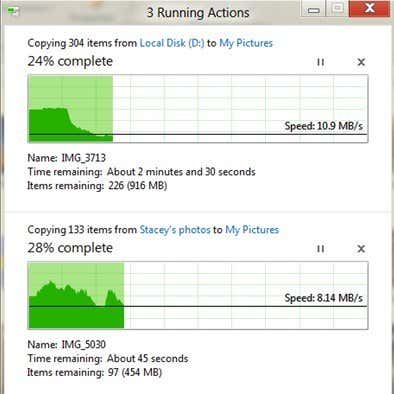
However, until Microsoft fixes Windows 8 the right way, I’m going to stick with Windows 7 and that means having to use third-party apps for copying large number of files. In this post, I’m going to list some of the best file copying utilities currently out there that you can use for Windows. Depending on your copying needs, some programs are better than others. I can’t say there is one copying program that’s the “best”.
Instead of just listing them out in random order, which doesn’t really help anybody, I’m going to break them down into categories: fastest (local), fastest (network), handling corrupted data, and most features.
Fastest File Copiers (Local)
1. FastCopy
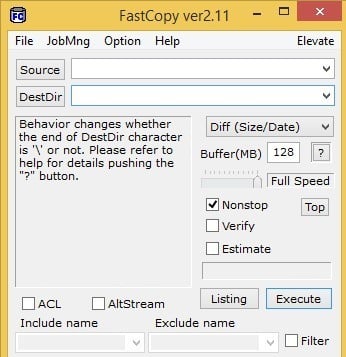
FastCopy has been tested by many people and the results show that it is far the fastest copying program out there for Windows. If you just need raw speed, then this program is the best.
Pros: copies extremely fast, shell integration, x64 capabilities, runs without installation, strong command line support, NSA file wiping utility for secure deleting, handles long path well, ability to see what files/folders will be affected before executing using the listing button.
Cons: Interface is very bare bones and not very intuitive, unable to pause a transfer, uninstalling is not intuitive.
2. ExtremeCopy Standard
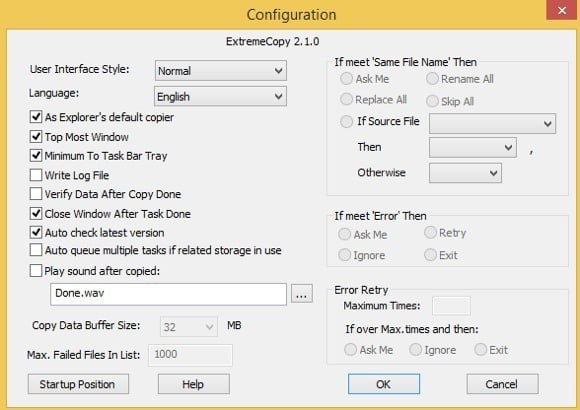
ExtremeCopy Standard is a free and does a very good job of doing local data transfers really fast. For whatever reason, it’s pretty terrible for network transfers, so don’t bother downloading this program if you have to transfer data across your LAN. It’s faster than TeraCopy and very close to FastCopy.
Pros: copies data fast, integrates directly into Explorer so you can copy and paste like normal, x64-bit version, ability to pause copy operations.
Cons: standard version has no user interface, except for options, bad for network transfers, pro features are available for free in other copying programs, must install program to run.
3. KillCopy
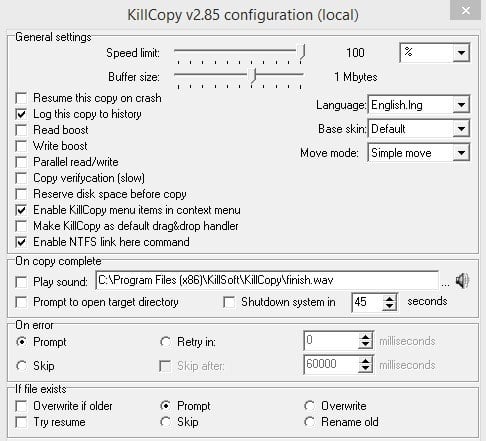
KillCopy has a horrific looking interface when you copy files, but it gets the job done very fast. It’s also kind of old and isn’t updated like TeraCopy, UltraCopier and other popular copy programs.
Pros: can resume copy on crash, parallel read/write, resolution options in case of errors or file conflicts, some boost options for faster performance, great network performance when copying, ability to securely wipe data before copying.
Cons: terrible looking interface, doesn’t get updated very often, must be installed in order to run.
Fastest File Copiers (Network)
1. RichCopy 4
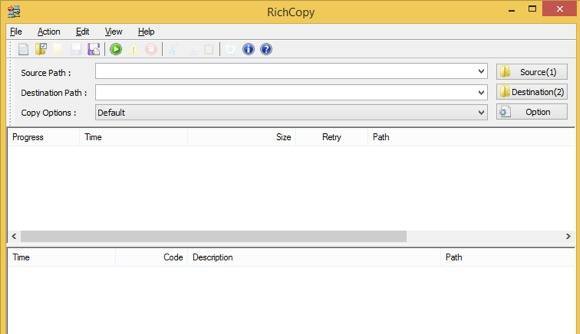
This tool was created internally by a Microsoft employee and wasn’t released to the public until years later. It’s a bit old and hasn’t been updated since 2009, but it’s ultra fast for network transfers. However, it’s very slow for local copying, so don’t use this for anything other than network transfers.
Pros: Very fast for network copying, parallel copying, ability to pause and resume copying, ability to continue copying even if network connection lost, clean interface.
Cons: hasn’t been updated in a long time, very slow for local copying.
2. KillCopy – KillCopy is just a tad slower than RichCopy when performing network transfers. Unfortunately, because of it’s horrible looks and lack of updates, it’s not that popular even though it’s very fast.
3. FastCopy – This is your best bet if you’re looking for one copying program to use on a regular basis. It’s not the fastest for network transfers, but it’s very close and since it’s the fastest for local transfers, it’s probably the best copying utility overall.
4. Ultracopier
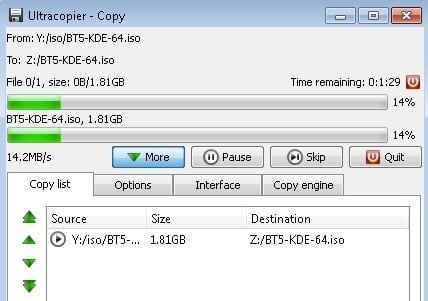
UltraCopier is fast, but speed is not it’s main selling point. It’s got a nice interface and has a lot of useful features. Development has slowed down, but it still gets updates every 6 months or so.
Pros: works on Linux and Mac too, supports third-party plugins to extend functionality, start/stop copy, limit speed, search through copy list, simple and clean interface.
Cons: speed is above average, but nothing special.
Copying Corrupted Data
1. Unstoppable Copier
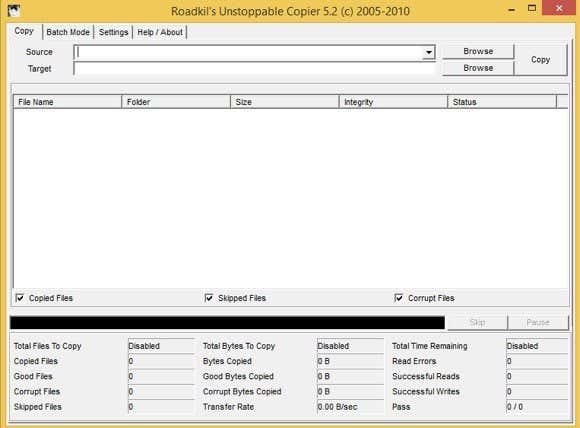
This is pretty much the only program that you can use to copy not only a large number of files, but also corrupt files. In terms of copying speed, it’s very slow compared to all the other programs, but that’s because it is the most reliable of all copiers. If you have any data that you believe could be corrupt like data stored on a hard drive with bad sectors or on a scratched CD or DVD, then you should use Unstoppable Copier.
Pros: can recover data from corrupt files while copying, batch mode, various settings for data recovery
Cons: very slow in terms of copying speed
File Copiers – Most Features
1. TeraCopy
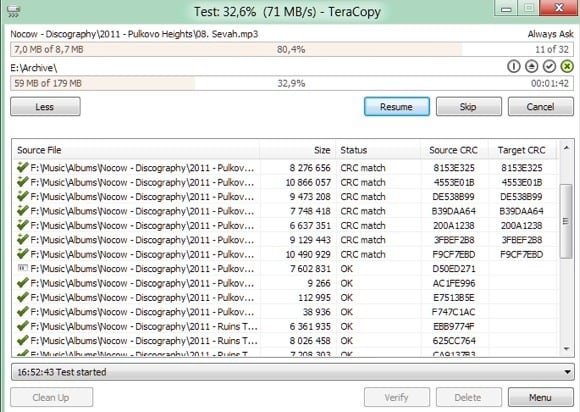
If you’re looking for a more full-featured and fancier-looking copier, then TeraCopy is the best choice. It would actually be the best one overall if it’s copying speeds were on par with FastCopy, however, it’s only about average. Where it makes up is all the features and the nice interface.
Pros: very nice interface, integrates fully with Windows, works with Windows 8 x64, stop and start, ability to recover from errors, failed file list, very actively updated.
Cons: copying speed is only average.
Alternatives
Beyond just the above-mentioned file copiers, there are some other programs that can help you copy files in different ways. Here are two of my favorites.
1. XXCOPY
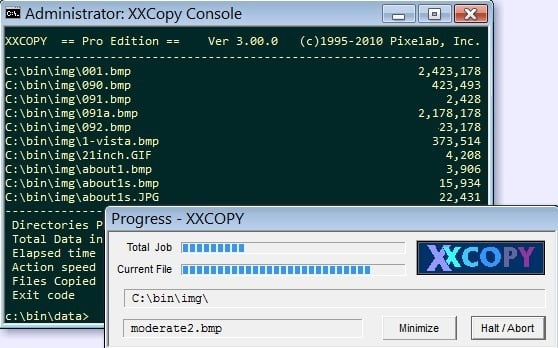
XXCOPY is a command line copier program with no GUI interface. However, if you know how to use the command line, it has over 230 command line switches you can use to create very specific copy operations that you can’t do with any other program. Want to copy only the files older than a certain date, larger than a certain size and with a certain word in the file name? XXCOPY can do that.
Pros: huge command line options, works with all versions of Windows, access remote network storage
Cons: only non-stop copying, can’t recover from errors, can’t pause and resume
2. Beyond Compare
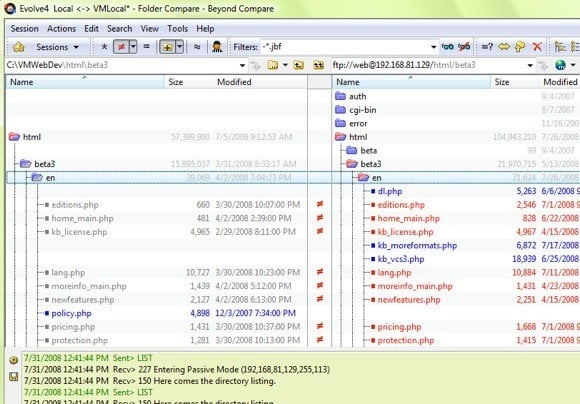
Another smart way to copy files is to just compare two folders and see what’s different. That’s how Beyond Compare works. Even if it crashes in the middle or there is some sort of error, you can always just run it again and since it’s comparing everything, it’ll copy over any remaining items. This is the only program that doesn’t have a free version, though, so you’d have to cough up $30 for it. However, there are lots of programmers and IT Pros that overwhelmingly vouch for this program.
There are a bunch of other file copier programs out there, but there’s really no point in mentioning all of them because you’ll be better off using one from the list above. If you use a file copier not mentioned above or prefer one over another, let us know in the comments. Enjoy!