Because it's fun to add silly noises to home movies

If you really want to give your YouTube videos some proper personality, you need to integrate sound effects into your edits. The problem is that you can’t just publish any old sound effects as part of your project. You need to make sure that you have the right license to make use of a sound effect, which can be an absolute pain if you have to verify individual clips.
This is why royalty-free sound effect websites are so useful. You can use any effects you like and never have to worry about being slapped with a bill or legal action because you used the wrong “Bang!” or “Pow!” clips.
Table of Contents

By the way, we have our own YouTube channel and we also made a video on the best sites to get free sound effects, so be sure to check it out.

Public Service Announcement: Royalty-Free isn’t Free
Before we start exploring royalty-free sound effects, it’s very important that you make sure you know what “royalty-free” means. It does not mean that you don’t have to pay in order to use the sound effect clip. It means that, at most, you need to pay for it once and then you are free to use it without having to pay the creator additional money for every view or copy sold of the final product.
You also need to carefully look at the terms of the royalty-free agreements for the clip in question, to make sure that your type of project is in fact covered! Of course, royalty-free sound effects can also be given away for free, but these two facts are not connected.

Most importantly, royalty-free sound effect clips are not necessarily public domain or Creative Commons content! They can carry a traditional copyright license. That being said, plenty of sites that advertise themselves as a royalty-free catalogue also mix in public domain and Creative Commons clips as well.
The bottom line is that you should also carefully check the licence attached to a particular clip before using it.
SoundBible

SoundBible is incredibly straightforward to use. The minute you hit the front page of the site you can immediately start downloading the royalty-free sound effect clips that you see. The specific license for each clip is clearly marked right next to it and there are thousands of them. If you can’t find the sound you want on SoundBible, you can actually request it from the community, which is an amazing feature.
The only thing we didn’t like about the site is that searching for clips can be a little clunky and the site design itself can take a few seconds to make sense of. Other than that, this is an amazing resource and a real credit to the community that supports it.
Freesound
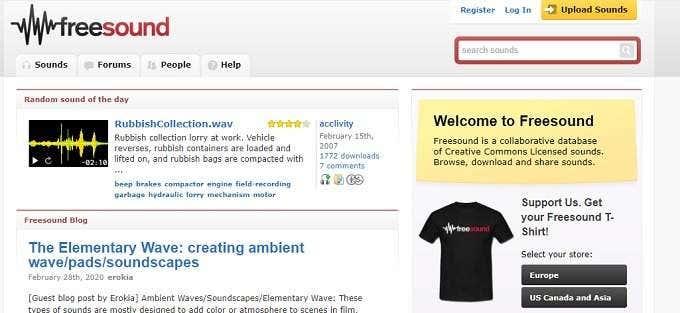
Freesound differs from SoundBible in one major way – you need an account to download sound clips. Besides that, it’s pretty straightforward to find the right clip and in general these are licenced using the Creative Commons licence scheme.
While the Freesound library is pretty average in terms of volume, the site itself has quite a few very nice features that should cement its place on your list of sound library bookmarks. The forums are filled with useful information and probably answers to most of the questions you’d want to ask.
There are also very useful sound packs, which group together sounds by theme or purpose. For example, this SFX pack has a few pretty neat firearm effects.
GameSounds
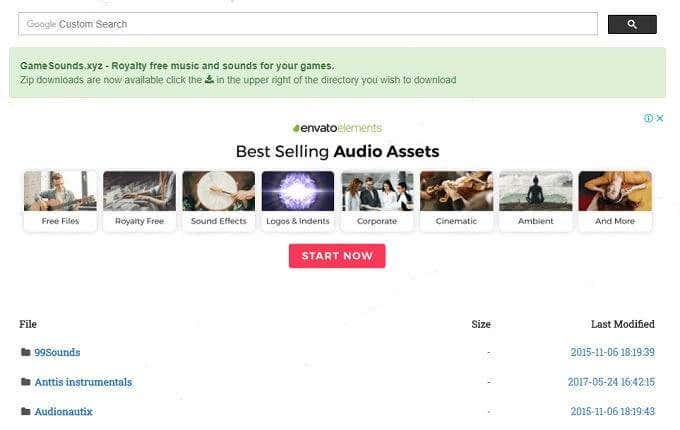
As the name suggests, GameSounds hosts royalty-free sound effects clips that are intended for use in video game projects. The site really is as simple as can be, with just a single page effectively. It mirrors sounds from other sites (such as 99Sounds) as well, with the advantage that game-specific sounds have been collected and curated from the site.
While GameSounds may not have a large collection of clips, all 9,505 tracks are focused on this singular purpose. So if you’re working on a video game project and don’t have much of a budget, this is an essential destination.
ZapSplat

ZapSplat not only has the best name of any sound effect site on this list, it also has a massive 59,000 sound clip library. While you can download just about all of the clips for free, there are some limitations on users who don’t hand over a little money by upgrading their accounts or donating.
If you do choose to pay, you can download clips faster and with less hassle. You also don’t have to do attributions and have access to higher quality audio clips. The owner of the site is constantly creating new sounds and so whatever your budget, there’s always a reason to come back.
freeSFX
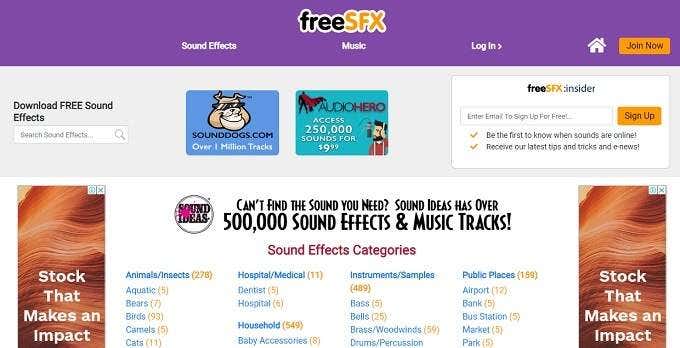
Despite having a website that seems to hail from the mid-90s, freeSFX is actually laid out in such a way that you’ll find the category of sound effect you need very quickly. Sadly, even if you do find the sound you want quickly, you will need to register an account before you can actually download anything.
Although all of the royalty-free sound effects are free to use in your project, you do need to credit the site. The collection of 4,500 is relatively small, but there’s so much variety that you are bound to find more than a few which are perfect for your needs.
AudioMicro

Here we have a site that hosts more than 400,000 professional sound effect clips, many from some pretty famous media sources. This sounds too good to be true and, to an extent, it is.
While these clips may be royalty-free, you still need to spend a few dollars to AudioMicro. Sometimes the perfect clip simply has to be paid for, but at least you know its a once-off payment and then it’s yours to use as you see fit.
SoundEffects+

SoundEffects+ only has a small 5,000-strong library of clips, but sometimes quality is far more important than quantity. Every clip on this site has been recorded by audio professionals.
While the clips are all free to use in your projects, there are some important limitations built into their license agreement. The usual stuff about not reselling the sound effect by themselves apply, but there are also rules such as a 100 clip per month limit, or you’ll get an account suspension.
Apart from these small foibles, you’ll undoubtedly be very pleased that SoundEffects+ is part of your audio toolbox.
GR Sites
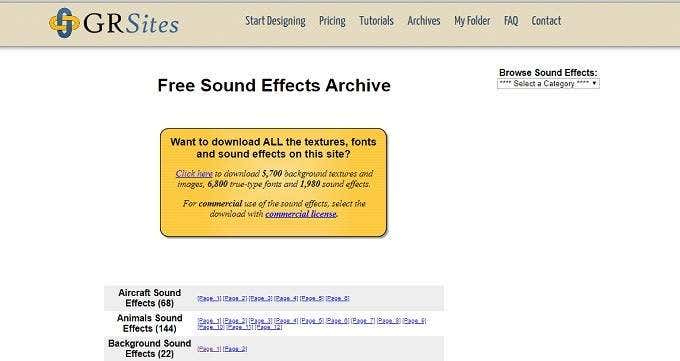
GR Sites has a very small sound effect library at just under 2,000 royalty-free sound effect clips, but they are curated to be perfect for website projects. So you’ll find exactly the sorts of sound clips that will save your bacon when designing a site and realizing at the last minute that you don’t have the right little jingle or chime to pull it all together.
Of course, plenty of these effects are going to be just perfect for your video or podcast project as well. The site is simple to navigate and you don’t need to sign up for an account before getting to download the goods, so definitely worthy of a bookmark if you’re stuck.
Partners In Rhyme
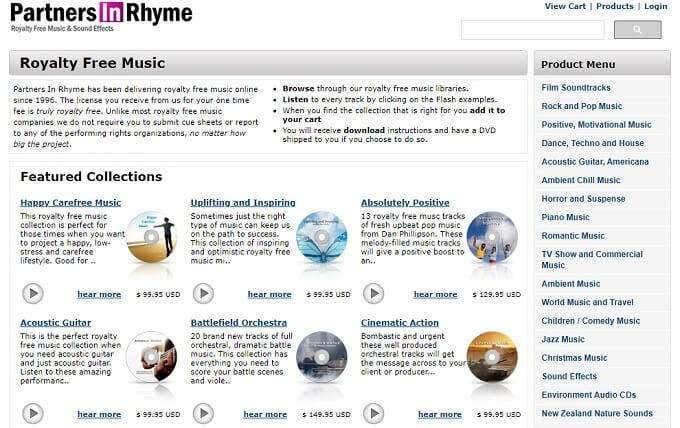
Partners in Rhyme may have a cheesy name and a primary focus on music, but it has a really decent library of professional-grade clips. You do have to pay some money for these, but the site does claim to have one of the most liberal licenses in the business, with no questions asked after you’ve paid to use a clip for a project.
There’s some really amazing stuff here and they’ve organized it into logical collections that can also help speed up your production.
SoundGator
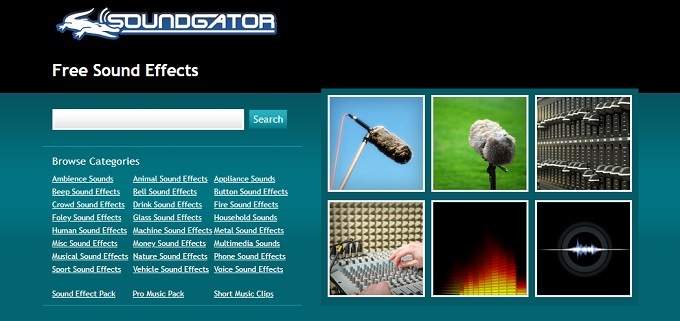
SoundGator is yet another site that doesn’t look like much, but it ends up sounding pretty good. After you register and sign in, you can quickly download what you need and get on with your project.
The user license is also pretty typical of these sites, in that you can use the clips however you like, as long as you don’t resell the clips themselves. SoundGator makes this list simply because of how stripped down and streamlined it all is.
The sound selection is also decent in its variety, if not in outright volume. There’s a good chance that one of these clips will end up being that one sound effect you still needed to get the job done.
Sound Good?
We think these ten sites represent the 10 best royalty-free sound effect websites out there today and a good slice of the variety of sound effect sites available to those who want royalty-free content. You’ll almost certainly find what you need for that video, podcast or weird retro-flash game you’re making. It’s certainly better than deafening silence.